Its been a while since I have worked on CC. I am currently working on CC4 version. I had designed a handful of characters around 1 year ago and they all looked very good at the time.
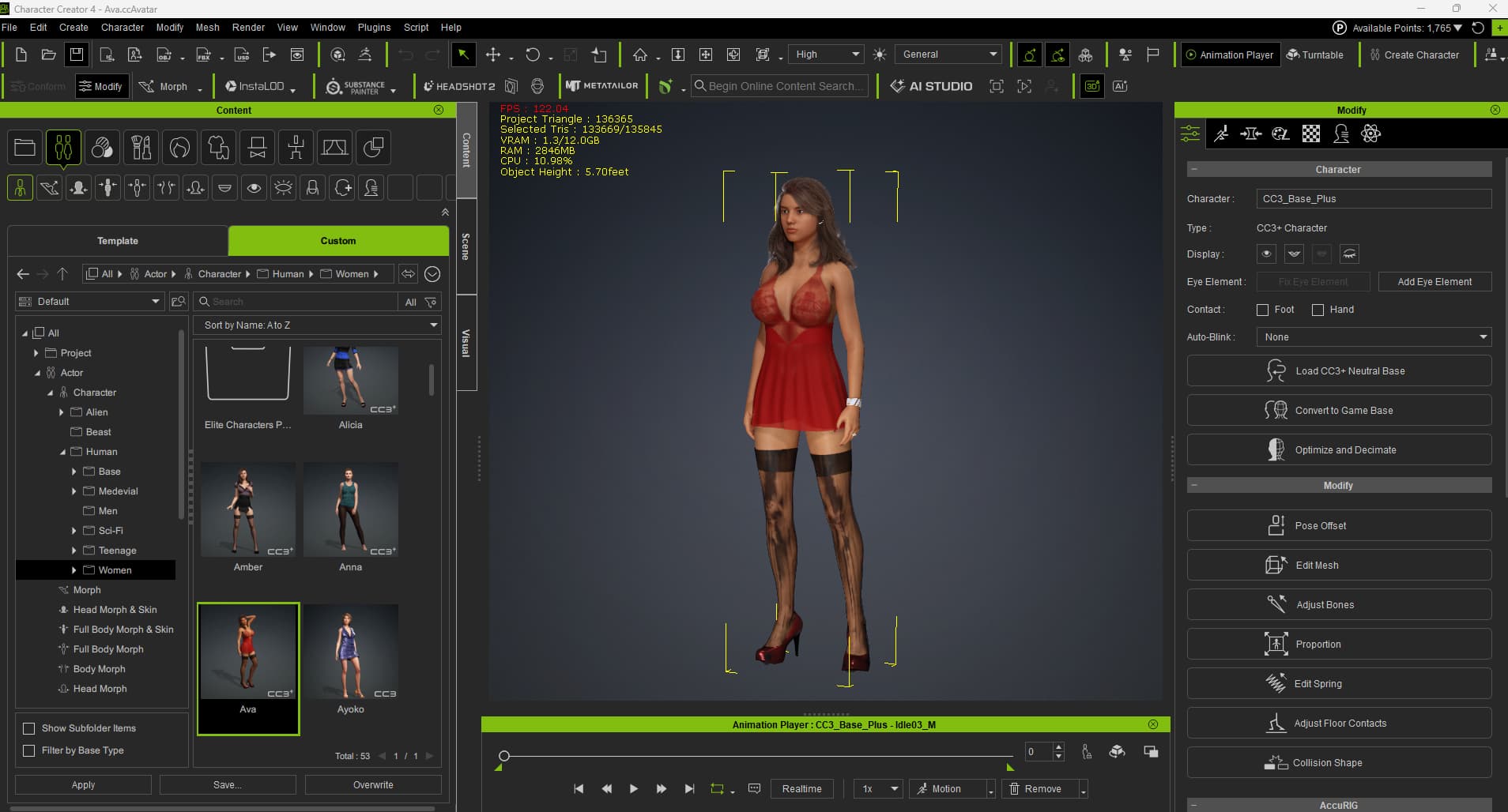
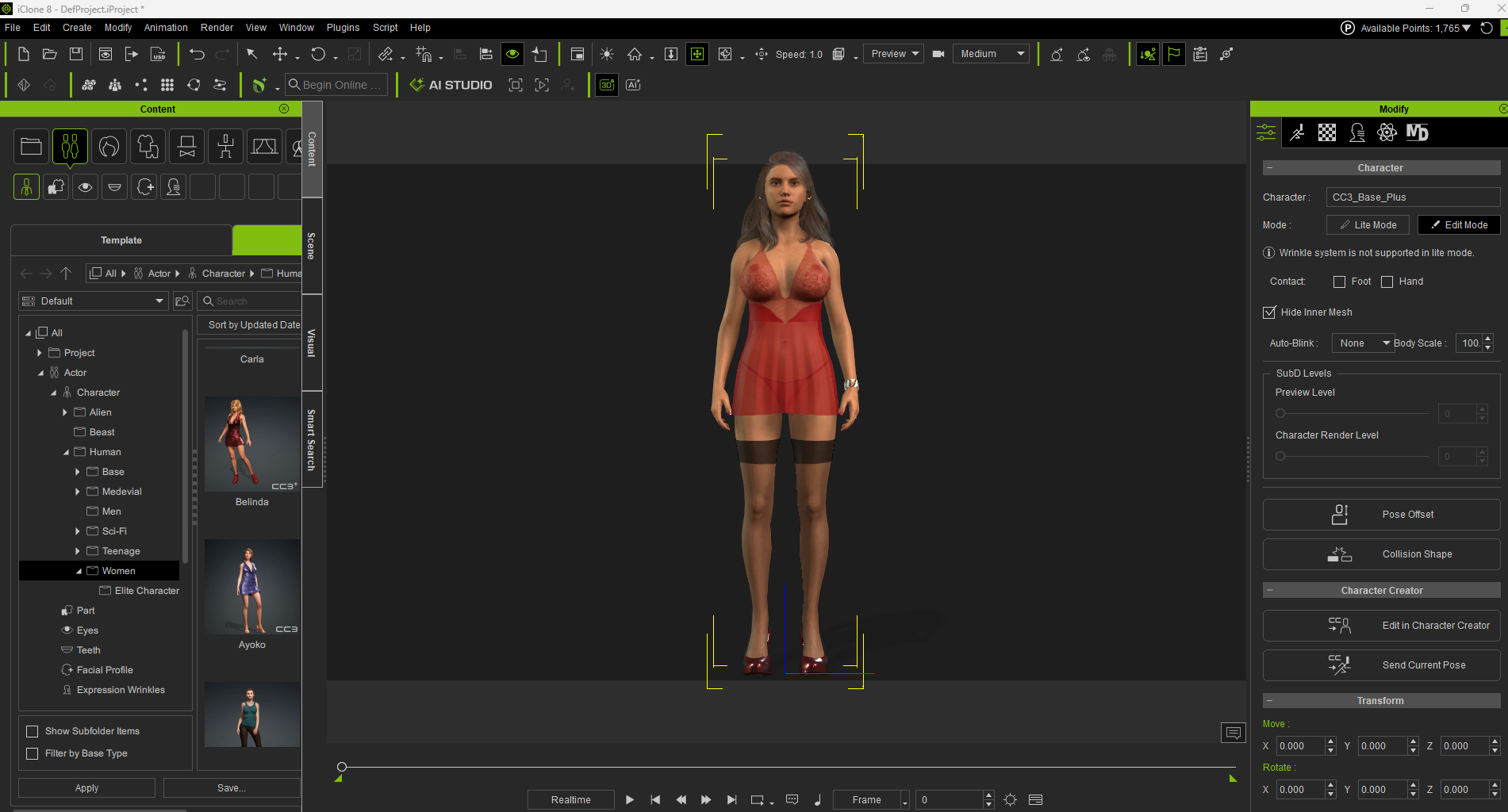
But once I fired up the software a few days ago to give them another look in CC4, I noticed that the stockings / leggings assets no longer looked “crisp”.
To be more specific, a typical black stocking looks discolored (darker in some areas and not very uniform) Previously, they all looked really good with the skin color showing through prefectly.
It could be an issue with the asset, but that wouldn’t make sense as all of this looked judst fine at the time I purchased the assets.
Any idea if something changed on newer versions of CC4 ?
I tried editting and calculating collision, but nothing seems to “clean it up”.
I cannot simulate that in CC4 with multiple stockings I have in inventory (my own development though).
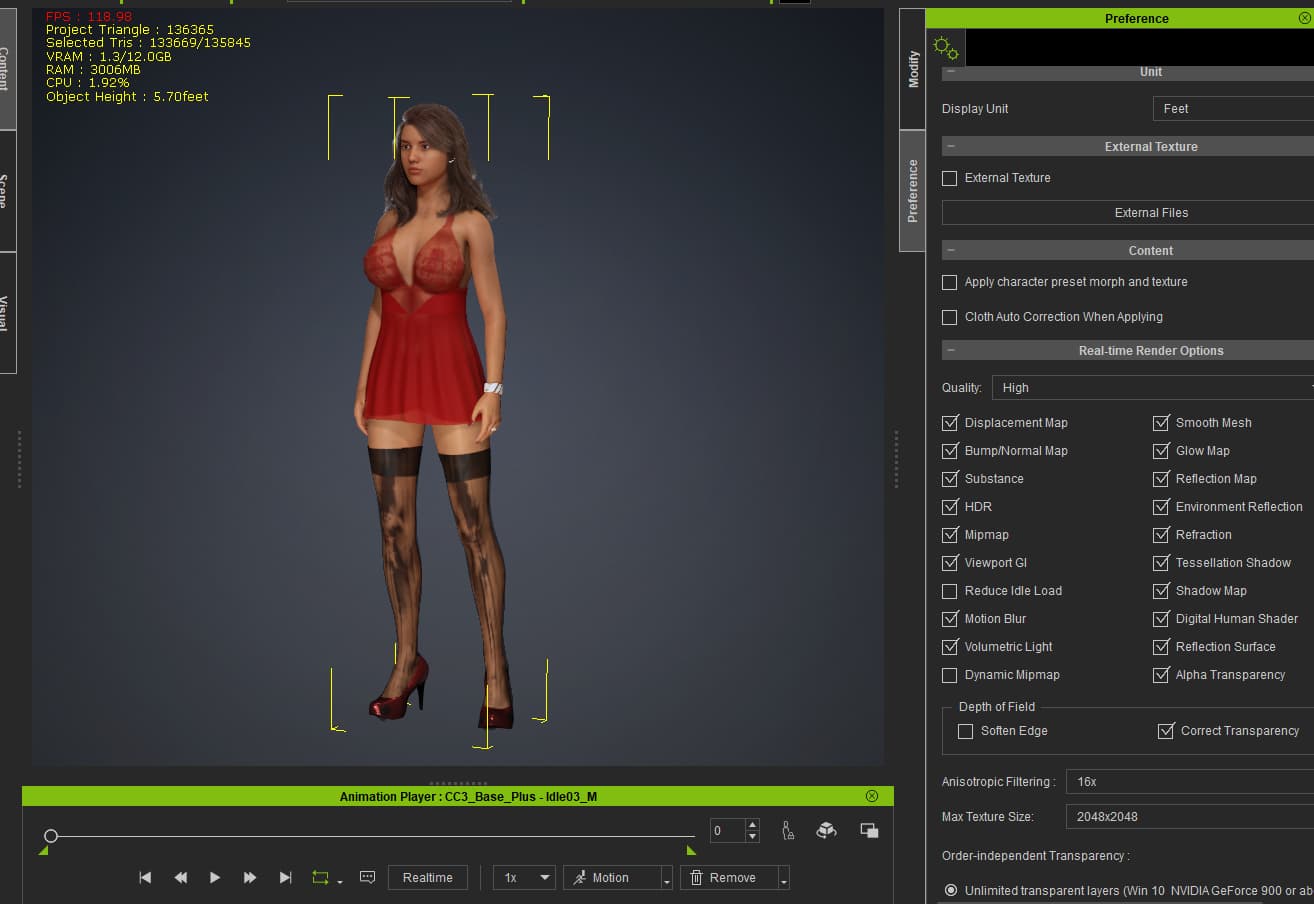
But it looks like a light/shadow issue is affecting a particular asset. Check to see if you have a Tessellation Shadow unchecked in Preferences > Real-time render options.
that did the trick. I realized finally that in the CC4 project setup, there is default lighting while in the default iClone setup, there is no lighting.
Once I turned the shadows off on the stockings, problem solved.
OK good. But still, it’s weird.
iClone and CC4 have their own Default light scheme, which can be selected from Atmosphere > Default sub-folder.
And it looks like one the of the light setting in CC default scheme is causing the problem. You may identify it by switching lights off one by one until the problem is gone and then play with shadow settings for that light. Also uneven or compressed alpha map for the asset could be the issue on top of all.