This problem has been solved. Because I have a 4K screen, I had enabled the “High DPI scaling override” settings (under Properties/Compatibility). This messed with the AI Studio interface. Disabling this setting solved the problem.
For reference I leave the initial description here in case anyone else runs into this.
I have a problem with selecting presets for rendering. A preset panel will appear when selected:
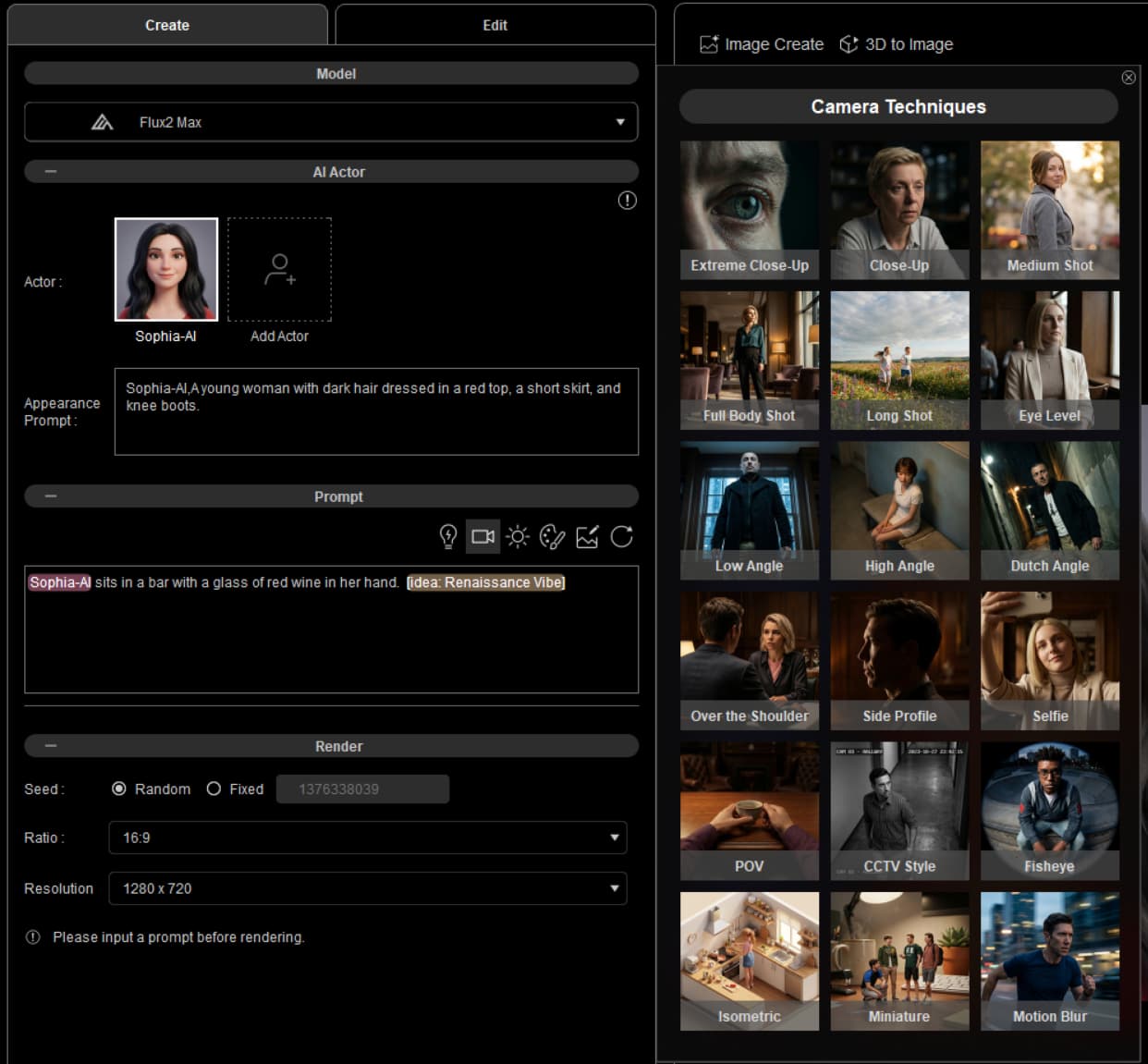
But, as soon as I try to select an item, the panel disappears, making selecting an item impossible. I was able to select an Idea, as shown, but nothing else.
My system has an RTX 4090, but that shouldn’t matter much.