Hi everyone,
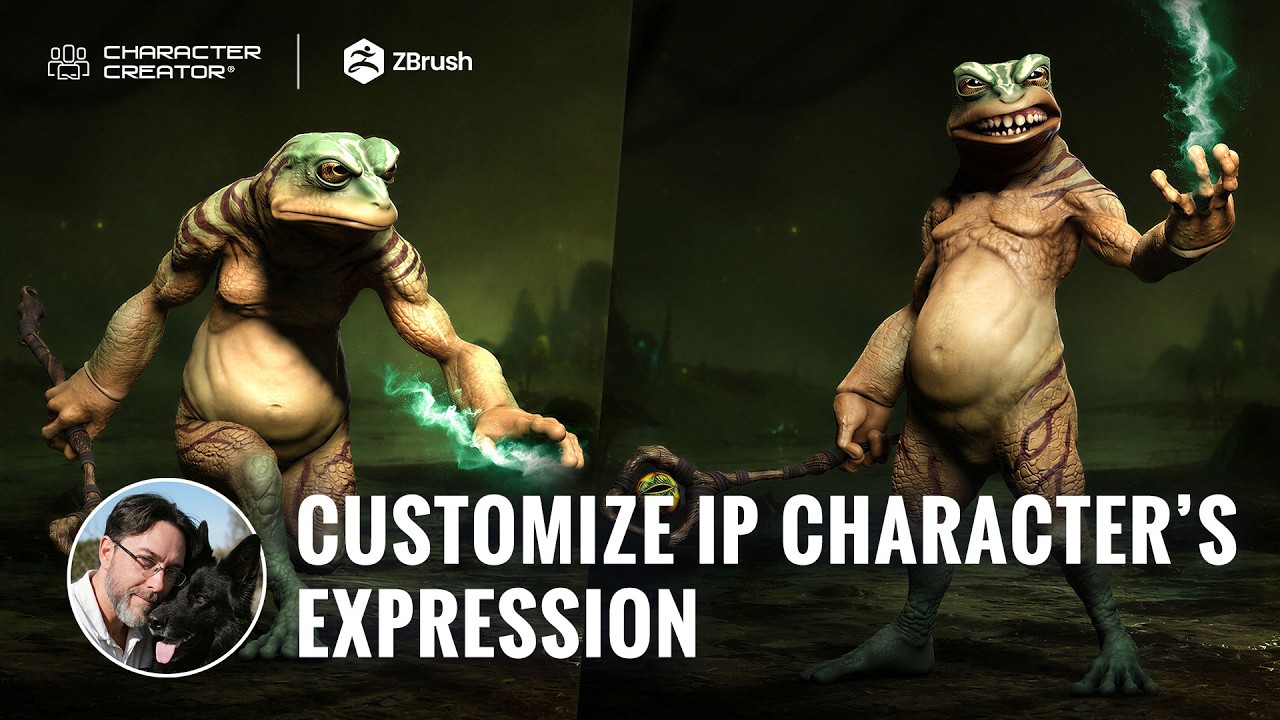
Today I want to share a showcase featuring digital sculptor Óscar Fernández and the final installment of his alien creature series, this time focused entirely on facial expressions. It walks through customizing all 13 core expressions with dynamic wrinkles on his frog alien using Character Creator 5 and ZBrush Face Tools, including the new displacement option and expression-triggered Polypaint. I think it’s a great look at how much character a face gains when the expressions are sculpted to fit its specific anatomy rather than left on the generic rig.
Limited Offer: ZBrush Face Tools is now 50% Off!
 Who’s behind this?
Óscar Fernández is a freelance digital sculptor from Spain, specializing in creating figures for 3D printing. With deep expertise in ZBrush, he is known for crafting highly expressive characters that capture both personality and motion. His work stands out through meticulous attention to facial expression, muscle definition, and dynamic posing, giving each sculpt a strong sense of tension and storytelling power.
What’s the workflow about?
- Prepare the base and activate the Dynamic Wrinkle System in Character Creator 5
- Sculpt custom expressions and fine wrinkle detail across all 13 layers in ZBrush Face Tools
- Bake normal, displacement, and diffuse maps back to CC5 through GoZ
- Refine the facial range with CC5’s Muscles, Expressions, and Modify controls
- Paint expression-triggered effects with Polypaint so a symbol appears only on a specific gesture
- Pair the finished face with matching body posing in Character Creator 5
Take a look at the full tutorial here, well worth the read: https://magazine.reallusion.com/2026/06/12/zbrush-face-tools-for-cc5-custom-expressions-and-dynamic-wrinkles-for-alien-characters/