I’m having an issue importing a character into Blender via the pipline: everything is sized correctly, but it was exported at millimeter scale, so it has a .01x scaling factor applied to it - which of course screws up lots of things in Blender.
I tried applying scale to each object individually, but the eyes break - bulging out like Jim Carrey’s character in the The Mask. It may be related to the modifier stacks, but since they’re custom CC modifiers, I’m afraid to touch 'em.
Someone must have encountered this issue before, but I can’t find any posts. Please help. I’ve attached a cute little photo below showing what I mean.
I’ve given up on this. The character imports with the mesh scaled at 1, and the armature scaled at .01. If I apply the armature scale, the mesh believes it’s scale is now 0.1. If I attempt to apply that scale, the eyes blow up.
I found that I can actually rig the character with the armature set to .01, and it seems to work okay. This is very strange.
If you really want to set the scale of the armature (and also in turn the animation and bones) to match the underlying mesh objects, use ‘apply scale to deltas’ on the armature instead of just apply scale. This might break the round trip function when trying to bring any characters, animations or shape keys back into iClone or CC. The reason why it’s scaled at .1, is better asked to the devs of the cc to blender addon and pipeline plug-in.
0.01 scale is because unit difference between source and target apps. Blender uses meters, DAZ/CC/Unreal centimeters. Anything imported from those apps would have an armature scale of 0.01.
For armature child nodes (mesh) you might see 1.0 because it inherits scaling from parent armature and in reality it’s also 0.01. Try to un-parent any mesh from armature with Alt+P>Clear and Keep Transform and the mesh scaling would revert to 0.01.
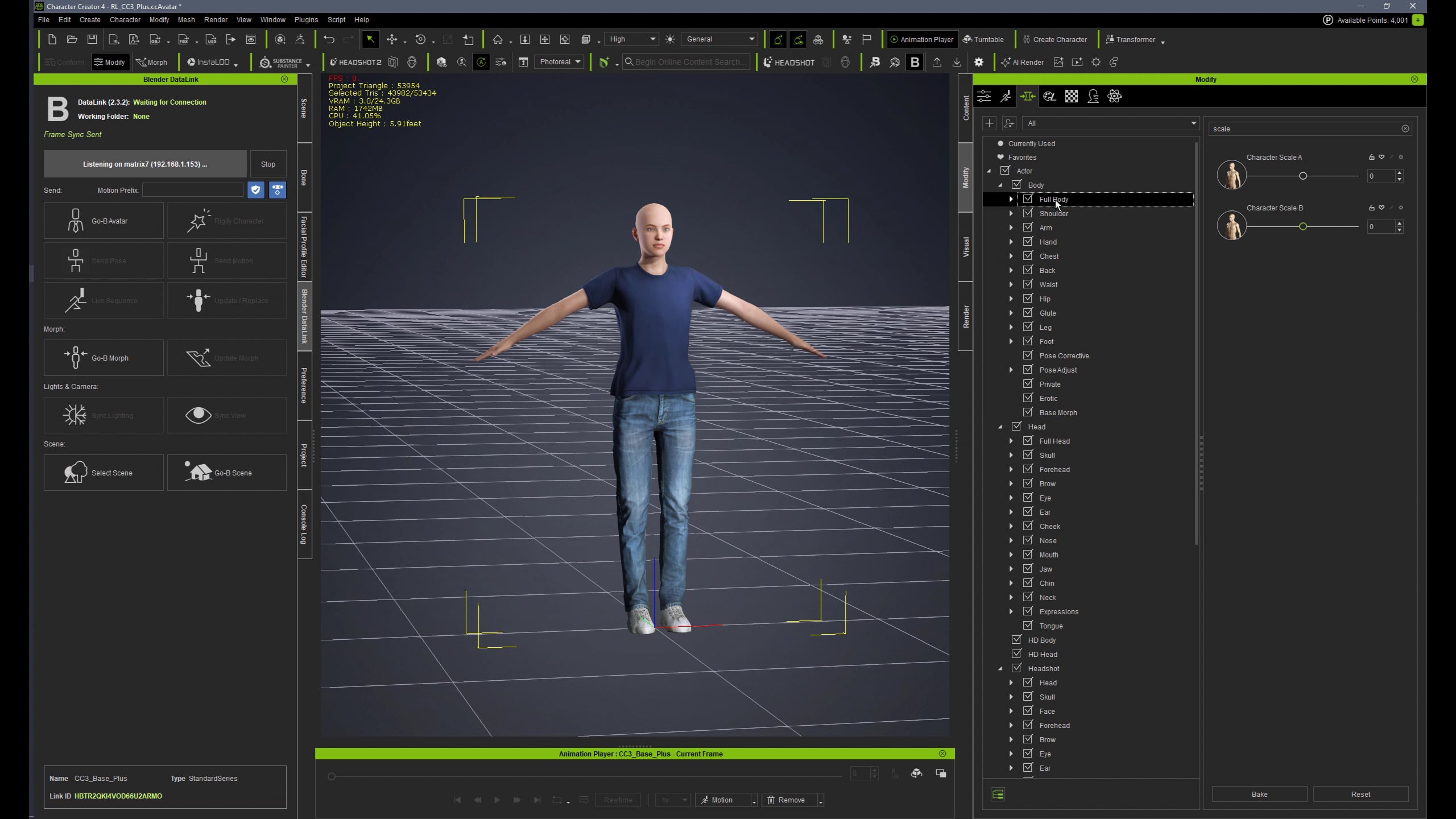
But it’s not clear to me why are you trying to scale a Standard CC character (which is what I think it is) in Blender. CC has a slider for that - “Character Scale A”, which does the job and saves the hassle.
Otherwise any bones manipulation in Blender and preserving the ability for Blender/CC round trip requires baking Rest Pose and preserving 0.01 scaling and it’s done in Pose mode and also duplicating and applying Armature modifier for each object (which in turn requires deleting all shape keys)… In other words it’s doable, but is a hassle.
Hi, I had the same issue with the eyes, after applying scale. What worked in my case was to modify the Strength value on each enabled Displace Modifier for CC_Base_Eye, CC_BaseEyeOcclusion, CC_Base_TearLine. I used the same multiplier everywhere, 0.01, to adjust the values, from 0.500 to 0.005 for example. The model doesn’t look 100% the same after this tweaks, but I believe it’s close enough.