Replace Mesh not updating in CC5 after editing Body Mesh in Blender

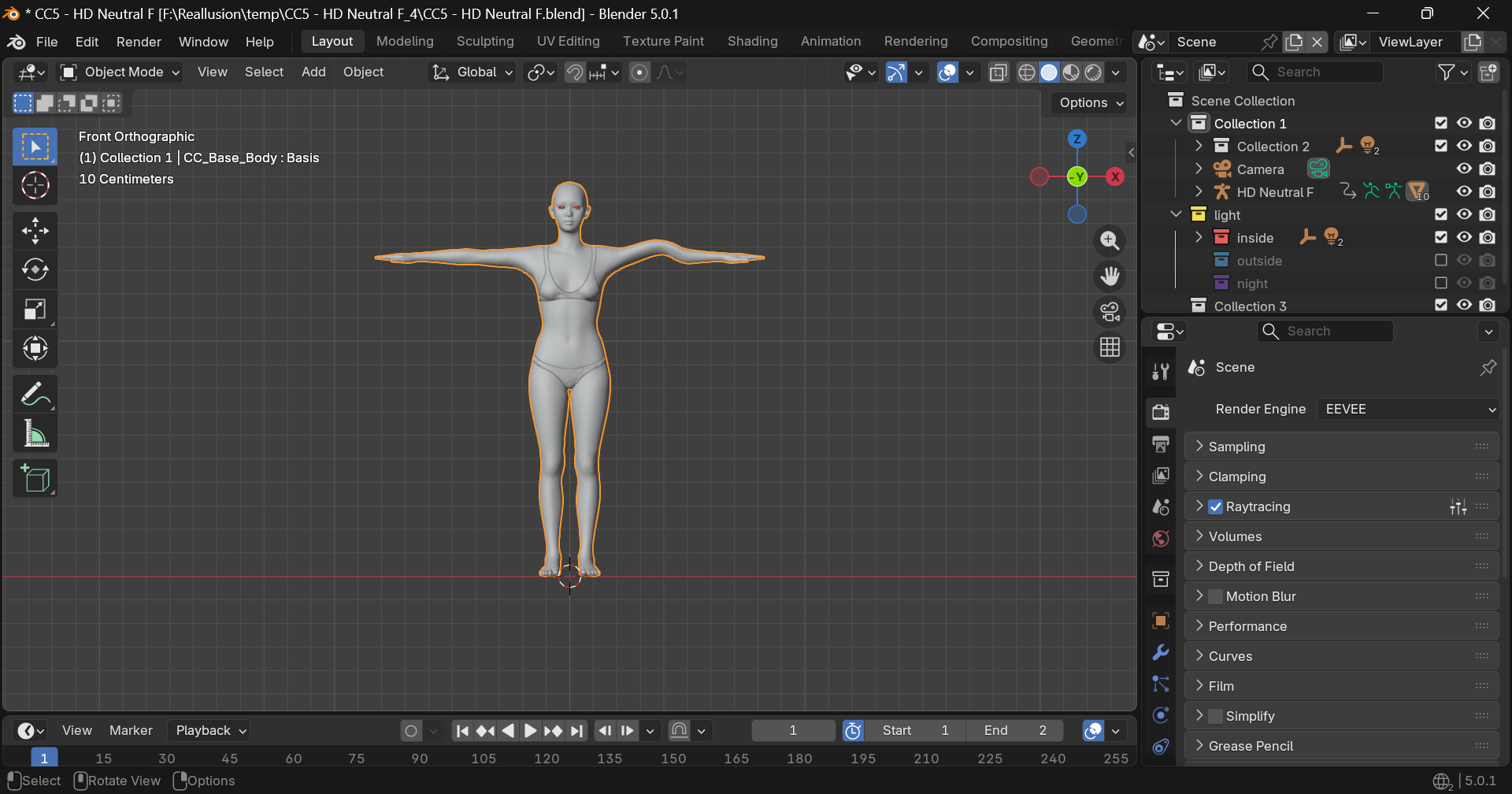
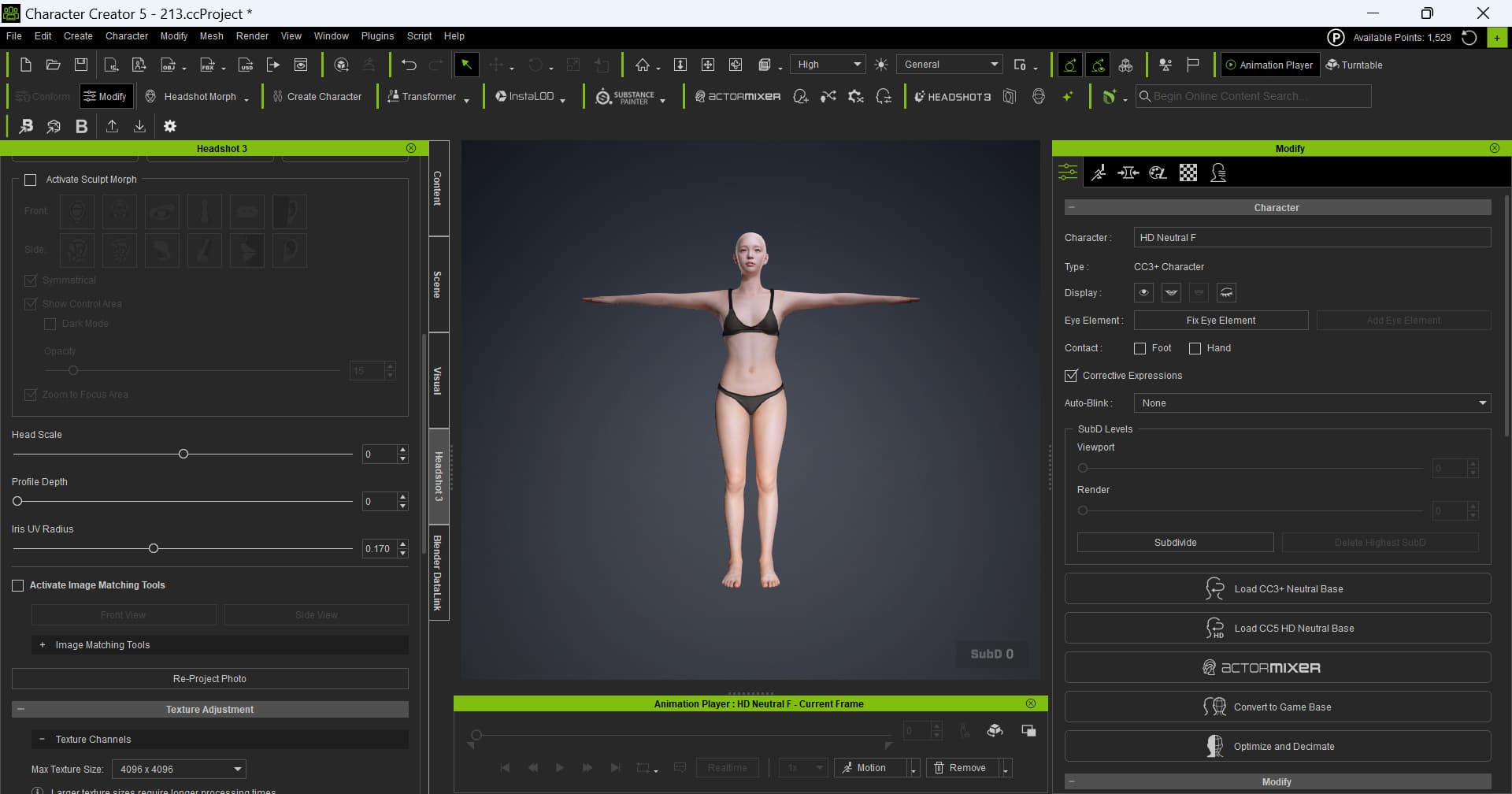
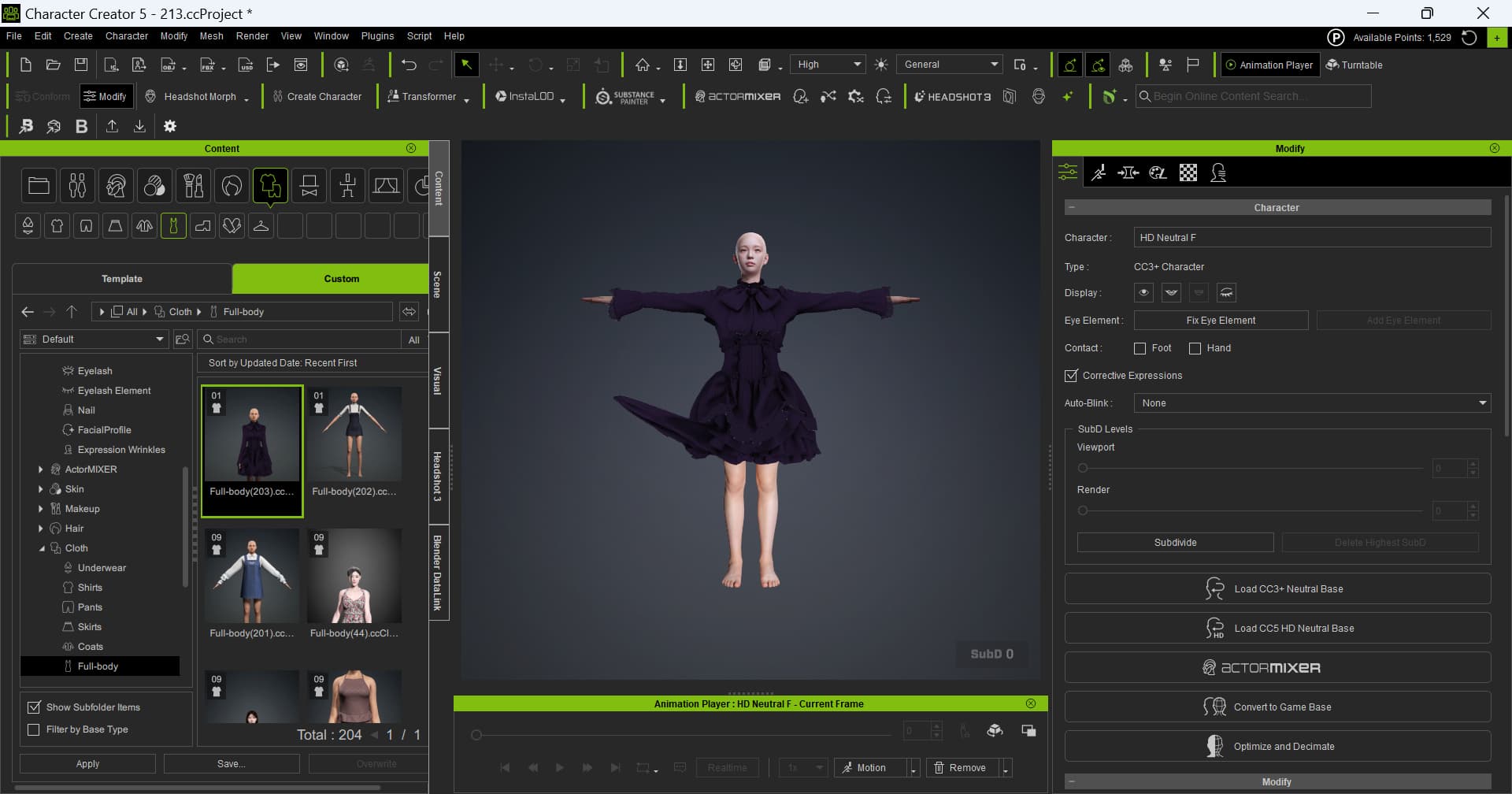
After installing Headshot 3, I am encountering an issue with the Character Creator 5 (CC5) to Blender pipeline.

  1. I exported a character from CC5 to Blender using the bridge.
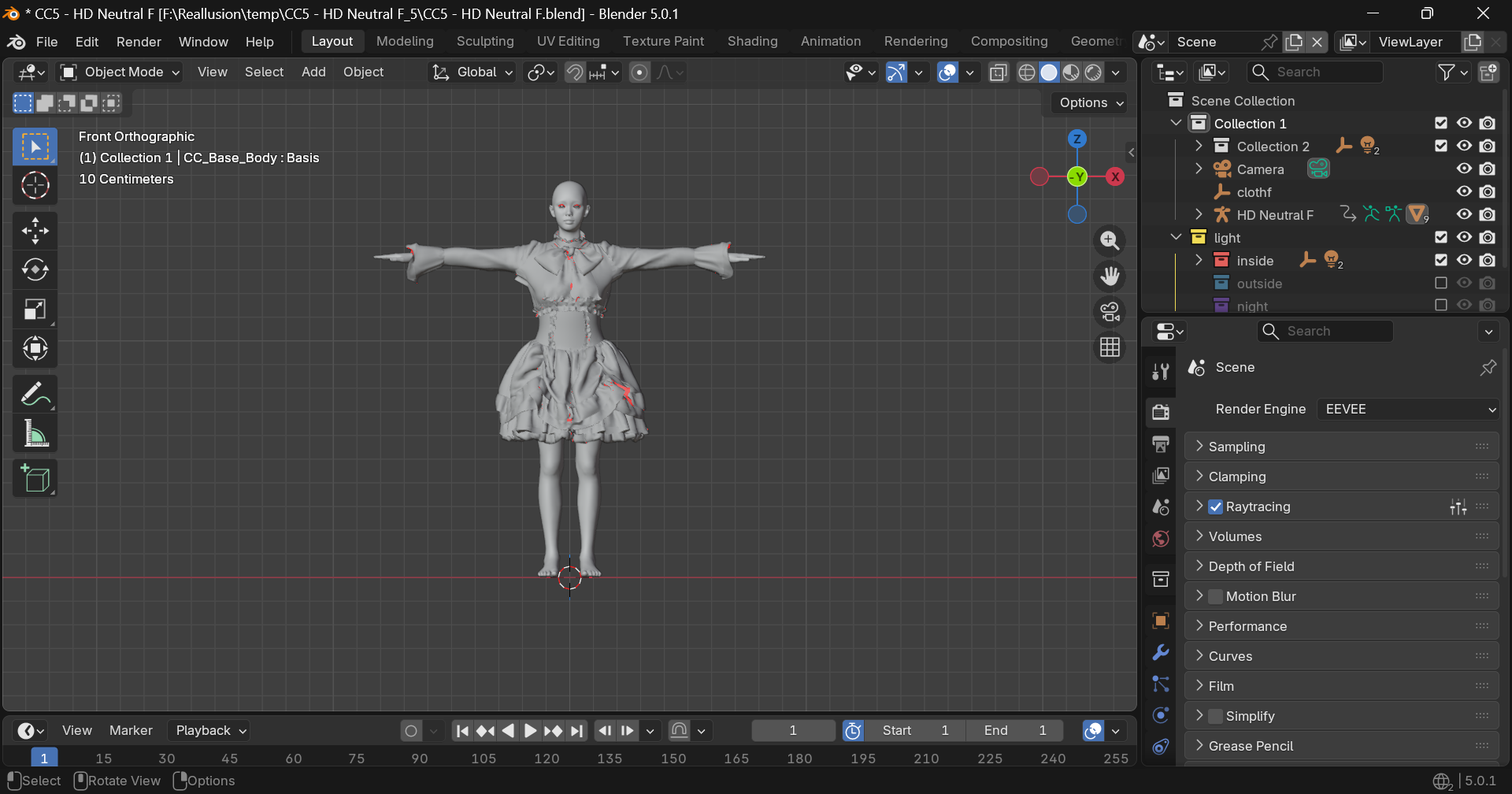
  2. I modified the Body Mesh within Blender.
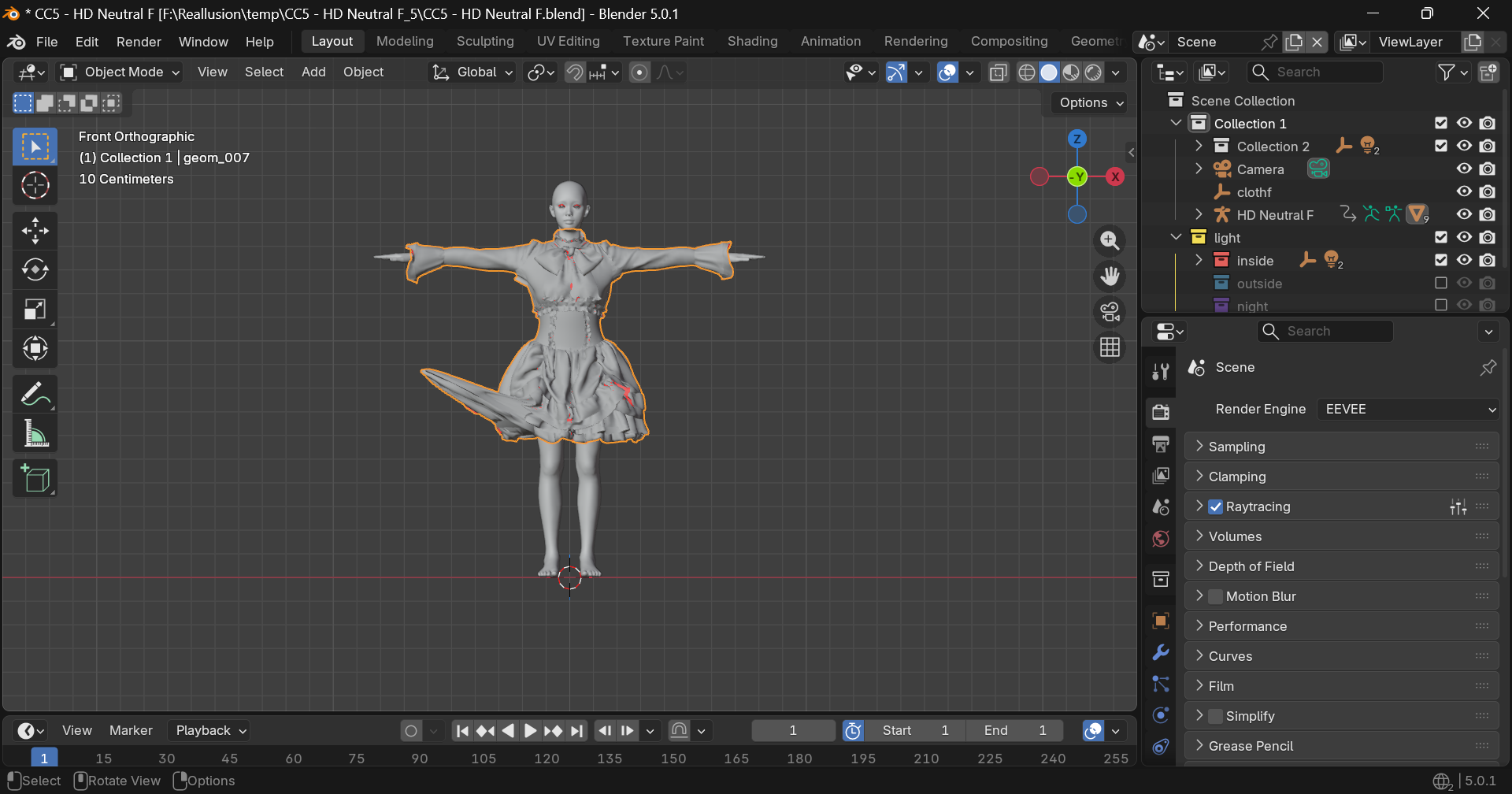
  3. However, when I click “Replace Mesh” to send the changes back to CC5, the character does not update.
  • The connection seems to work partially: updates made within CC5 appear to reflect correctly in Blender.
  • The issue specifically occurs when trying to push Blender’s mesh modifications back into CC5.

Hi,

Did you mean using the Send Mesh button to update the mesh after editing in Blender? Or did you use the Export Replace Mesh button to get an .obj file to replace original one in CC?

In either case, we weren’t able to reproduce the issue at our end. Could you please provide some more detail on your workflow? (Used character, edit process, and if you don’t mind, screenshots or screen recording.)

Thanks!

Everything was working perfectly before I installed Headshot 3. However, now when I use goB to send a character from CC5 to Blender and use “Replace Mesh Sent,” the modifications only apply to the hair and clothes—the body mesh remains unchanged.

  1. Body mesh modifications in Blender are not applied when sent back to CC5.
  1. However, the same process works correctly for clothing items.

I have kind of the same problem.
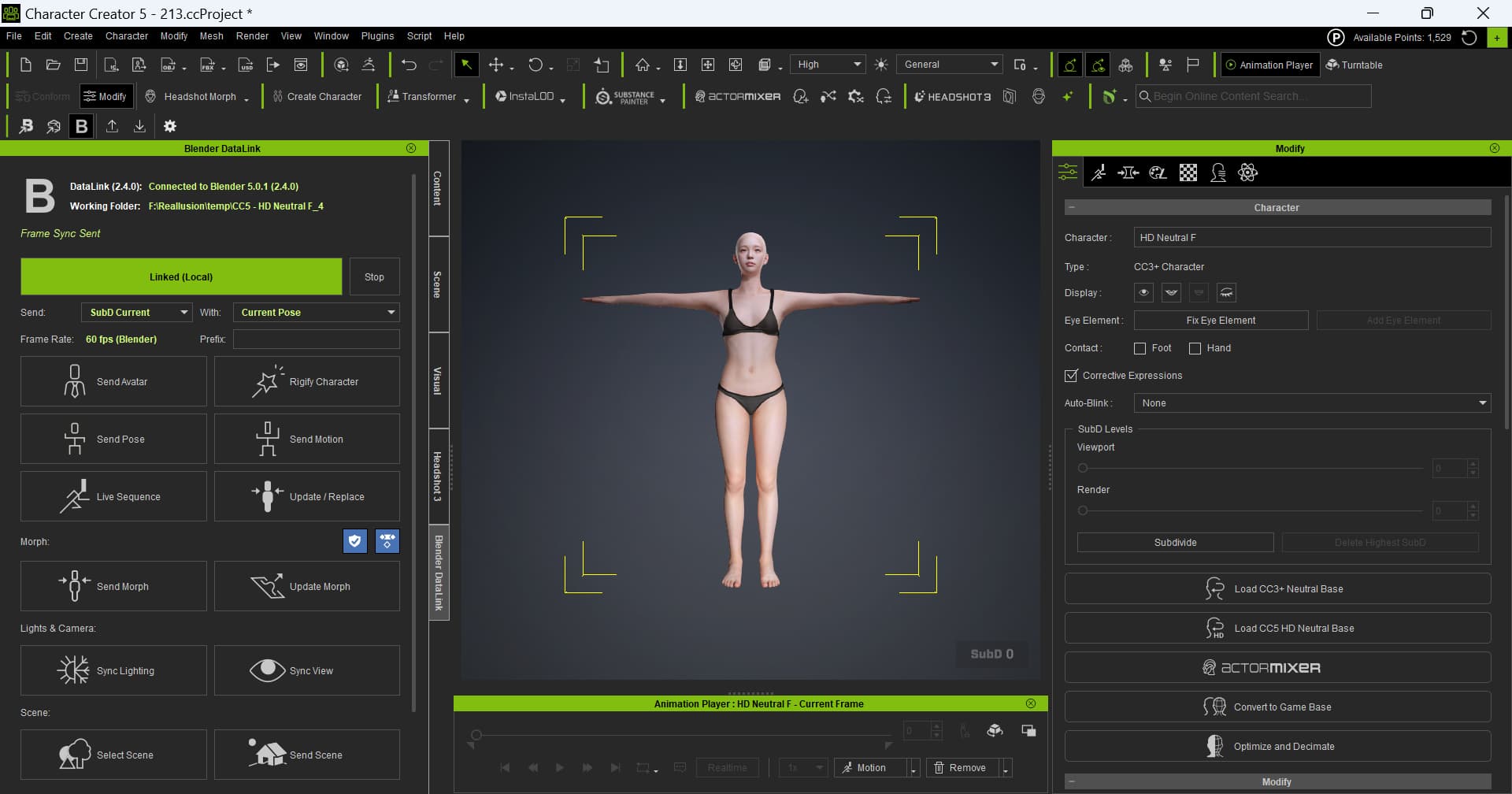
I made a connection to Blender with DataLink.
I tried to:

  • Send Avatar
  • Send Pose

Both didn’t do anything.

Uninstalled Headshot 3.0: no success. :cry:
Rolled back to version 5.06: everything works like a charm! :star_struck:

Can you guys please fix this asap!
Thanks!

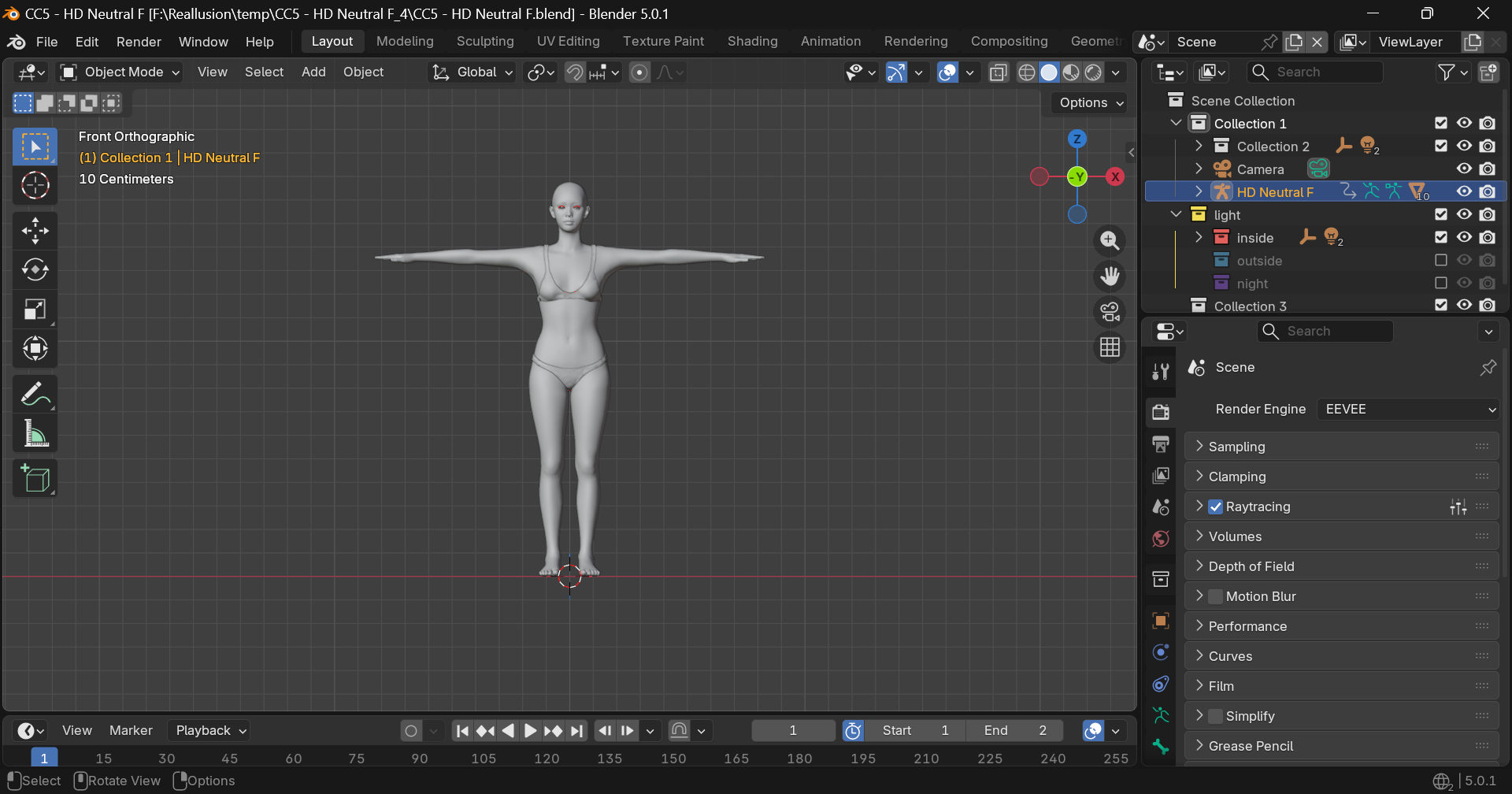
This is likely happening because the version on the Hub (2.3.4) is the wrong one and the replace mesh functionality in that version doesn’t work with the latest CC5. The latest version is 2.4.0 and that works with CC5.07.
1 Like

Both Blender and CC5 are version 2.4.0. I am downloading the files directly from GitHub rather than using the Hub.

Actually, I’ve realized that mesh edits do apply correctly to the default model. It seems the issue is specific to the custom characters I created.

The issue has been resolved by disabling the ‘Delete hidden faces’ option. Thank you for your help.

1 Like

Yes! 2.4 Works like a charm!
thank you!