Hello world,
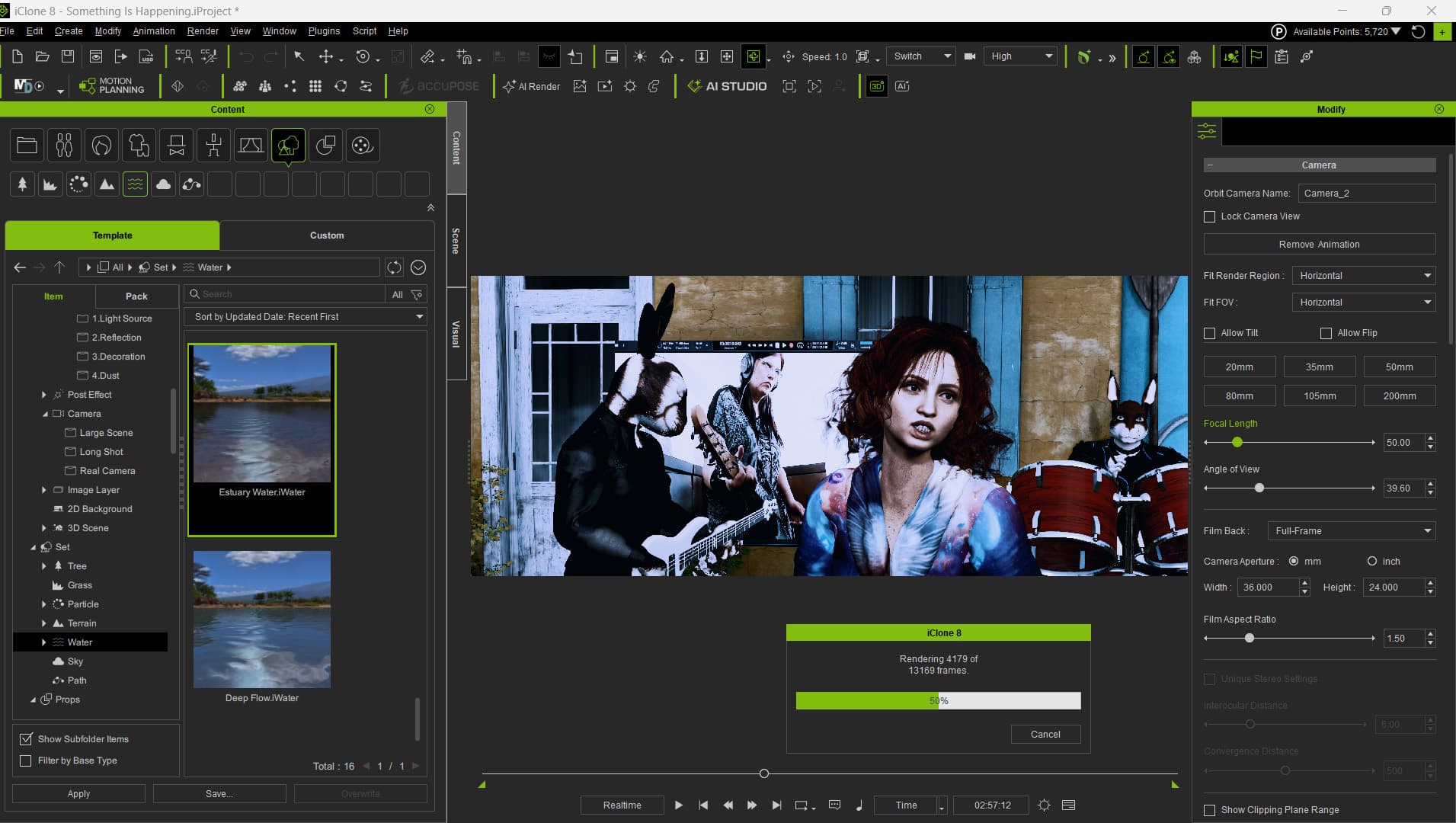
How’s everyone doing? I’m currently rendering a new video clip in iClone at 2048×858 using the latest version of the software. I really enjoy working with iClone because it’s flexible and not too complicated to use. I also love the ACCUFace plugin and the Video MoCap plugin — they really make iClone shine as a user‑friendly 3D animation tool.
But I’m not using AI Studio because I honestly doubt it would be useful for my workflow. I don’t create short videos, and I want to use my work commercially without any restrictions. I even created a 90‑minute film for festivals and submitted it through FilmFreeway.
Using AI Studio to generate a 90‑minute project would be extremely expensive, even with a commercial subscription.
That’s also why I create my own characters (including alien rabbits and dinosaurs!) in DAZ Studio. Still, I’m wondering whether AI Studio slows down render time.
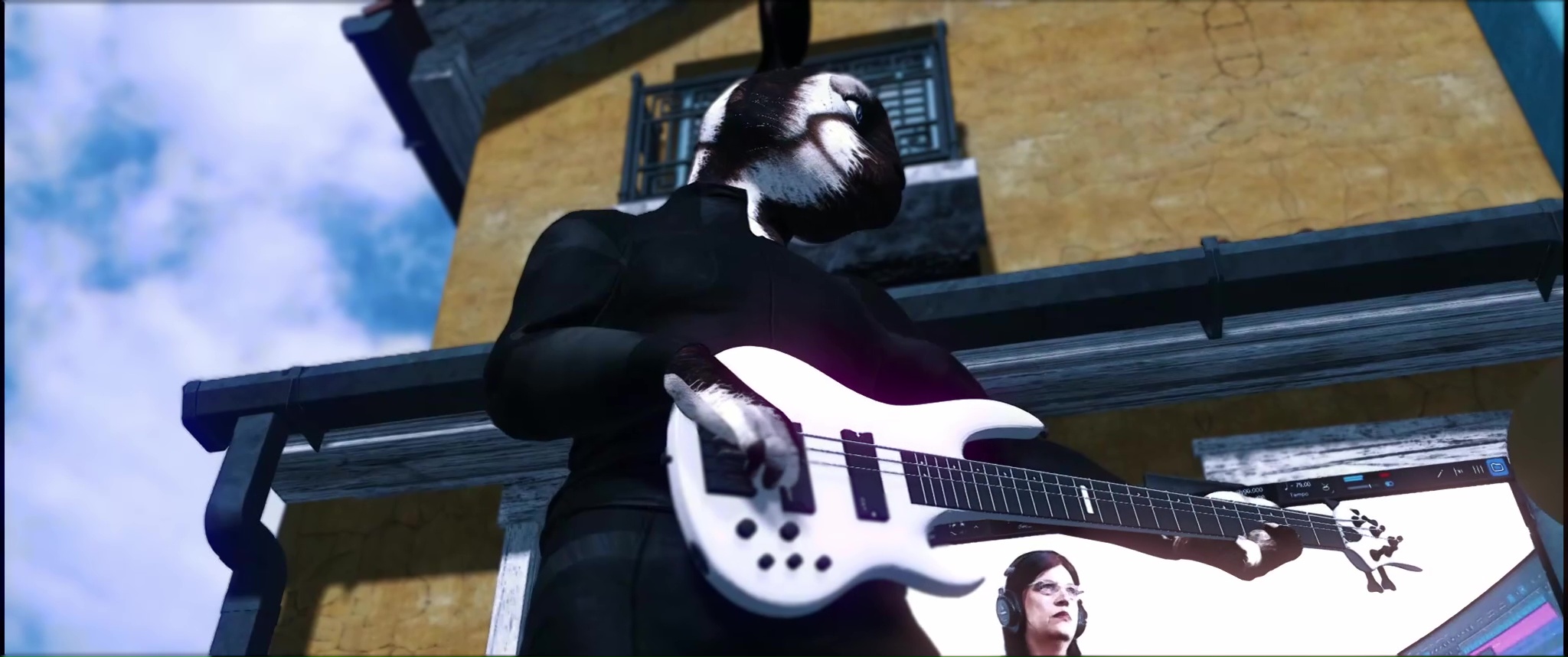
In my current iClone scene, I’m using multiple light sources, IBL, and ambient lighting. It includes three characters (two of them are alien rabbits), a Renderosity 3D model of about 500 MB, and a 500 MB embedded video clip of myself playing electric guitar.
The total number of frames is 13,169, and iClone is rendering at about 3 seconds per frame, which puts the total render time at around 10 hours. My system is running an ASUS Dual GeForce RTX 5060 Ti 16GB, 64 GB of RAM, and a Ryzen 9 CPU.
I don’t mind the wait — I want the video to look good — but I’m curious whether AI Studio affects render speed even when you’re not using it. And if it does, is there any way to disable it so it doesn’t impact performance?