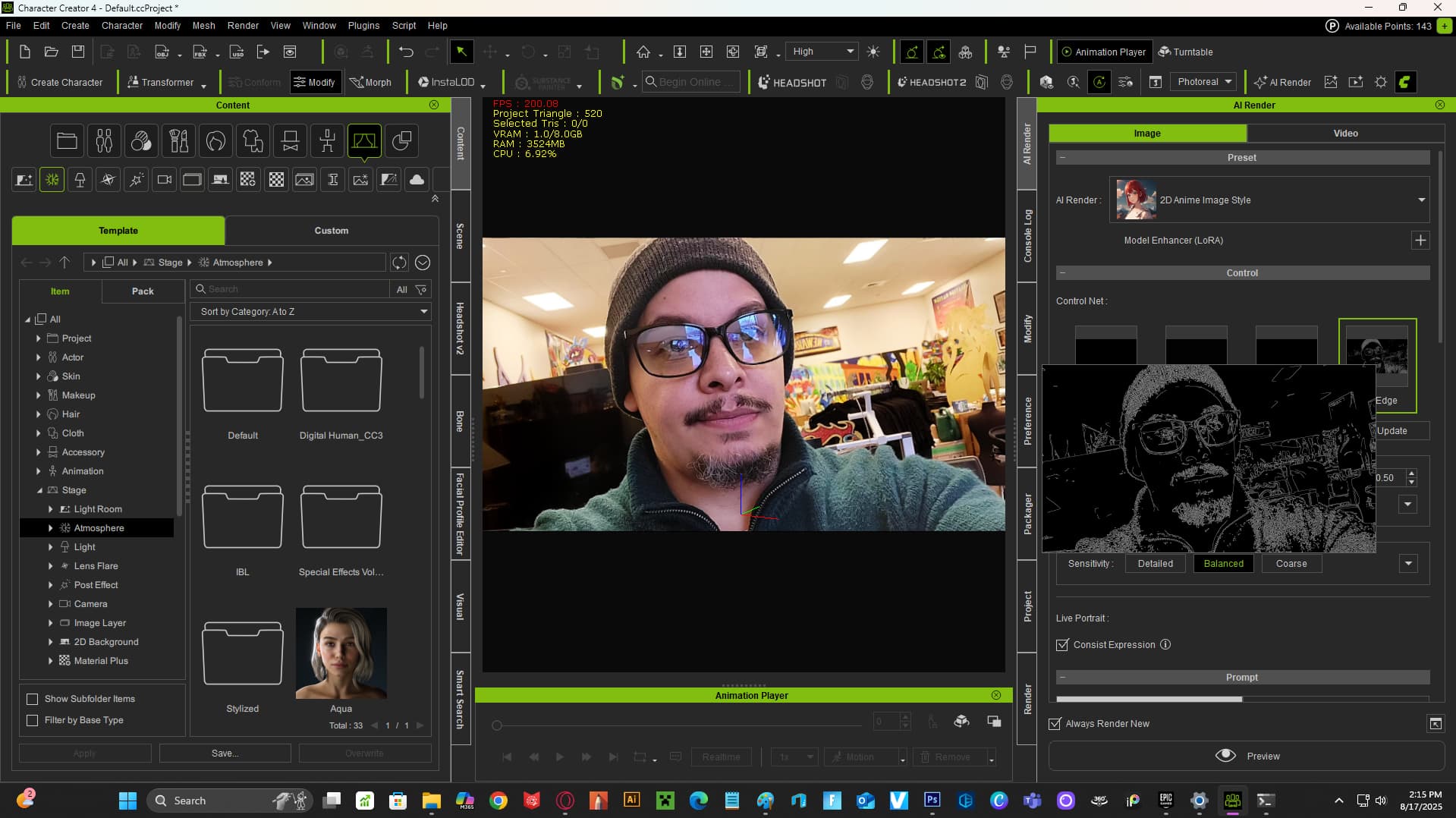
After using the new Render Ai for creating variations on my custom characters, I found that it renders out the back or still images pretty well. Initially I just added 3D props to the background before rendering, but bringing them in as still images works well and speeds up render times. With that being said, it\s possible to just render out the 2D images, even if you decide to render your 3D characters, etc. just bring your initial 3D images rendered out and then go ahead and use the Ai render for different styles. Here’s the process with photo only (photo filter flow) Make sure the Edge tab is selected.
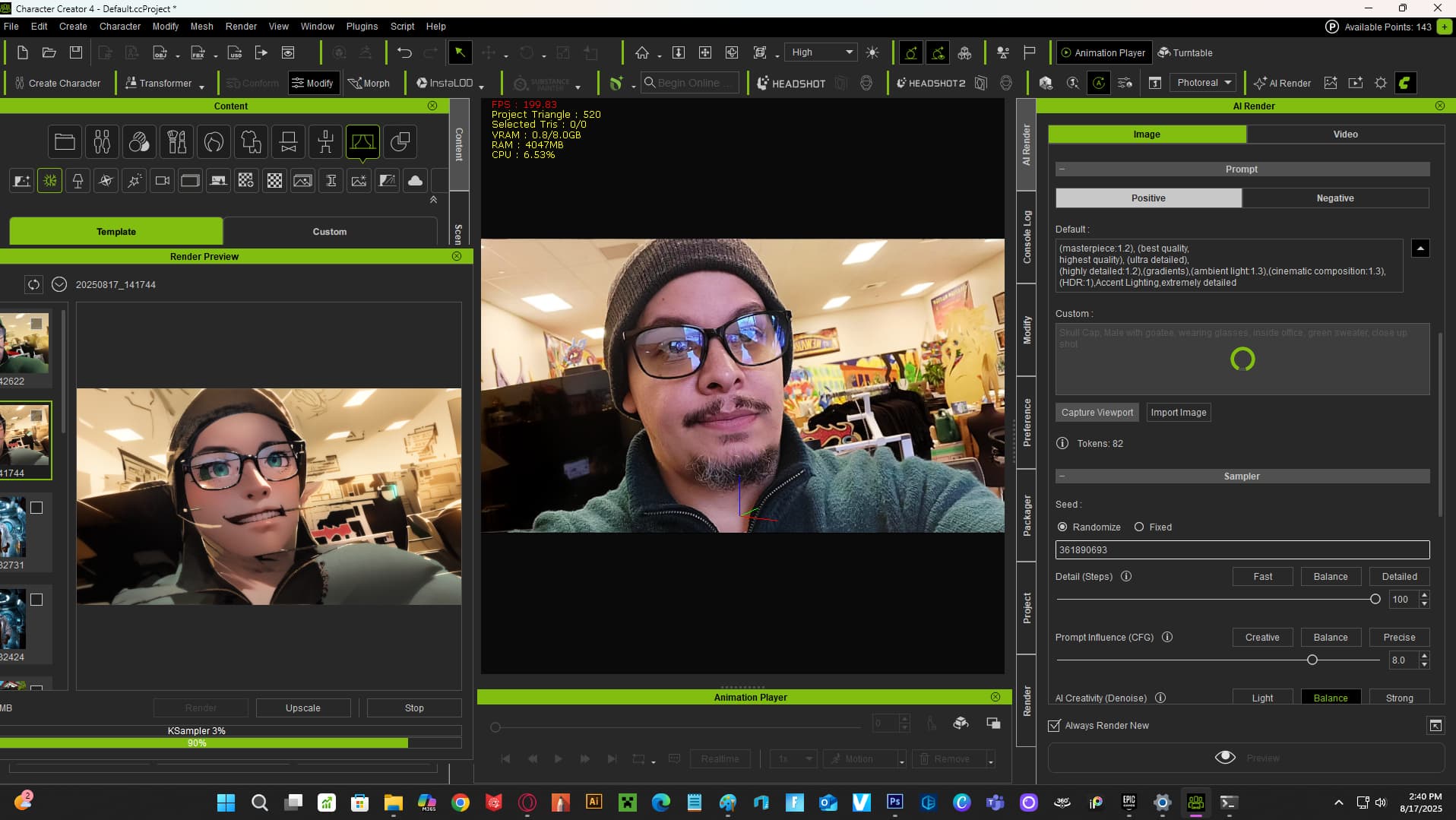
Here’s one with a 3D self portrait rendered image in the view port
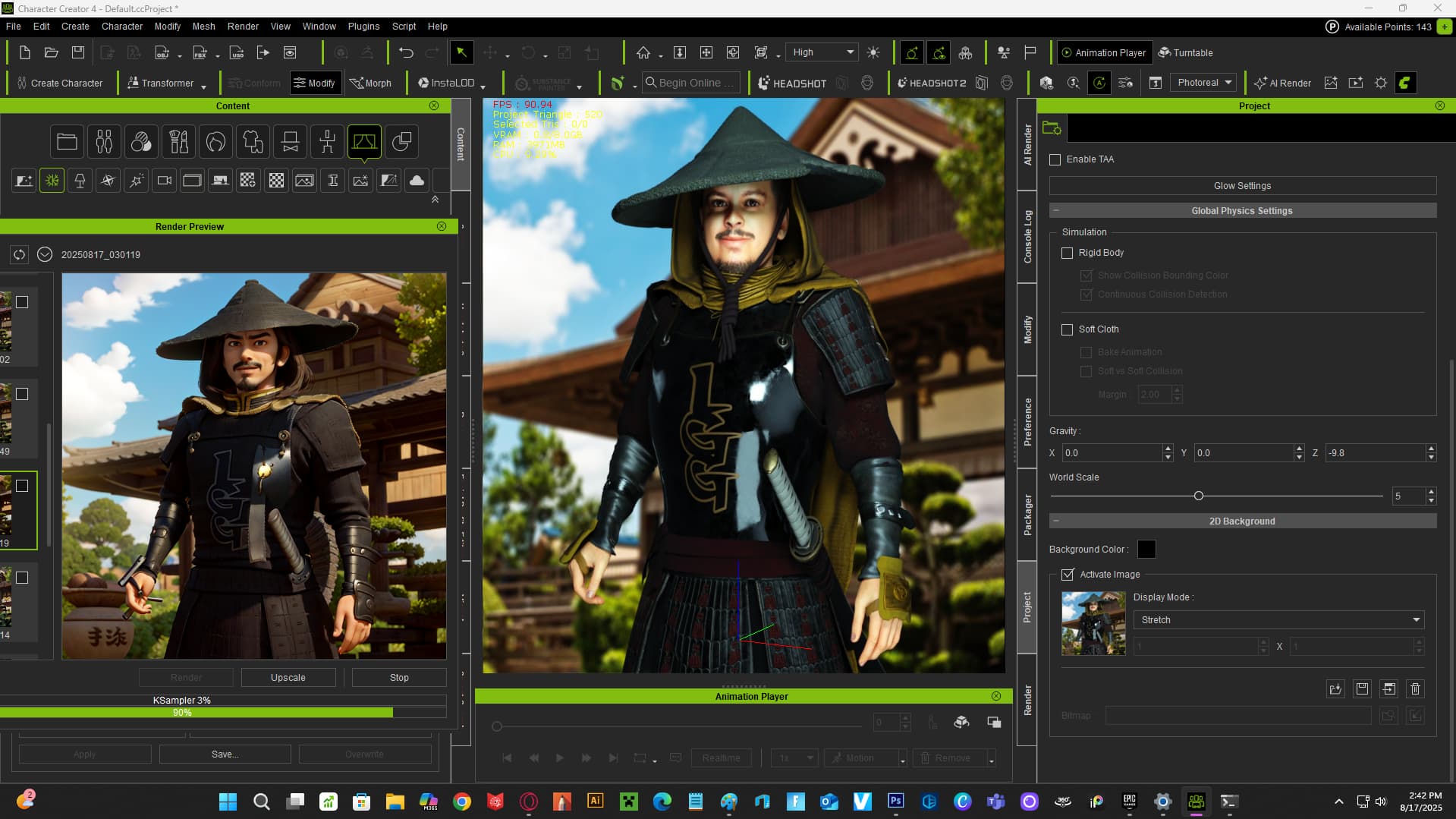
Another with a 3D model video captured frame in the background
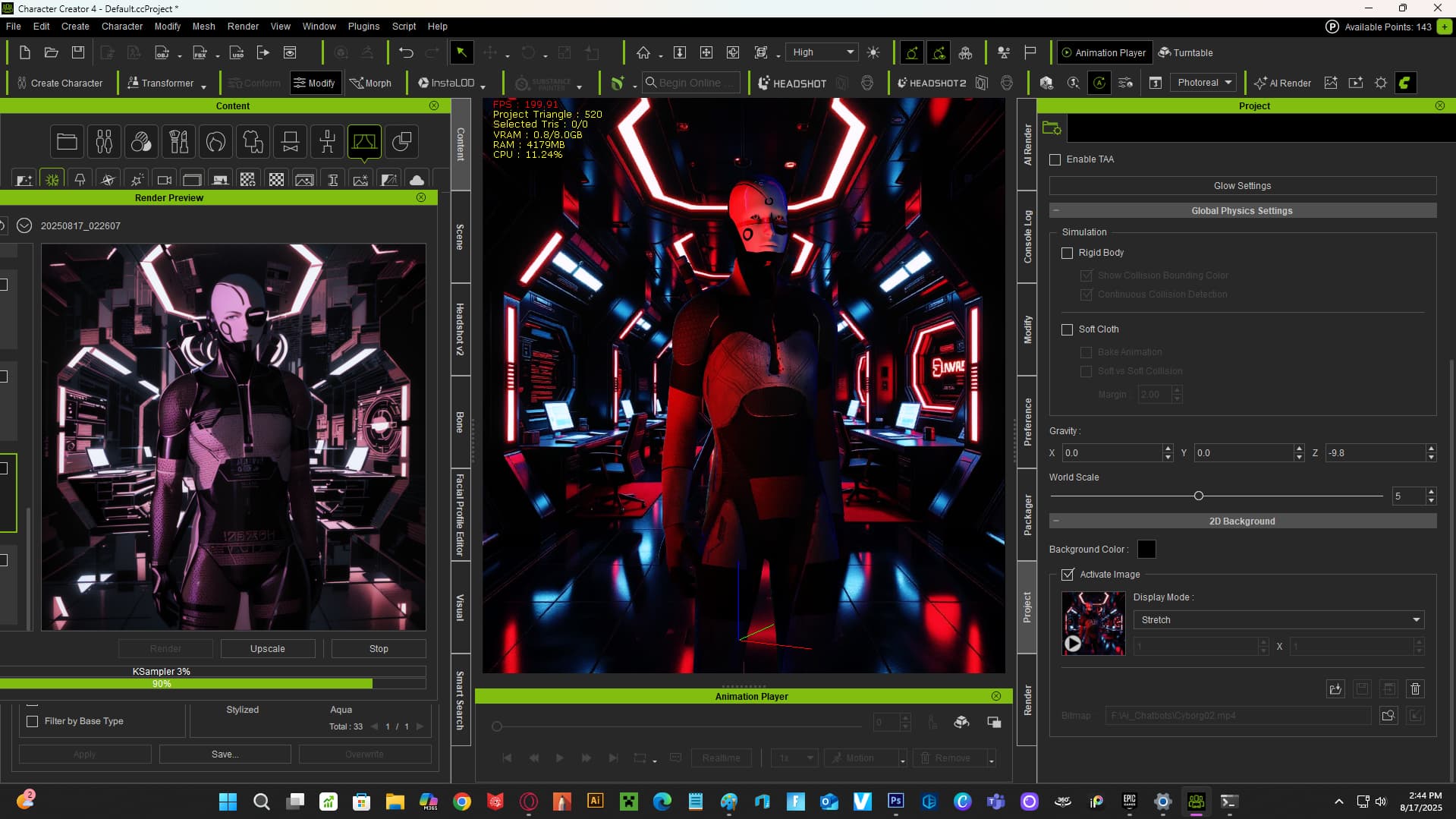
Though it’s not an exact science with some of the renders. It does work with 2D and Video (TimeCode) uploaded into your project’s background. Since the images and videos don’t bring in Depth, and Edge has to be selected for better quality, I would suggest bringing the images into a Normals or Depth creation program like Adobe\s software (texture editing and whatnot). This could help speed up the process of rendering inside CC4 or Iclone. Feel free to share your findings. Good luck!