Hello all !
New member here 
I have purchased the instructional tools pack. I want to animate a simple text that has say 10 letters. In the pack, there is “only” the word “sample”. I am not exactly sure how to create then animate longer words e.g “Cartoon animator”?
Any help ? Is this right place to ask questions ?
Many thanks for your help
Malik
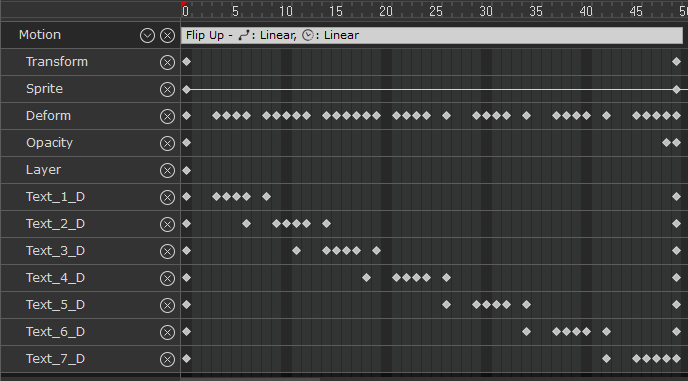
Their premade animations in this pack are set only to animate 7 letters. If you sample the animation, it will animate only 7 text layers, even if you have additional layers with a letter on it because, as shown in the preview image below, the animation is only created for the first 7.
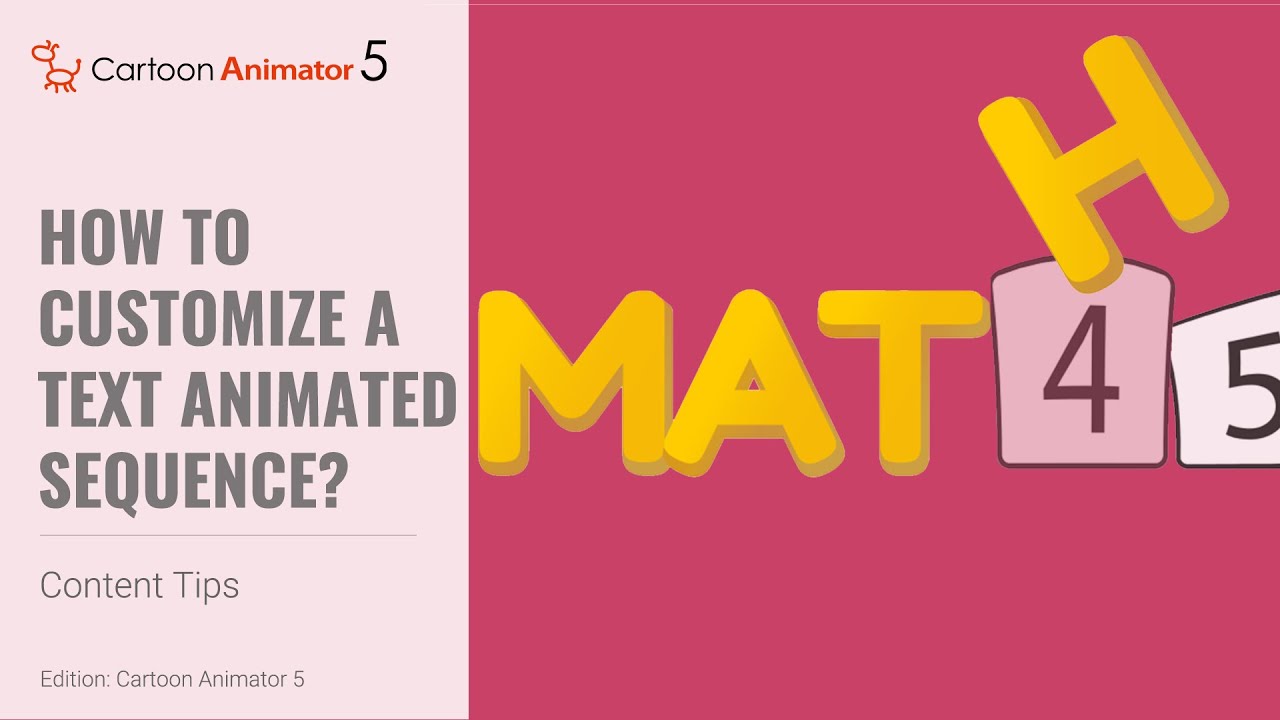
To get around this you can create multiple word props under 7 letters at a time and then align the motions to play concurrently. Here is a youtube link tutorial that explains how to change the letters
2 Likes
Hi Malik, welcome! It sounds like you're on the right track with the instructional tools pack. To animate a longer word like "Cartoon animator," you can break the word into individual letter objects and animate them separately or together, depending on the effect you want. If you're using a program like Cartoon Animator, you can create text with multiple letters, each as a separate layer or object. From there, you can apply motion effects to https://casino.justrealpokies.com/ each letter or the whole word. This is definitely a good place to ask questions, and the community here should be able to help you with more specific steps!
1 Like
Hello all,
me gain
Thank you so much for taking the time answer my question and appologies for the late reply ! life happened in between…I am now back to CTA5 learning…
Here is my conclusion just as the replies above. This is for the persons who may look for such answers in the future… The instructional tools pack “only” animates up to 7 letters. All animations wihtin the pack show numbers 1-7, so I conclude the animation is designed for 7 charcters. If one wants to animate longers words, the word should be split in several parts having maximum 7 characters. Each part of the word, should then be animated separately
Hi Malik, I think you’re in the right place to ask. I’d check whether the pack lets you separate the letters and animate them individually, then build a longer word from there. I’ve had similar situations where experimenting helped more than following the sample exactly. I also came across while browsing other online projects, but the animation workflow is definitely more relevant here.