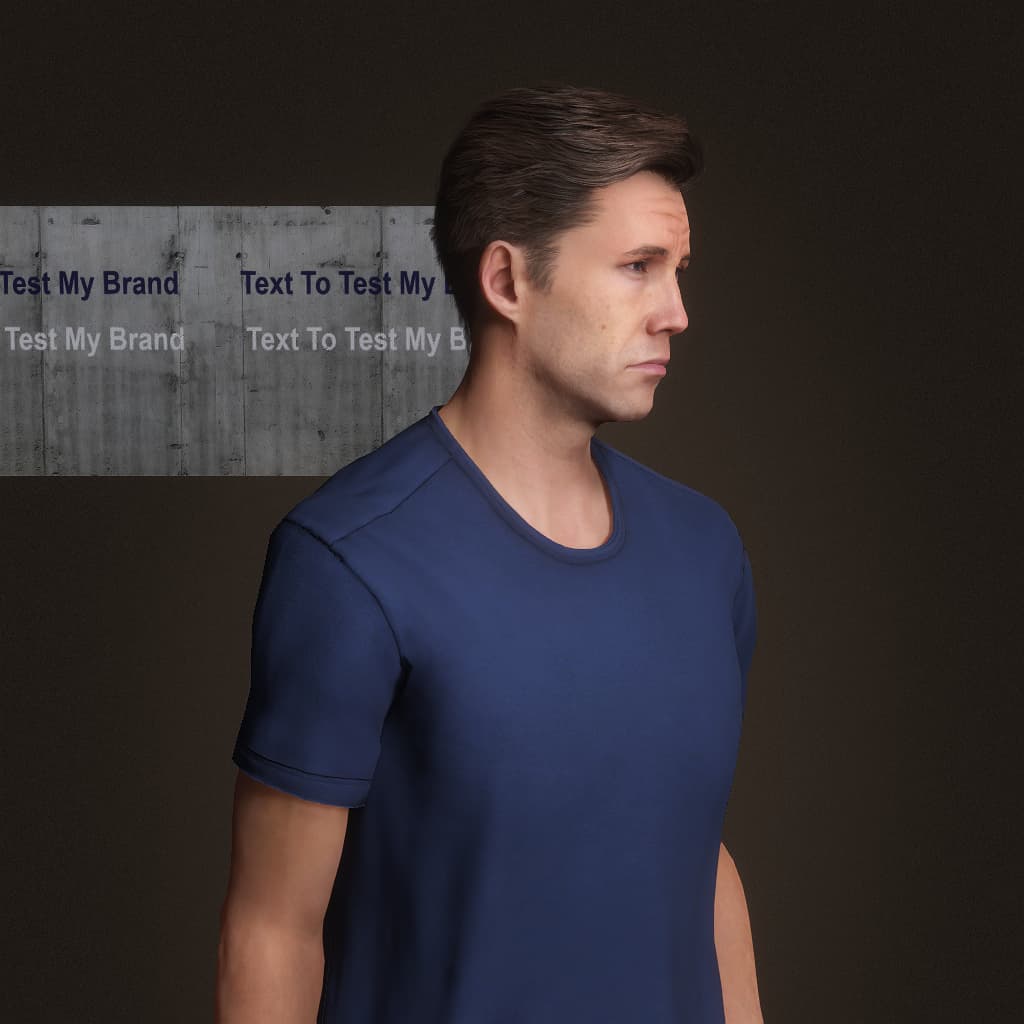
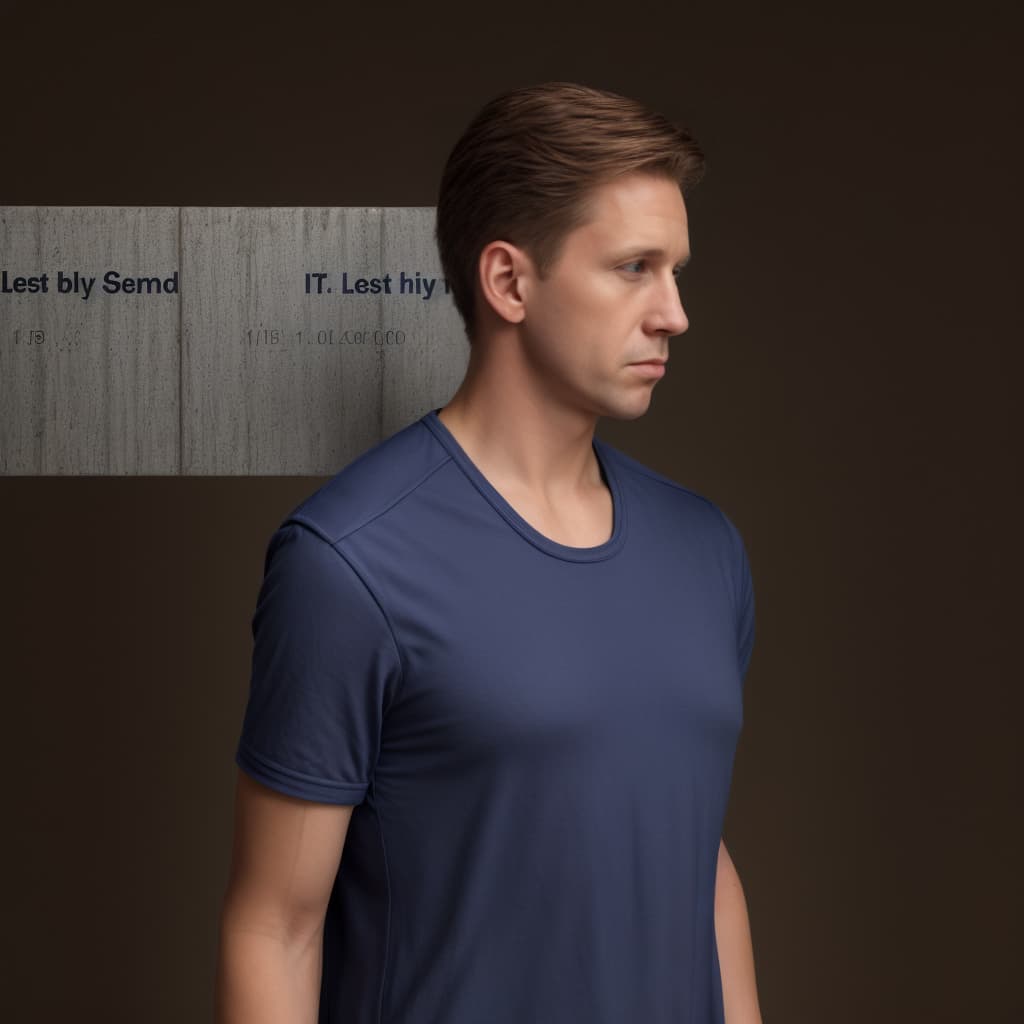
This is a very known “disease” of AI image generation.
Latest models like FLUX or now even QWEN image, are likely to do better with texts. Have you tried those?
Like mentioned above, this is a general problem with AI image generation. It’s the same with getting normal looking hands.
Also newer models like Flux, who can create text with a better quality, still have massive problems.
Therefore, you need to do manual editing in a photo or video editing application. For example, render the original iClone animation with text and logos and then superimpose them on the AI image.
Since you can now use reference images one way is to add an image that you want on the shirt or other surface and refer to that in the prompt. If there is text, I usually quote that in the prompt as well.