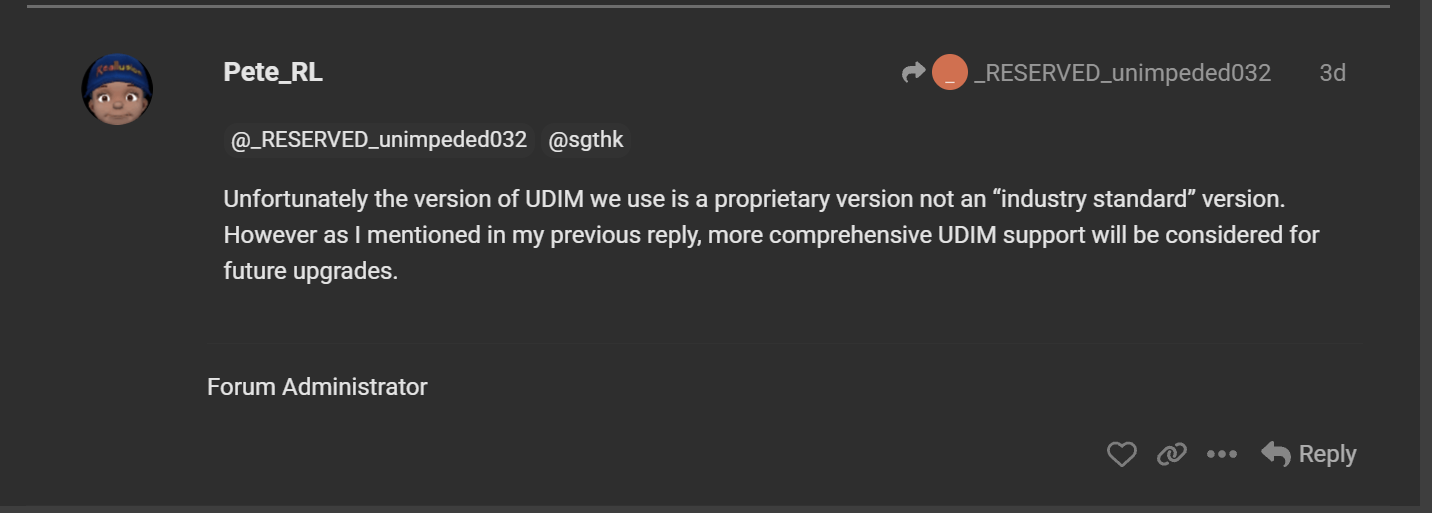
I know this has been addressed by Pete_RL on a similar topic, but this is actually a serious problem I’ve had with Character Creator for a while now: Your UDIM naming is off, they don’t follow the standard UDIM naming convention used across everywhere else in the CG industry. As such, even though Character Creator has an “Export to Substance” feature, Substance Painter can’t even read the textures as proper UDIM sets.
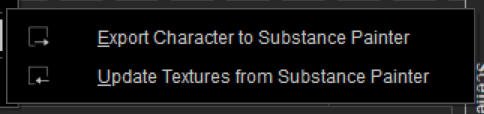
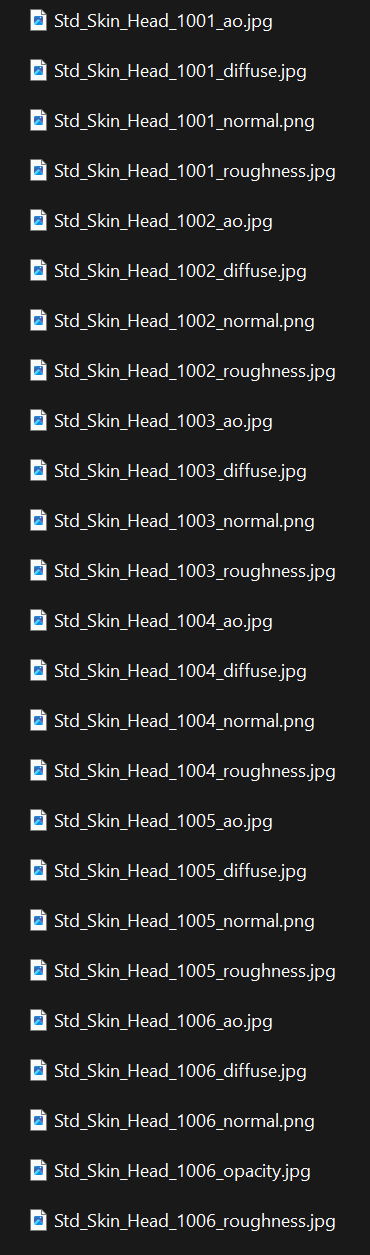
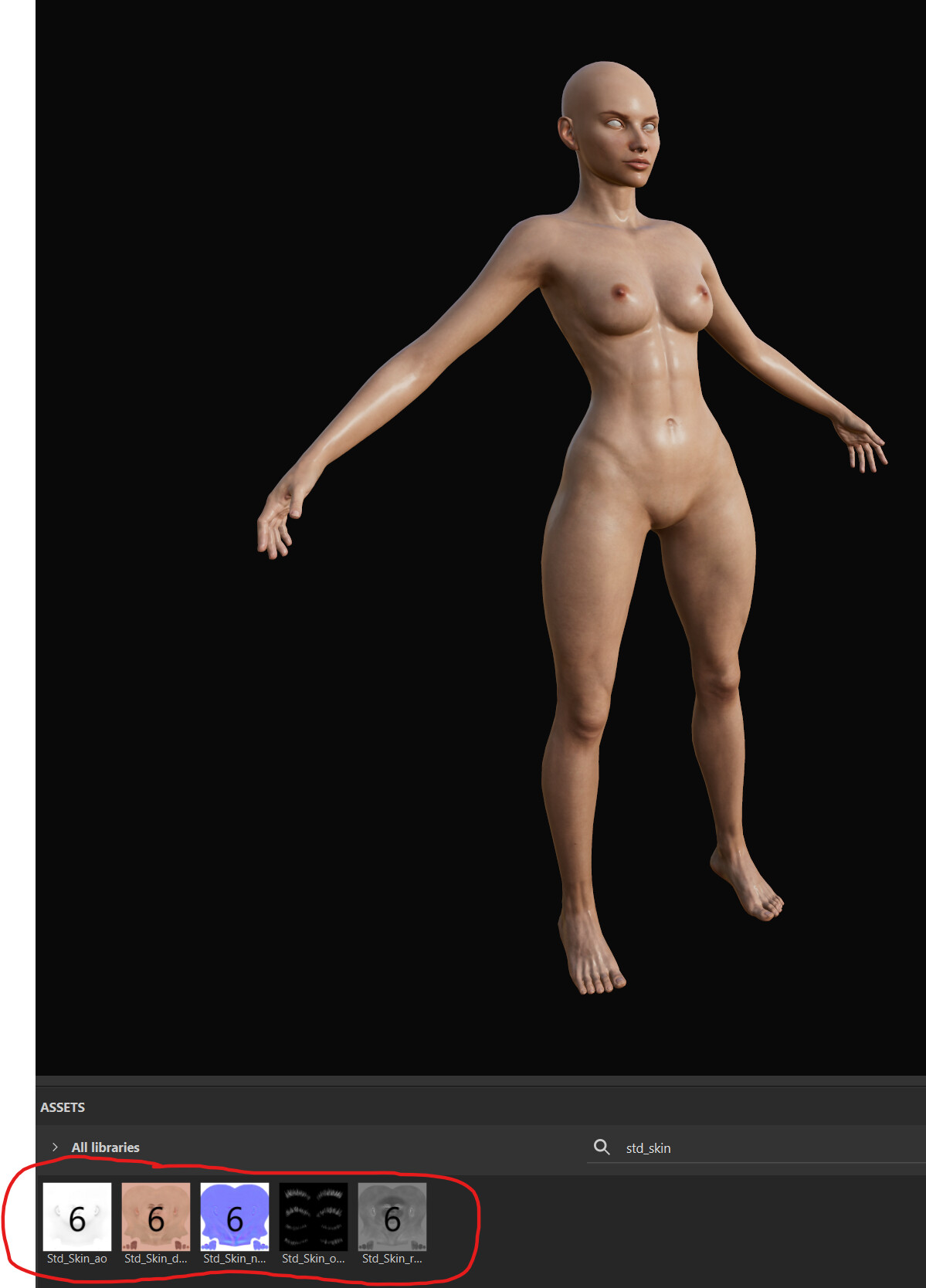
On the screenshot above, the files are named “Std_Skin_Head_1001_ao.jpg” when it SHOULD be “Std_Skin_ao.1001.jpg” (you don’t need the “head” or names of body parts there).
This is what Substance, and all other 3d packages recognize as a UDIM naming and will automatically put that texture on the correct UDIM tile.
This is how they should be named:
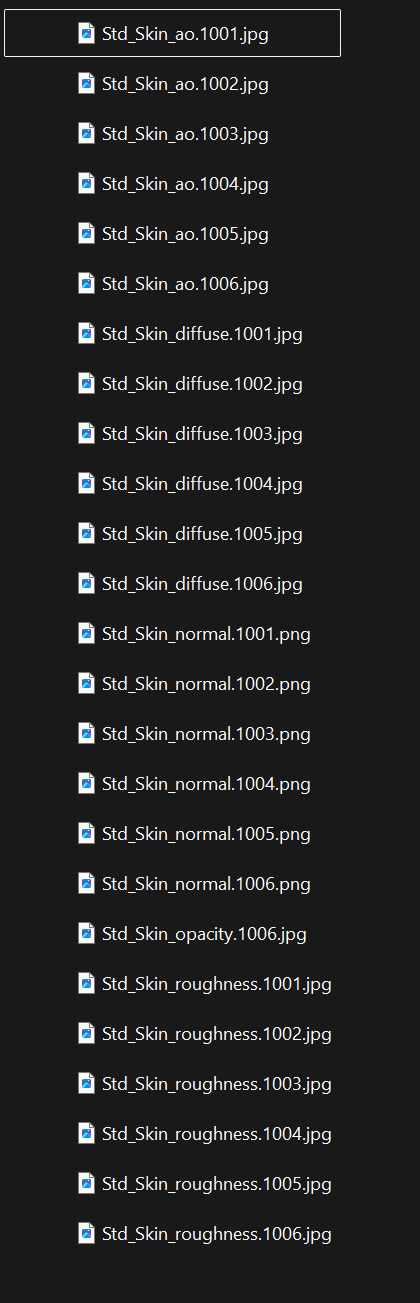
And Substance Painter, and all other external software like 3ds Max, can now recognize those texture sets as UDIM sets.
I seriously hope this export problem will be resolved in future updates. Just have CC and iClone export the textures with proper UDIM set names and everything will be fine.