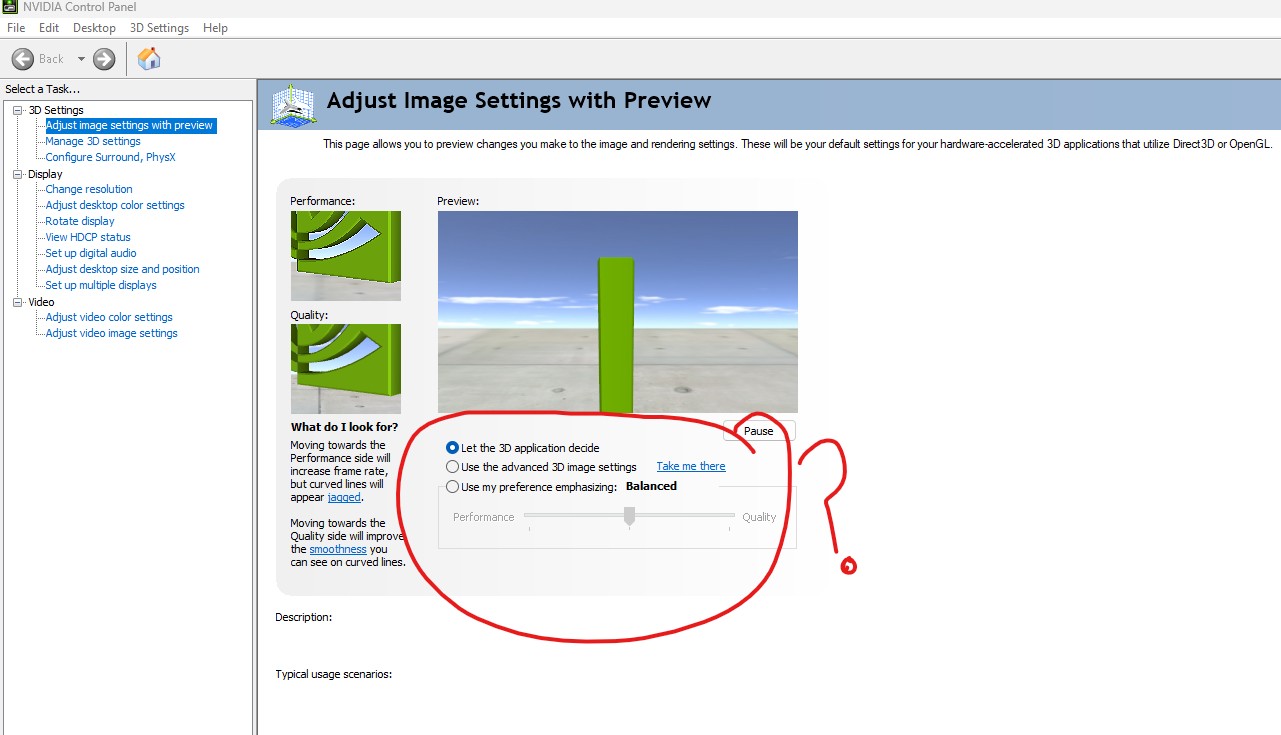
Can someone help me , I’m trying to adjust the NVIDA Control Panel to work with iClone 8.
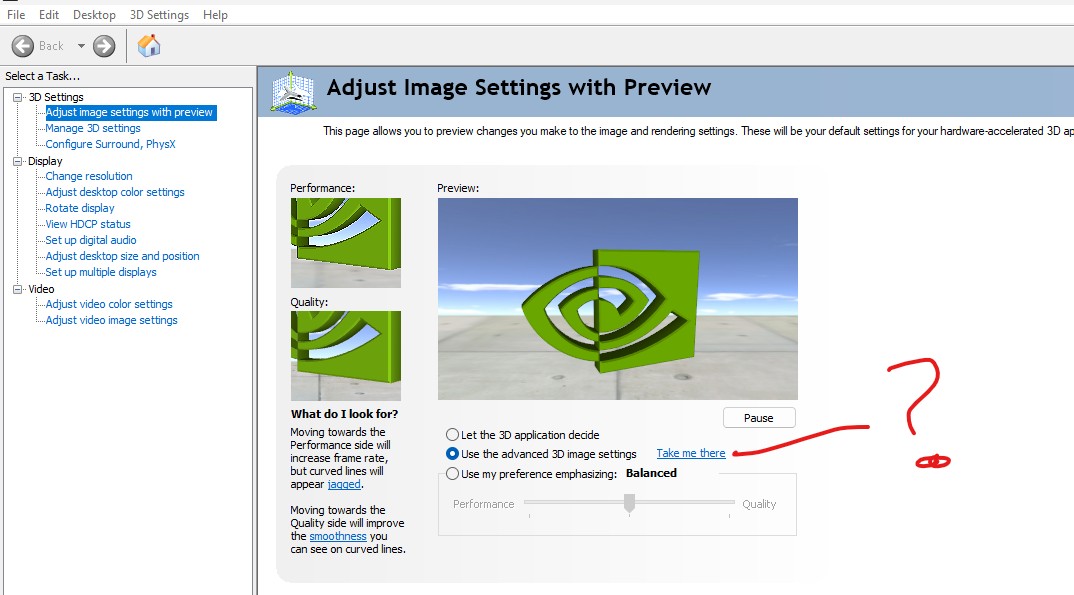
Do I just let the 3D application decide or change it? in the Adjust Image Settings with Preview.
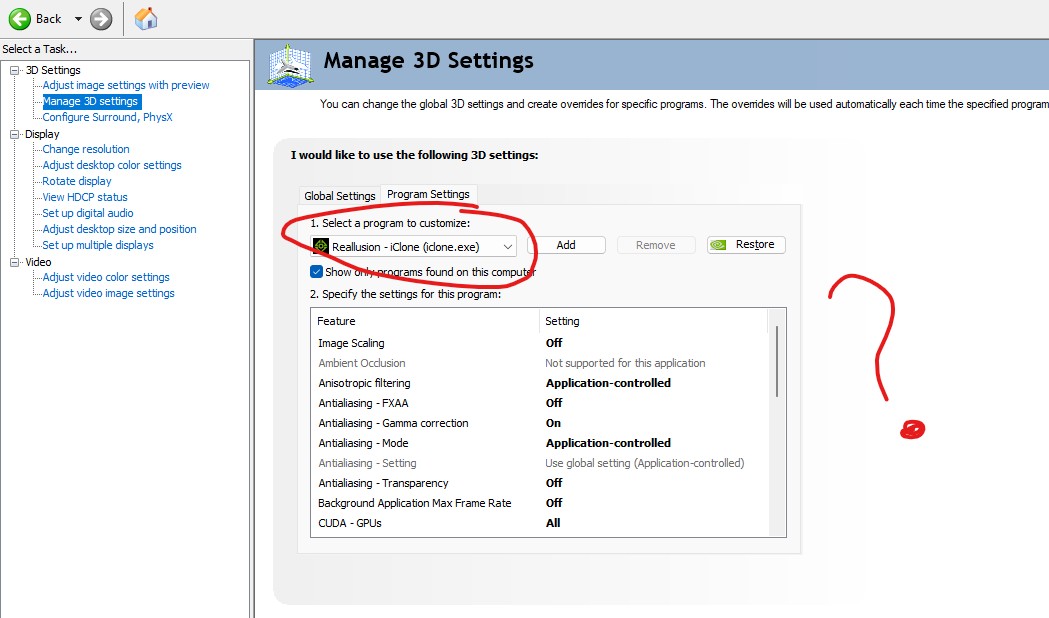
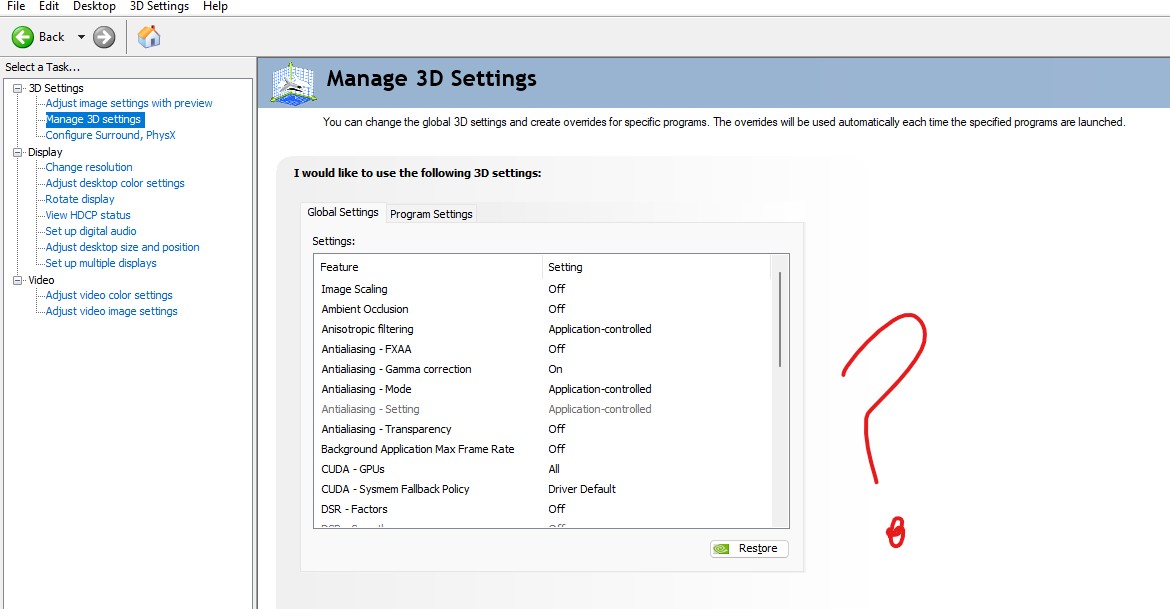
In the Manage 3D Settings do use Global Settings or Program Settings? Or they work together?
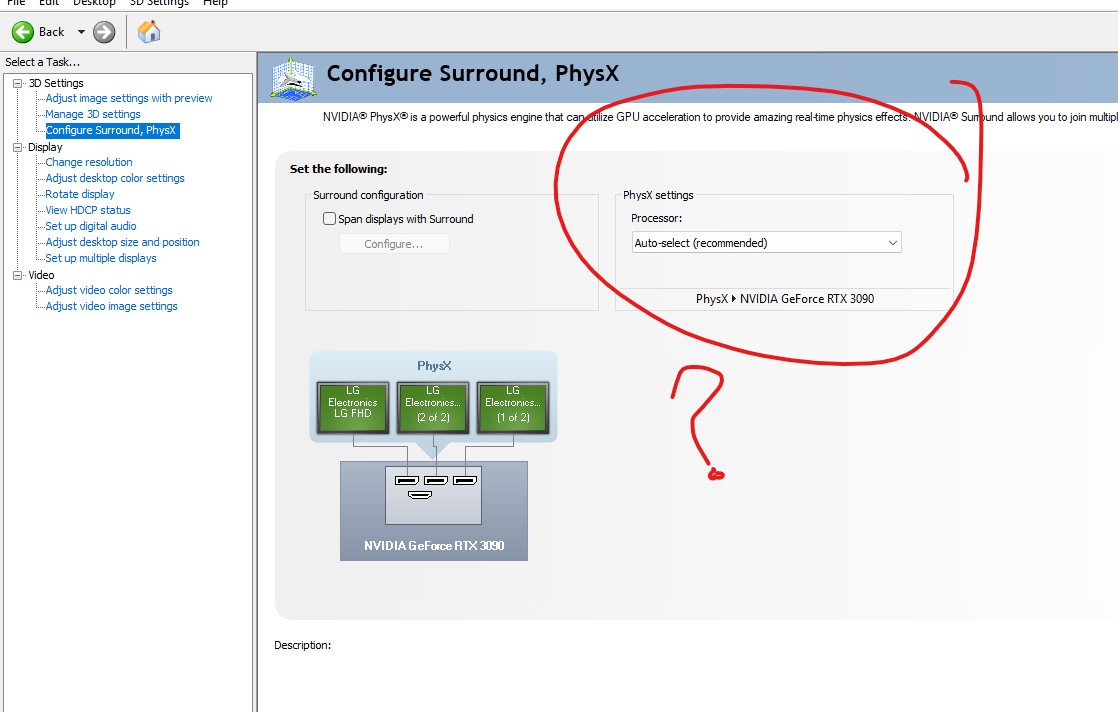
Or just Restore all? And in the Configure Surround, PhysX do I set to Auto? If I do set Program Settings what the best settings for iClone or just Restore all? I can never get the right settings, I get so confuse .
Using Windows 11 Home.
HP OMEN 30L Gaming Hub with (Studio Driver) driver Installed , Processor Intel(R) Core™ i9-10850K CPU @ 3.60GHz (3.50 GHz).
Installed RAM 64.0 GB (63.9 GB) speed 2400MT/s.
Graphics Card 24 GB NVIDIA GeForce RTX 3090.