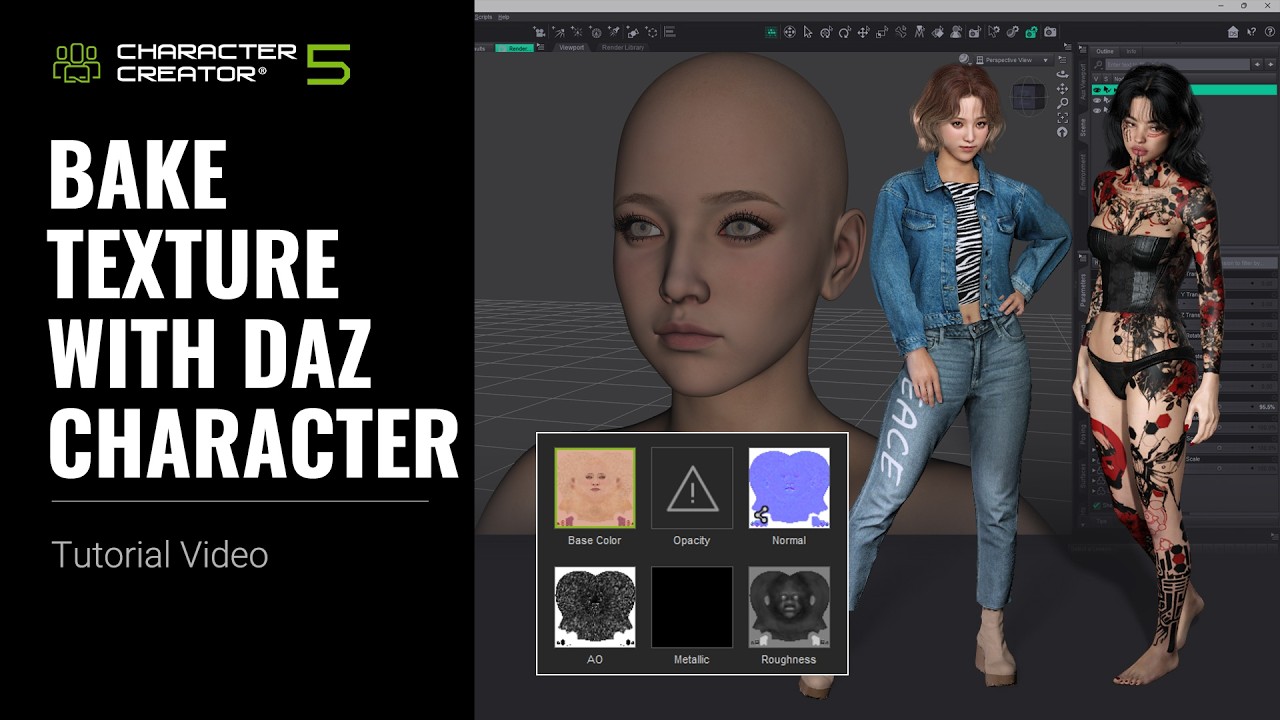
If you’re working with Daz assets inside Character Creator 5, this tutorial explains different methods for transferring textures depending on your workflow needs.
 What You’ll Learn
- Transfer textures into CC using Basic Import
- Apply Advanced Import settings for more controlled material conversion
- Configure texture transfer using INI Settings
- Use the SkinGen Tool to bring special Daz materials into CC
Why This Matters
Different Daz assets require different material transfer approaches. Understanding when to use Basic Import, Advanced Import, INI Settings, or SkinGen helps ensure cleaner texture results and better compatibility inside Character Creator 5.