I’ve run in to a problem with my character. I assume it’s my own mistake, since i’m new to character creator. Probably something i’m missing.
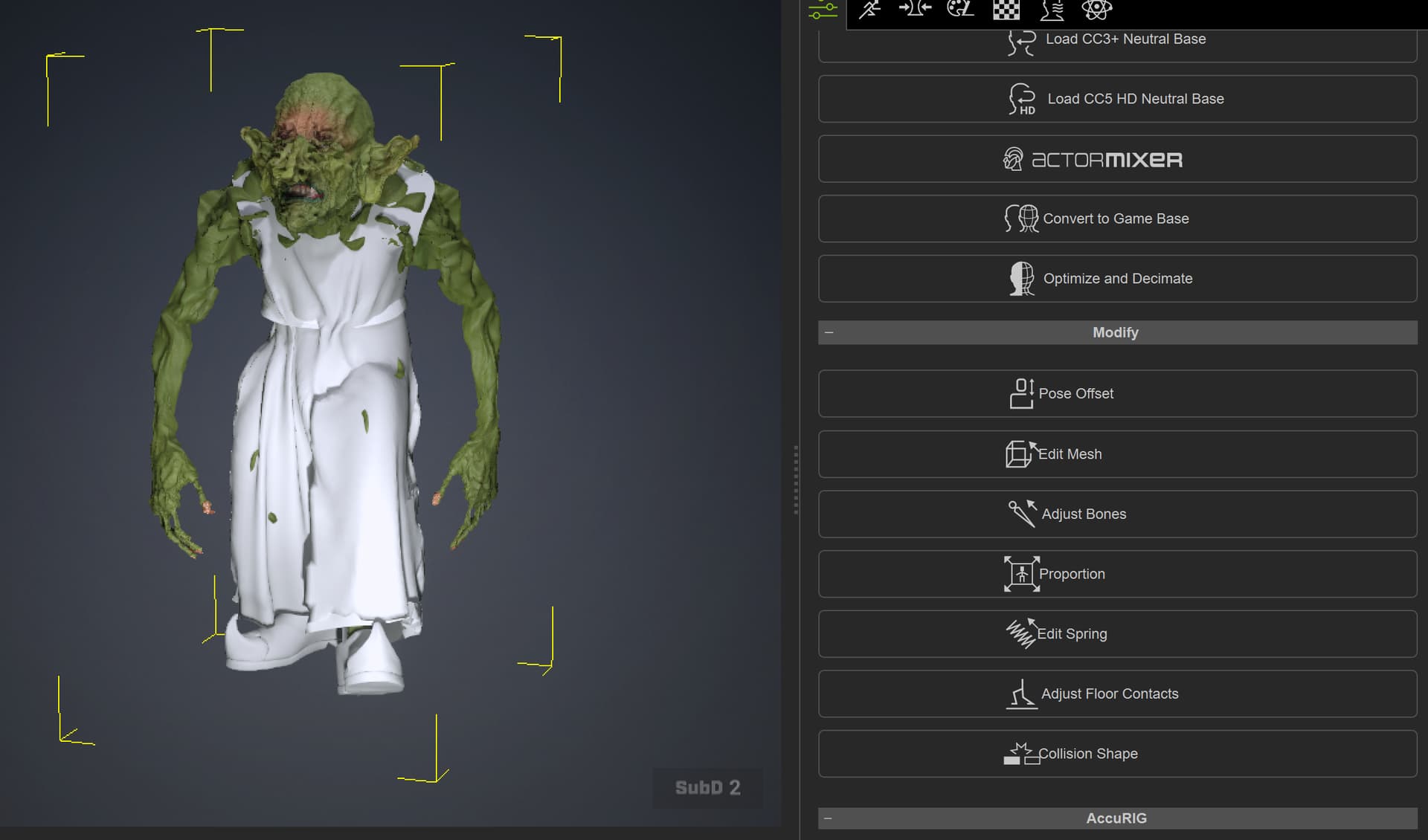
I have sculpted some stuff in zbrush and updated the model. Worked fine. But when i play the animation, the mesh gets this noisy distortion. I thought i might be able to fix it by adjusting the skinning weights, but i don’t see a button to adjust it. And is the skinning even causing the problem?
If anyone could help me out, it would be greatly appreciated 
Hi joac1905,
We would like to confirm what was updated in ZBrush, and whether the update involved any pose changes or rig-related adjustments.
When importing the file back into iClone, please remember to enable the AutoRig option, then select either the A-pose or T-pose.
To help us further investigate your case, could you please send us a screen recording showing your workflow? You may email it to winnerhung@reallusion.com or send us a Google Drive link.
Thanks!
HI Winner
i send you an email, with a bit more information
it seems like it happens every time he blinks
Hi Joac,
Thanks for sending over your file for us to investigate!
When we opened your project, we noticed the character mesh has already exploded/broken apart, meaning we unfortunately cannot revert it back to Subd 0.
We traced the animation glitch to a known bug where data synchronization fails between Subd 0 and Subd 2. The good news is that we’ve already identified the root cause, and a fix will be included in our next release!
In the meantime, you can prevent the mesh from exploding by simply removing the high-level animation data from Subd 2.
We apologize for the inconvenience this has caused your workflow. Please let us know if this workaround works for you or if you need any further assistance!
Cheers