When downloading a motion pack, the Motion_Dummy_Male doesn’t appear on the list. Surely this is an option?
Hi…
When downloading motions only (without a character) you should see the option shown below. The male or female robot characters are the default options when you plan to apply the motion to a different character in your target application.
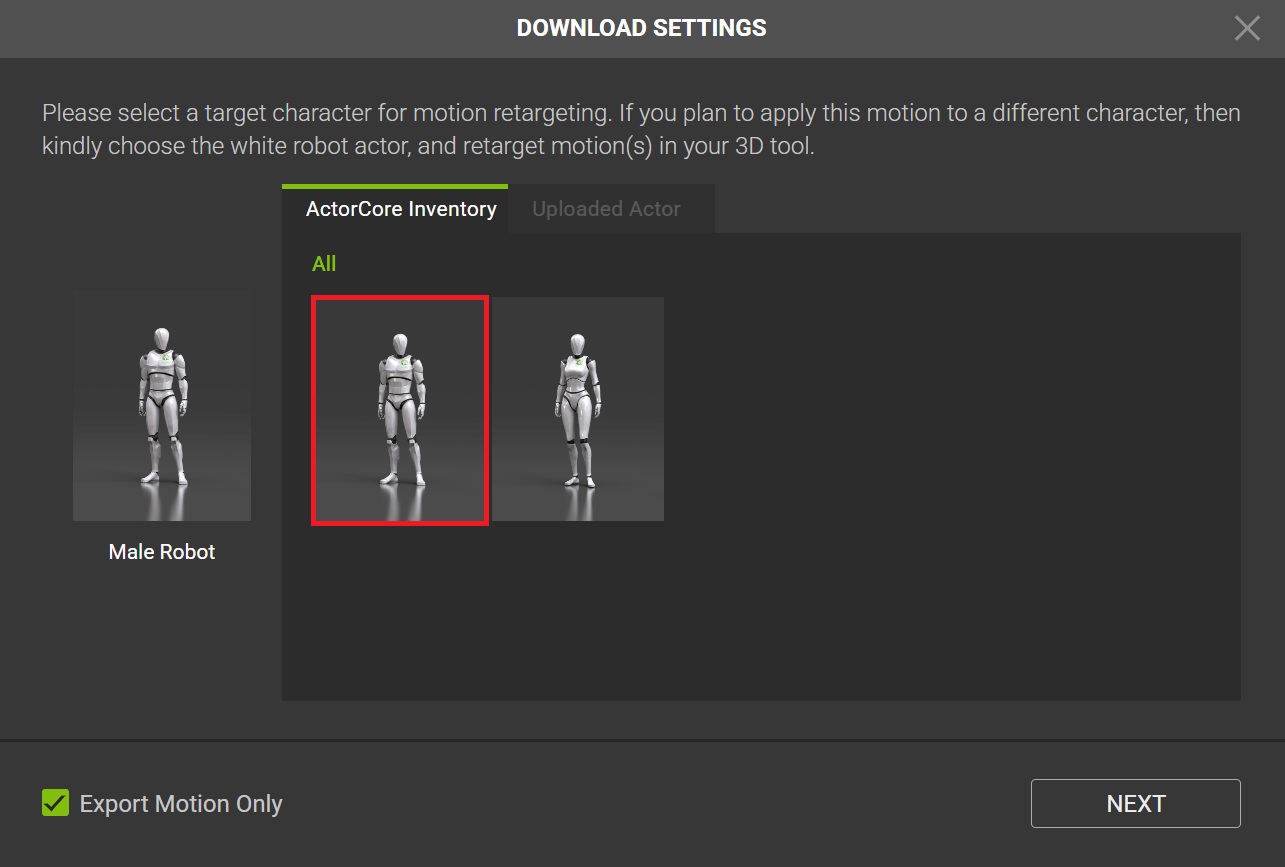
Thanks @Pete_RL, I’m aware of that option, but it doesn’t really help in this case, as it’s greyed out on the Pack download window.
The issue, as mentioned, is that when downloading the full Motion Pack from my Inventory, the Male Robot character doesn’t appear on the list.
I can assign the Robot Male to individual and Multiple Select downloads, but not when downloading the Motion Pack as a full single download.
I was able to get round it by downloading the motionclips 10 at a time with Multiple Select, but obviously this is not ideal.
Thanks,
Ben
Hi Ben
Thanks for explaining more about the problem.
I tried with a few packs and didn’t have any problems selecting an actor to download with the motion pack.
When you click on Download (Motion Pack) the Download Settings window will open, however, it can take a little while to update your ActorCore Inventory, so please wait a little while for this to update.
If after waiting a little while no actors appear in the Download Settings window, then I would advise contacting Technical Support and they will look into the issue more deeply for you.
@Pete_RL thanks for your reply, but you’re still not quite getting the issue.
I understand the process of selecting an actor to download the pack, but as stated in my original post, the problem is that the Dummy Robot character is not on that list… I am able to select all other characters that I have purchased, but not the Dummy Robot - specifically when downloading the full pack.
Again, for individual motion clips the Dummy robot appears on the list. But not when downloading the full pack, which seems like a bug.