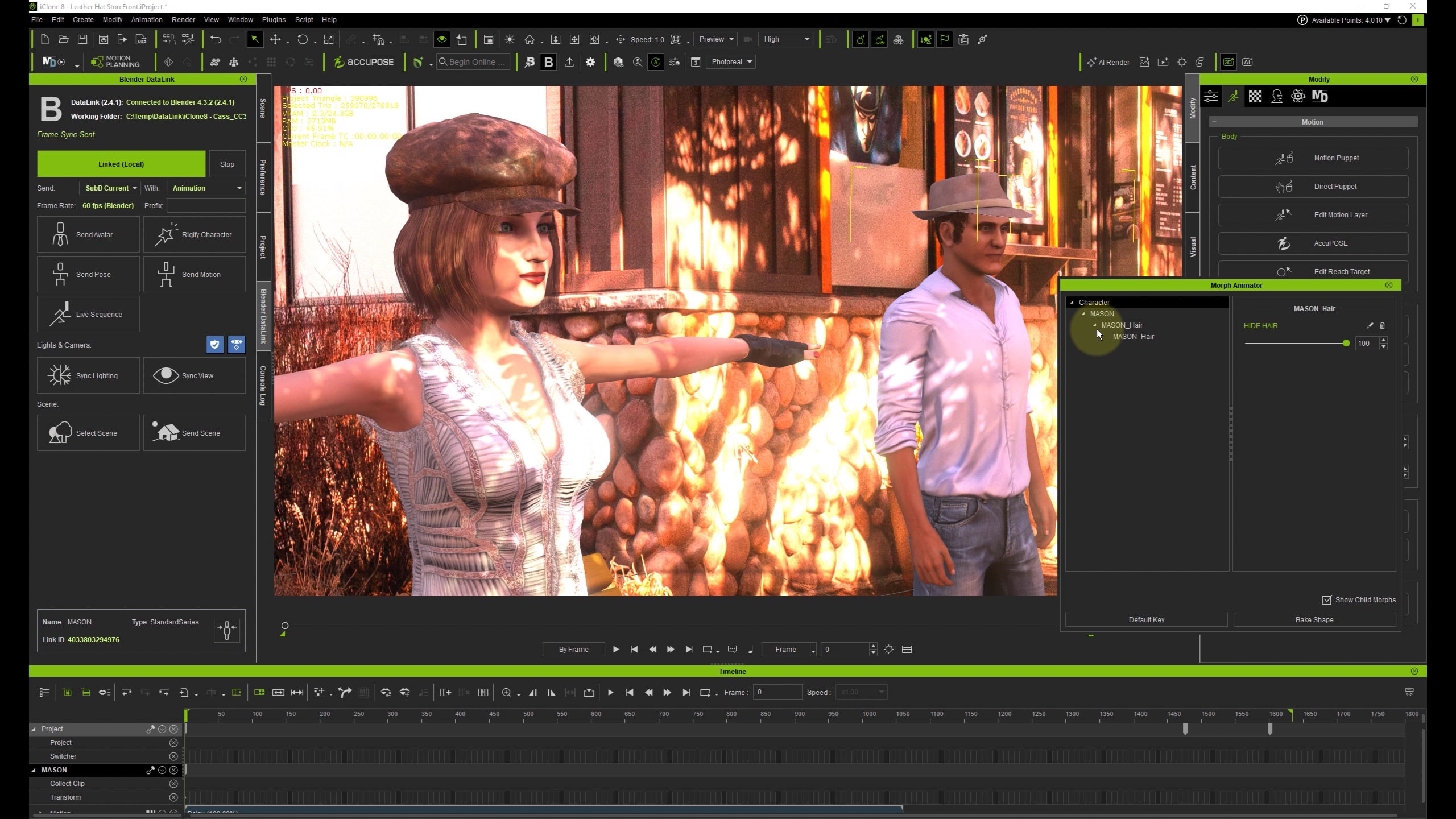
I made a morph slider on hair to make it fit under a hat and pop into its normal shape when the character takes off his hat.
In iClone I used the Morph Animator to change it from “tucked in” to normal.
This works fine in iClone, but when I export it to Blender (via DataLink or FBX export), the morph keyframes are not sent over.
I tried all kinds of settings but none of them worked, but I found a workaround (kind of)
As a workaround I can re-animate the shape keys in Blender, which is not ideal but it works.
The thing is when I change the animation of any body part in iClone, and click the Send Motion button in the DataLink panel, the animated shape keys in Blender get overwritten/removed again.
My question is, is one of these two things possible?
Send the Morph Animations to Blender. (So there is no need for the workaround)
(If the workaround is needed) Protect the shape keys animation in Blender against getting overwritten by iClone when new animations are sent over.
Yes, that’s very confusing. Normally there should be no issue transferring morphs animation to Blender. I just checked 2 of my older projects with similar setup and noticed that one was working and another one was not. I then combined those projects into one and no matter what I tried, still a hair morph on one character is being transferred and on another is not.
I also have attached a hair with the issue.
I have recreated that hair yesterday and a morph for it from OBJ files fresh (morph was created in Morphs Creator from iClone).
Morph was working and exported just fine in iClone for newly recreated hair. However, the morph would NOT show up in Character Creator for whatever reason. I was actually talking about this separate and occasional issue for years
Next, I have sent that hair to Blender on a base character from CC for some fixing and back. Morph immediately appeared in CC, but morph export from iClone stopped working altogether. That might give you some clue as to what’s wrong in the latest version of iClone.
So apply attached hair to any character in iClone, move morph slider to 100 and export to FBX or use pipeline. Import to Blender and see that the morph slider is at 0.