Hi,
I’ve had great success with this workflow up until this point.
I’ve now hit a brick wall and was wondering if there are any solutions? It’s the final piece of the puzzle!
I’ll detail the workflow:
- Create character in CC5
- Export for Unreal Engine
- Use the Metahuman Animator facial capture for monocular video
- Export facial capture for use in iClone
- Imported move ai mocap and syncronized motion capture with audio + facial
- Edit the performance in iClone
- Export to blender for conversion to .GLB for 8thwall (100MB limit)
Essentially I need to optimise the character for mobile augmented reality however I can’t seem to apply the facial performance to say for example an ActorBUILD decimated character.
The body motion capture is transferring without any issues.
I have even exported the complete performance as iMotionPlus to easily apply to characters that I am decimating.
Any help with this final hurdle would be amazing please!
Thanks,
Noel
Hi noel_961591,
Could you please check which Facial Profile your ActorBuild character is using?
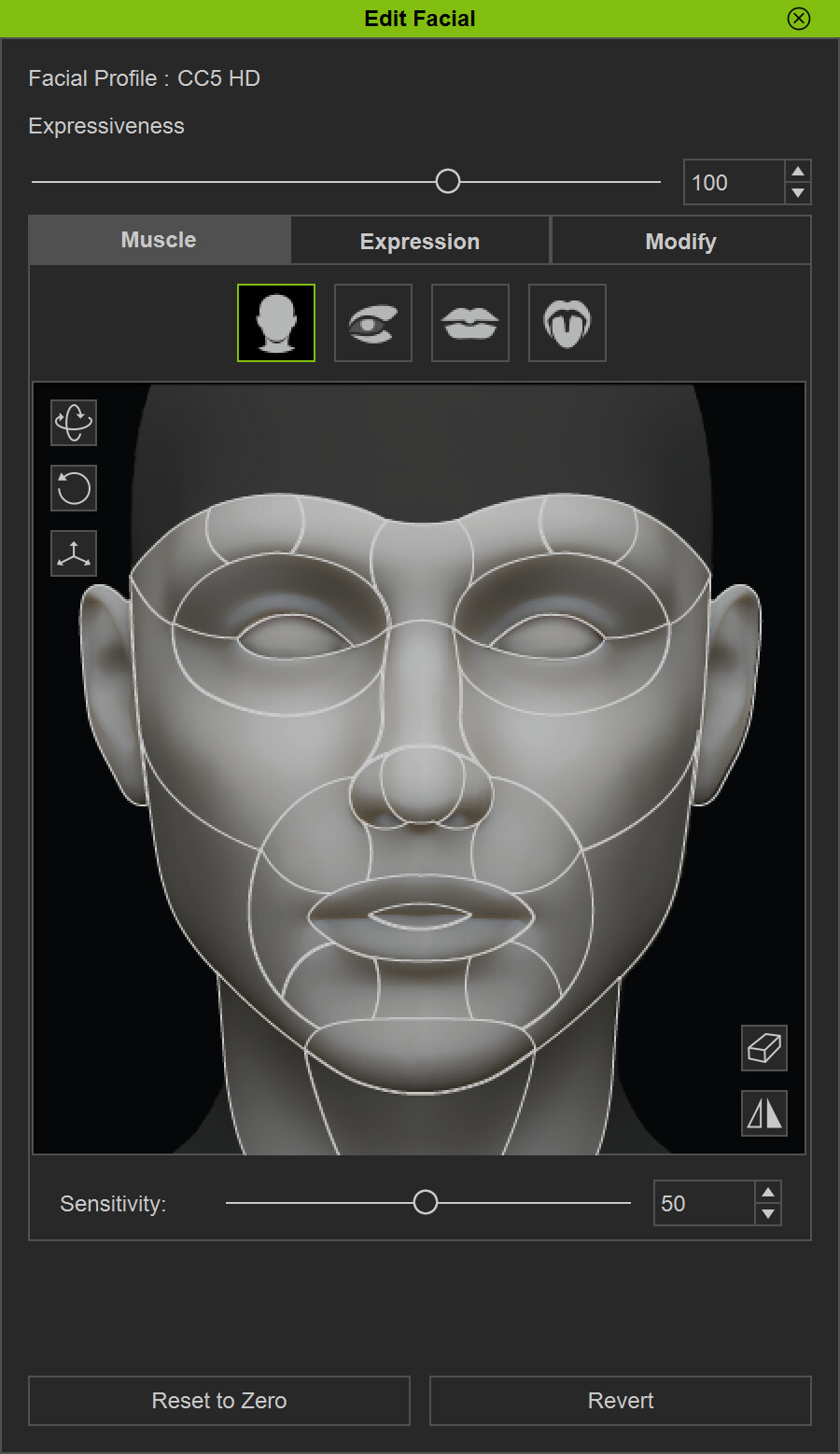
You can refer to this section in the UI (you can open the Face Key panel to confirm).
If it is set to “Traditional,” it is possible that the character is using the older IC expression set, which may cause many facial sliders to behave differently.
Hi crystalpan_RL,
Sure thing, it says the facial profile is CC5 HD:
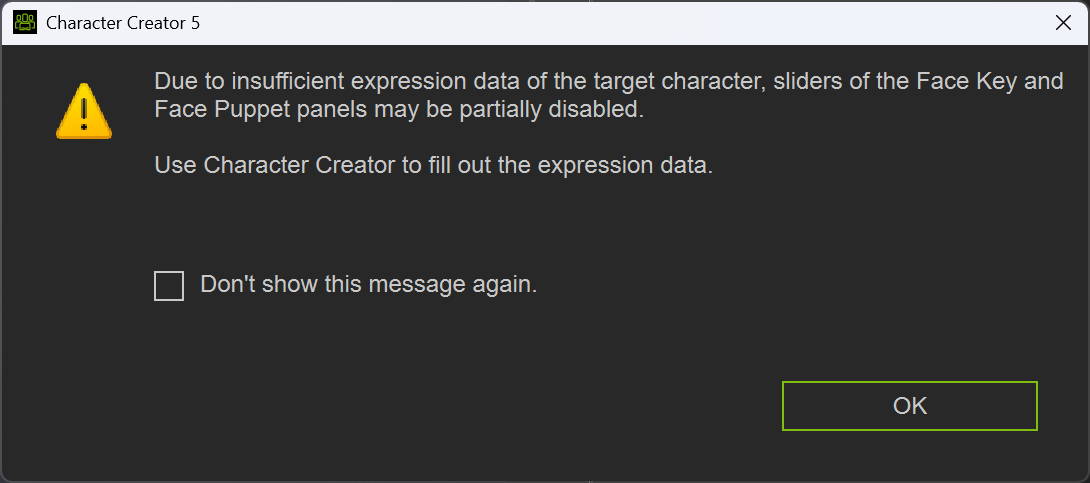
However worth noting when I click the edit facial button to bring up the UI this message comes up:
Hi noel_961591,
At the moment, we are unable to reproduce the issue using CC5 HD characters. Therefore, we would need your assistance in providing either the ActorBuild character or the CSV facial expression animation file for further investigation.
Since files cannot be shared privately on the forum, if you have any concerns about posting them publicly, we kindly ask that you submit the files via the Feedback Tracker instead. We will then proceed with a more detailed verification.