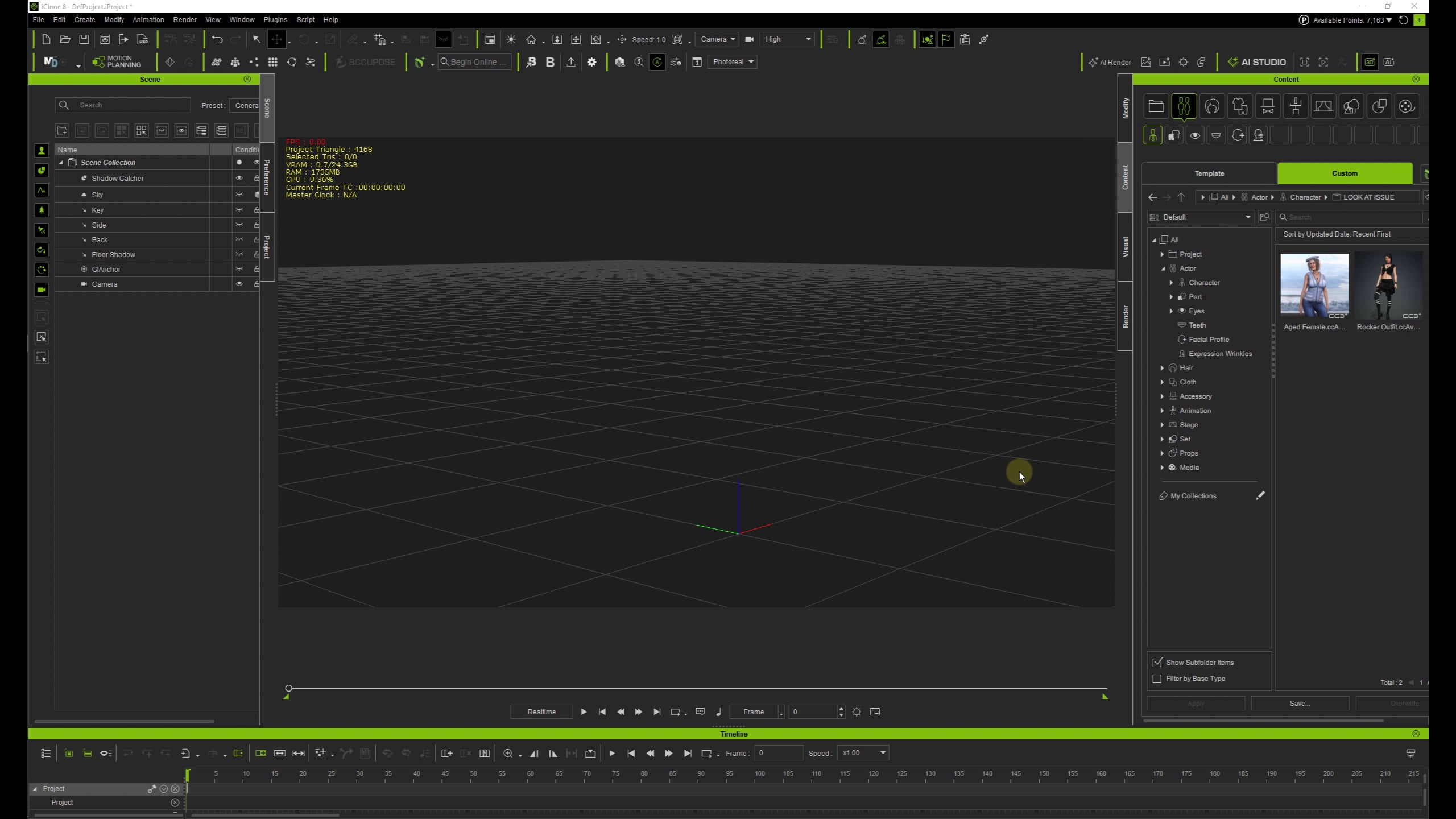
As title says, it is not working on random characters. I was working on a set and one character would not trigger Look At. I randomly checked some other characters and identified at least 5 would not work.
There is a Released FT ticket, but apparently the issue is still there. I cannot identify a pattern or a reason. Characters in question range from CC3+ to Humanoids.
Worse yet, the issue may spread like a virus (without you even knowing). If you replace a character which has a Look At issue with the one that does not have an issue, it will inherit the issue. Saving replaced character will seal the issue permanently. Check the video:
We tested on iClone 8.75 with several characters, including Replace followed by save and reload, and couldn’t reproduce Look At failing or spreading to a clean character. There was a fix released for FT 11601 addressing one specific cause, so what you’re seeing may be a different issue with similar symptoms. That’s why we’d like to look at your characters. Could you add a comment to FT 11601 with:
your iClone and Character Creator version numbers
a download link to one affected character (.iAvatar or .ccAvatar), plus a project where Look At fails after Replace
if you know it, how the affected characters were made (for example Headshot, a Blender round trip, or FBX import)
If you’d rather not share the files publicly, you can send them to Technical Support (Reallusion Technical Support) and mention this thread.
Unfortunately I cannot reply at the ticket because it was released. I will send a few characters to RL support a bit later.
Meantime, I sort of found a workaround for the issue. If I open troubled character in CC, then send it to Blender via pipeline and back right away, the issue would be gone.
All characters with issue were made differently. Some of them are with Headshot, some imported from DAZ. I also work a lot in Blender customizing characters one way or another. Also, for some of them have 2 or 3 copies with different outfit or customized. One copy might work fine and another would have an issue with Look At.
And I am running the latest versions of iClone 8.75 and CC 4.73
Oh, that’s right. I forgot about that specific FT rule.
Thanks for sharing the Blender workaround too. Could be a clue on where to start looking. Looks like we’ll be extending the test coverage after all.
Care to share a few problematic characters created with different methods? If you haven’t sent them through tech support, that is. My email is open too.
Hi, want to confirm: are these characters created with the latest version, or are they from older versions of IC/CC? We have a check during the FBX import to fix issues like this when the FT patch was created. But it missed cases where existing iAvatars didn’t get the treatment. If these are indeed from older versions, going through the FBX import again, such as the Blender pipeline, is the immediate fix. However, if you can produce characters without look-at with the latest version, there might be some other hidden issues.
Thanks, yes those characters are probably a couple of years old. And some of them as I have shown in a video were probably “infected” from other characters.
I have CC3+ Mason which I have originally created that does not have this issue, but the same Mason slightly customized that I sent you might have overwrote a character with the Look At issue in iClone and then saved inheriting the issue. I cannot really remember all the details.
But if the only solution is to use pipeline to fix “outdated” characters, that’s fine with me I guess.