Hey everyone,
I wanted to kick off a dedicated thread to track what is easily one of the most anticipated updates in the Reallusion ecosystem this year: the upcoming local RTX Render Engine and its tight integration with AI Studio.
For those who have been following the announcements, the Open Beta is slated for late July, and I for one have been waiting for a feature like this for a very long time. The promise of having an unlimited, path-traced local rendering engine built right into our native viewports, leveraging our local RTX hardware and DLSS, is massive. I love my Blender Cycles and even Daz render capabilities, but having this level of fidelity native to the environment is going to be a incredibly welcomed improvement.
But what really elevates this is how it bridges the gap with AI Studio. Being able to lock down high-fidelity, structurally accurate previews (with precise subsurface scattering, bounce light, and volumetric depth) before committing cloud generation points is going to completely eliminate the guesswork from the 3D-to-AI pipeline. For my creative workflow, having everything centralized in one place—where core local rendering is seamlessly enhanced by the generative precision of AI Studio—is a massive paradigm shift. No more blind iterations, just pure, directed creative control.
I’d love to hear how everyone else is planning to integrate this into their production pipelines!
- What are you most excited to test first when the Open Beta drops?
- How do you see the local RTX viewport changing how you prep scenes for RAW output or for cloud AI generation?
Drop your thoughts below!
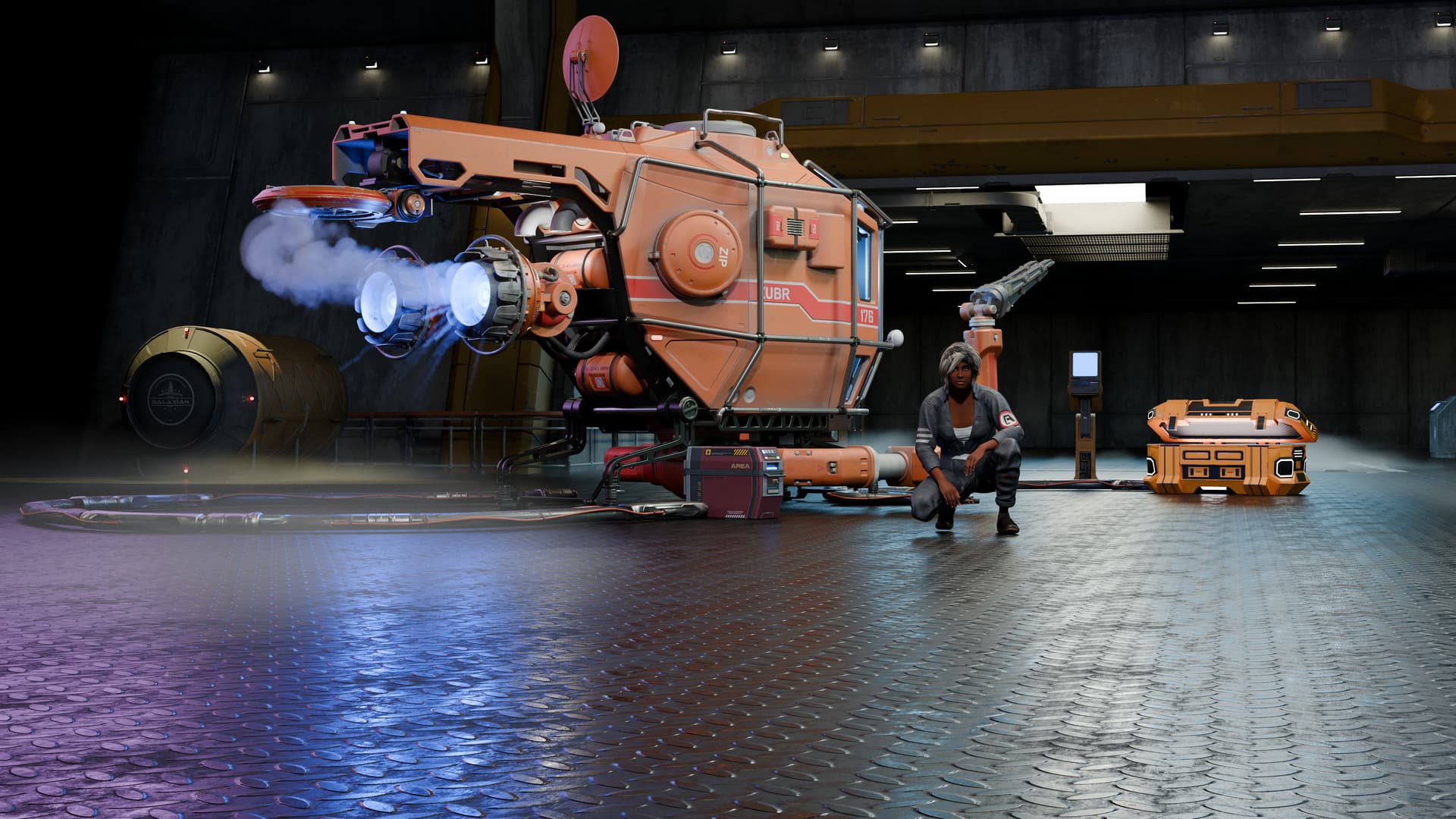
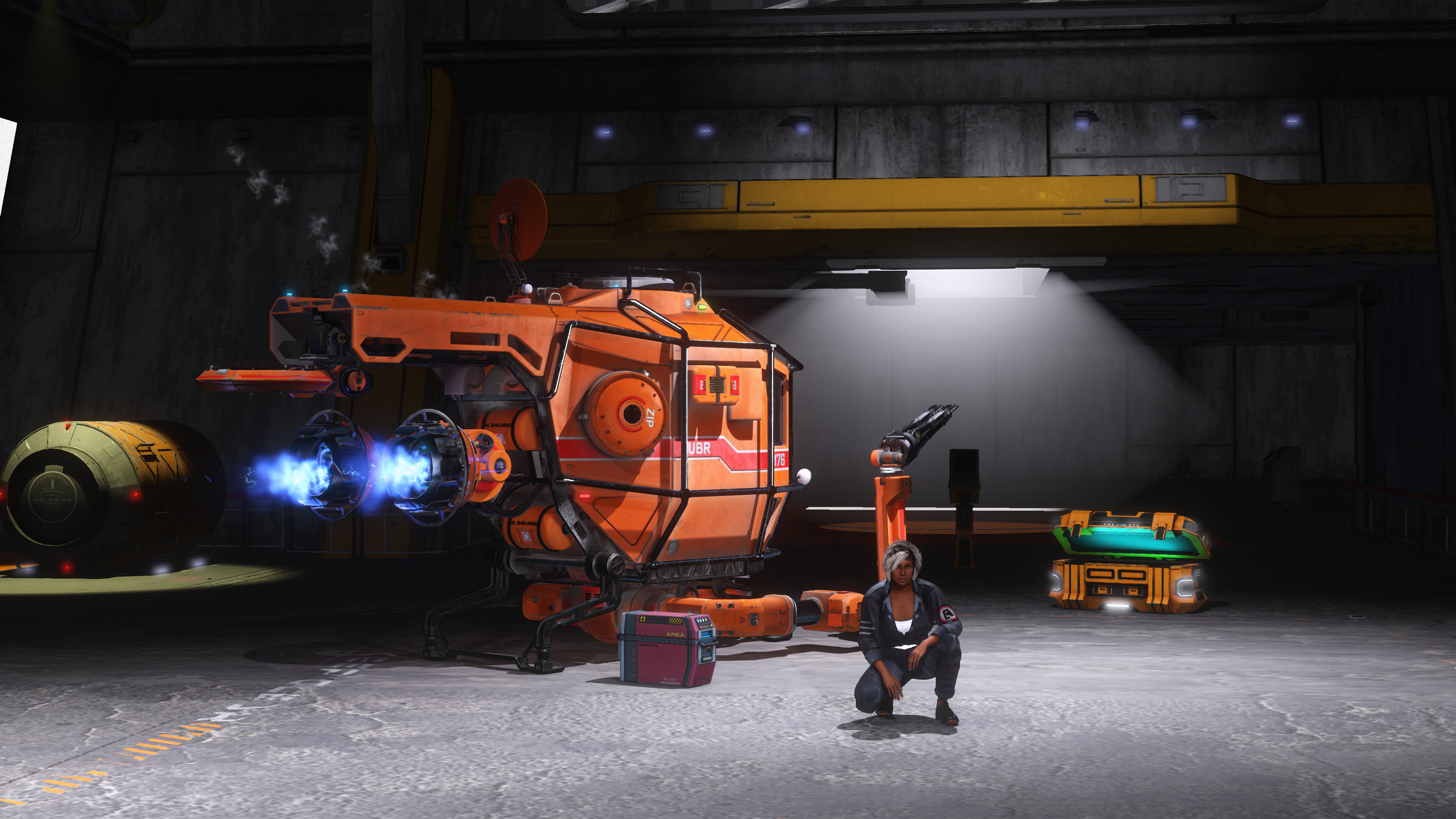
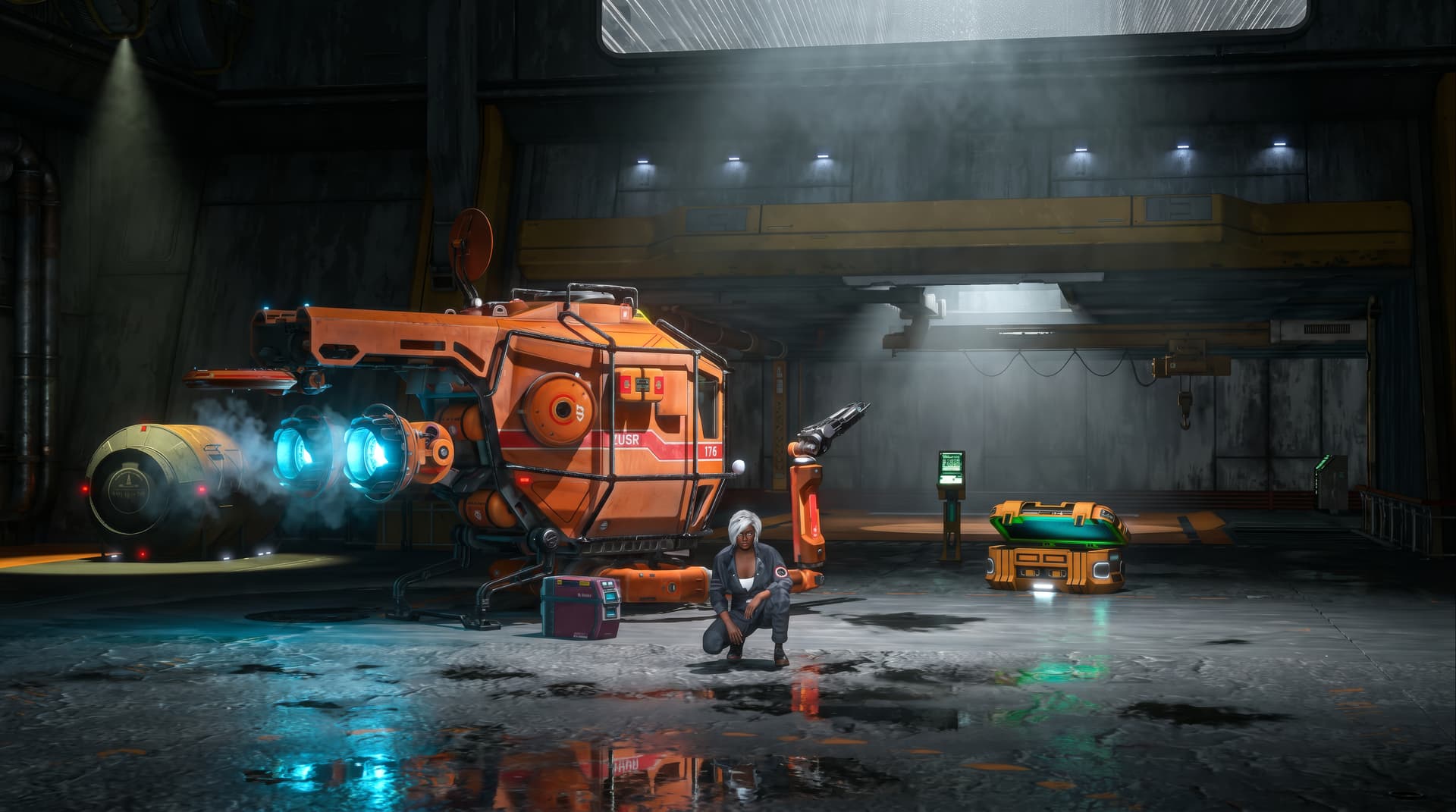
Blender 5.1 Render
iClone8 Render
AI Studio Render
1 Like
I too am interested in this RTX Rendering. but i do have questions. will this wipe out the native iclone rendering or will both types of rendering still be available? the next question is will I be able to use the RTX render while offline or will i be forced to have to be online like the AI studio? I have an older RTX card. a 2060 super. hopefully i will be able to use this RTX rendering on that card because at this time i cannot afford to purchase a newer card or even a newer machine. at least not this year. my current setup handles everything i can throw at it within reason. and using the studio drivers instead of the game ones has greatly improved quality. support seems to not want to answer those questions. or has no clue how to answer them. which raises further questions. with all that being said. if the open beta allows i would love to see how this is all going to work. if improvements can be made without tons of work in post. that would be a great help.
vidius
@mr_vidius Great questions. There’s a lot of speculation out there, but looking strictly at the unreleased architecture and what’s currently published, here is what we can point to on a purely technical level:
-
Will it replace native iClone rendering? Unlikely. A path-traced pipeline like the upcoming RTX engine usually runs alongside standard real-time preview viewports, not instead of them. Your existing layout and rendering tools should remain exactly where they are.
-
Will you be able to use it offline? For local rendering, yes. By definition, a local hardware path-tracer processes frames directly on your own GPU, meaning it shouldn’t require an active server connection to build viewports or save raw files. Active internet connections and cloud points are only forced when you hand data off to AI Studio’s cloud-generation engines (like Seedance or Kling).
-
Will an RTX 2060 Super handle it? It should be supported, but performance remains a question mark. NVIDIA’s core ray-tracing and DLSS framework technically supports the RTX 2000-series baseline. However, because Reallusion hasn’t published definitive performance benchmarks or hardware optimization logs for older architecture yet, we don’t know how fast or resource-heavy it will actually be on an 8GB VRAM card. Keeping your Studio Drivers updated and leveraging DLSS will be your best approach to test it.
Since support hasn’t laid down definitive details on performance scaling yet, we’re all pretty much stuck waiting for the late July Open Beta to see how it actually handles real-world scenes across different rigs.
Let’s see what happens when it drops!
1 Like
thank you for your response. you have provided me with a baseline of information that does give me answers to questions running around in my mind.
vidius
1 Like
What about the material compatibility?
1 Like
Good question. The one highly probable-compatible path is Reallusion’s digital-human shaders. NVIDIA and Reallusion tuned the RTX engine specifically for skin, hair, and subsurface scattering. Everything beyond that is a big unknown right now. I’m watching translucency and emissive/custom materials most closely, so that’s where we might find the surprises first.
Great!
How compatible is it with the USD format?
Does RTX engine support MaterialX?
It would be great if it were compatible with Apple ARKit**