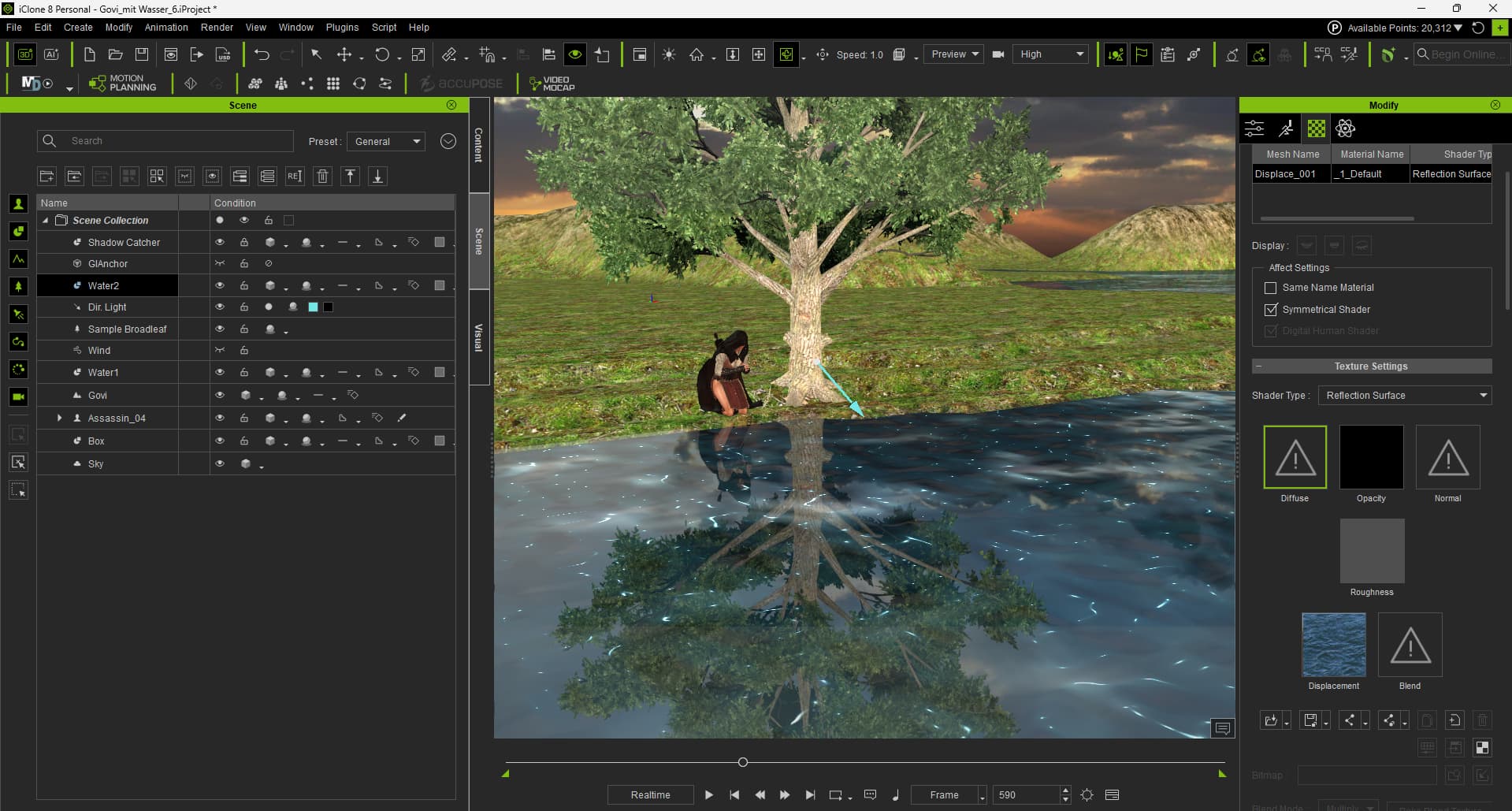
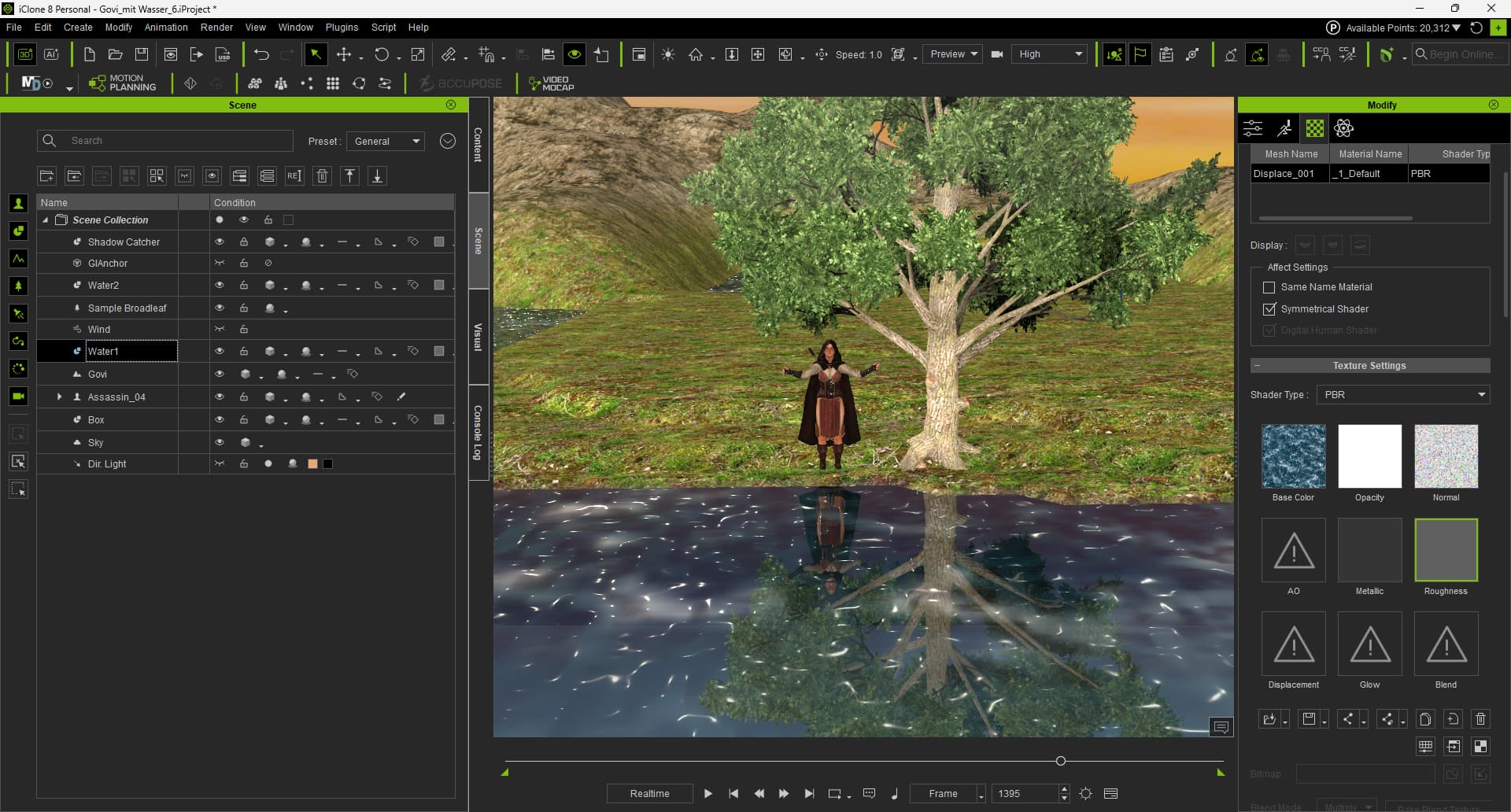
I wanted a lake that looked like the little pond in front of my patio. It was supposed to have reflections, and the highlights were supposed to move gently with the waves.
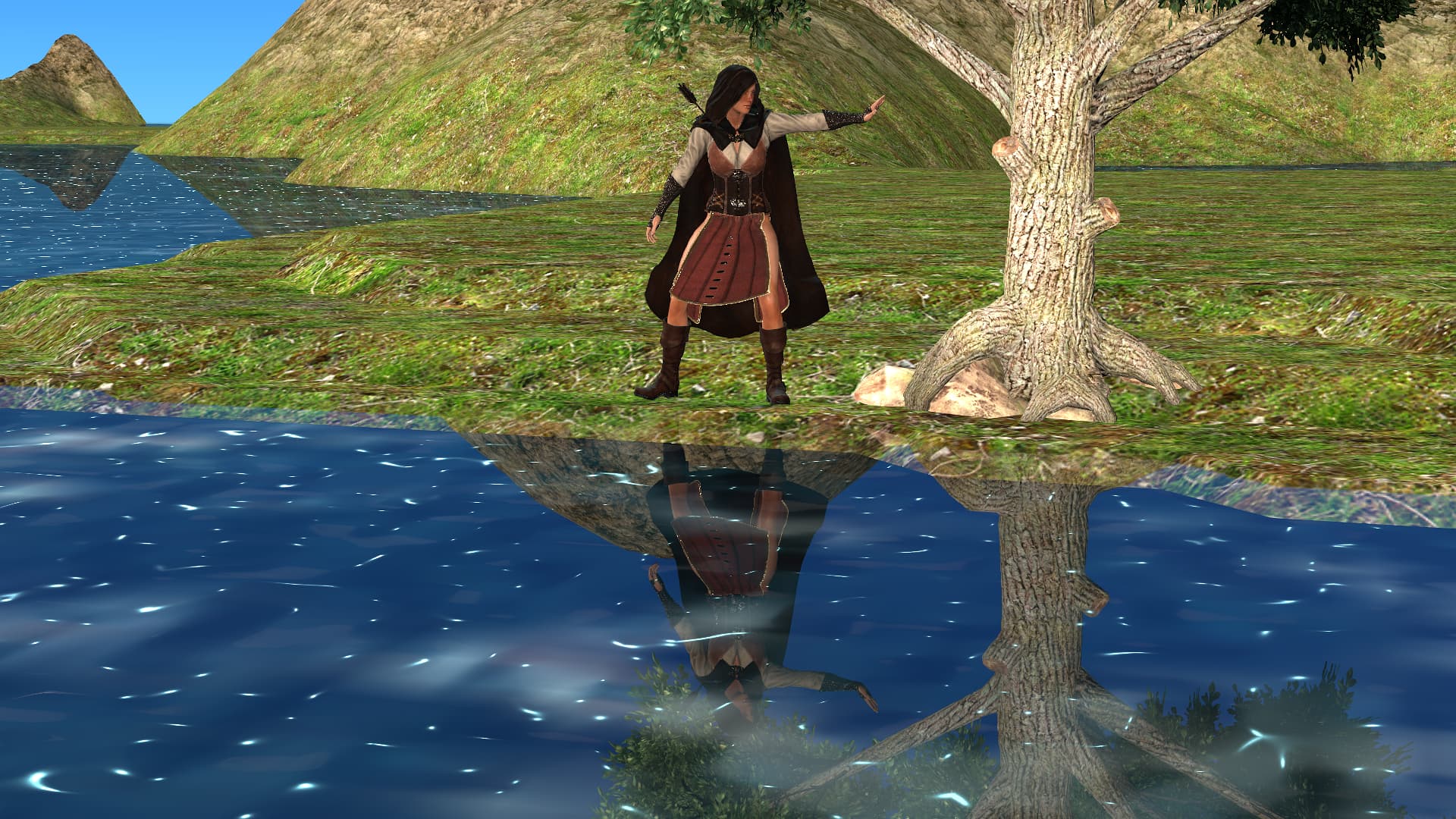
When I tried to take a photo, I loaded a pose onto the avatar. It ended up way up in the sky. So first, I created a script to bring the avatar and the pose back down.
import RLPy
l_plugin_info = None
ap_version=RLPy.RApplication.GetProductVersion()[0]
if ap_version == 8:
rl_plugin_info = {“ap”: “iClone”, “ap_version”: “8.0”}
def clip_set_length(clip,laenge_in_frames):
fps_obj = RLPy.RGlobal.GetFps()
kLength = RLPy.IndexedFrameTime(laenge_in_frames, fps_obj)
clip.SetLength(kLength)
def find_bone_by_name(node, target_name):
if node.GetName() == target_name:
return node
for child in node.GetChildren():
found = find_bone_by_name(child, target_name)
if found:
return found
return None
def movebone(avatar,x,y,z):
skeleton_comp = avatar.GetSkeletonComponent()
clip_index = 0
clip = skeleton_comp.GetClip(clip_index)
clip_set_length(clip,1800)
root_bone = skeleton_comp.GetRootBone()
target_bone_name = "CC_Base_Hip"
target_bone = find_bone_by_name(root_bone, target_bone_name)

if target_bone:

    bone_control = clip.GetControl("Layer", target_bone)
    data_block = bone_control.GetDataBlock()
    current_time = RLPy.RGlobal.GetTime()
    float_control_translate_x = data_block.GetControl("Position/PositionX")
    float_control_translate_x.SetValue(current_time,x)

    float_control_translate_y = data_block.GetControl("Position/PositionY")
    float_control_translate_y.SetValue(current_time, y)

    float_control_translate_z = data_block.GetControl("Position/PositionZ")
    float_control_translate_z.SetValue(current_time, z)

    current_time = RLPy.RGlobal.GetTime()

    key_time= RLPy.RGlobal.GetTime()
    clip_time = clip.ClipTimeToSceneTime(key_time)

    skeleton_comp.BakeFkToIk(clip_time, True)

    if current_time.ToInt()>0:
        RLPy.RGlobal.SetTime(RLPy.RTime.FromValue(0))
    else:
        RLPy.RGlobal.SetTime(RLPy.RTime.FromValue(150))
    RLPy.RGlobal.SetTime(current_time)
avatar_list = RLPy.RScene.GetAvatars()
avatar = avatar_list[0]
movebone(avatar,0.0,0.0,0.0)