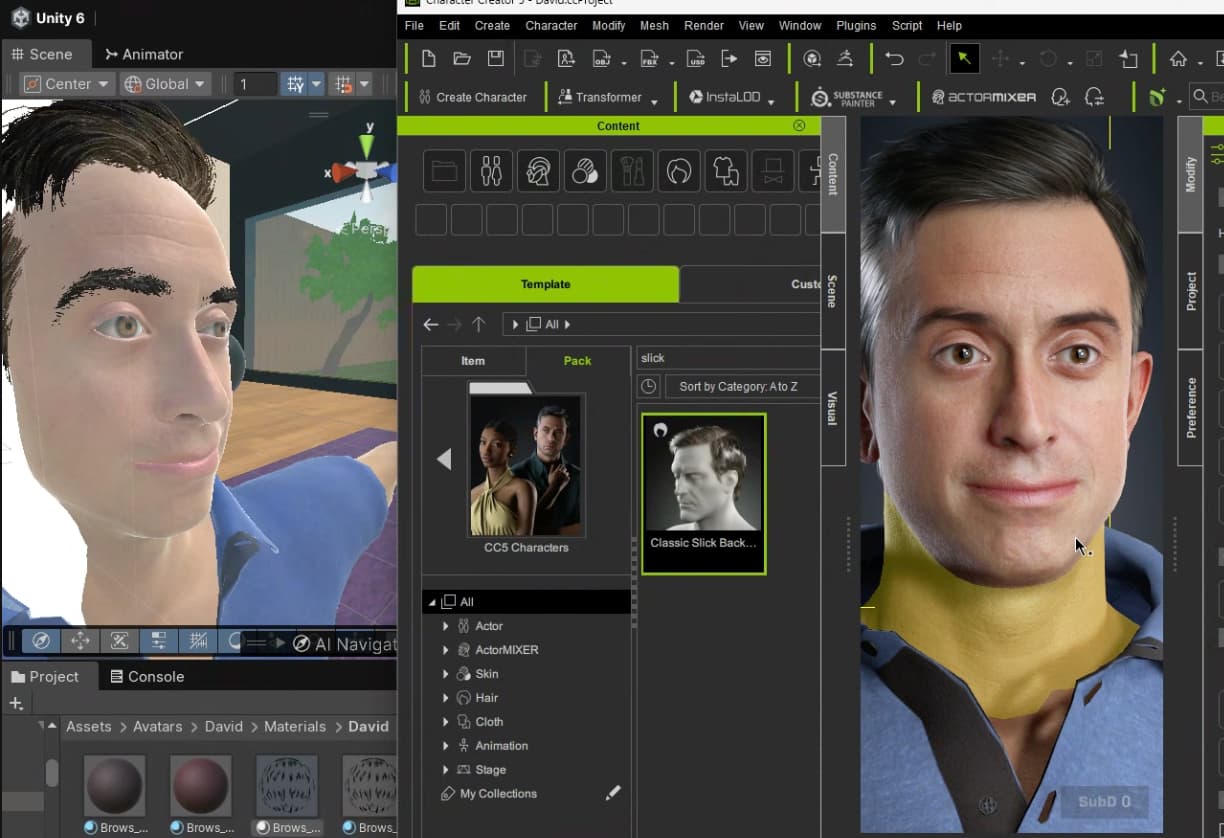
We have the latest “Auto Setup for Unity” plugin but the gap between how _HD Aaron (the default character) looks in reallusion and after Unity export is too large.
I’m developing a mobile app. I want the character to look more realistic, without sacrificing too much performance. Is it mandatory to upgrade to URP or HDRP to achieve this? What do you recommend I do?
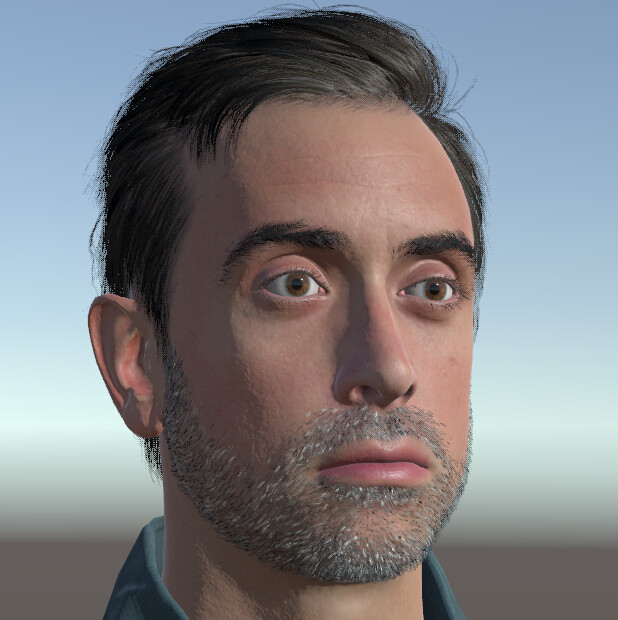
See my attached screenshot to see how bad the character currently looks in my Unity scene.
Using:
-iclone version 8.71
-unity 6000.3.9f1
-built in render pipeline
-1 directional light with “No Shadows” and 0.5 intensity
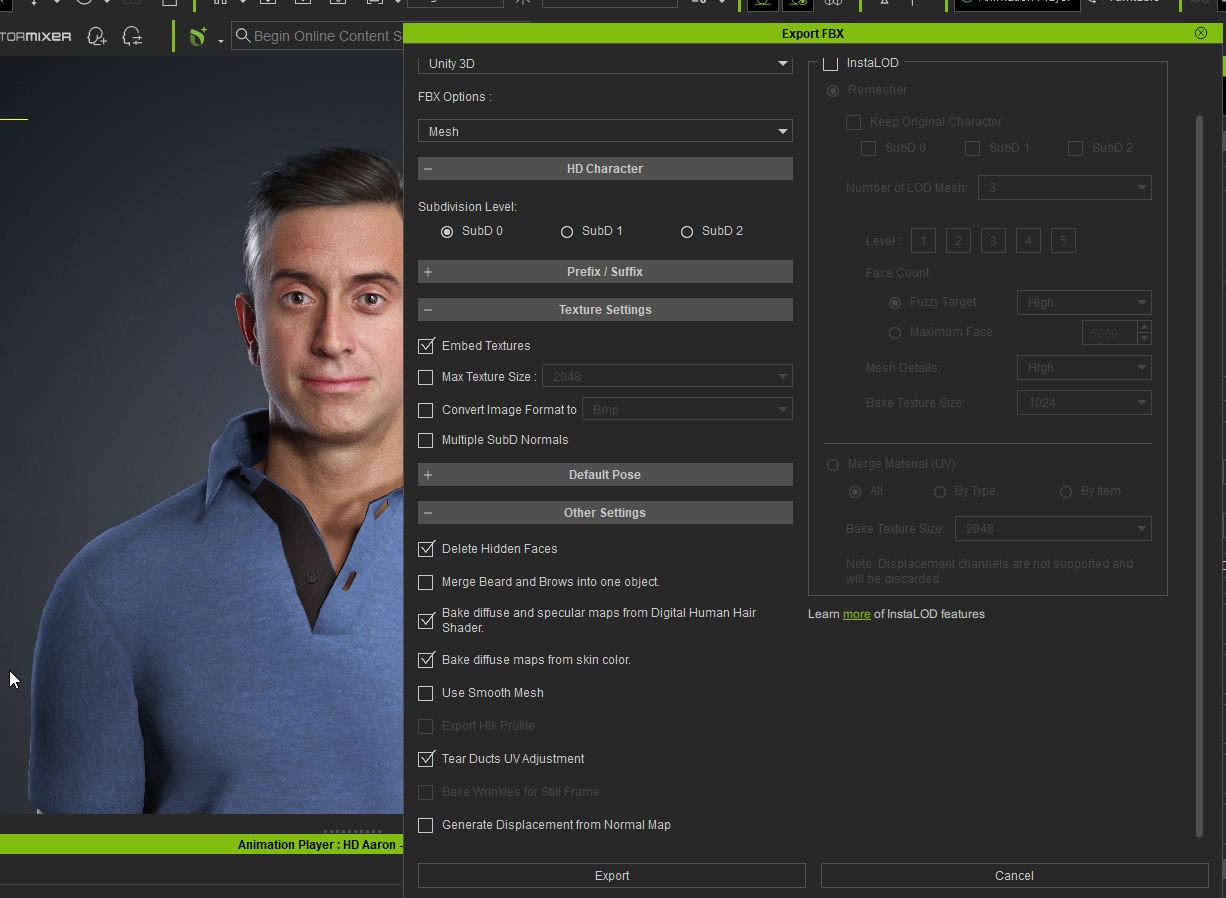
-attached a screenshot for my my FBX export settings from Reallusion
I don’t have Unity but instead of using simply an FBX export there is an Auto Setup tool you can use. It will take care of converting shaders and the like, which is what you are probably missing. The latest version is mentioned here:
It very much depends on your environment lighting setup and if your are using MSAA as to how much quality you can push while maximising performance.
Without using shadows, you’re limited to basic phong shading, but by the looks of it you have a very strong ambient light source, using weak directional light on top of that is going to wash out any and all lighting based shading. You’d be better off with low levels of ambient light and stronger directional light:
e.g. 1 directional light (1.25 intensity, no shadows), procedural skybox and 4x MSAA. (MSAA is mostly there to make the hair less pixelated), no post processing. Unity 6000.3 build-in pipeline.
Did you do any additional processing on the character (Actorbuild or gamebase)? And in Unity did you make any adjustments to the material shader parameters yourself?
Using a full HD Aaron character may be a poor choice for mobile as he has in excess of 500 expression blend shapes, that’s going to tank performance on mobile. Applying a more basic facial profile may help with that.
The only major modification I had to do was for the Hair and Eyebrows materials, lower “Alpha Contrast” slider to 0. The reason I did that is because otherwise, the hair/eyebrows would be white colored in the game view, no matter what other slider on the material I would change after (followed by an Undo, to test changes in separation).
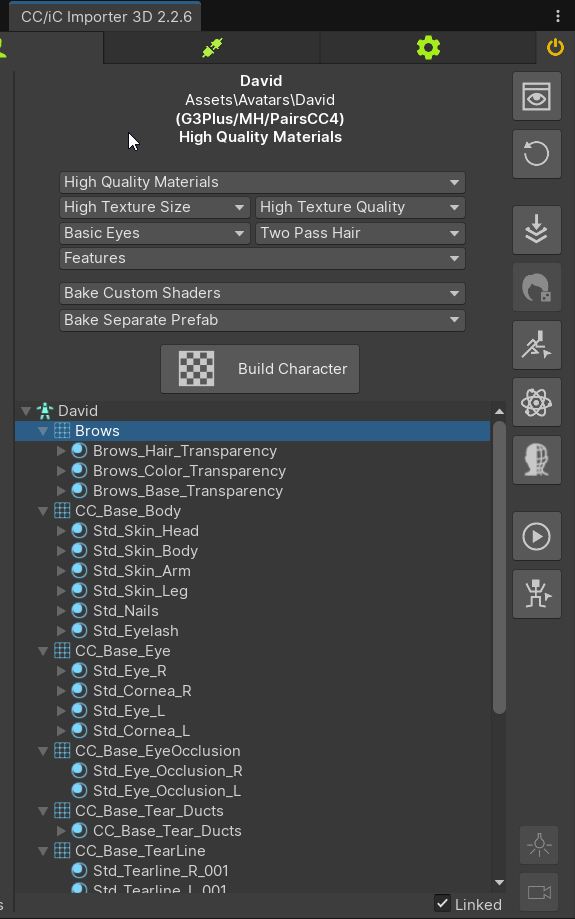
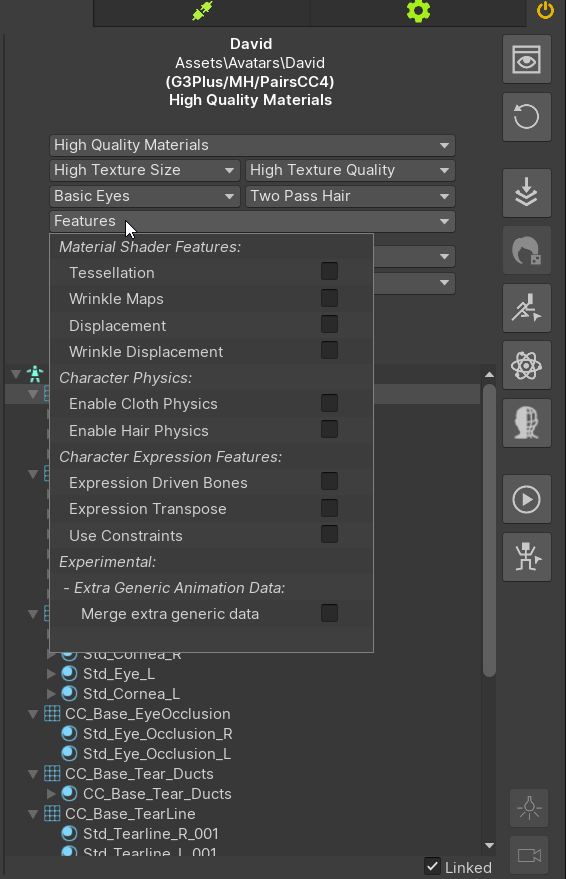
Besides that here are some bonus settings from the CC/iC importer that I used when building the character:
piggybacking on this thread about realism, the hdrp shaders look way better than the urp shaders but hdrp is going to get left behind with urp at the forefront, any chance for a urp shader upgrade to bring them up to the same level?