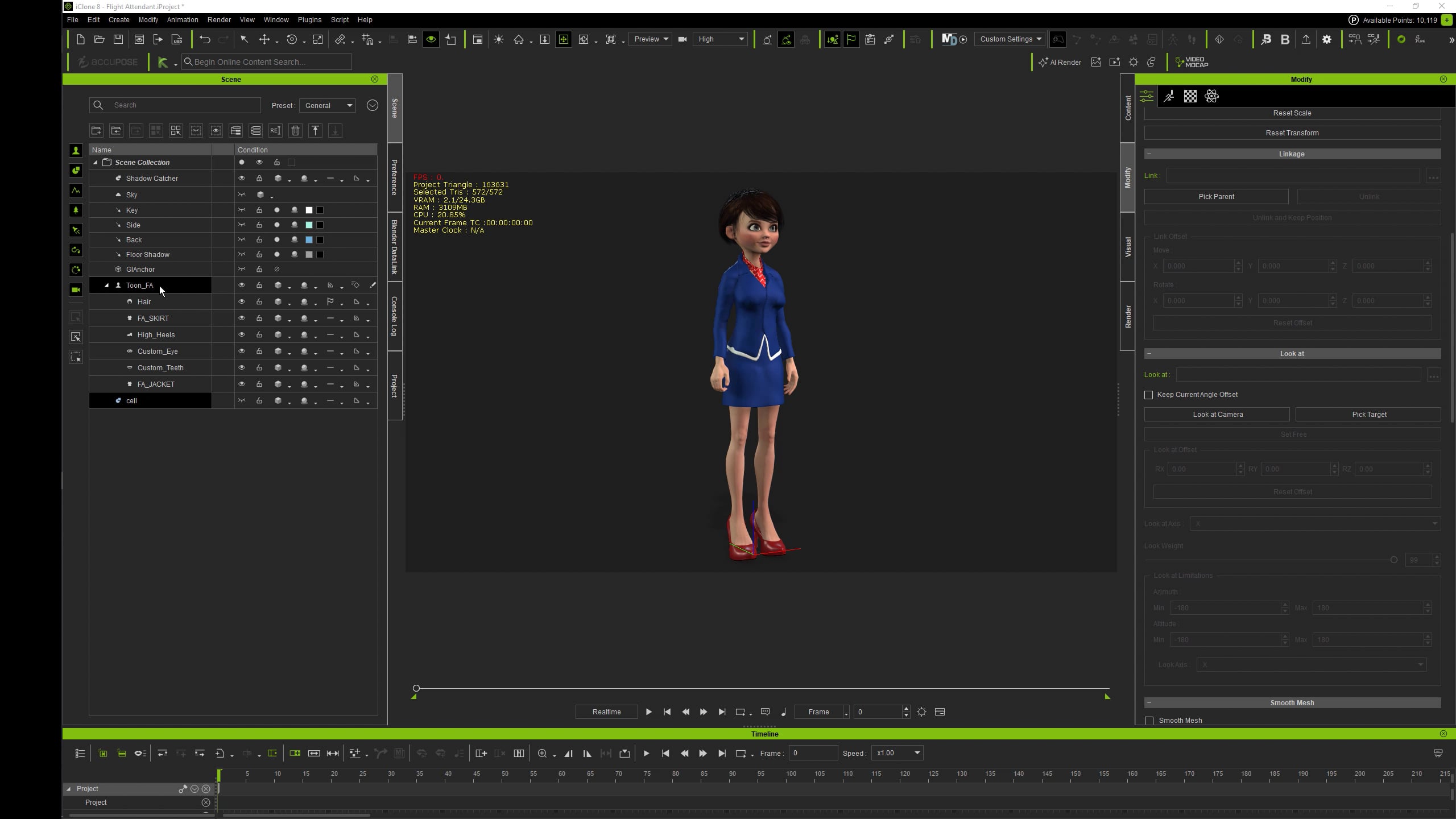
I have a question regarding the workflow between iClone 8 and Blender.
I want to add accessories (e.g., a coffee cup or a mobile phone) to a character that has already been transferred to Blender.
Currently, my method is to delete the character in Blender, add the accessory in iClone, and then re-transfer the entire character. However, this feels inefficient.
Is there a better way to export only the accessory to Blender while keeping it attached (parented) to the character?
Once you add an accessory, it becomes a part of the character (a binding bone is added to armature). So regardless you have to transfer a character over to Blender. The other thing is, that you do not have to delete a character in Blender before resending it. When you send it over with pipeline it will just prompt for update in Blender and will do it if you confirm…
I would like to elaborate on my issue. When I export a character from iClone to Blender and simply “Save” and “Open” the file later, the connection seems to be active. However, if I add an accessory in iClone and click “Send to Blender” (or “Update”), nothing happens in the re-opened Blender file.
Currently, my workaround is quite tedious: I have to delete the character, send it to a new Blender window, save it, and then “Append” that character back into my original working scene.
My questions are:
Is there a fix for this unresponsiveness when trying to send/update a character in a re-opened Blender file?
Ultimately, my goal is this: I want to work on a Blender scene (editing backgrounds and character details), save it, and close it. Later, when I open this file again, I want to be able to modify the character’s clothes or add accessories in iClone and have those changes update in the existing Blender scene immediately.
Is there a workflow or setting to maintain this “Live Link” persistence after a restart?
I do not have a problem with that. After character transfer with Data Link I can save projects in iClone and Blender, close both apps, reopen, open respective projects and re-establish a link. Then transfer updated character over to Blender without an issue.
Did you establish links in both - iClone and Blender? I usually Stop and Start pipeline server in iClone first and then use Connect from a DataLink panel in Blender. You can also check the character link ID string in both iClone and Blender. It should be the same.
Also make sure DataLink Server in Character Creator Stopped when working with iClone pipeline and vice versa.
Here is quick video where I have reopened a saved project in Blender, linked it and updated a character.
I actually checked further… Even Link ID is irrelevant. I have sent character to CC from iClone then to Blender, customized it a bit fixing cloth. Then sent it back to CC and replaced character in iClone with customized. Link ID in iClone changed. But then I opened previously iClone linked project in Blender and successfully updated it with customized character from iClone. It just worked
I discovered that if the Blender file path contains non-English characters (in my case, Korean), the pose transfer works, but character updates (like clothes or accessories) fail to transfer.
I moved the Blender file to a folder with a path containing only English characters, and now it works perfectly!