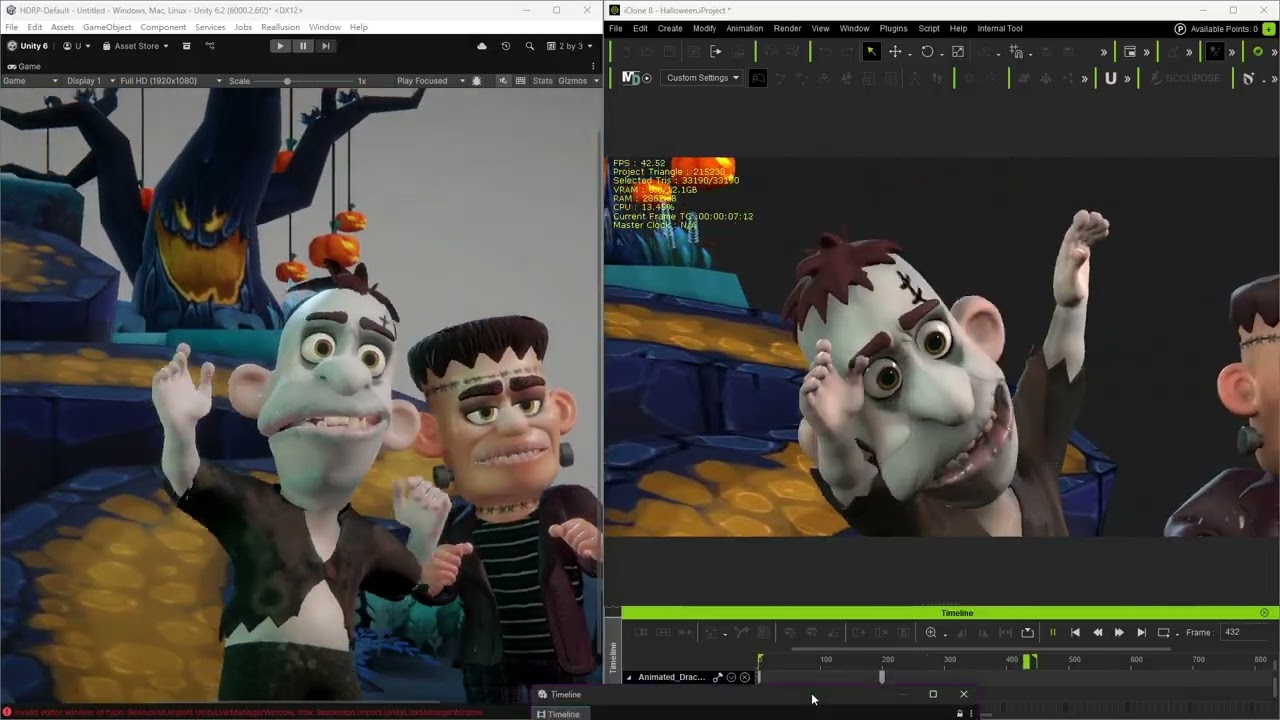
Since the release of Unity Auto Setup 2.1.0, one of the most transformative additions to the pipeline is the Data Link feature — designed to bring your Character Creator and iClone content into Unity with full scene fidelity.
This update builds on the CCIC Unity Pipeline Plugin and allows users to directly stream characters, props, cameras, lights, and even full iClone scenes into Unity — all with a single click.
 What Is Data Link?
Data Link enables a real-time connection between Character Creator, iClone, and Unity, eliminating the need for manual exports or reassembly.
Key Features:
- Built on the open-source CCIC Unity Pipeline Plugin
- Supports Character Creator 4 & 5, and iClone 8
- One-click transfer of:
- Characters
- Props
- Cameras
- Lights
- Entire iClone scenes
- Auto-placement into Unity scenes
- Auto-creation of Unity Timelines to mirror iClone sequences
 Connect from a Local or Remote Machine
Data Link supports remote workflows:
- Unity can receive scene data from a remote host running CC or iClone
- Compatible with Unity 2021 and above
- Great for distributed production or cloud-based pipelines
 Use Case Demos
To help visualize what’s possible with Data Link, we’ll be showcasing the following workflows:
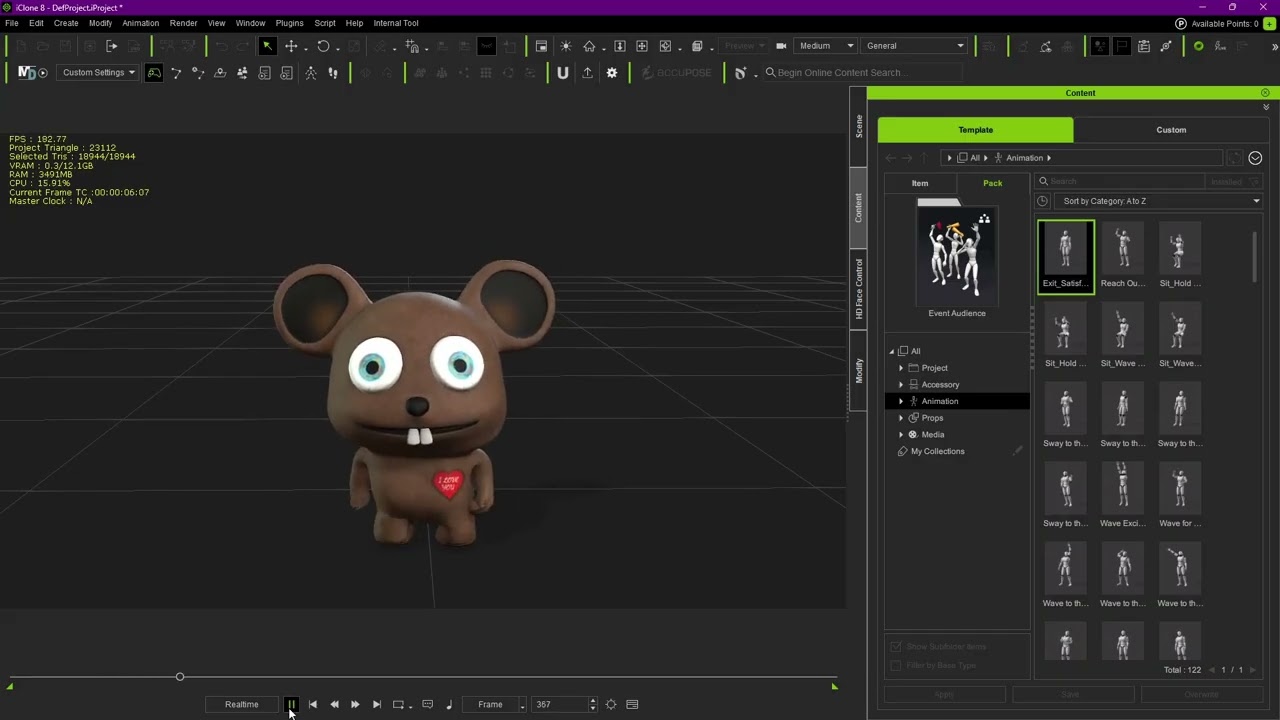
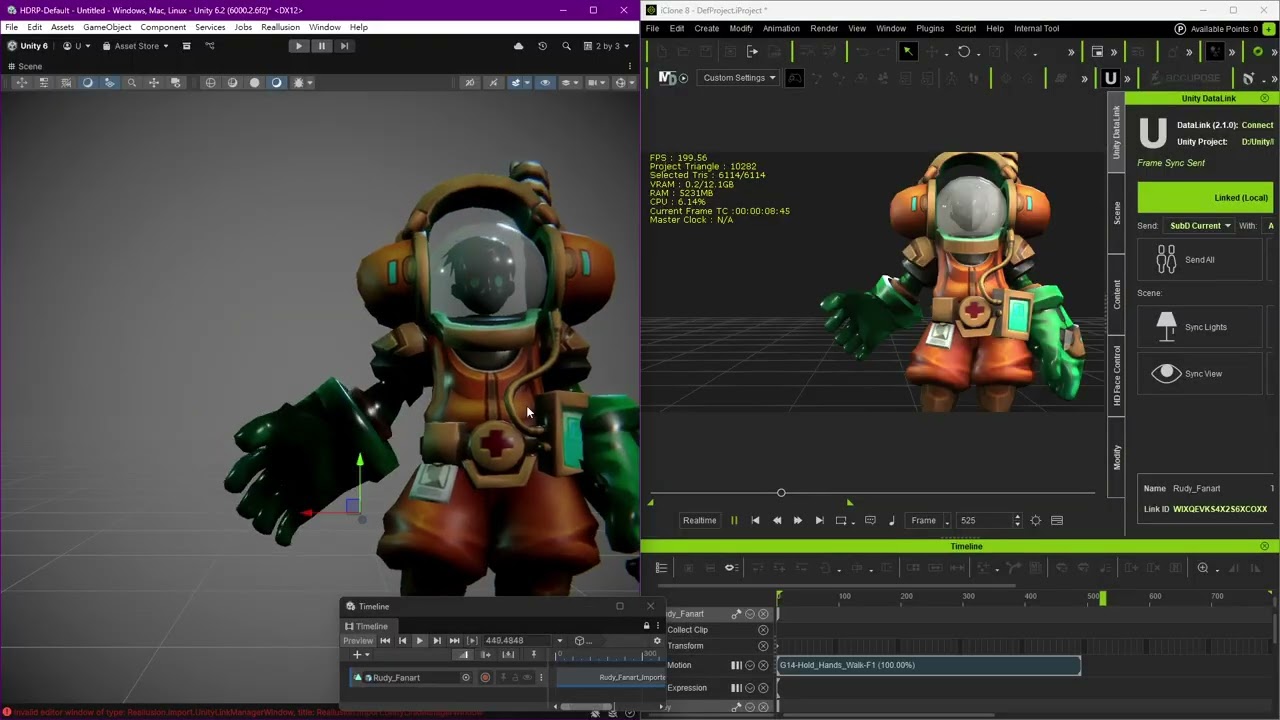
- Stylized Toon Character with AccuRIG
Auto-rig a toon character, animate in iClone, and transfer directly into Unity with camera and lighting intact.
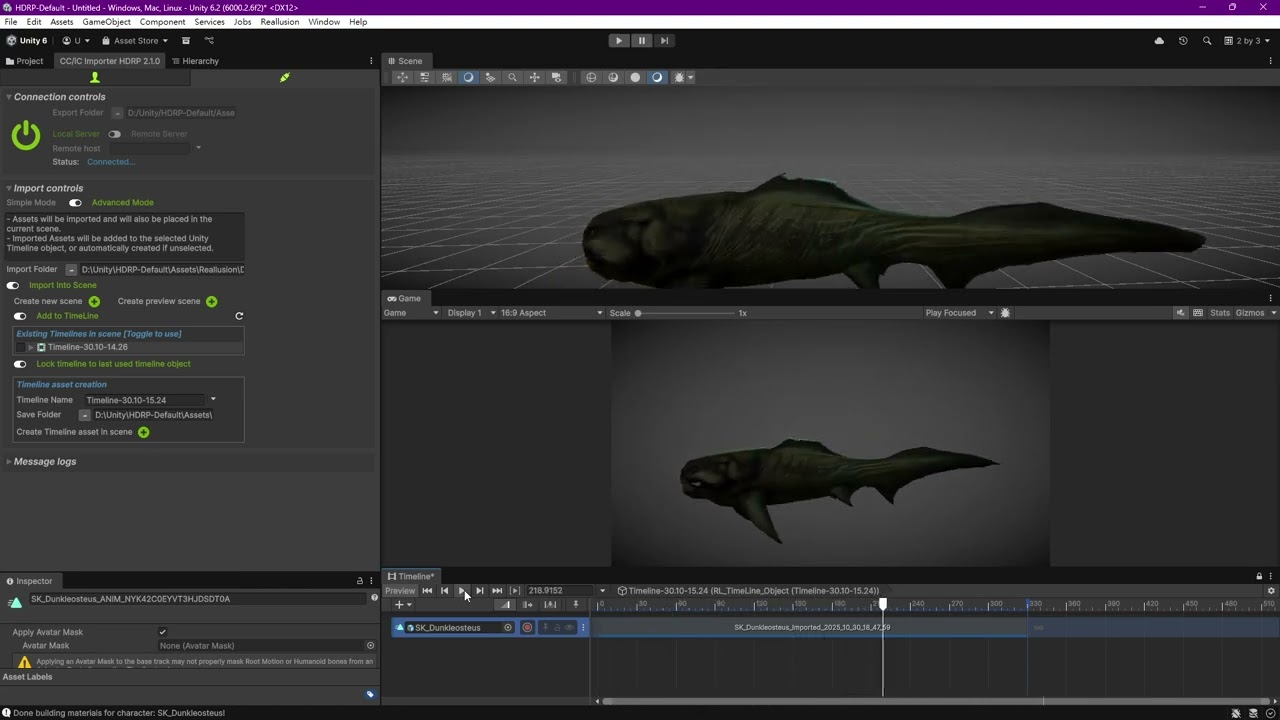
- Creature Characters Workflow
Handle non-human rigs and complex shaders with direct transfer from CC to Unity.
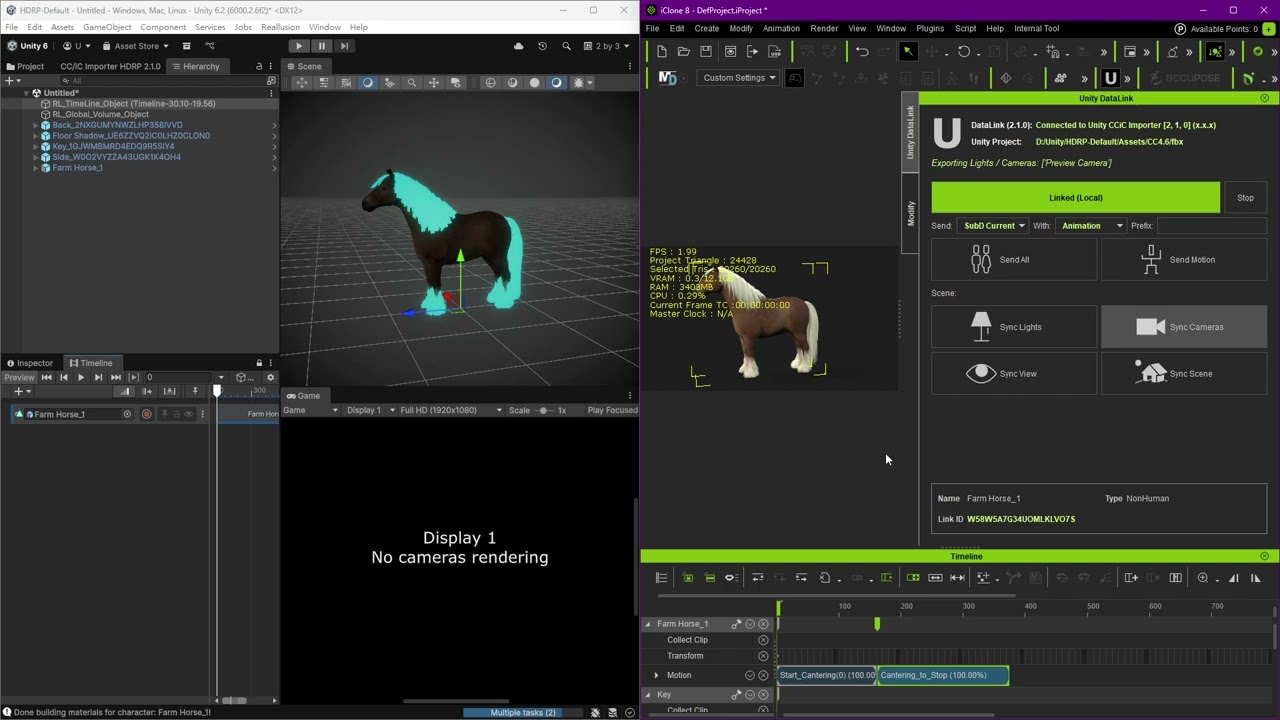
- iClone Cutscene to Unity
Build a complete cutscene in iClone and send everything — animation, props, lights, and cameras — to Unity for final rendering or gameplay integration.