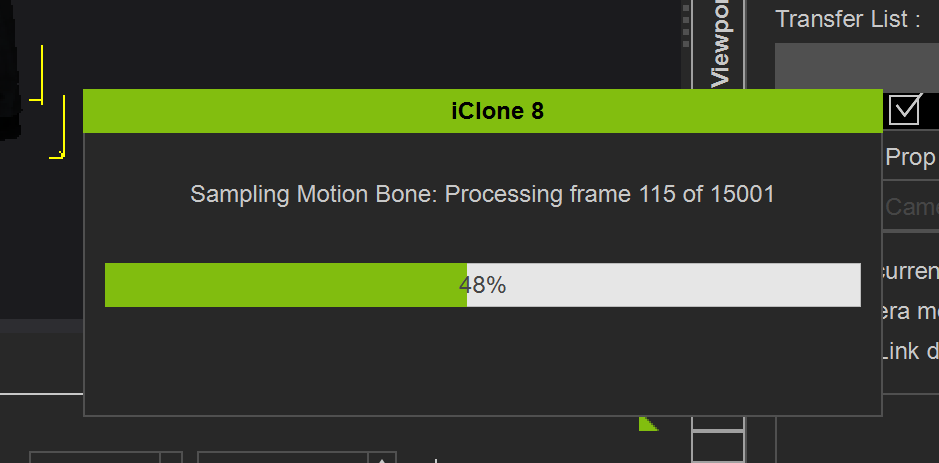
Why is the export horrendously slow to export compared to other software? Meaning it takes hours compared to minutes on other software.
1 Like
Hi…
Do you mean the slow exporting started after updating to 8.7 or was it the same before updating to 8.7?
It would seem since 8.7, but not something I can test to confirm. The Content Manager is failing preventing me from creating anything. The exporter is too slow to export any of my mocap files and the UE Live Link is crashing when I attempt to use that. 
I noticed I can roll back a version. I will try this. 
I have rolled back a version and I’m still getting the same terrible issues. The file took seconds to generate in other software and when I drop the mocap file into iClone onto the character and export as a UE5 fbx file it fails to export. Meaning I spend hours waiting for it to process and it still doesn’t complete. How is this even possible?
Some users reported problems caused by Microsoft OneDrive, just in case your content might be stored in a folder that gets synchronized with the Microsoft Cloud.
1 Like
Thanks for the suggestion, but everything is on my local hard drive.
Hi,
Thanks for bringing up this issue, but we may need a bit more info to recreate that problem.
Could you please share:
-
Your system specs: CPU, GPU, RAM, OS version, GPU driver version.
-
Screenshots of the export process.
If you’re willing, please also send the project that reproduces the slow export (or a simplified version that still shows the issue). That’s usually the fastest way for us to verify what’s causing the slowdown. You can email it to alanyang@reallusion.com.
Also, if you’d like the development team to track and review this as a performance issue/feature request, please submit it to the Feedback Tracker (include your specs, steps, and project link if available):
2 Likes
Thank you for reaching out. I have sent you an email with the required information.
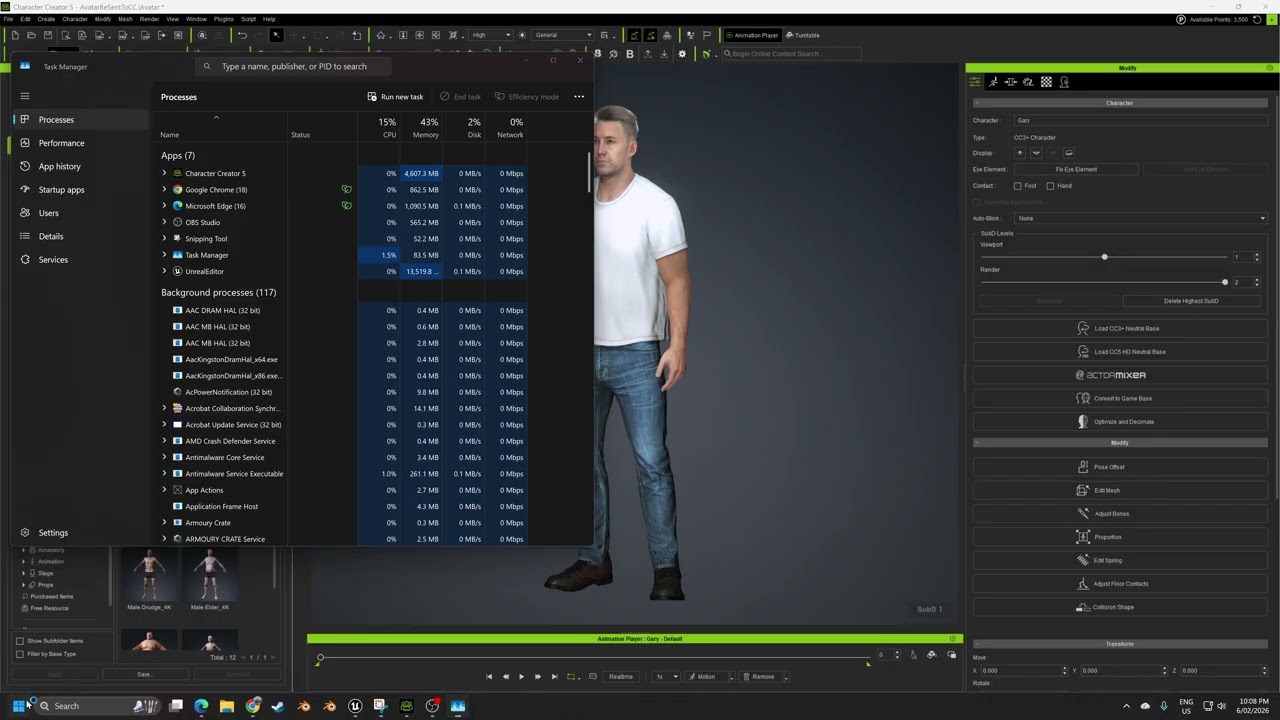
so, I have the same issue, but I have two characters in the same scene, and one of them has the issue, where the other does not. When exporting 500 frames, its is okay, but at 5k frames, it is another story
dont worry, the video is unlisted.
Yeah, the fbx exporter is broken for long animations. It causes unreal live link to crash as well. I was told they are investigating the issue.
The work around I found was to export the animations with USD until they fix it.
I have the exact same issue with BOTH iClone and CC4… Why is there not an option to turn the sample feature off ?!? … It make exporting completely unusable… Please FIX THIS !!!
My solution so far has been break long animations like that up into about 4,000 frame chunks and stitch together in unreal, which goes fairly fast when compared to exporting it all as one. Its annoying but it cuts the time down dramatically and you’ll get your full 15k frames out exponentially faster. . I hope this gets fixed, there are lots of issues that I don’t know if they are unreal or iclone, like physics assets for characters getting spontaneously corrupted.
1 Like
yep, this is an issue. it doesn’t even seem to matter if you run a ‘sample all parts optimized’ on the base animation to cut out keyframes, it still samples and takes exponentially longer to export the longer your project range is, no matter if there’s data there or not. i noticed this too when exporting using unreal live link- the default project range is about 1800 frames, and even if i’m just exporting the character with no animation, iclone still wants to sample 1800 frames before exporting. just as an idea on how long some characters are taking me, i have a 11000 frame animation, it features 6 characters who all need the same amount of animation length, it wanted to process each one, one at a time and not all at once, and each frame sampling was taking about 30 seconds per frame… running the math of 11,000 frames to process at 30 seconds each for 6 characters would put total processing time at almost 23 days straight.
Following up-
I did notice there might be a solution at least for body mocap on a standard character! if you have a character already exported in the unreal pipeline- for example i have one set up called Male2, what i did was just port over a mannequin male from character creator into iclone with the same exact name, and inherited the animation that was existing but swapped in the mannequin as the character, and then when i exported that through unreal live link at 1800 frames (project default) it seemed to go at a good speed. if you export it with the same name, it goes directly into the character’s Motion folder @ Content > RLContent > (CharacterName) > Motion
I’m not sure if it’s the same problem, but I’ve discovered that when exporting animations, even if you only export the animation itself, it exports the character, resulting in files of half a gigabyte for 100 frames.
So I create a proxy without subdivisions, without clothes or hair, and with a gray texture, and the animation size drops significantly. Crazy, right? Haha.
Hi there,
We’ve identified the issue that leads to slow sampling.
It’s expected to be fixed on the next patch.
Thank you for reporting this and sorry for the wait.
1 Like
I Updated to the newest 8.71 but its not fixed.
It took more than 30 minute just to transfer 8 actorcore charcter with 800 frame animation.
Please see the thread HERE which explains how to get official support. In your case it would be worth logging your issue in the Feedback Tracker where you will get an update once the issue has been investigated. Thanks.
Hi,
I tried the same setup but it only took about 5 minutes to export.
If you’re still facing the issue, could you please provide the project file for us to check?
You may send it here: alanyang@reallusion.com
Thanks!
1 Like