Hello everyone,
I’m wondering is there any tutorial that explains how to use iClone Livelink to transfer body and face animations for Metahumans to UE 5.6.
In previous UE 5.5 i was adding MetaHuman character from “iClone Metahuman”
and another CC4 character for face animations.
but now i can only transfer body animations and not face. anyone knows how to do it?
1 Like
I have found that you need to drive the face animation with a CC5 HD Face Expression profile. If you have an existing animation you should be able to swap the character to a newer one and keep what you have.
Hey @TacticalSpaceLab,
I dont have CC5 i only have CC4.
As a solution i totally dropped the idea of editing or using iClone and livelink for face animations.
Unfortinatlly currently i only use iClone for body animations… then in Unreal i add facial expressions… what a waste of money 
@mohsaiedt you might find it works to use an older CC4 version of everything, including possibly bringing it into an older version of UE5 first, then exporting the animation from there to whatever version you’re using? The face animation has only just broken with old models, so regressing to earlier versions should work.
I still think the whole pipeline is far more complicated than it should be. Every new version seems to introduce another small requirement that isn’t clearly documented, and then you’re left wondering if it’s your project or just another compatibility issue. Hopefully Reallusion and Epic eventually make this process a bit more streamlined, because right now getting face animation working consistently feels like a lot of trial and error. Your post will definitely help people avoid that frustration.
Hi everyone,
Stay tuned to our YouTube channel for the tutorial on Face & Body Animation with Unreal Live Link. We will also paste the link here once it’s out.
Regards.
Hi everyone,
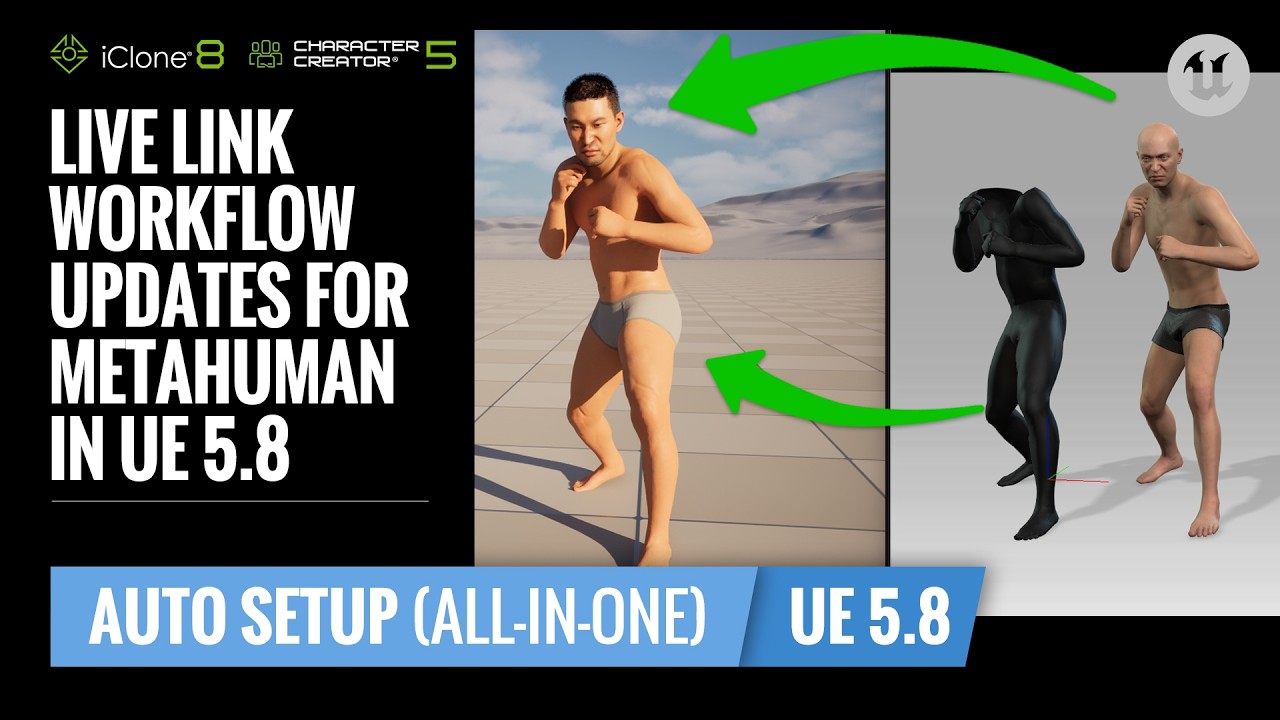
We’re proud to present the Official Live Link workflow for Unreal Engine 5.8 Auto Setup (All-in-One):
Should you have any further questions, please don’t hesitate to reach out to us.
Regards
@Winner_RL
At 3:14, you state “we can import the HIK skeletal profile we’ve prepared.” - there is no mention of this HIK profile in the video up to this point. Where does it come from?
1 Like
@Winner_RL
Ok- I downloaded the project files from the yt video page.
1 Like
Hi Freshness34,
Just making sure, you got the files you needed right?
Thanks
1 Like
Thank you for the Metahuman tutorial - what about characters imported directly from iClone via the Live Link Transfer? I’m using the Narrative Tales UE plugin to animate my characters w/dialogue in real time, in-game. (I AM NOT affiliated w/this company in any way, it’s just the best way I’ve found to integrate dialogue and character facial/body animations IN GAME.)