iClone 8 – Teeth Rendering With Gold/Yellow Tint (CC5 Looks Correct)

Hi everyone,

I’ve run into a new issue as of today and wanted to see if anyone else is experiencing something similar.

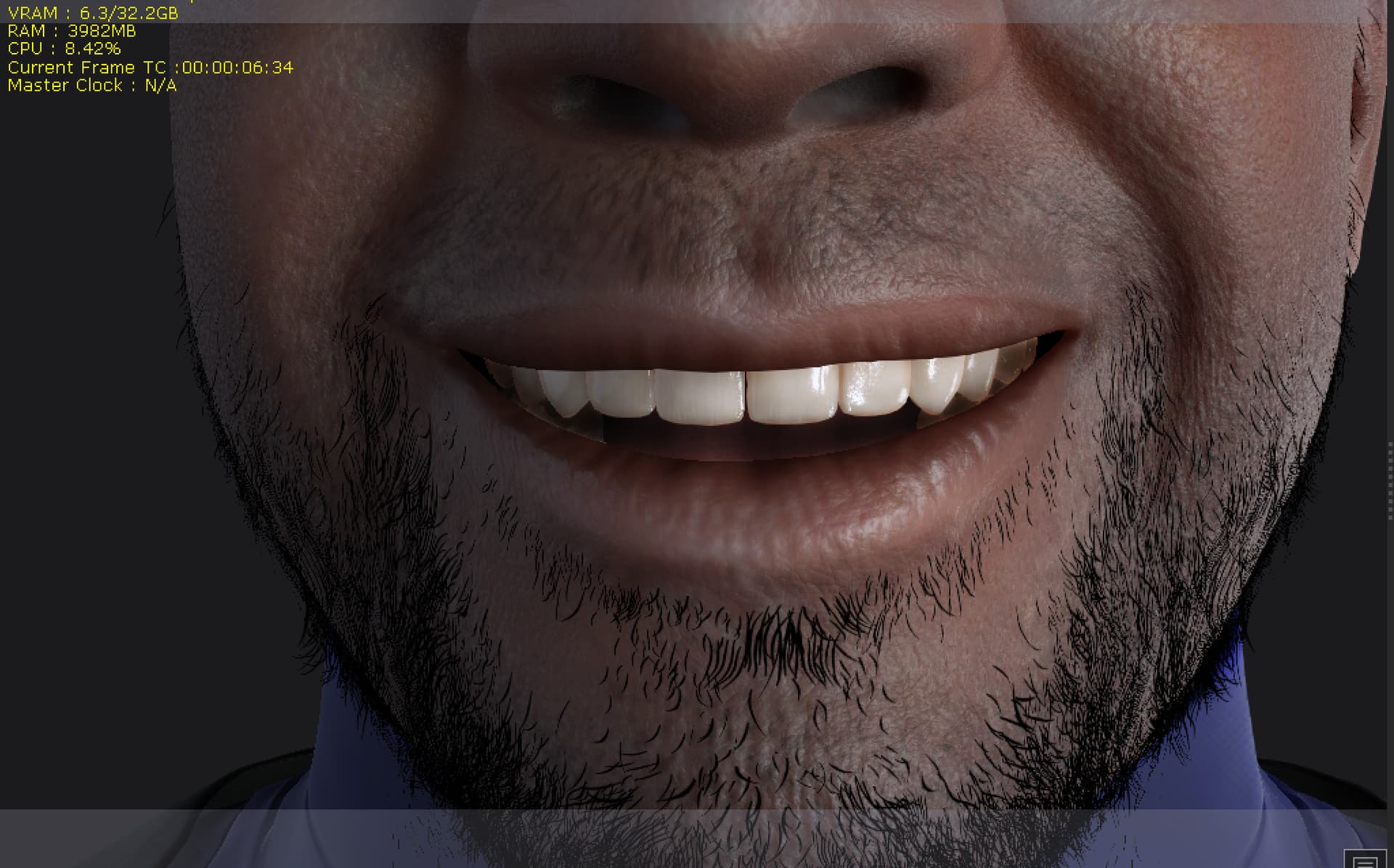
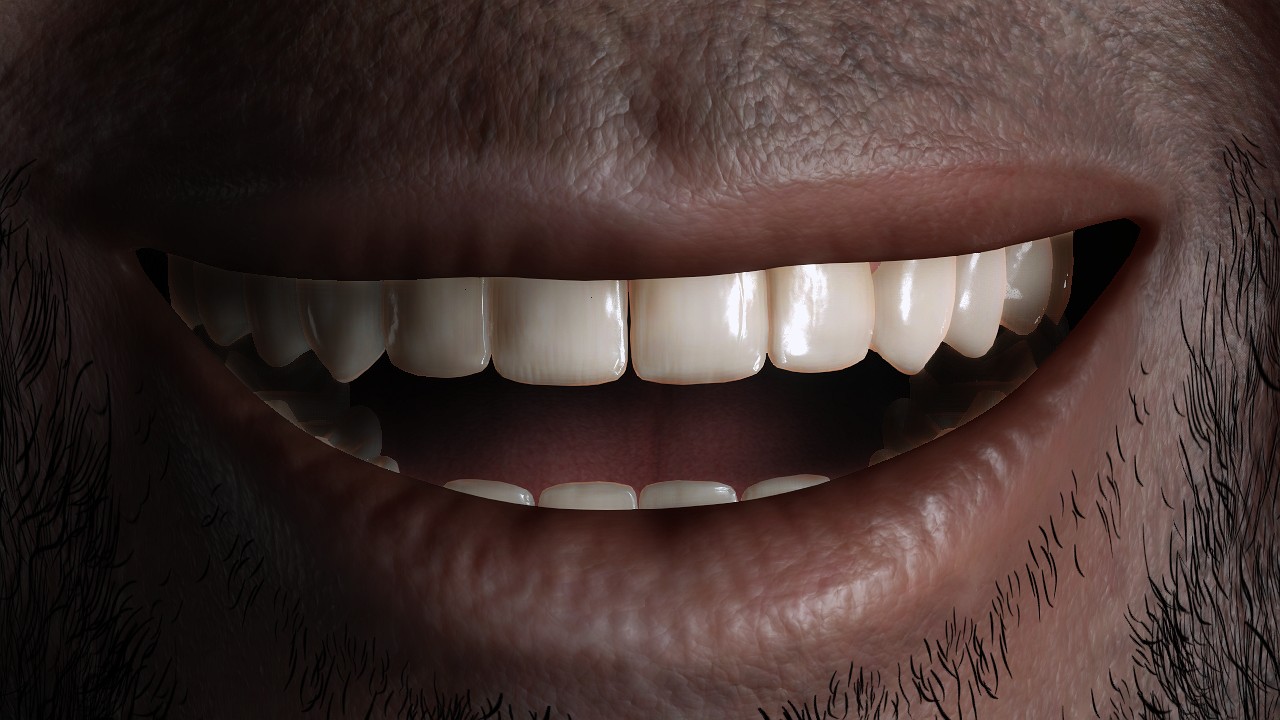
In iClone 8, character teeth are rendering with a noticeable gold/yellow tint instead of white. I’ve checked and adjusted:

  • Lighting (scene + project)
  • Visual settings
  • Preferences
  • Render settings

The tint remains visible both in the viewport and in final renders, so it doesn’t appear to be a monitor or viewport-only issue.

What’s interesting is that when I load the same character into Character Creator 5, the teeth (and overall materials) look correct, normal white teeth, proper color balance, no tint.

This started very recently (noticed yesterday), and I haven’t intentionally changed any material settings on the character itself. At the moment, it seems isolated to iClone 8, but I’m still checking whether skin tones may also be subtly affected.

I’ll be attaching comparison images from both applications to show the difference.

Has anyone else encountered this?

  • Could this be related to a recent update or rendering change?
  • Any known material, shader, or color-space settings in iClone 8 that might cause this?

Appreciate any insight or confirmation, thanks in advance.
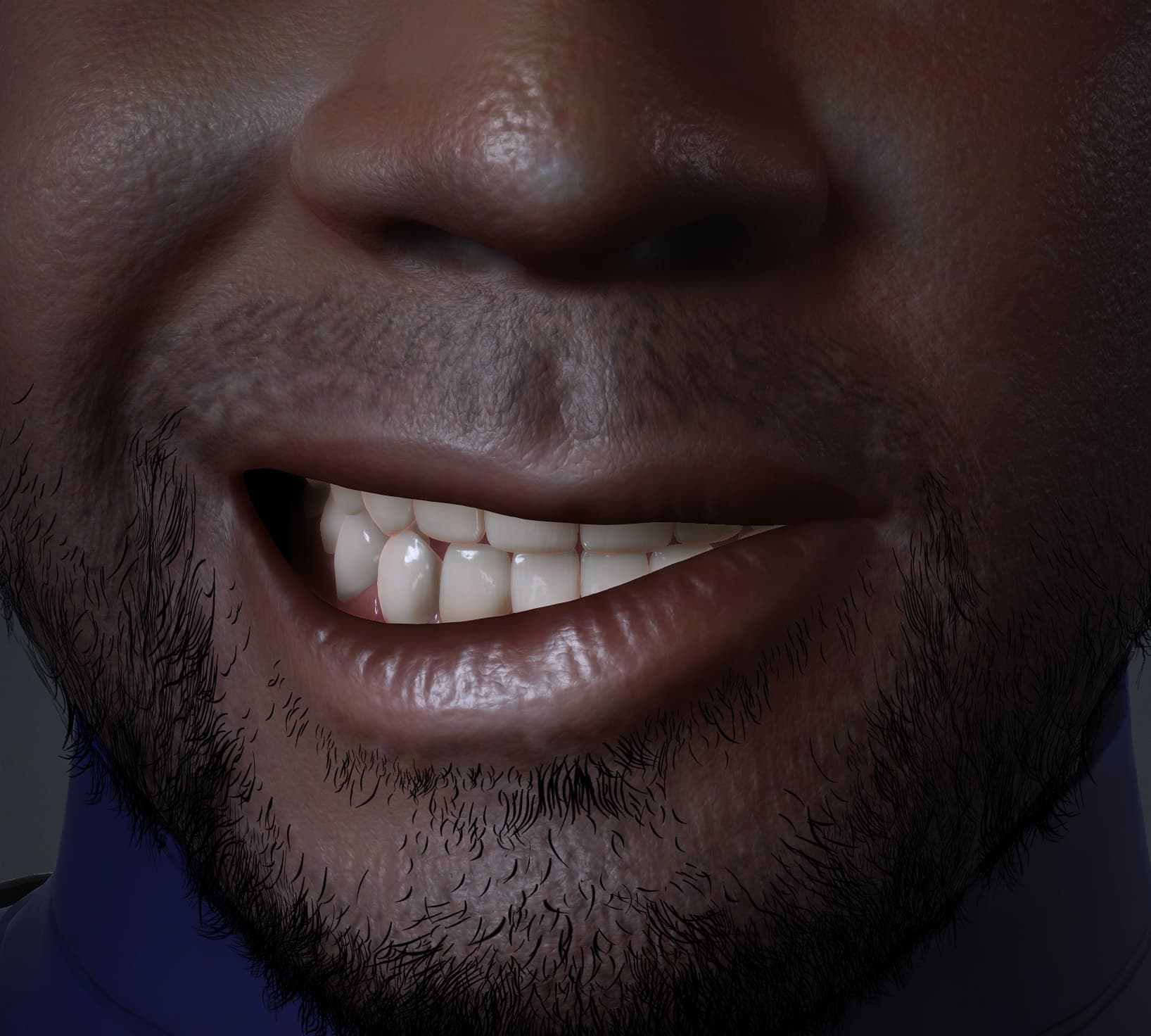
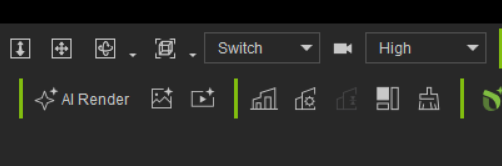
If that is the same character then a lot is wrong because I don’t see the beard either. Check if your Shader settings are High.

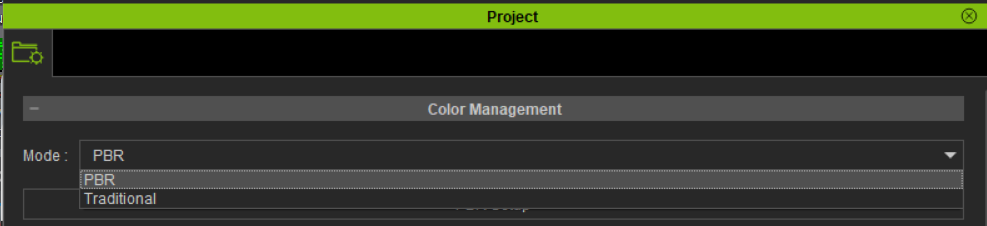
Another, unlikely, possibility that your project Color Management setting is Traditional instead of PBR.

Because it looks like the modern shaders are just ignored.

Firstly, Thanks, @animagic for your willingness assistance. Your feedback helped me isolate the issue.

Update / Fix Found

I was able to resolve the metallic/gold teeth issue in iClone 8.

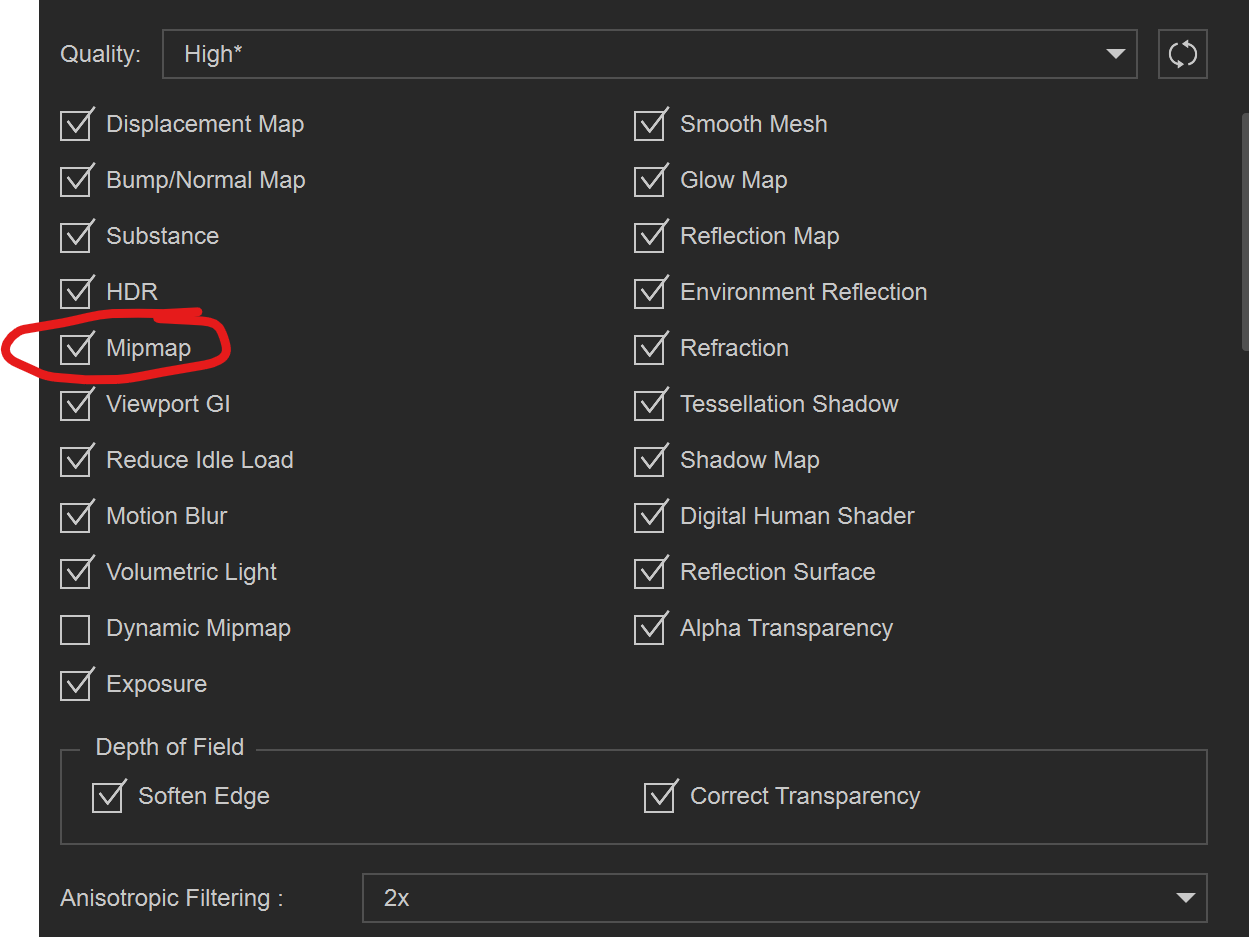
The cause was Preferences → Realtime Render Options → MipMap.
When MipMap is enabled, the teeth can appear metallic due to normal map mip-level shading. Disabling MipMap (Quality set to High) immediately restores correct teeth color and shading.

This works without changing materials. I’m still using the Human Teeth/Gum Shader, and everything renders correctly.

Hope this helps anyone else who runs into this.
Happy New Year!


That’s an interesting discovery. I have never encountered that. In my case, it seems that whether MIpMap is on or off makes no difference.

Same here.

After the iClone 8.65 update this morning, it appears the issue has been resolved.

Thanks again.