Is the OP Rendering stills or animations?
I only ask because in the context/parlance of GI render engine settings
“Brute Force”is typically the absolute SLOWEST option because (as the term implies) it is projecting an unlimited number of unbiased rays with ZERO
compromises.
I would imagine Redshift handles
“Brute Force” pretty well
I would not know, as my old “retired” C4D only has VRAY
and the old standard Maxon engine
but Depending on the complexity of your scene and texture map sizes “Brute Force” rendering is the option most likely to consume all of your GPU’s VRAM which is why old non RTX “Brute Force” path tracers like Iray was a terrible choice for iclone and Reallusion was wise to promptly abandon it.
Well, I’m not familiar with the “technical” background of the various GI modes, but, since Redshift is a biased renderer as far as I’m aware, maybe “brute force” in RS does not mean “unbiased rays”; I don’t know.
However, what I do know is that while “brute force” may be the slowest setting in Redshift, the alternatives (again, in RS) are not often not that much faster (and/or cause artifacts in animations—I very rarely do stills as the final “product”). In fact, I’ve had scenes when the other GI modes were actually slower than “brute force” (I spend quite some time on finding what render settings work for a specific scene)—YMMV.
Yes as GPU RTX acceleration is the “norm” these days, Brute force is now a viable option even for animations
as the higher number of rays projected to every point in the scene will typically overcome the inherent weakness of a biased engines projecting only just enough rays and “quitting” based on a fixed number of samples chosen by the user.
Arnold is Unbiased (slower but Hollywood film level production quality)
But Vray is a hybrid render engine
where one can set a fixed number of samples in biased “light cache” mode
or simply go full unbiased Brute force.
But as you said, with the many other variables to consider it, is nearly pointless to make an objective setting recommendation for everyone.
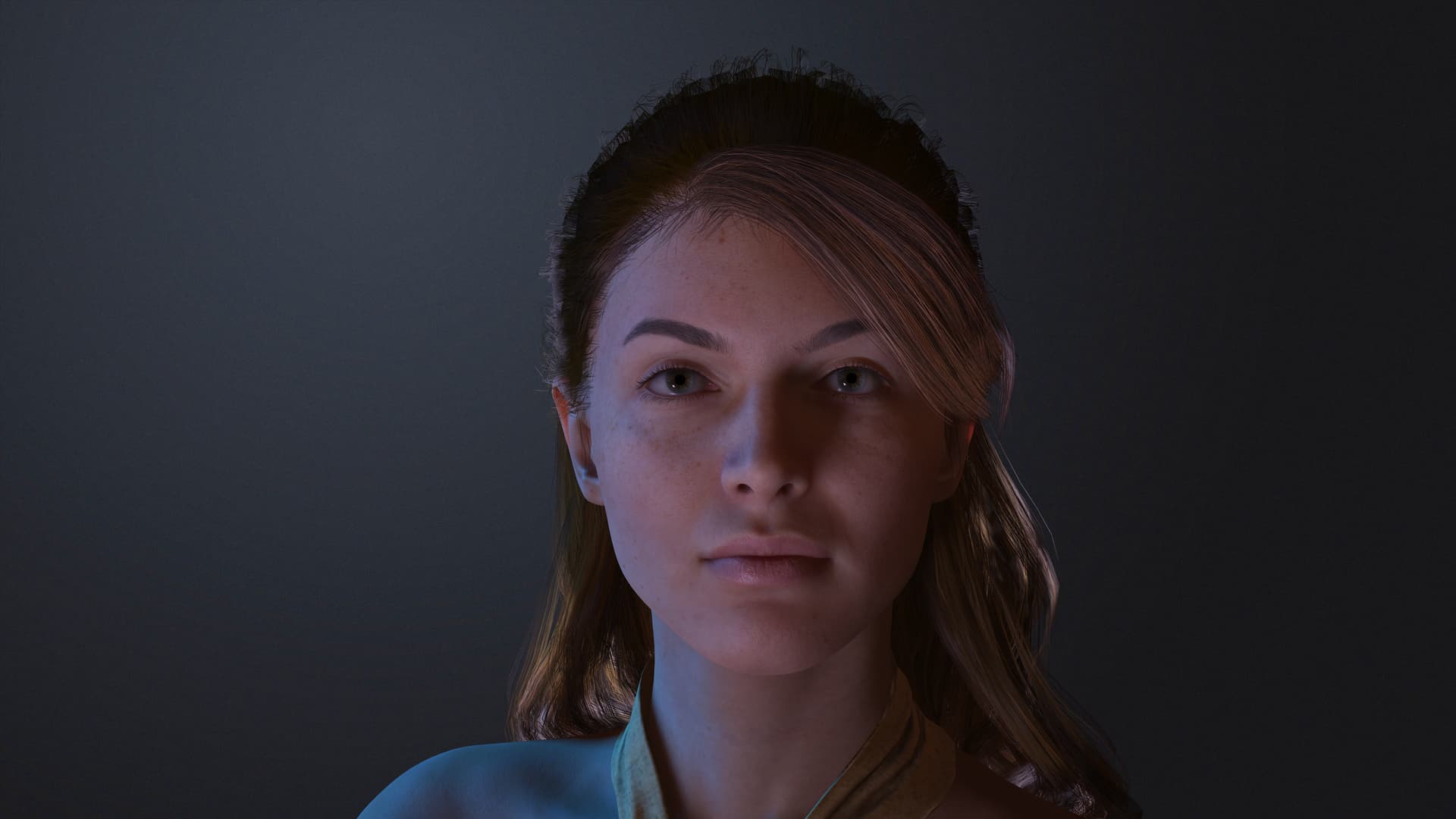
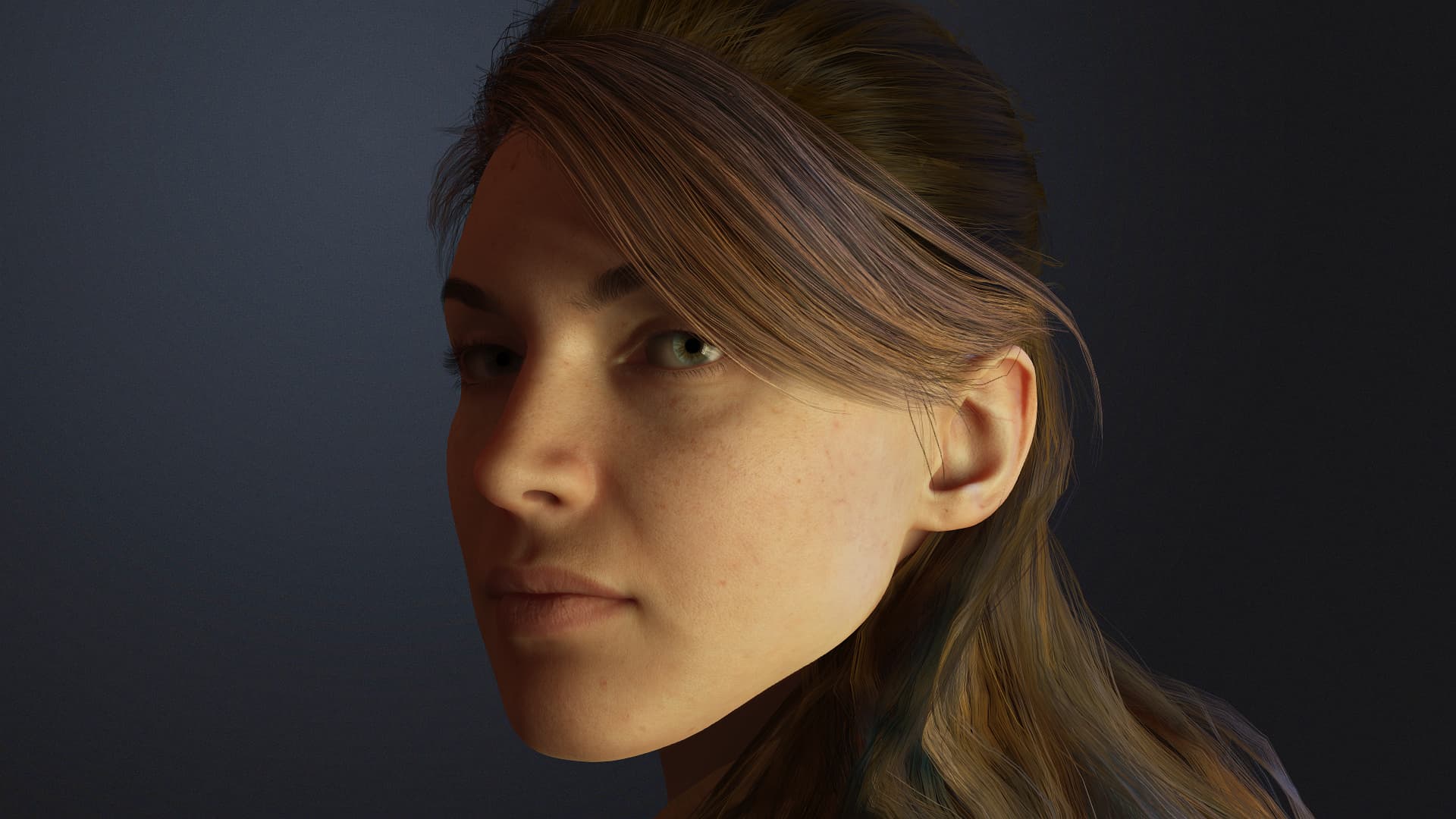
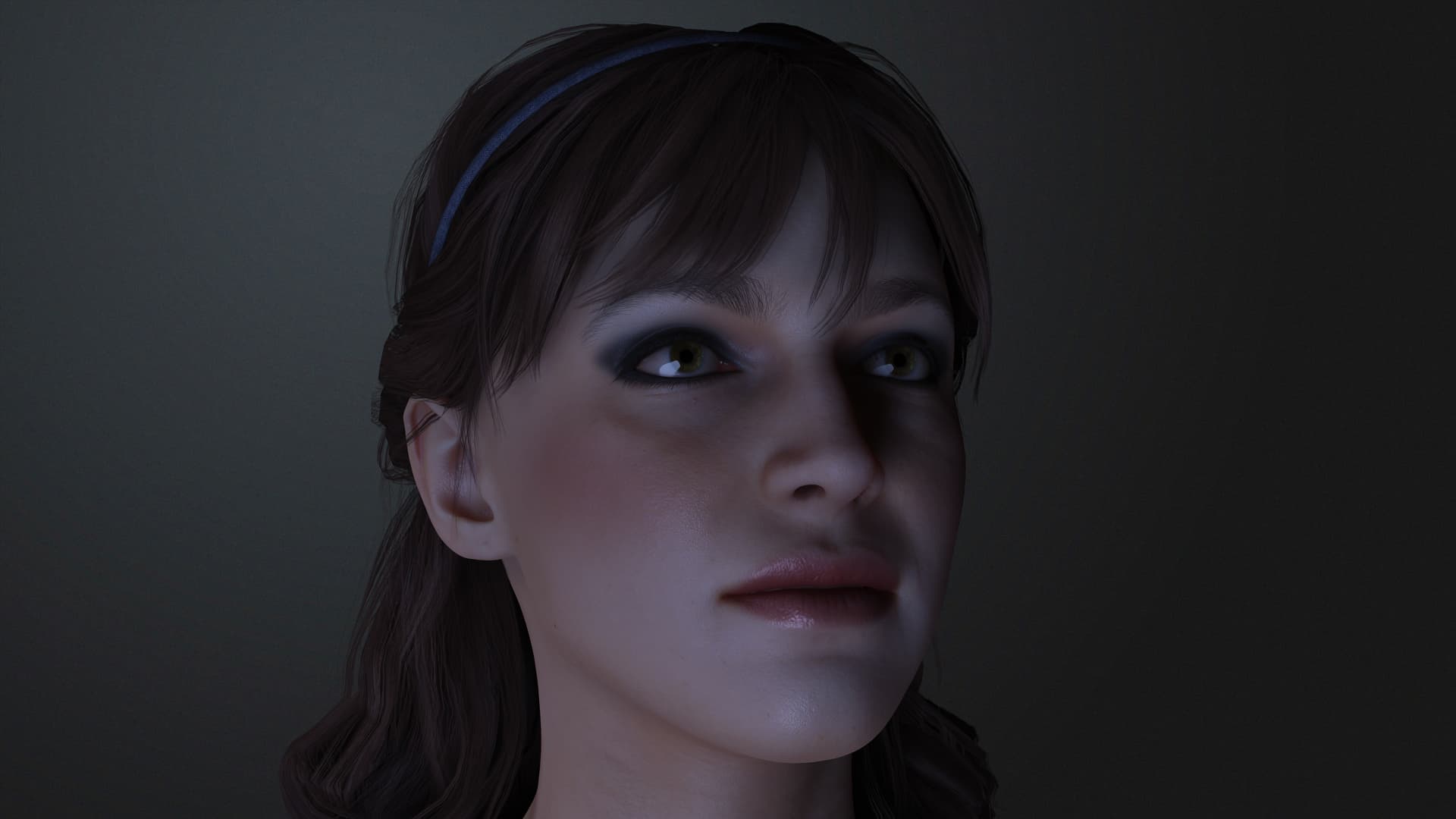
The renders for close ups on a black background look okay for CC5 and AI, but you can’t get close ups like that with a scene in IClone8 unless you want spend another 3 days rigging it up in Blender.
Please can we have a decent render engine in the software we bought, surely we, as owners and with over 2k worth of your software are entitled to a good render engine, rather than having to ship it out to a third party that tales ages to master!
I agree, exporting out into a free third party software for it to render out your work much better than paid software? I have never been able to get the grasp of using blender, Unreal or Omniverse which is why I bought Iclone in the first place. Something goes wrong in some way or takes very long to send over , crashes, I have gotten more accustomed to doing animation in the iclone interface and really want to be able to just render here.
Imagine what those renders would look like in a decent render engine, where the lighting has more aesthetics.
We just want a decent render engine and not have to use Blender or Unreal, an upgrade to the one supplied!