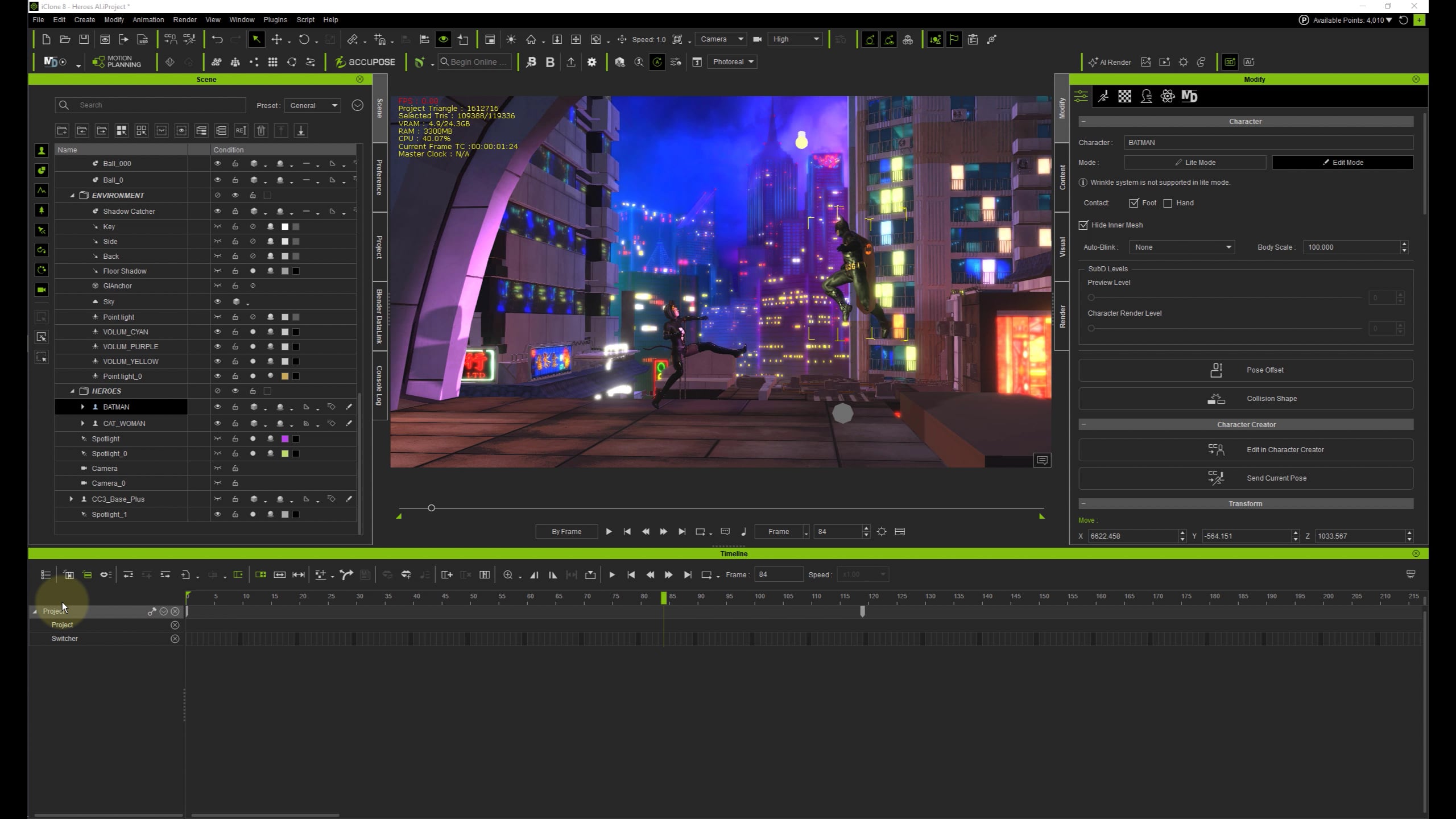
iClone 8: make track list alphabetical?

Hi gurus,

Does anybody know a way to make the track list in the timeline alphabetical? I have no idea what sorting order it’s using, but it makes it really hard to find things, unless there’s a search function I’ve missed somewhere?

:angel:
–Thanks,
Nicole

Quite frankly I forgot when was the last time I opened a Track List for anything.
Here is my 8 years old post about it: Camera placement on timeline

Not much changed since then except they have added an anchor to lock the item on a timeline (which is a positive thing).

And this sums up my workflow when I need to add assets to the timeline:

  • Keep “Object Related Track” OFF (grayed out) at all times
  • Select items you with to add (at the scene manager or viewport)
  • Double click “Object Related Track” (triggering it ON and back to OFF)

Takes a bit to get used to though…

1 Like

That’s really helpful, thank you!

I think I’ll submit alphabetical as a wishful feature as soon as I find where to do that. I render out in Unreal, but much prefer animating in iClone.

:smiling_face:

1 Like

Hi 3DChick

I have passed on your suggestion for a sorting option for the track list and this will be considered for a future update. Thank you for sharing your feedback.


1 Like

Pete,
Thank you! I completely forgot to do that.
:slightly_smiling_face: