Ok - I’m using iClone 8.63 unreal live link to create facial animations on CC5 HD characters previously imported into in Unreal 5.6 (via new Auto Setup 2.0); I’m trying to save the facial animations using the UE Take Recorder.
The auto setup 2.0 creates two blueprint classes {CharacterName}_Blueprint_CC_ControlRig and {CharacterName}_Blueprint_LiveLink
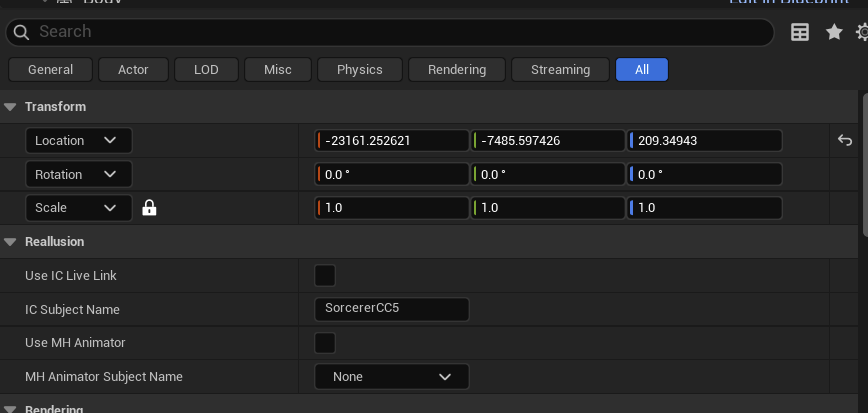
The control rig class allows you to choose either metahuman animator or IC Live Link; I’m successfully able in iClone to create the live link and the live animation plays on the control rig character; however, when I record the live animation using the Take Recorder, it creates an unreal sequence and not an animation sequence, plus the head and body are no longer separated:
Bottom line: Can Reallusion please provide an updated workflow using iClone 8 w/Unreal Live Link using characters imported via the new Unreal Auto Setup 2.0 and the assets it creates and how to transfer facial animations for use w/metahumans and cc characters.