Hi everyone,
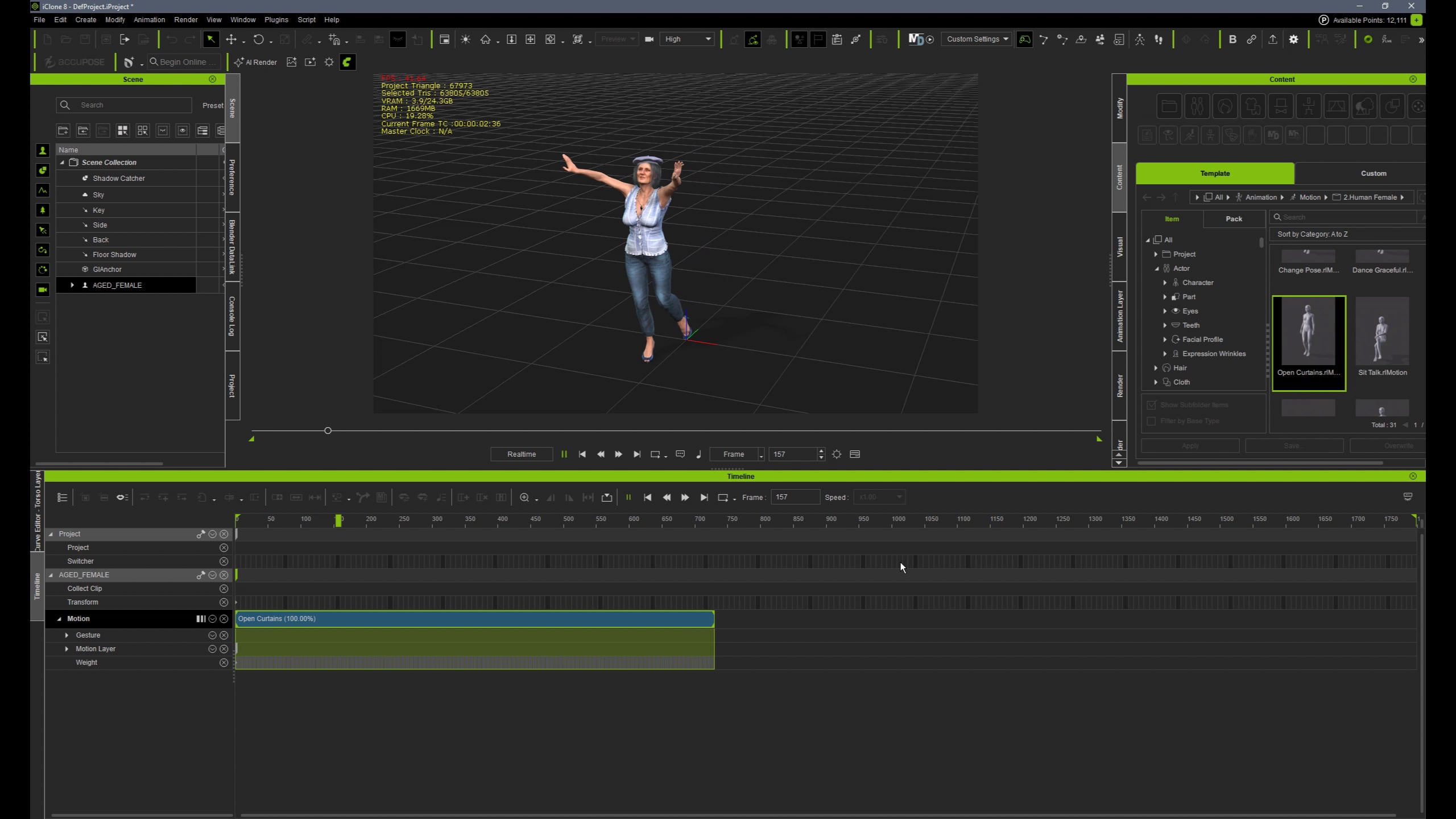
Thanks for reading. I’ve been trying to clean up a mocap animation in iClone and I’ve hit a few walls. I’d love your help.
The problems:
- I want to delete or zero out ONLY the wrist animation from a mocap clip — without affecting the rest of the arm (upper arm, elbow, shoulder).
- I also want to remove the root motion (the global movement baked into the mocap) so the character stays in place or follows a different path.
What’s not working:
-
Using Remove Motion only lets me choose whole limbs like “Right Arm” or “Left Arm”, which removes everything — wrist included.
-
I couldn’t find a way to target just the wrist bones.
-
I’ve tried Edit Motion Layer and Curve Editor, but without a clear process, I keep affecting the rest of the animation.
What I’m hoping to learn:
- Is there a reliable way to remove wrist motion only?
- How can I delete or disable root motion in a clip without messing up the pose or animation?
- What are the best practices to clean mocap in iClone without rebuilding everything manually?
Any workflows, video tutorials, or step-by-step examples would help a lot. I’m trying to stay efficient while editing mocap, but these two issues are slowing me down big time.
By the way, sorry if the text sounds a bit robotic, I’m not a native speaker, so I used gpt chat to translate my problem.
Thanks in advance!