HI,
I am using CrazyTalk Animator 3. I have been trying to follow the Masking methods in these videos. My problem is that my Masked parts lose connection with other parts of my character.
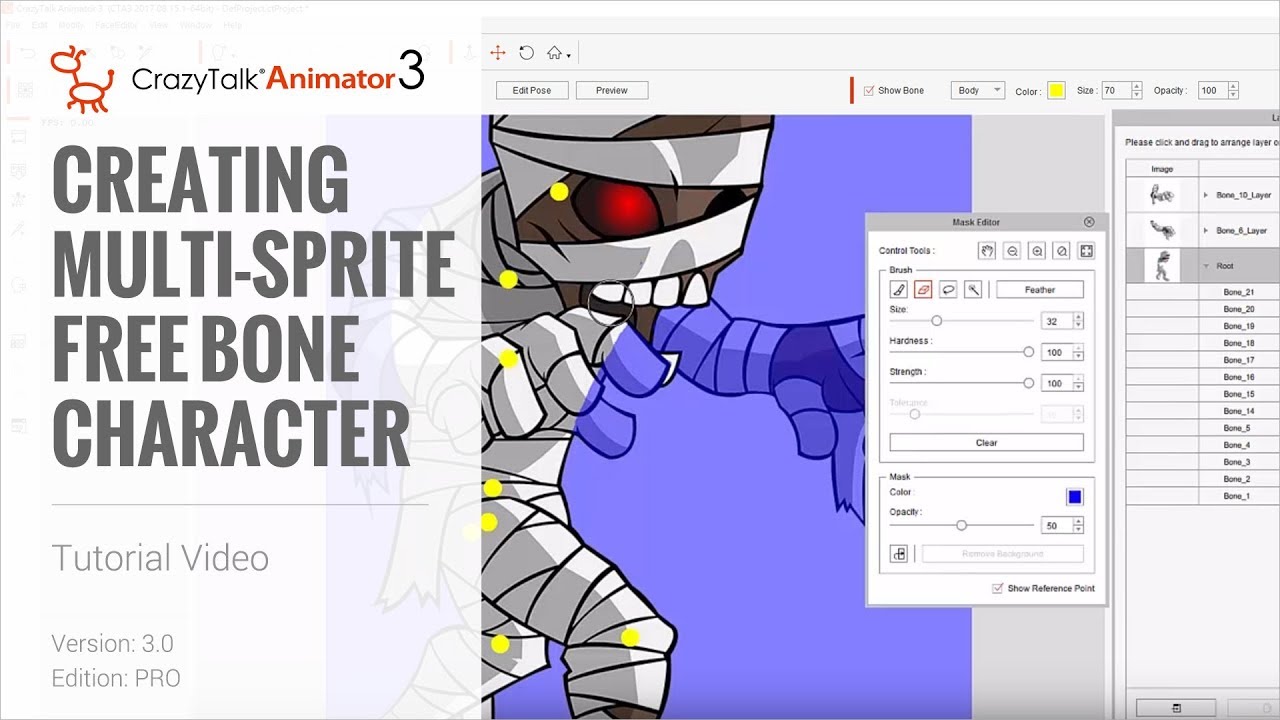

Description of workflow:
- I create a G3 character using a template from the Content Manager.
- I delete the graphics and replace it with a graphic of a person.
- The replaced graphic is attached to the Hip_Layer (same Layer containing body model as the G3 model)
- After adjusting the Bones from the G3 character within the new graphic, all Bones are Yellow and I am able to animate the character.
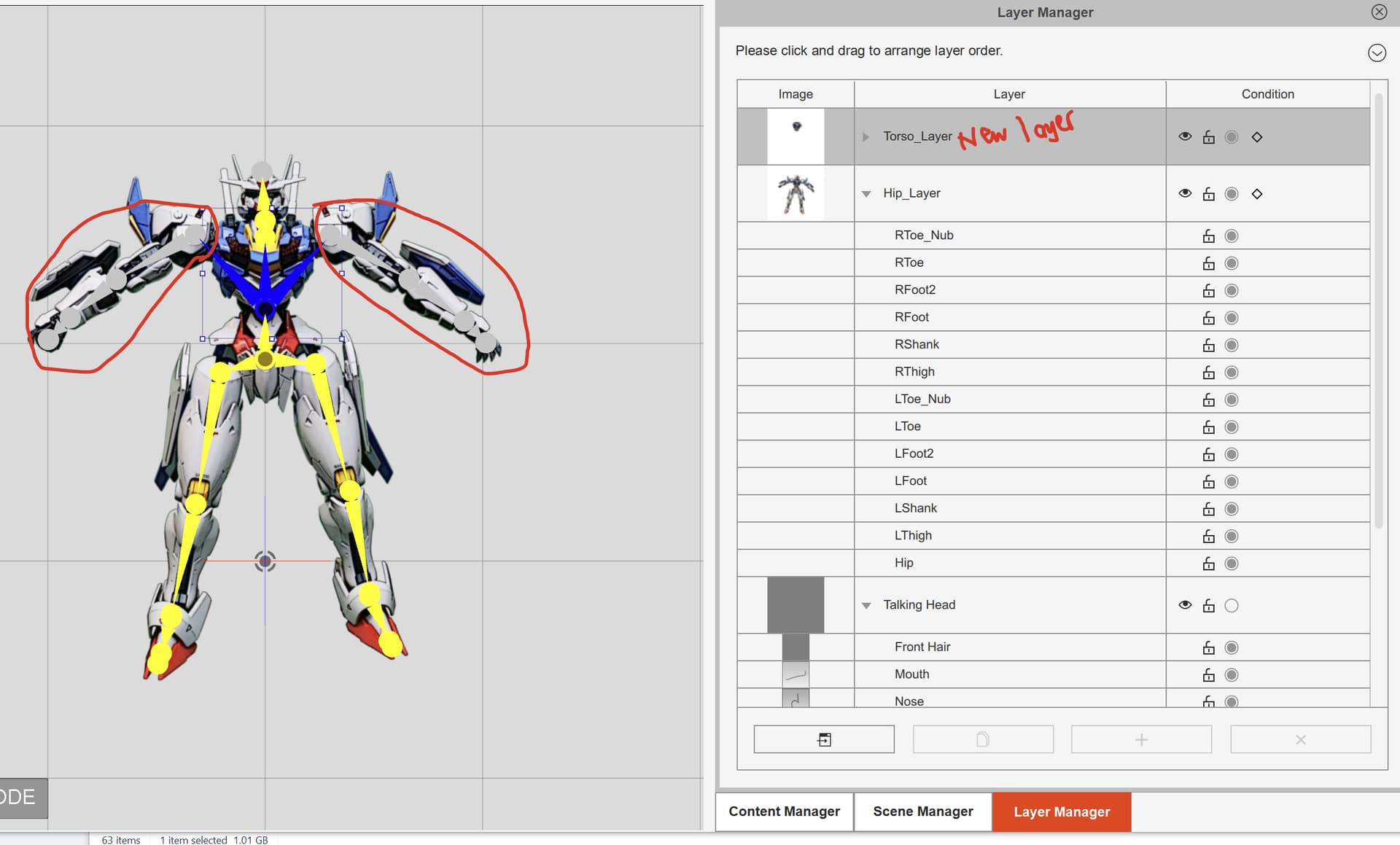
The animation causes the chest of the character to warp undesirably. I try to use the Mask method to overlay a fixed picture of the chest. - I duplicate the Torso and it creates a new layer above the Hip Layer.
- New Torso Layer contains the Arms
- I Mask out the chest in the new Torso Layer.
- The Arm and Head bones now are grey and are no longer animate their parts.
- It appears that Animator does not like it that I removed the Arms from the new Torso layer. That is even though the original layer has the Arms graphic.
Why?
- All Bones are still within the graphical parts.
- The Youtube videos show that Masking out parts while not breaking the bone connections.
I am not seeing where I went wrong. - I tried to move the problem parts between layers but I am unable to move the Arms from new Torso layer to the original Hip layer.
- I Mask a Hand, Arm successfully without breaking the Bone connections. It appears that this problem is specifically for parts around the Chest area.
Thank you.