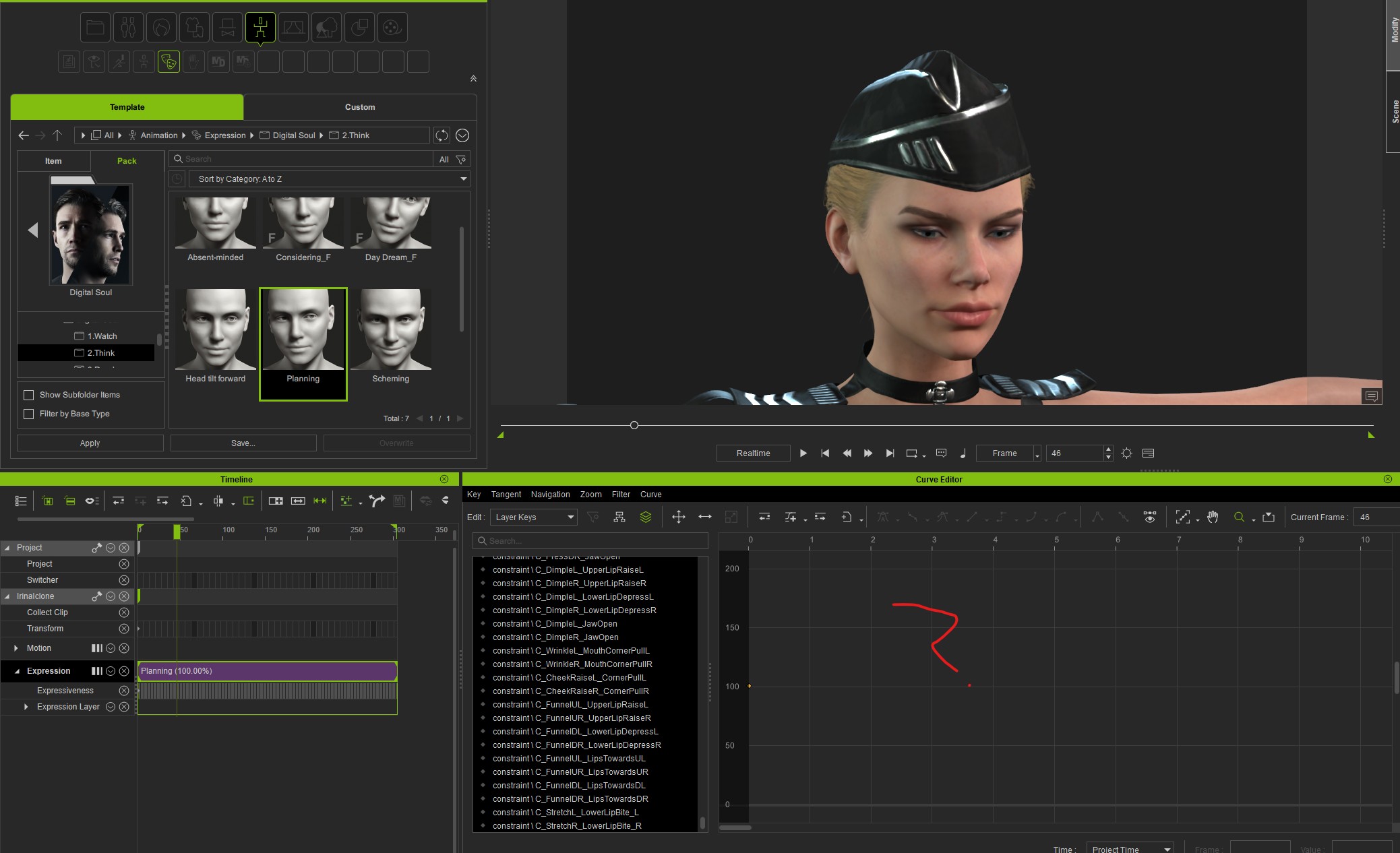
The expressions from the Digital Soul pack are not loops, and I need them to loop for the game I’m working on. Normally, loops are easy to make by copying the keys from the first frame and pasting them at the end.
But the Digital Soul animations are kind of “magical” — they don’t have curves, keys, or anything in the Curve Editor.
Am I doing something wrong? How can I make them loop?
Thanks.