Hi, I’m using Create Character in CC5 to convert a UE4 rig - it almost works, but for some reason the rig pose places the feet well above the floor (basically hips are too far above the root). Any tips on how to correct this?
Hi OokamiOokami,
We recommend first checking whether the T-pose is correct. You can do this in Motion tab to edit T-Pose.
You are also welcome to provide us with your T-pose.
If the T-pose is correct but the issue still occurs, please let us know at any time.
Thank you
I use contact food and lower the model until the ankles start to rotate.
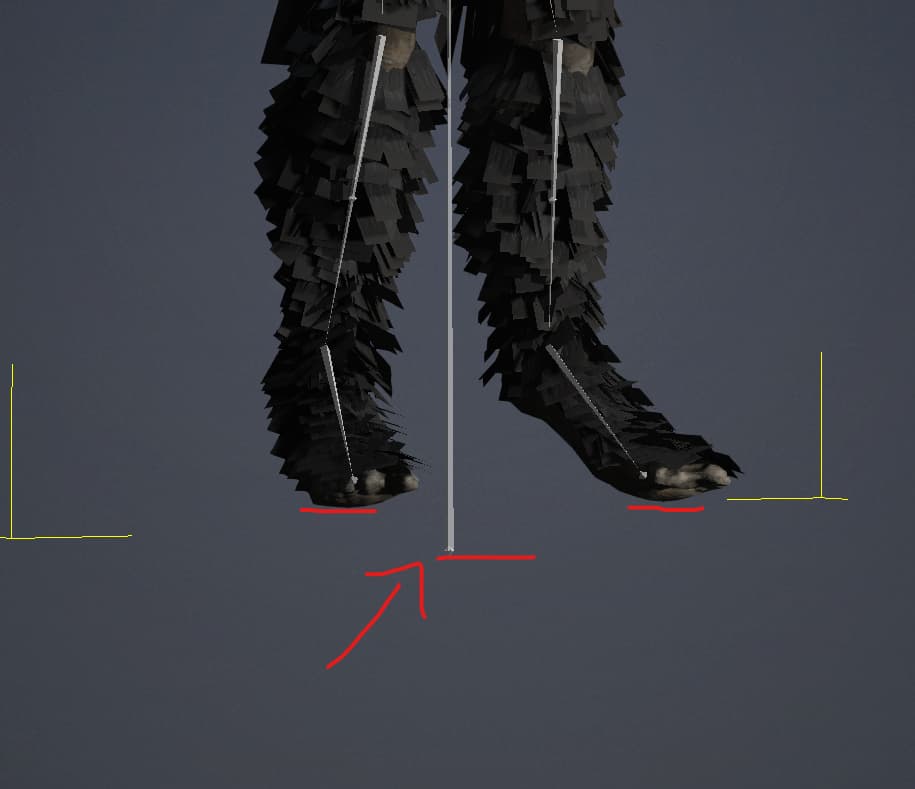
Thanks, when I look at the Motion > Setup > Set HIK T-Pose it looks like this. I assume the issue stems from the character not having heels that rest on the floor naturally (it is a kind of werewolf-type character). How might I go about correcting this? If I manually adjust the hip height I can get the foot bone bases to align with the root on Z in the editor - but it seems any changes I make are not applied after exiting this mode?
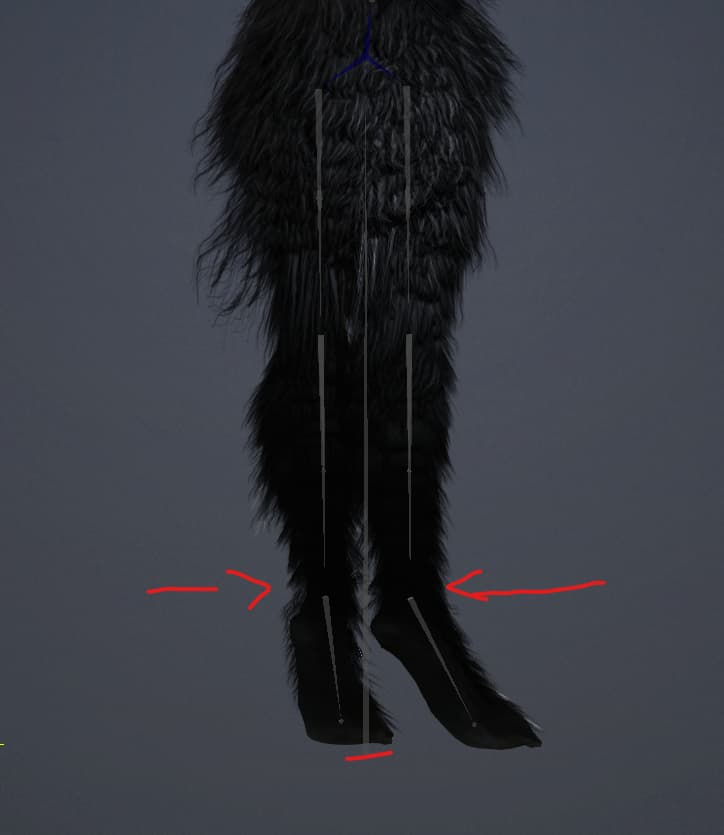
Thanks! That actually worked for transferring to Iclone and retargeting animations - even thought the root bone looks incorrect inside of CC5 (it is well below the floor) when I export to Iclone the root is correct and animations work as expected (the character is not floating on top of the floor any more)
I also found that deleting the root bone before importing to CC5 appears to correct this issue.