May I ask why, when I create a hairstyle from my own hair and save it as a hairstyle resource, applying it to a new character results in severe distortion? This has been troubling me for a long time, and I hope someone can help me explain it!
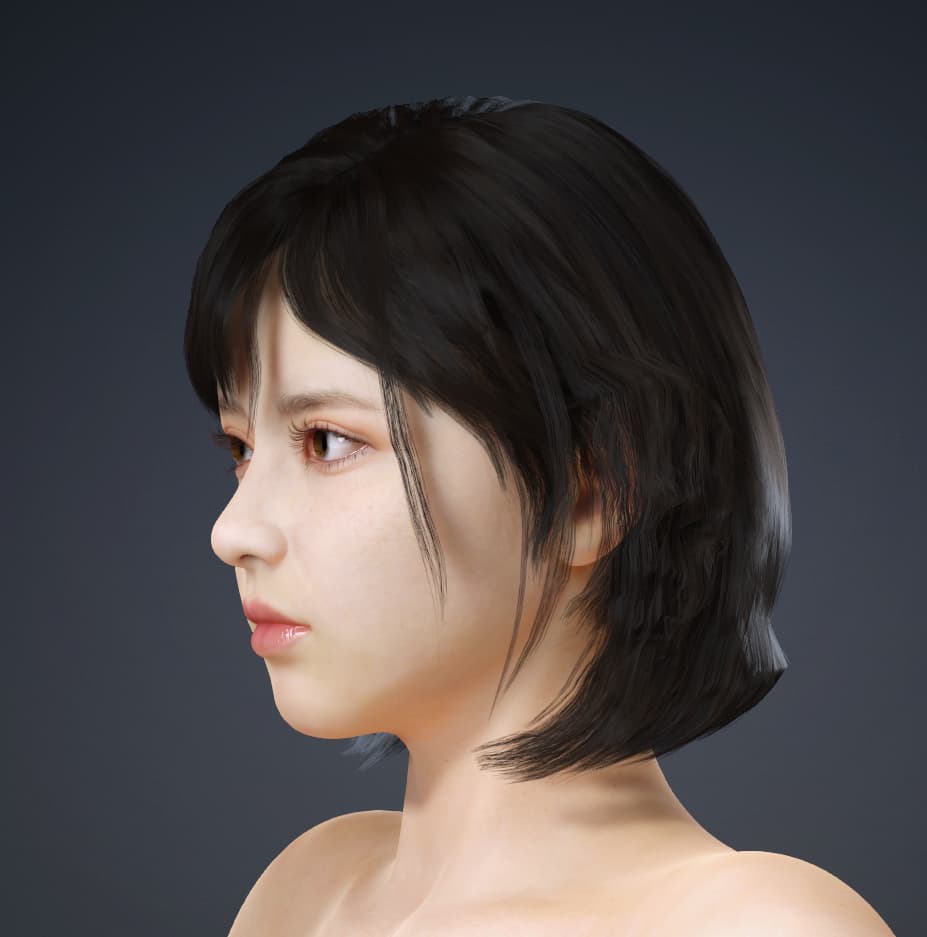
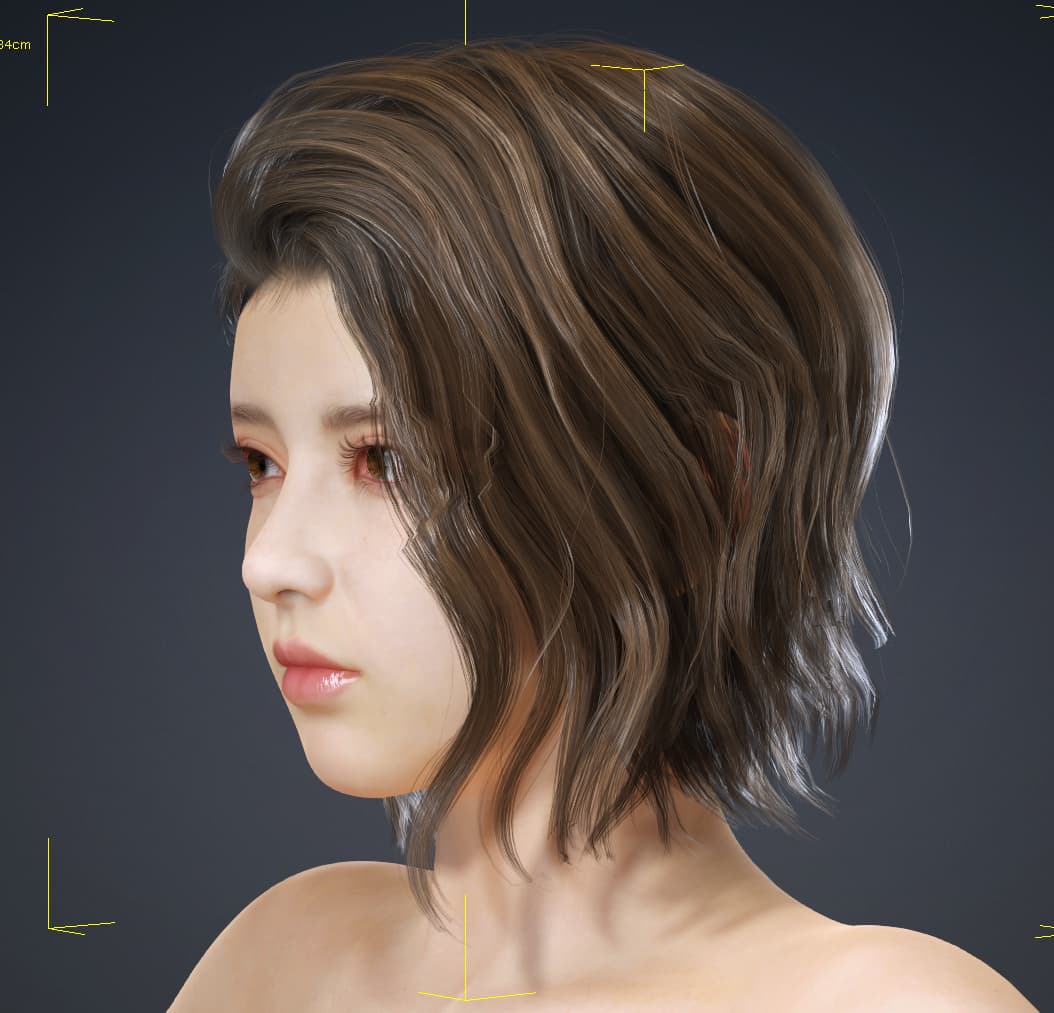
I am also in the same situation and really want to know the answer. Is there any kind-hearted friend who can reply?
It all comes from a different Range in Conforming.
Take default “Side part wavy”. If you load clothed Camila, select Hair, then Conform and click Edit Range, you’d see that hair cards are black - meaning the range for all vertices is set to 0. Which in turn means hair would conform by large “scale” rather than “detail” when you morph head/face.
If you now select all vertices and set range to 1, hair cards turn white - meaning it would “detail” rather than “scale” globally.
A little demonstration (I am with CC4):
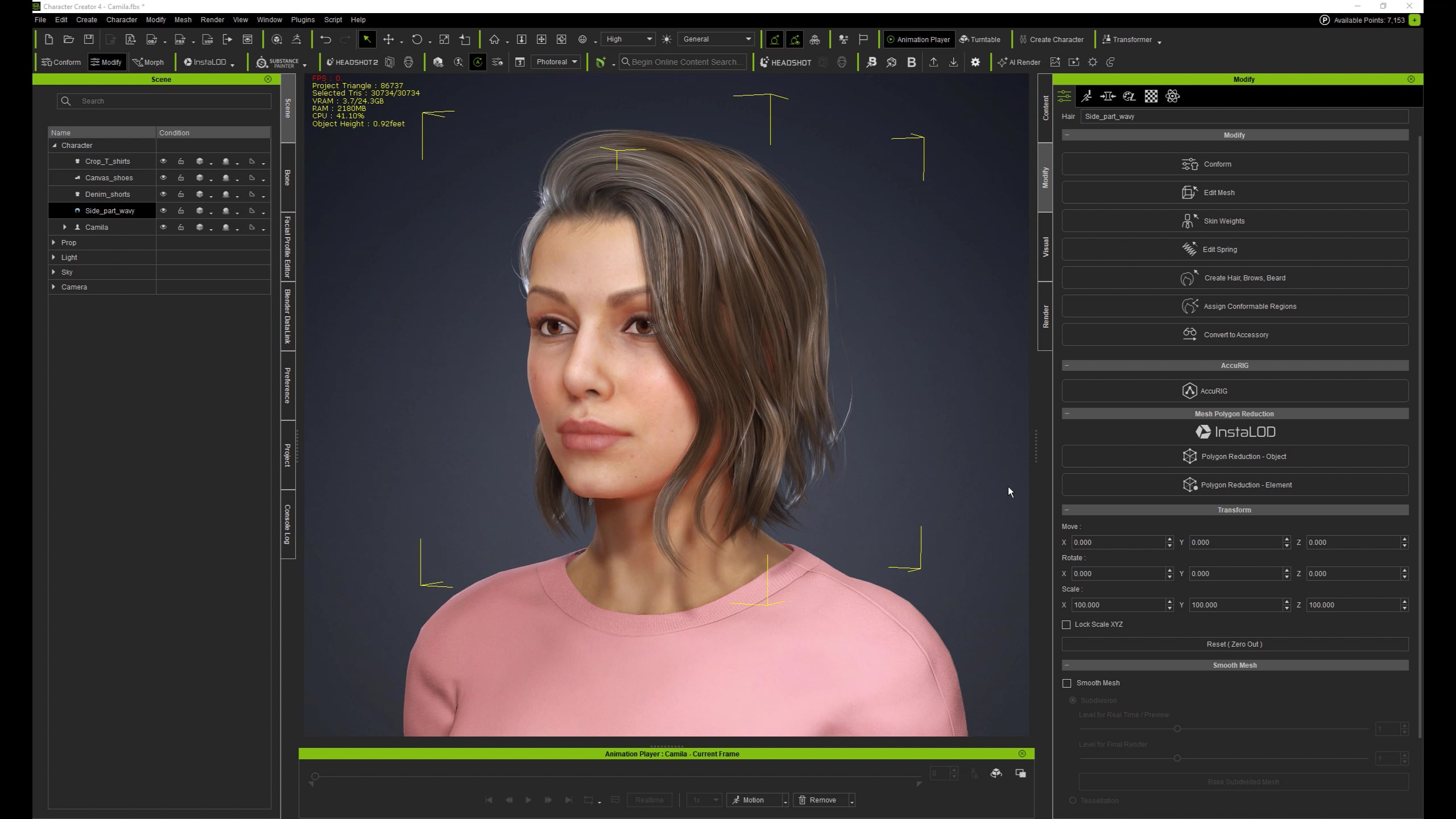
Default range value for newly created, customized and then imported assets is 1 (white)- detailing. That is why you see all those awful distortions around parts of the face/ears which are different from one character to another.
So switch off conforming, or set the range for all or some vertices to the value other than 1 for the good looking hair on one character, save it and apply to other character for evaluation.
Range has some other purposes, so I suggest checking the help.
I personally prefer to switch the Conforming OFF for most assets and then fit them well in Blender, where I have much more freedom with Editing/Sculpting.
7 Likes
Thank you very much for your help. The problem has been solved. That’s great!! It has been bothering me for over a year. I’m really very grateful to you.