Hi all
I’m wondering if anyone is encountering this issue. I’ve imported a gambeson I made in Blender and converted it to a cloth asset and tried to hide the mesh under it using the Hide Body Mesh Tool, but it just won’t. I can click whatever I want, but nothing hides.
It worked fine last month, but there have been updates since, so I’m guessing that’s an issue?
I imported it using the Export Accessory function of CC/IC Create 2.3.4 in Blender 4.5, then Create>Accessory in the latest version of CC5.
Is this only happening on subdivided characters? It seems to be just the pictogram that you click on that does not work. In the same tool, try the brush option instead. The hide mesh in the Mesh Edit tool also seems to work correctly.
You can also try removing subdivision, hiding the mesh, then adding subdivision back if you need it.
Hi Rampa!
I tried unsubdividing the character, (back to zero) and put the coat back on him (I’d removed it to fix a different problem) And now his whole body is hidden. Sigh.
If I delete the coat, the character becomes unhidden, I thought it might just be my outfit, but I tried a coat from the content store and nope, same thing there. I guess I need to put this in feedback tracker.
In an older version of the file (from May 9; I date them all to keep track of versioning), using the brush works although it’s much harder to see than it used to be. The regular “picker” for regions does not work at all.
I will add this to feedback tracker and will provide a link here for others.
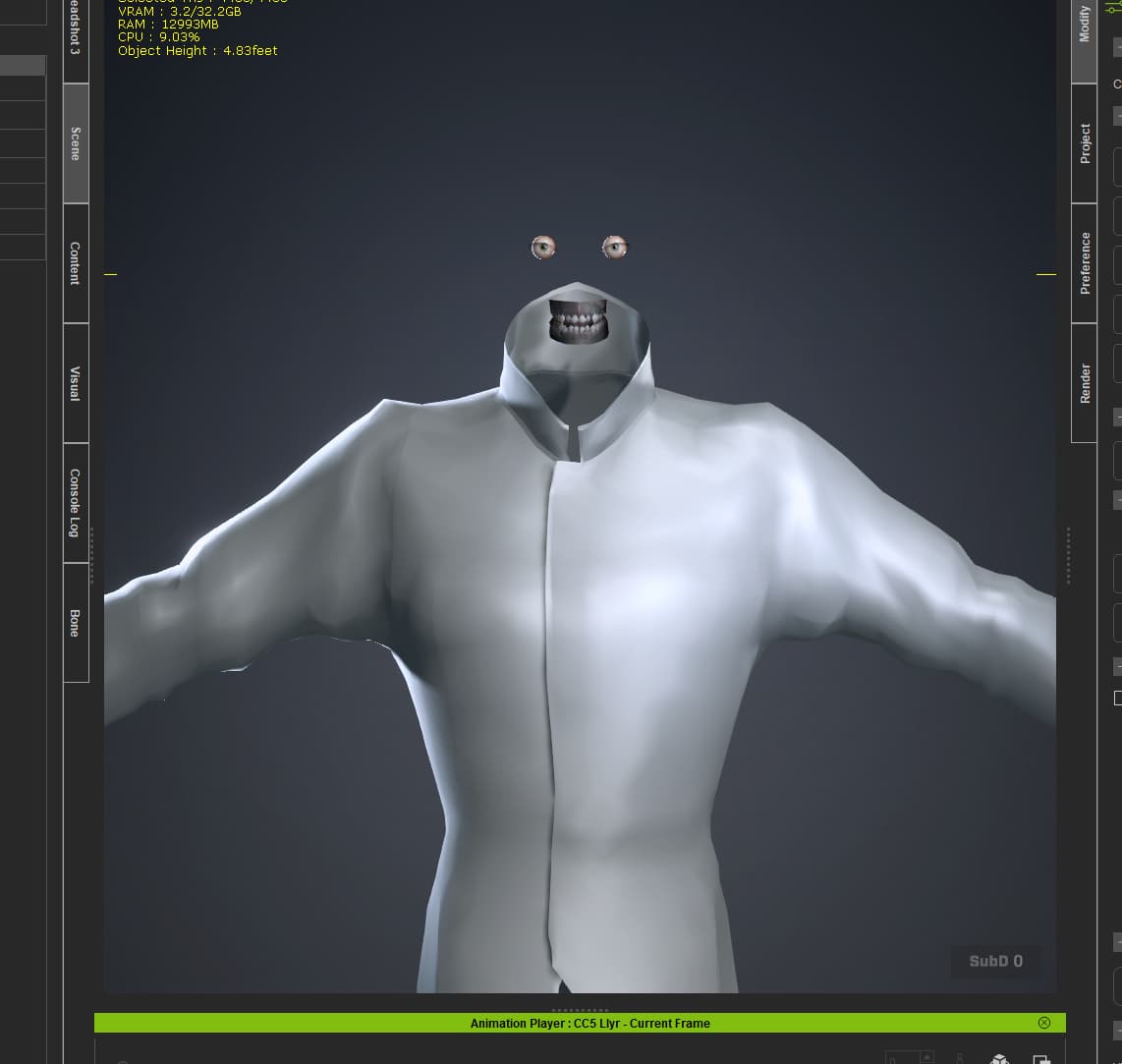
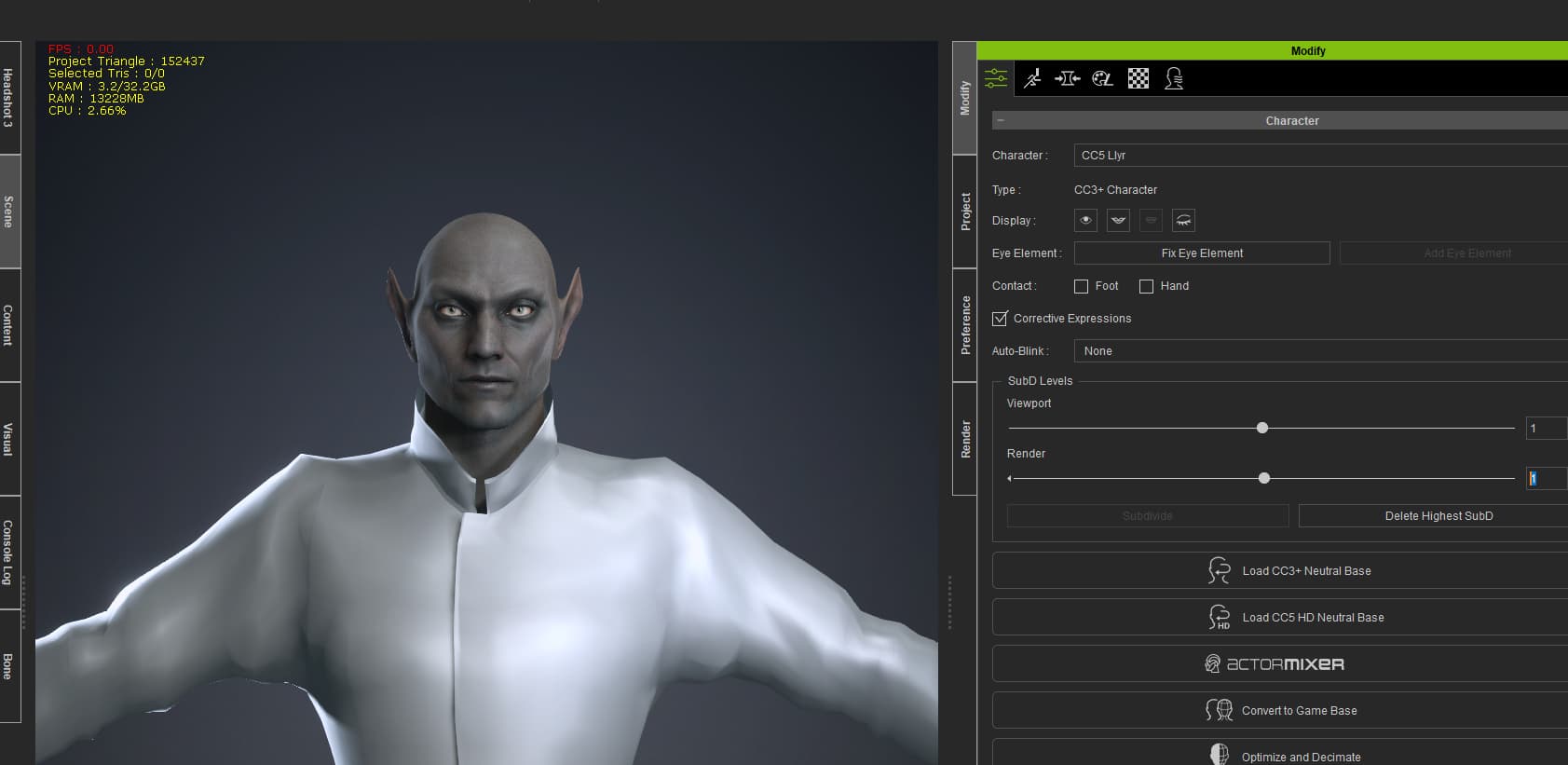
 -)
-)