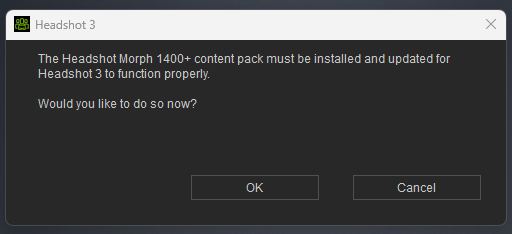
The Headshot Morph 1400+ is a content pack that is installed separately.
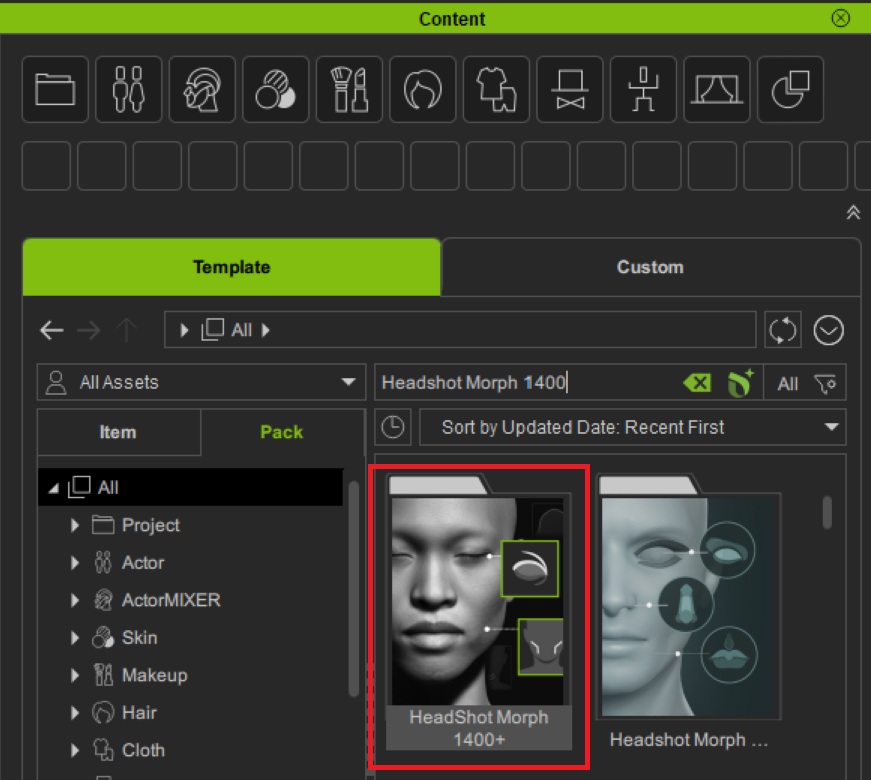
So in Content Manager, select Template > Pack and then All and search for Headshot as shown below. This should find the pack. Then double click it to install.
I’ve rebooted the system and restarted the application.
No Changes.
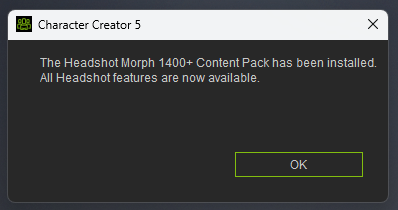
The installer seems to be failing its checks and balances of a successful installation. Otherwise, it wouldn’t claim to be installed unless there are no checks and balances in place.
I would think it recognizes the file to install and offers to do so.
So now the question is, why isn’t it there?
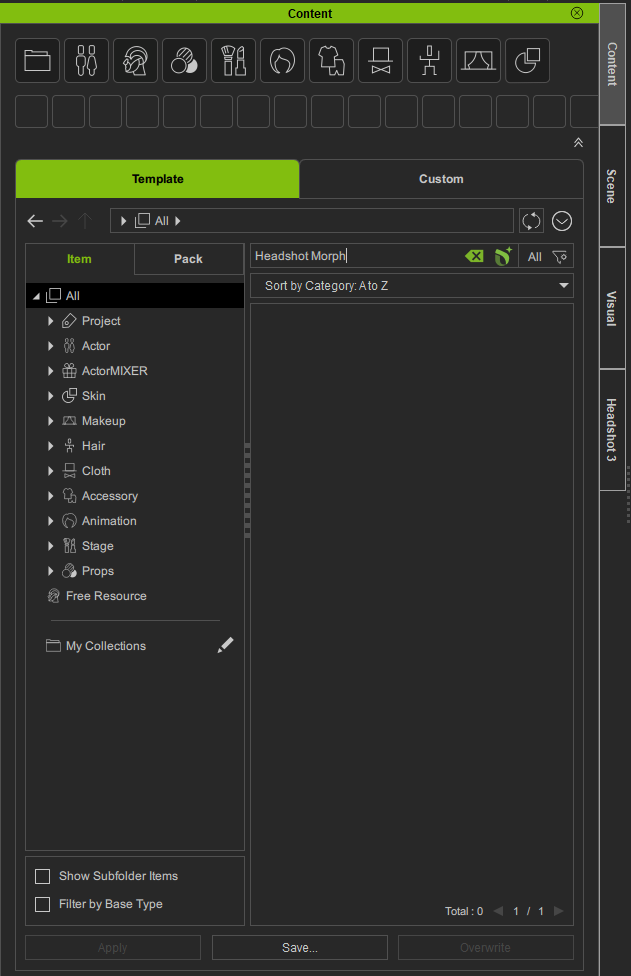
I see from your screenshot that you are searching under “Items”. Have you tried searching under “Pack” instead which should display the Headshot Morph 1400+ pack, even if it is not yet installed (see below).
Yes, I was using the PACK.
The screenshot with ITEM was after moving around.
The other items that are not associated with the MORPH were present on my screen, and I did my checks using your screen as well as a video of Headshot Pro 3. I just never changed it back before taking the screenshot.
But I was able to get it to work.
I believe the app was stuck loading.
I noticed the application said it could not find it, but at the bottom of the list of packs was an in-progress animated notification saying, “in progress”.
I let it sit overnight with no change.
I shut it down again.
I launched it, and the morph appeared the same as yours.
It is possible I had too many things going on at once.
In any case, it is installed and working.
I meant to post this yesterday, but I never hit the REPLY button at the bottom.
Thanks for updating again. It’s great to hear you have resolved the problem now.
It’s certainly not normal to have to wait that long for Content Manager to update. When you get unexpected behaviour like you experienced it is always worth shutting down your computer and restarting afresh. Then launch CC5 without opening any other software. This should allow updates to come through without any delays.