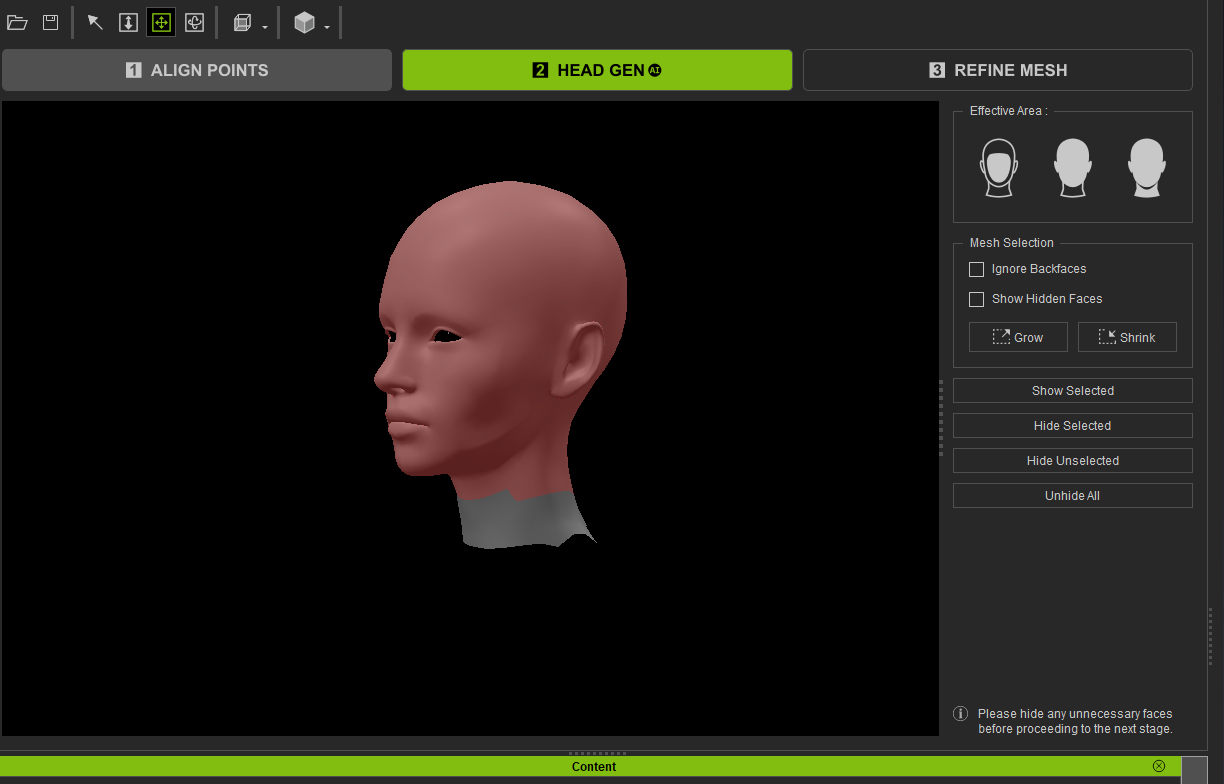
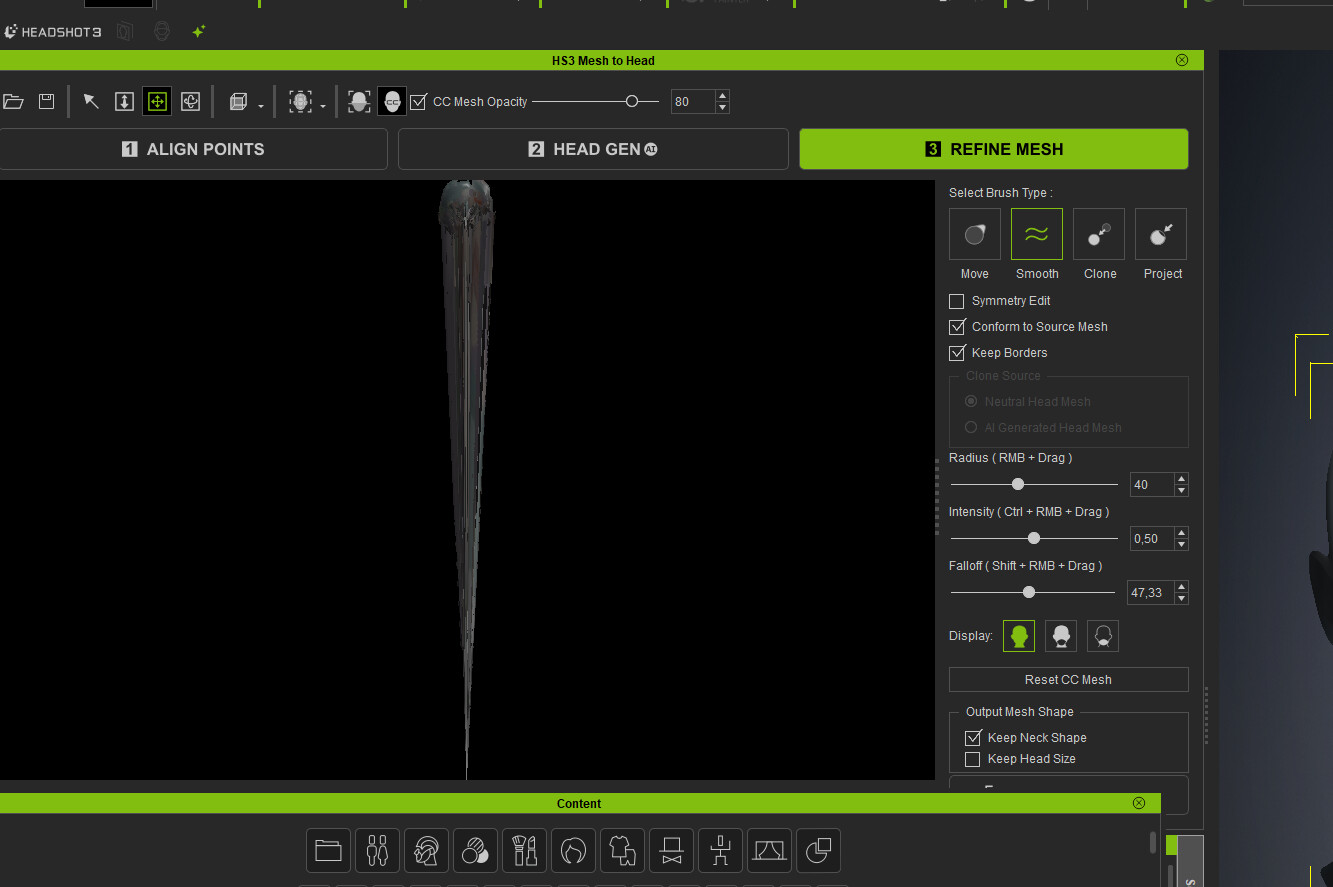
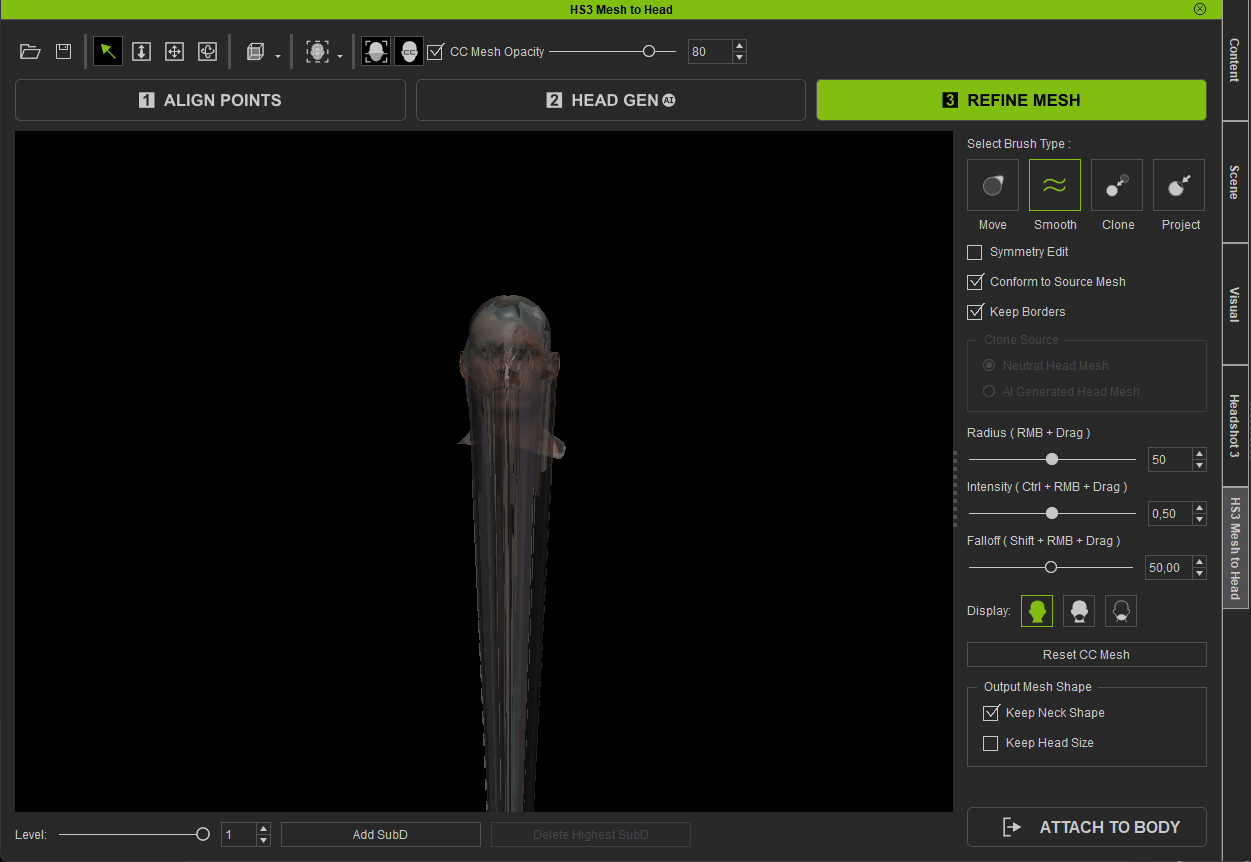
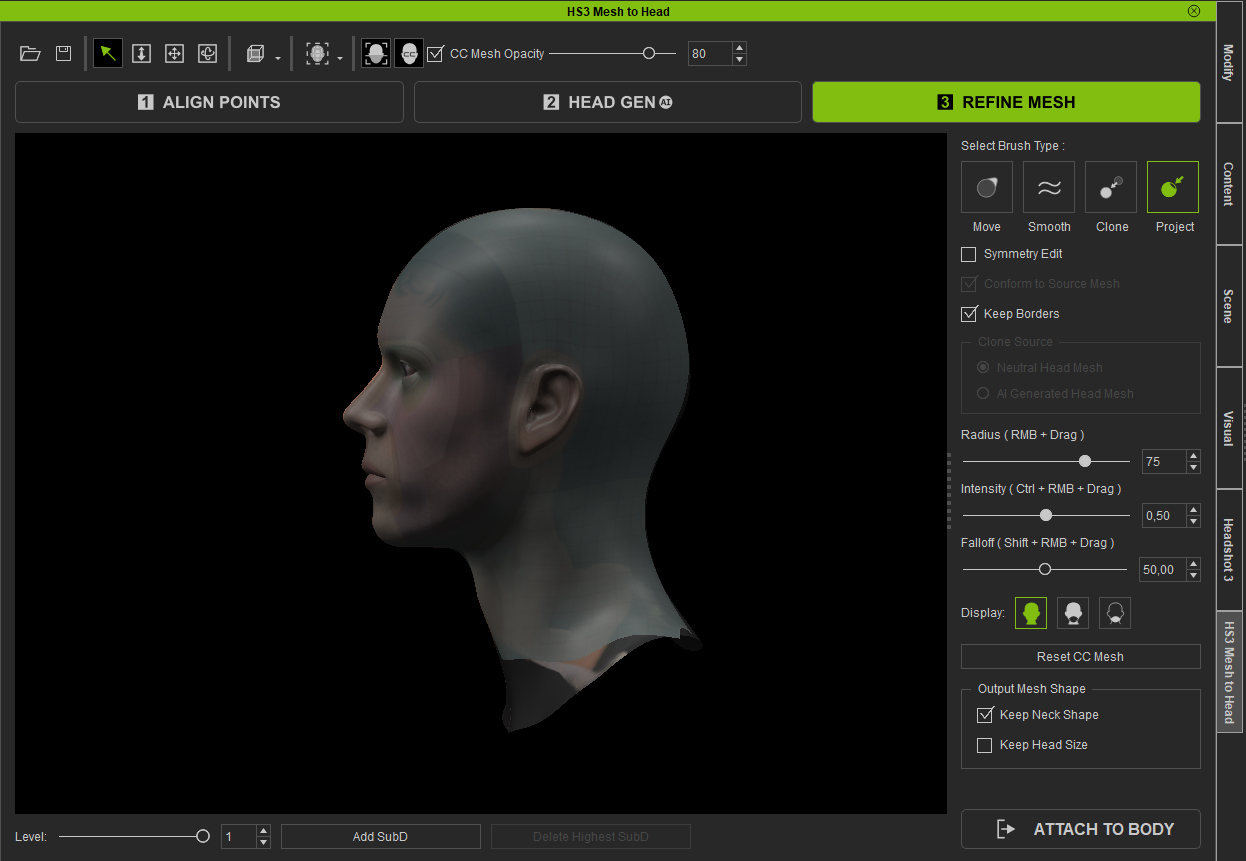
Please first ensure that the face is oriented correctly. If the issue persists, please contact Reallusion Support; they will require your .fbx file to conduct a thorough investigation.
I’ve had this issue occasionally. I think it occurs because of the origin point being well below the mesh itself. When I set the origin to the base of the mesh, it tends to not do this. I’m bringing in a head mesh from Blender for the most part. The most frustrating thing about this issue, is that you don’t know it exists until after you’ve spent 10 to 15 minutes placing all the control points in the right spots. I wish there were a notification at the start so time isn’t wasted.
I’m having the same issue. After at least 10 tries, setting the origin point to the base of the mesh setting the origin point to the base of the mesh didn’t solve it… I’m thinking of going back to Headshot 2 until it is fixed. The weird part is 3 days ago everything looked good but now, no matter what head mesh I import, it always does this.
Okay so I think I found the solution… Before launching Headshot, make sure the head mesh is sized at 100 at X,Y,Z…
Mine was scaled at 10.000, I had to scale it down to 1000 and then “reset transform”. Everything worked fine from there.