I’m running into an issue with Headshot 3 generated characters and Unreal Engine.
My goal is to have multiple avatars with different appearances but sharing the exact same skeleton so I can reuse animations without retargeting.
Here’s what I’m doing:
- I created a base character manually in Character Creator. Let’s call this character Avatar A .
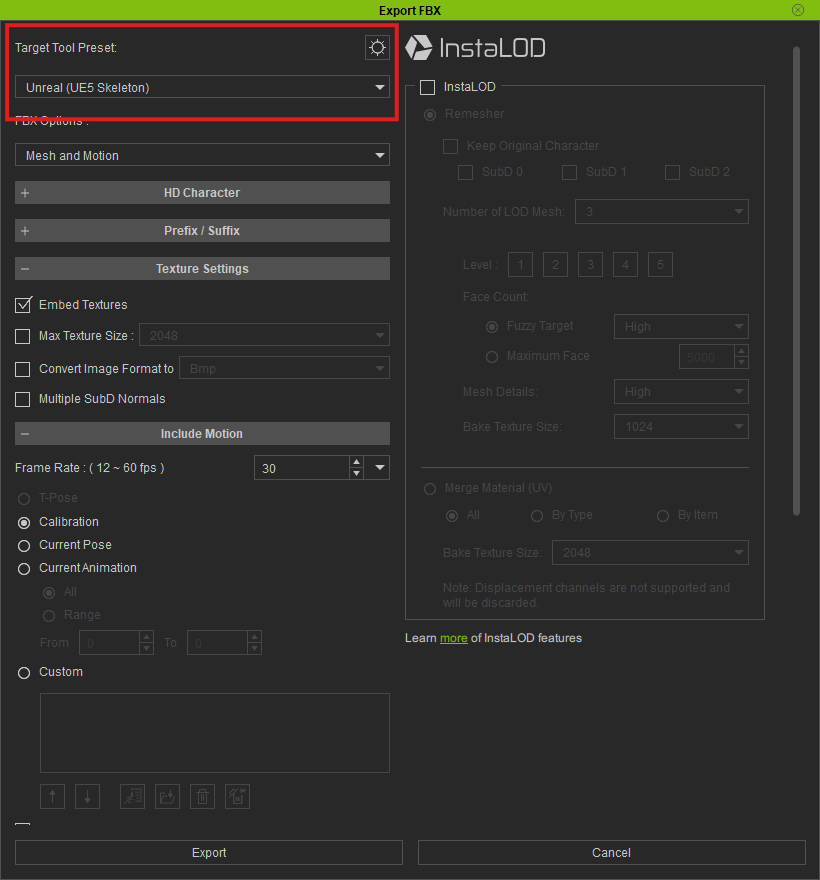
- I export Avatar A to Unreal Engine 5.7 using the standard CC export workflow.
- When importing into Unreal, everything works as expected. The Character Creator Auto Import dialog appears and the character imports correctly.
Next, I take the exact same Character Creator project and use Headshot 3 to generate a different face while keeping everything else the same.
- The original project is duplicated.
- Only the face is changed using Headshot 3.
- I export using the exact same settings as Avatar A.
- I import into the same Unreal Engine project.
At this point, the behavior is different:
- The Character Creator Auto Import dialog never appears.
- Unreal falls back to its standard FBX import dialog.
- If I try to assign the same skeleton that Avatar A uses, Unreal reports that the skeletons are not compatible.
This is confusing because both characters originated from the same Character Creator project and should have the same skeleton. The only intended difference is the face generated by Headshot 3.
Has anyone experienced this before?
Are there any Headshot 3 settings, export options, or character conversion steps that could cause the exported skeleton to become incompatible with the original character?
Versions:
- Character Creator Product Version: 5.1.1723.1
- Headshot: 3.0
- Unreal Engine: 5.7
- Auto Setup: Auto Setup 2.01 For Unreal 5.7 (All-in-One)