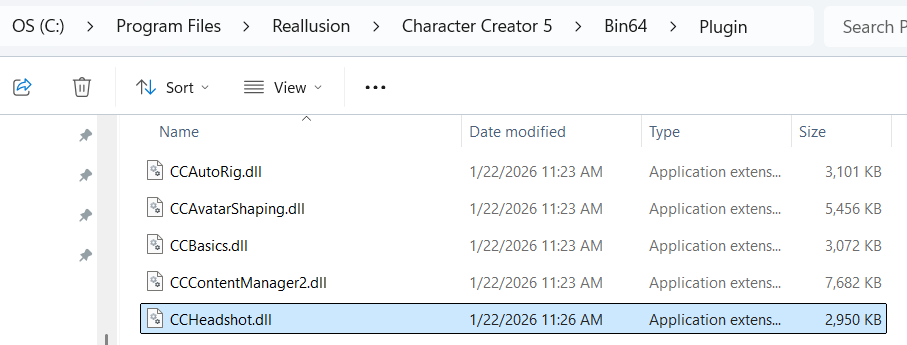
I’m having serious issues with RL Support. The RL Hub says Headshot 2.01 is installed, but when I click on the Headshot 2 field, absolutely nothing happens. No error messages, nothing.
I read that any applications are stored in a special directory for RL Software:
(C:\Users\fsilv\AppData\Local\Reallusion\RLDownloads). If you look in there, there is not Headshot 2 app. However, if you go to the RL Hub, it says HS2.01 is installed. Great! If it’s installed, I should be able to uninstall it. However it begins installing, then it says “Failed to uninstall the program. Please verify that the program was installed correctly before trying again.”
What other way besides the RL Hub do I have to determine if HS2 was correctly installed? An if it’s installed:
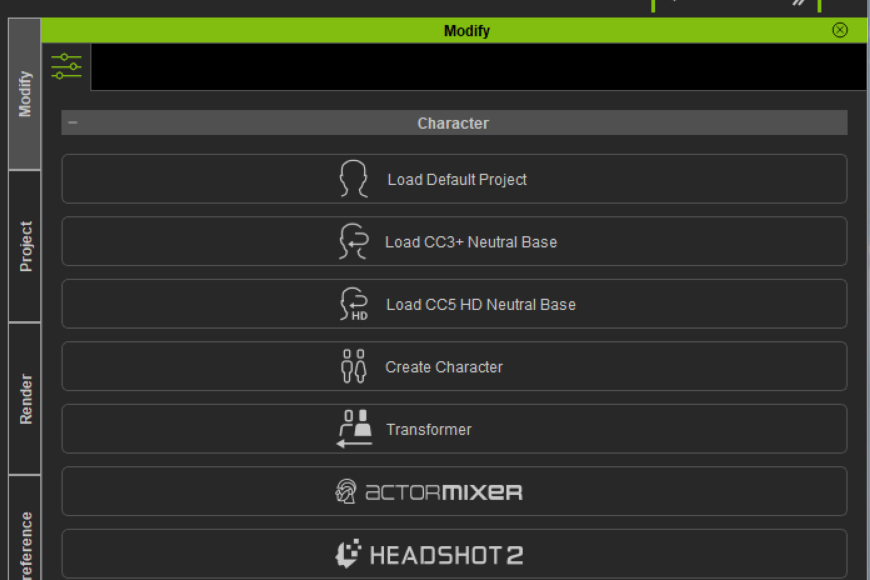
- When I click on the Headshot 2.01 field, nothing happens, not even an error message.
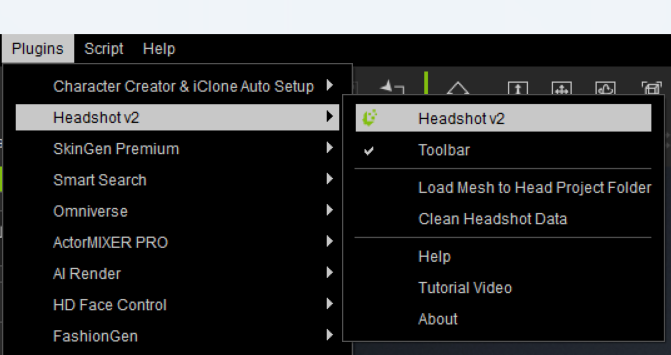
- When I click on the plugins menu, all plugins EXCEPT Headshot 2 are shown.
How am I supposed to fix this? I believe that since the program is AWOL from the folder that holds all the RL applications, I should get another file sent to me. I paid $149 for a program, and not just air. I mentioned that I’m not requesting a new serial number, I already have one. Since the issue is directly related to the RL Hub, I should get the opportunity to manually install HS2.0 using my original serial number. If for some reason this is impossible, then I believe I should get refunded.
I’m really happy to get back into iClone8 and CC5. It took me a while to be able to set apart the funds to purchase their upgrades. I don’t make money with the work we do, it’s just for learning purposes.
Can someone please help with this. It seems that Support thinks that just because the RL Hub says it’s installed, they close my Support tickets.
Please help!
Kind regards,
Frank Silva