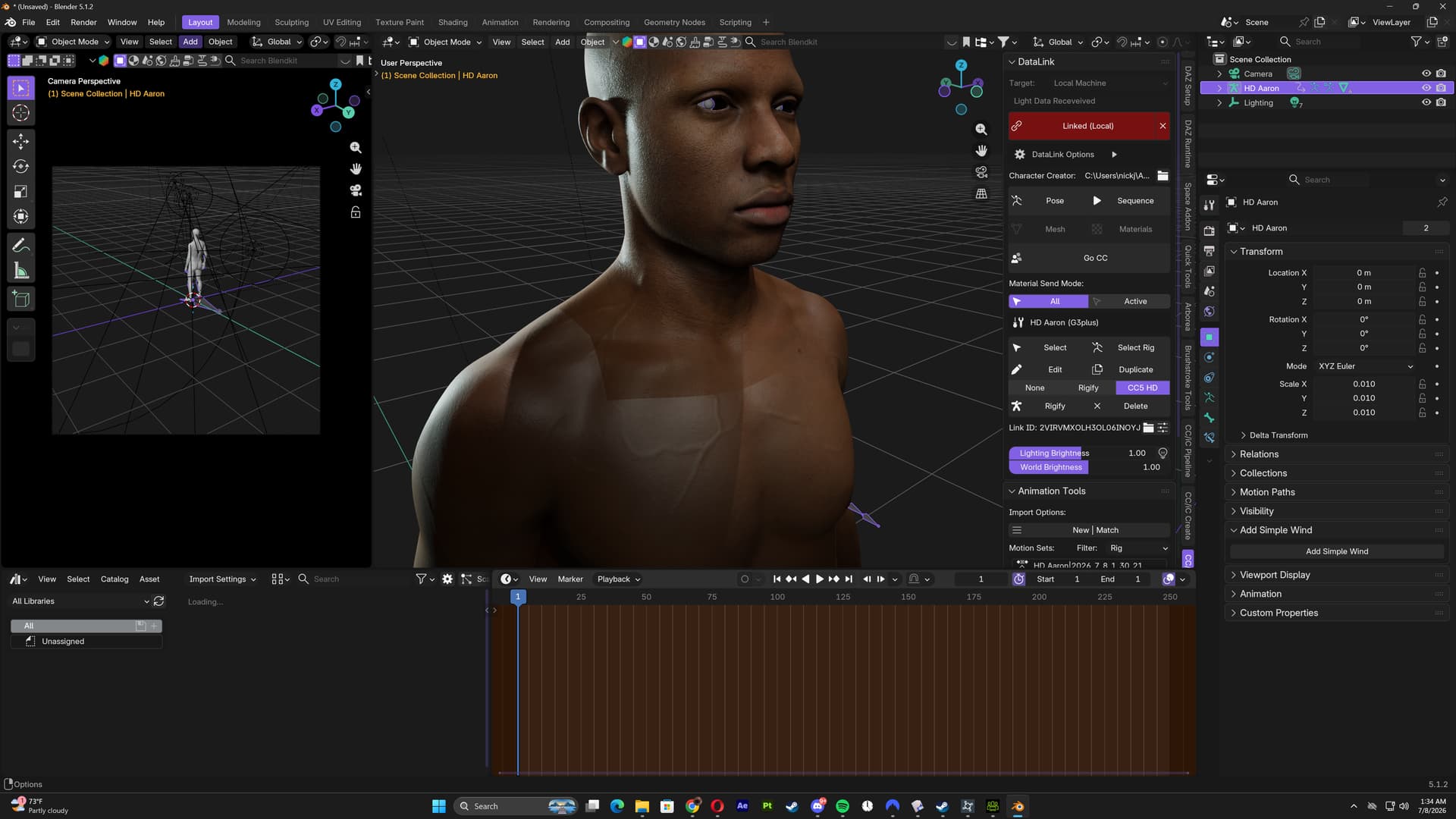
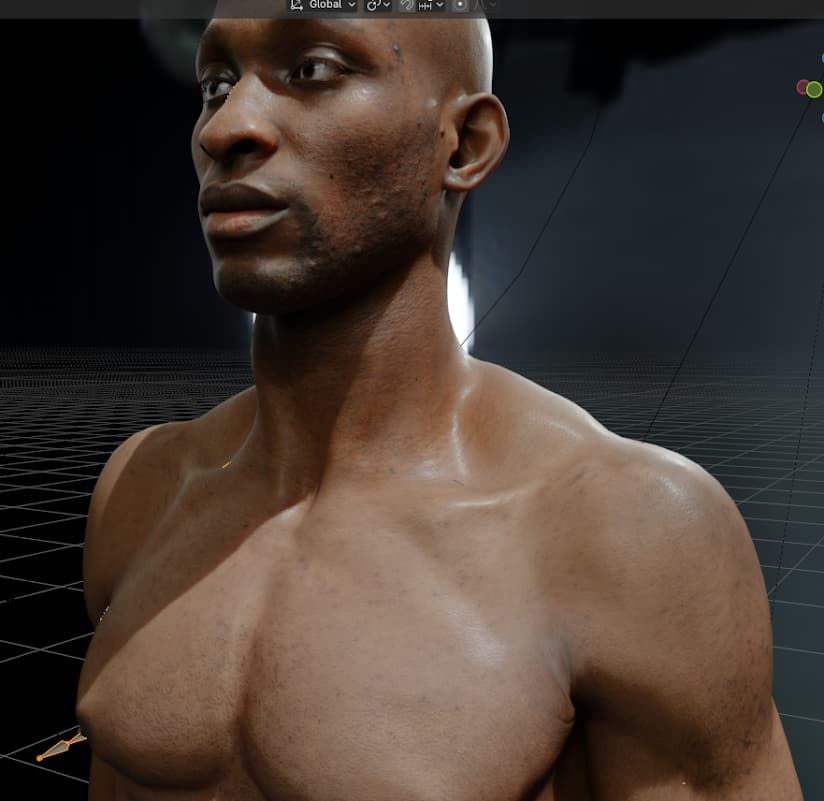
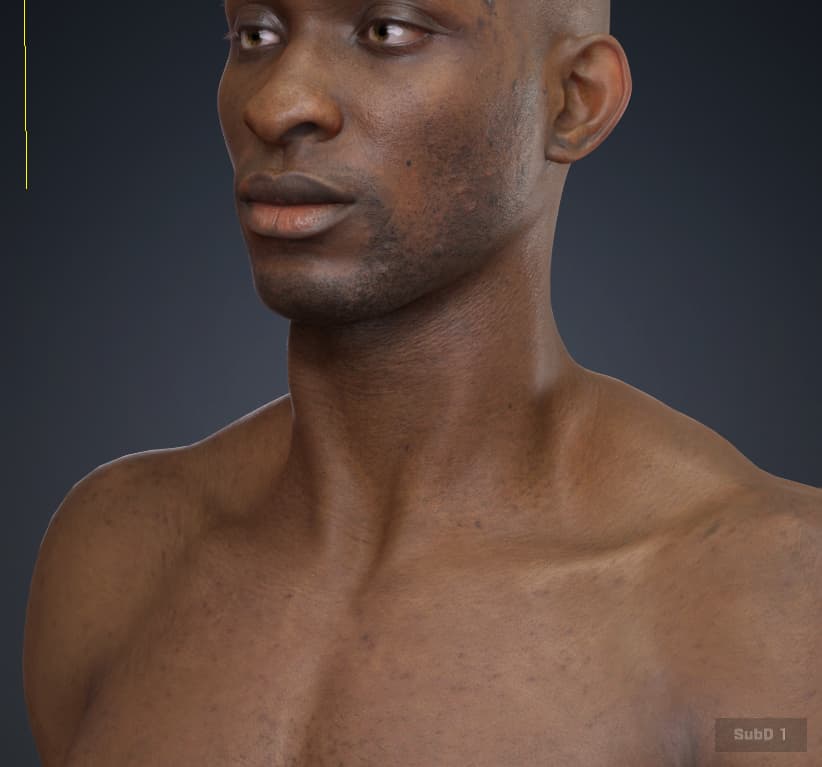
I keep getting a visible tone mismatch at the neck where head meets body. Looks perfect in CC5, but once in Blender the body reads noticeably hard seam right at the neckline.
Things I’ve tried:
- FBX export with Bake Skin Diffuse — no change
- Manually adding AO/Roughness/SSS maps to Body’s shader to match Head — no change
- Live DataLink (Send Avatar) instead of static export — same seam
- Confirmed the raw Diffuse textures for Head/Body look similar in tone side by side
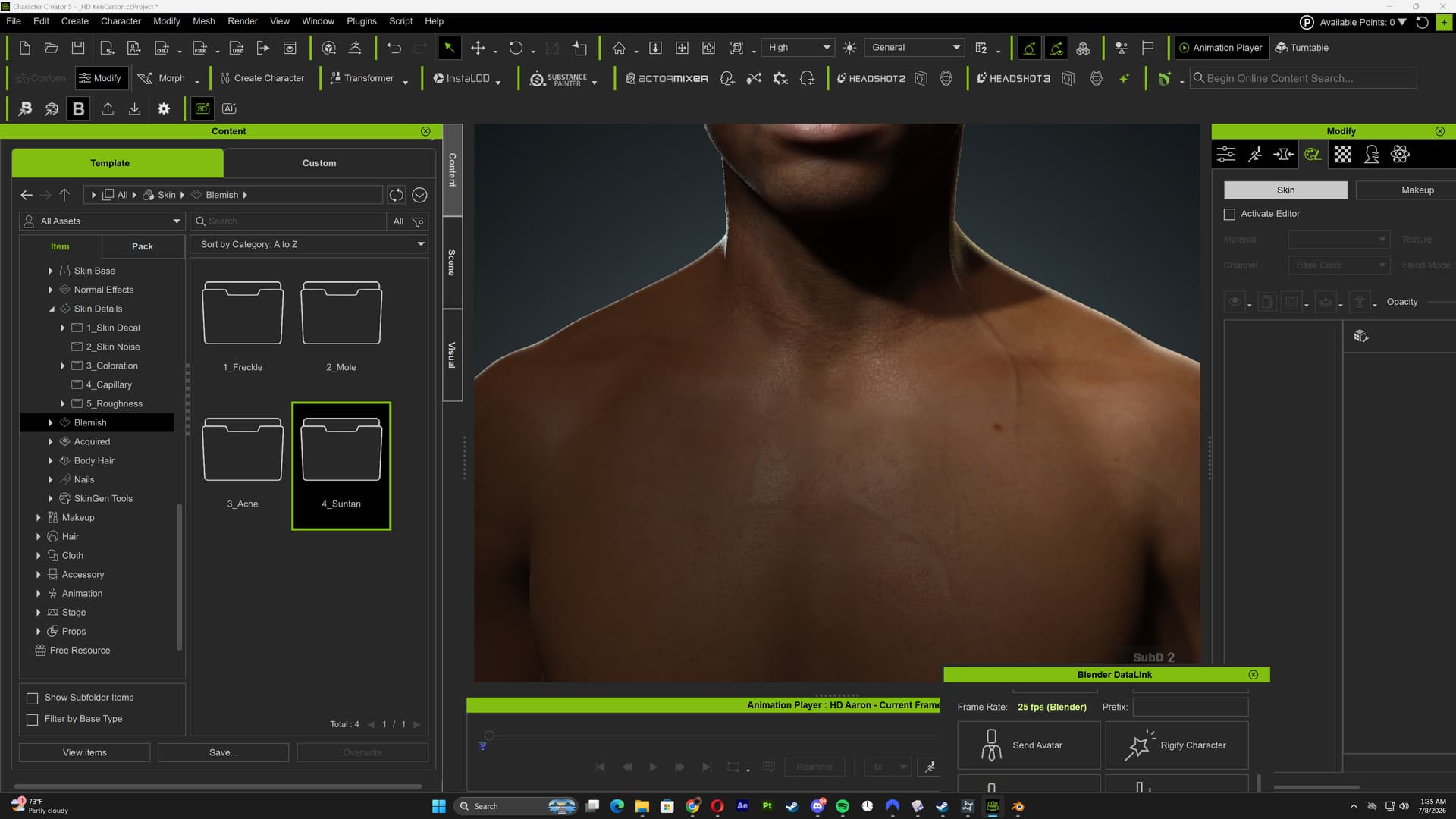
- Confirmed the seam isn’t visible at all in CC5’s own viewport, only after import to Blender
This was at my last try seeing if data linking would work and it didn’t: