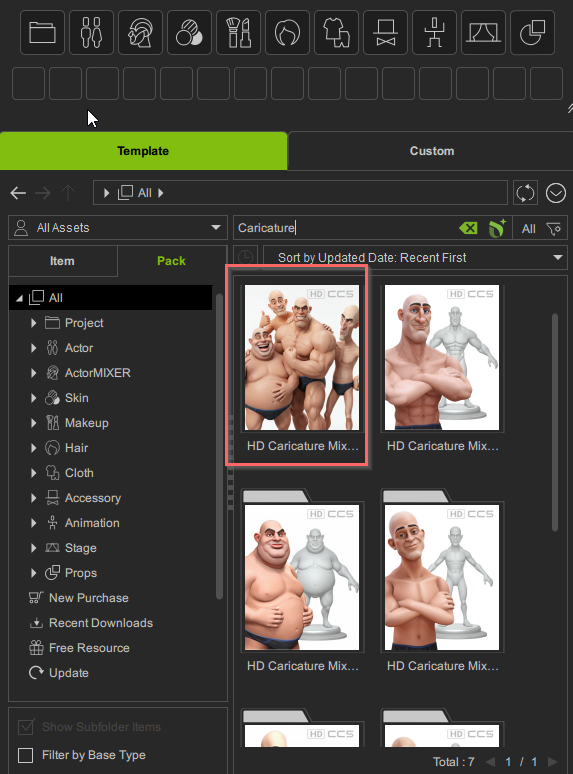
Dragging a HD Caricature Mixer character into the ActorMIXER, I get the error:
Failed to find the related Mixer Sliders
Please check the files from Show Details, or go to Menu > Help > Refresh Sliders, then try again
---
 2025-12-17-13-53-04_heavy_nose
2025-12-17-13-53-06_heavy_ears
2025-12-17-13-53-08_heavy_forehead
2025-12-17-13-52-55_heavy_eyes
2025-12-17-13-52-59_heavy_eyelash
2025-12-17-13-52-57_heavy_eyeball
2025-12-17-13-53-01_heavy_mouth
2025-12-17-13-53-02_heavy_teeth
2025-12-17-13-53-10_heavy_chin
2025-12-17-13-53-11_heavy_head shape
2025-12-17-13-53-13_heavy_body ratio
I tried refresh sliders as well as restart, but nothing works.
I get this across all the HD Caricature parts.
How do I get this working?