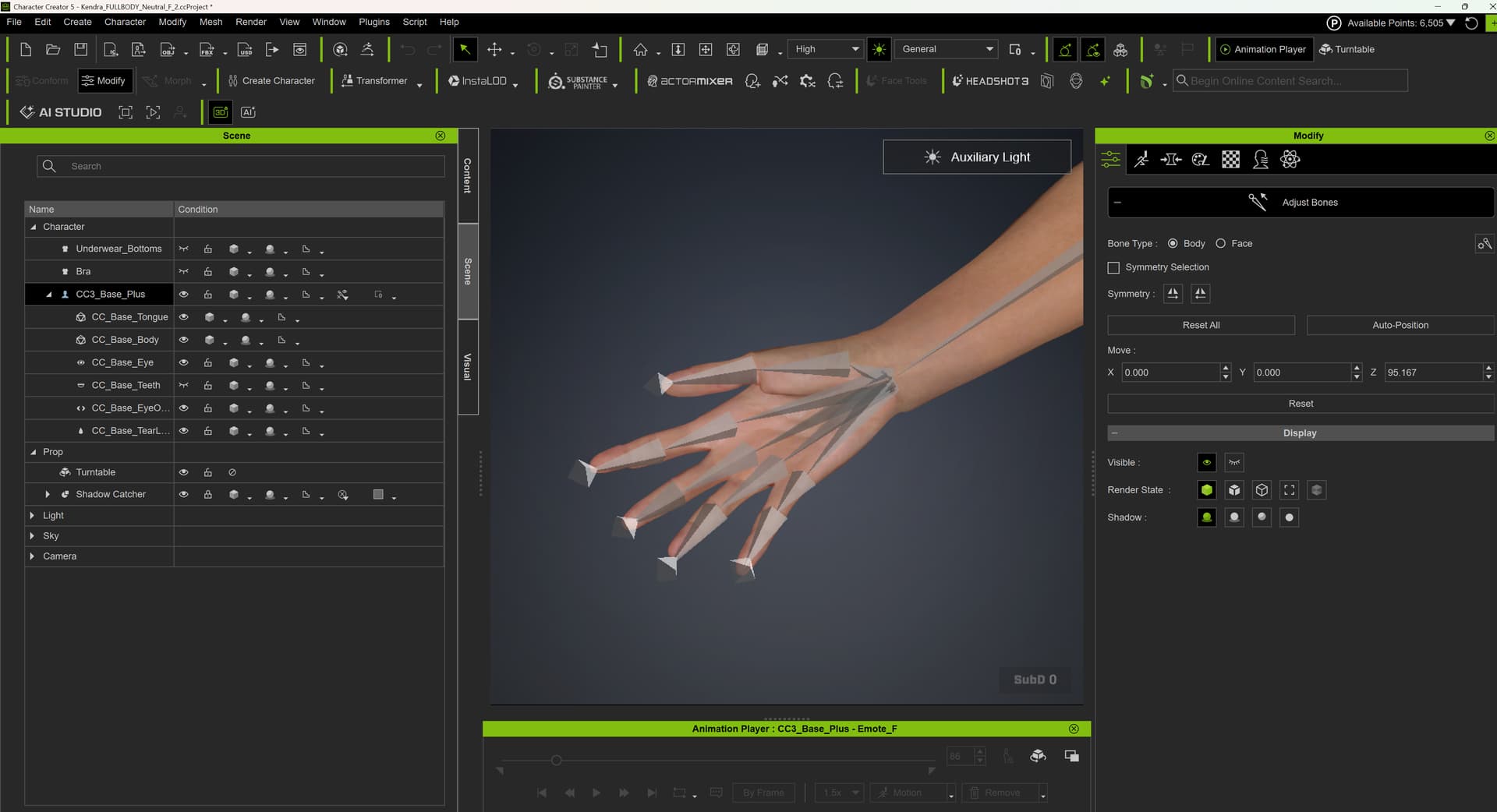
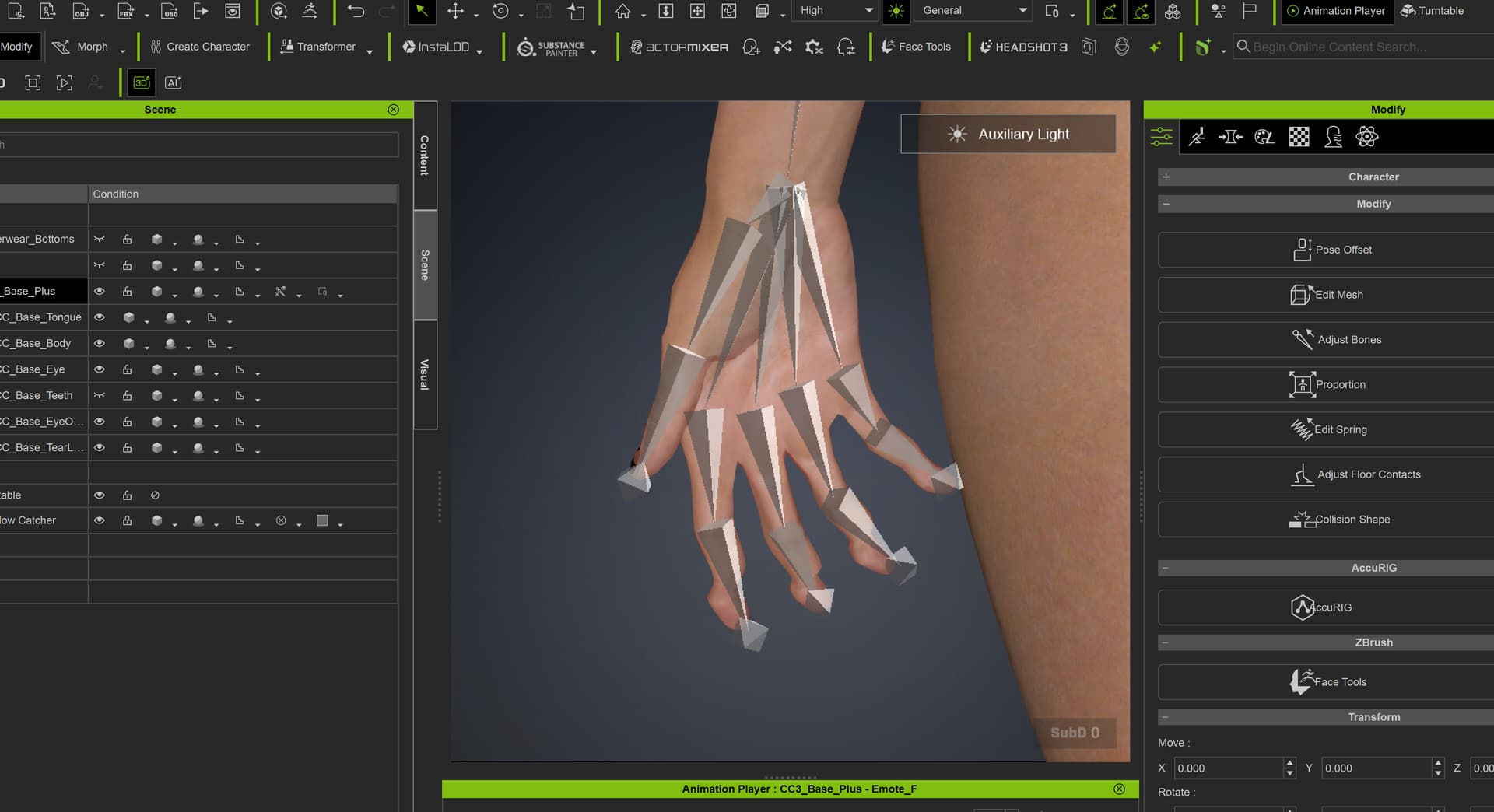
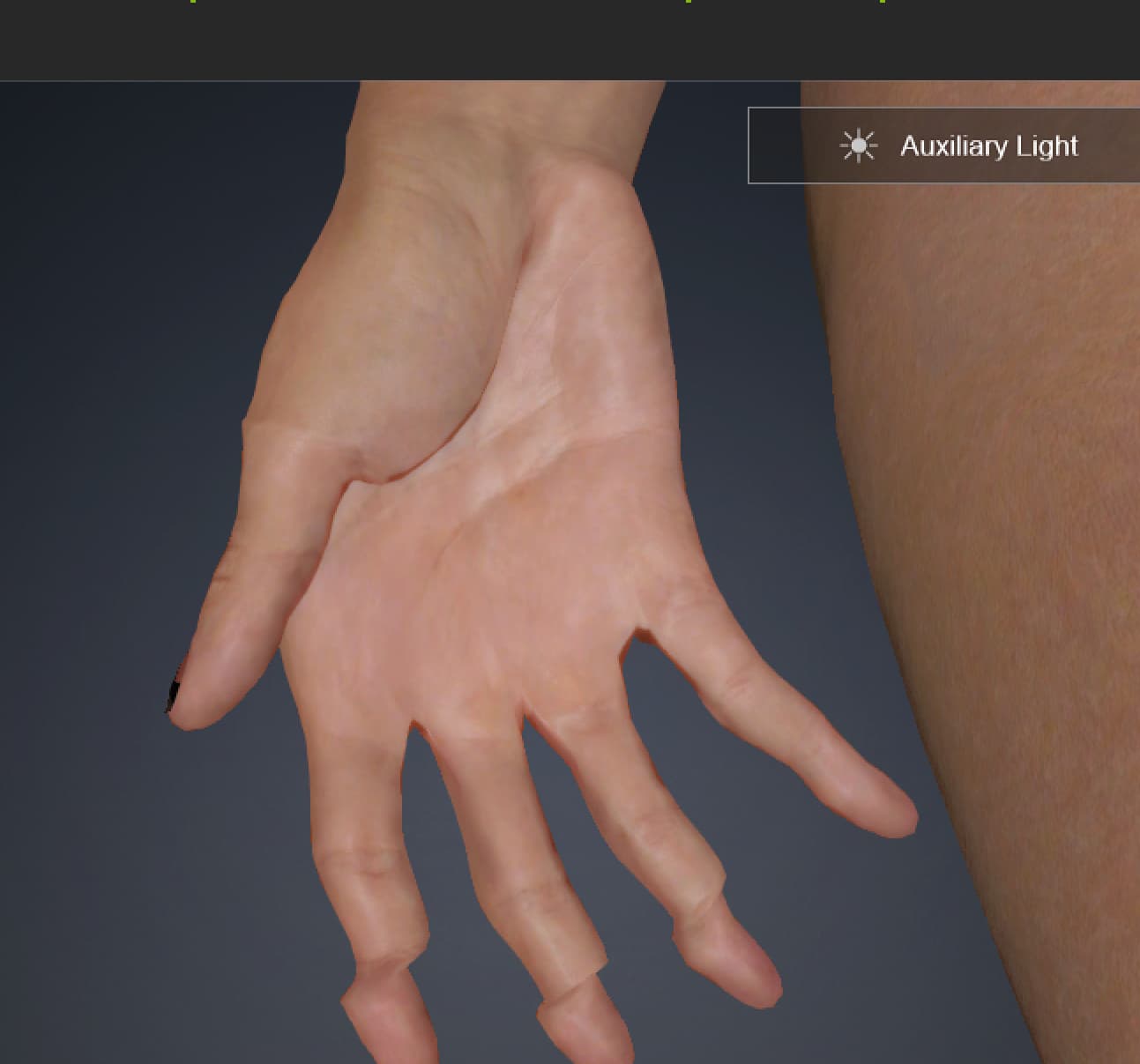
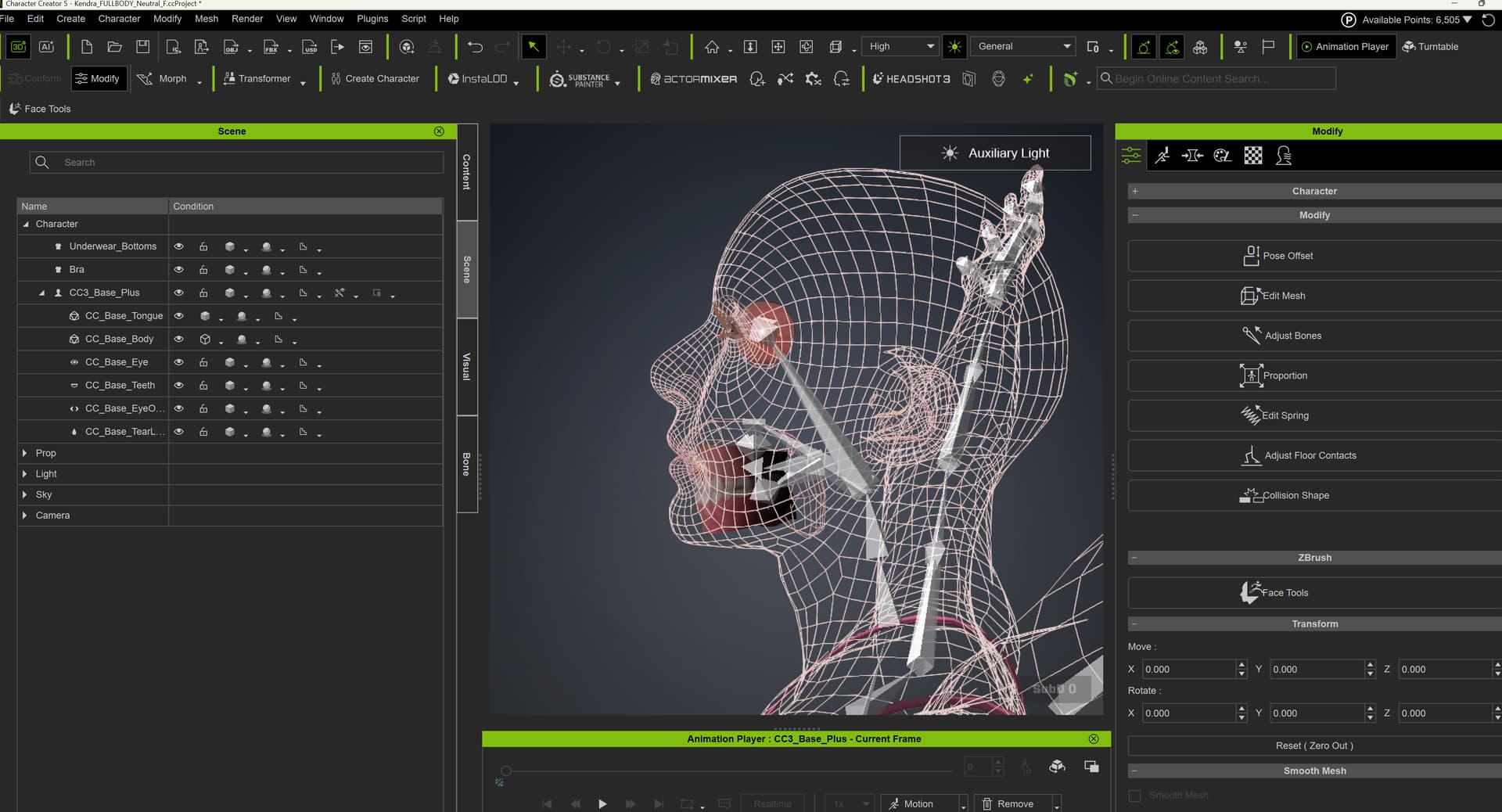
They looked good when I rigged them but when I apply the animation it messed up the fingers, shoulders and there is penerating on the arms as the character walks.
How do I fix or adjust the fingers and the collisions?
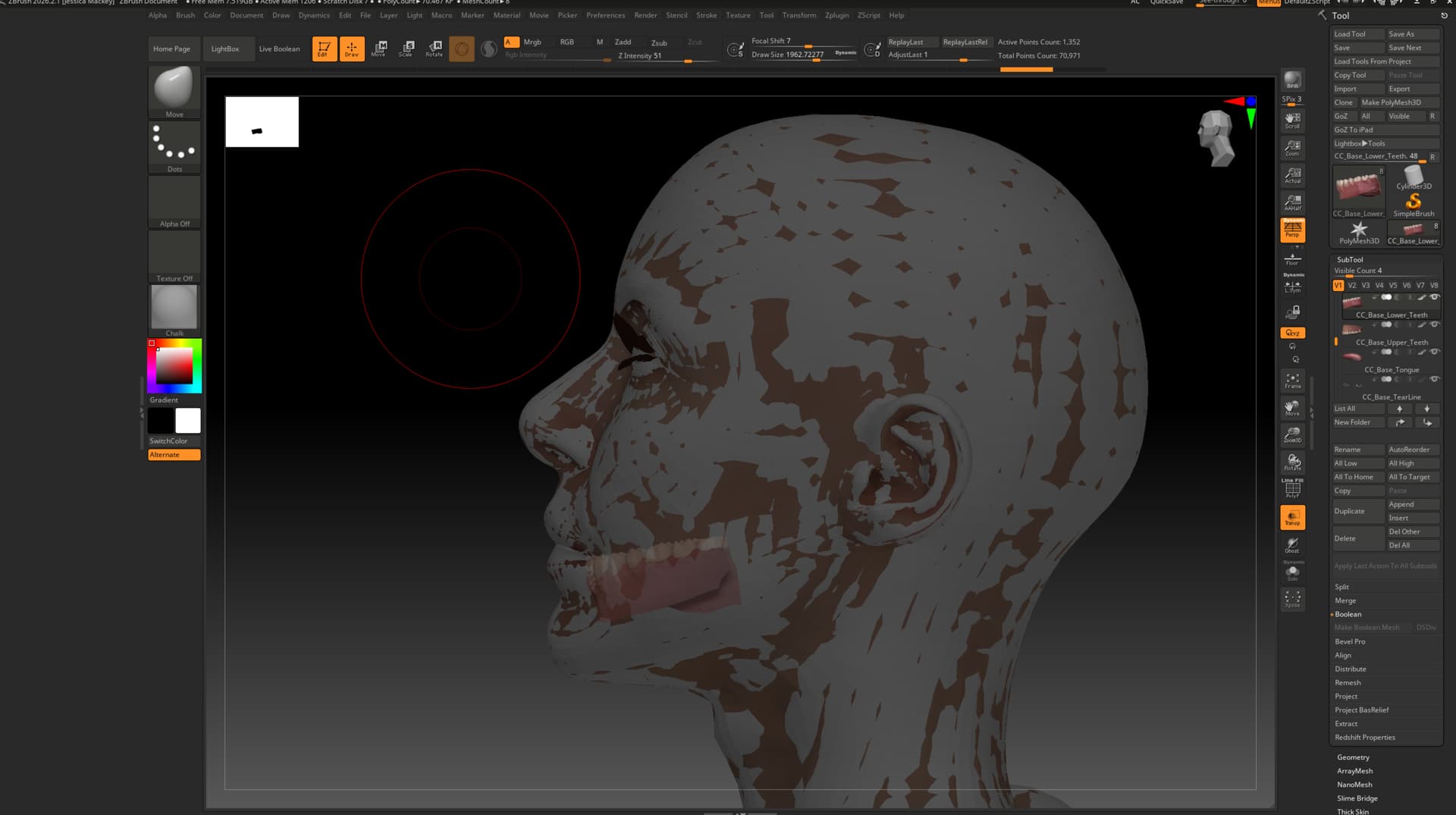
I have this for example. Not sure still why this is happening. Even when I remapped and realigned my bones to a new character. Then used GOZ to replace and update the mesh from Zbrush it totally crushes my alignment of my bones. But for some reason when I did edit bones and autoalign it aligned them mostly. However, the fingers are still jacked up.
here is a video.
I did NOT use ACCURIG.
Now that you mentioned it I went into Accurig and tried to do some editing… but not sure how to adjust.
I think the auto bone alignment may be all you need in the Bone Adjust tool. Now adjust the bone positions in the Proportion tool instead of the Bone Adjust tool. That will adjust the mesh with the bones, so the fingers actually straighten out those kinks.
I think you have the corrective steps out of order. It is going to require both the Adjust bones tool and the Proportion tool.
Step 1 is the automatic alignment of the bones to the corresponding mesh. So in the Adjust Bones tool, click the auto adjust bones. Do not move the bones manually in the Adjust bones tool in this case. This step is only to get the bones aligned with the correct mesh. The fingers will still be crooked, but the bones will match them.
Step 2 is to realign using the Proportion tool. Here you will be moving the bones around, and the mesh will be moved with the bones. Then you just move the bones around until the fingers are straight again.
Basically, Adjust Bones moves the bones within the mesh, and Proportion moves the mesh with the bones.