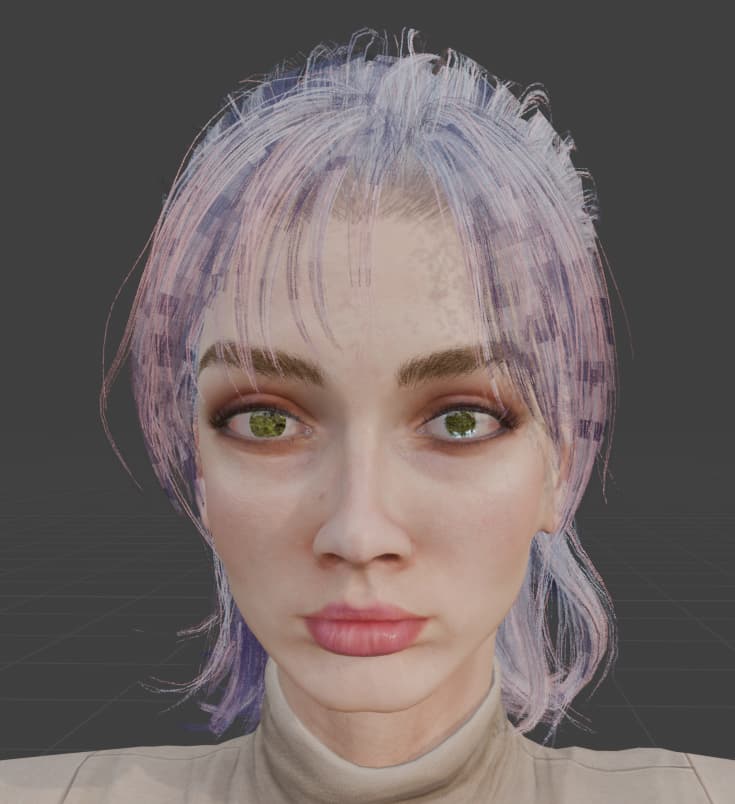
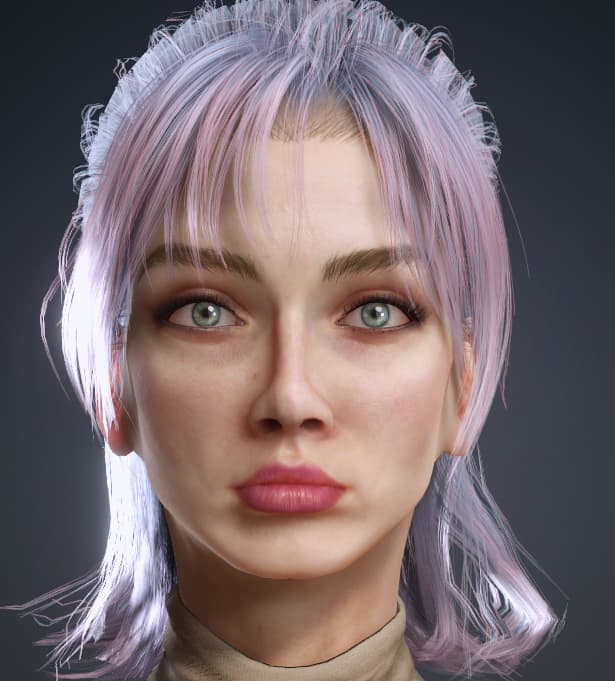
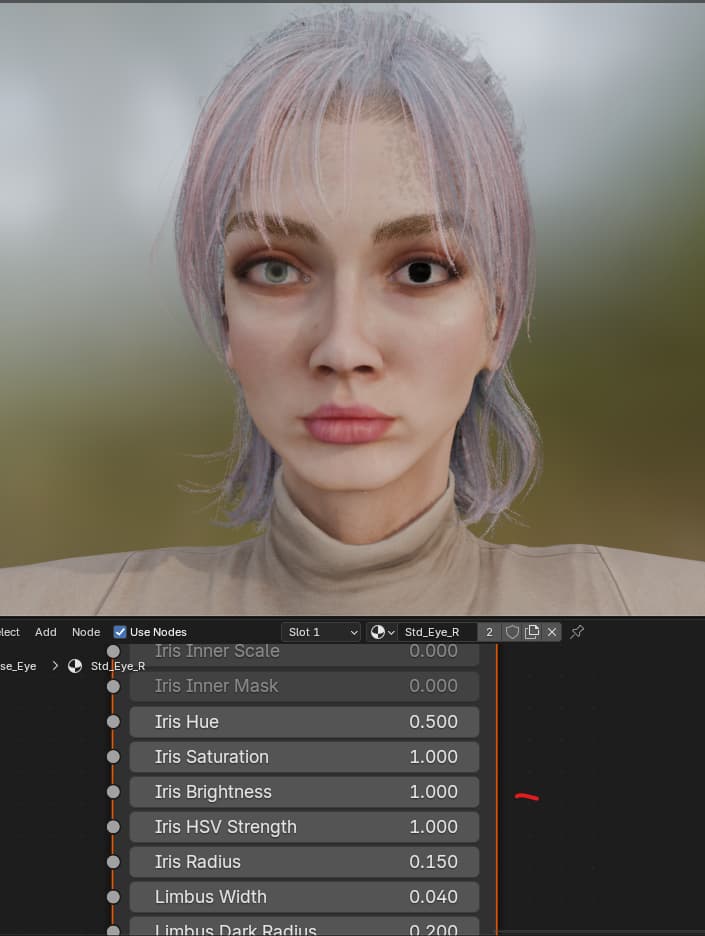
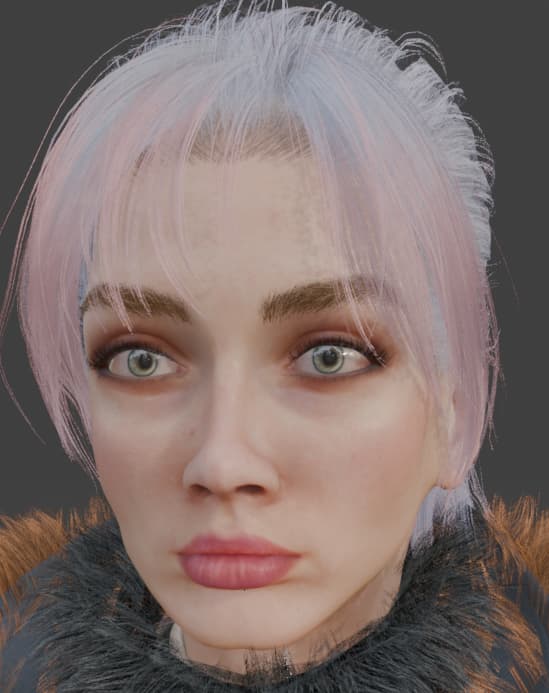
Hi, Victor. Thx for your work. Here is my problem. After using blender addon to import my CC character hair and eyes are weird:
I know for the eyes that the problem has something to do with the HDRI. I tried to modified material preview setting or shader Iris shading, but nothing so far.
You need to enable ray-tracing in the (Eevee) render settings to make the refraction in the eyes work, otherwise they just reflect.
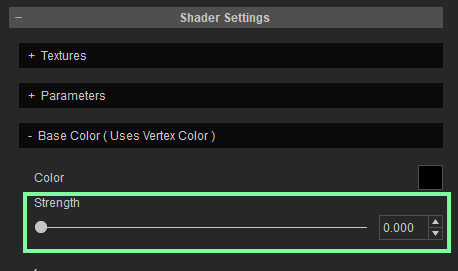
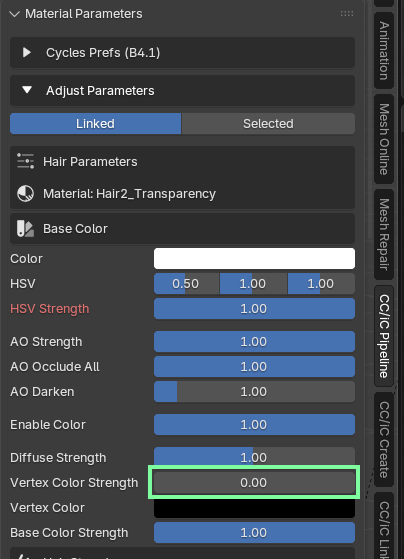
The noise on the hair is because of a bug in CC4/5 which exports the wrong vertex color data for hair materials. It’s a known problem but hasn’t been fixed yet. The only option is to set the vertex color strength to zero for the hair materials.
Or in Blender
1 Like
Ok we’re getting closer, I enabled raytracing and the Iris is gone dark. When I brought the Iris brightness from 0 to 1 it got better but, It still pretty far from what 's in CC :
in blender (left eye is with raytracing and right is with raytracing and Iris brightness to 1) :
Should i tweak something else ?
That the brightness was 0 is a bit of a red flag.
Are you using an old version of the pipeline add-on in Blender 5?
You’d need to use the latest version for Blender 5 (2.3.4.p0), older versions don’t work correctly:
Then once that’s working, it’s all down to your renderer, lighting and build settings:
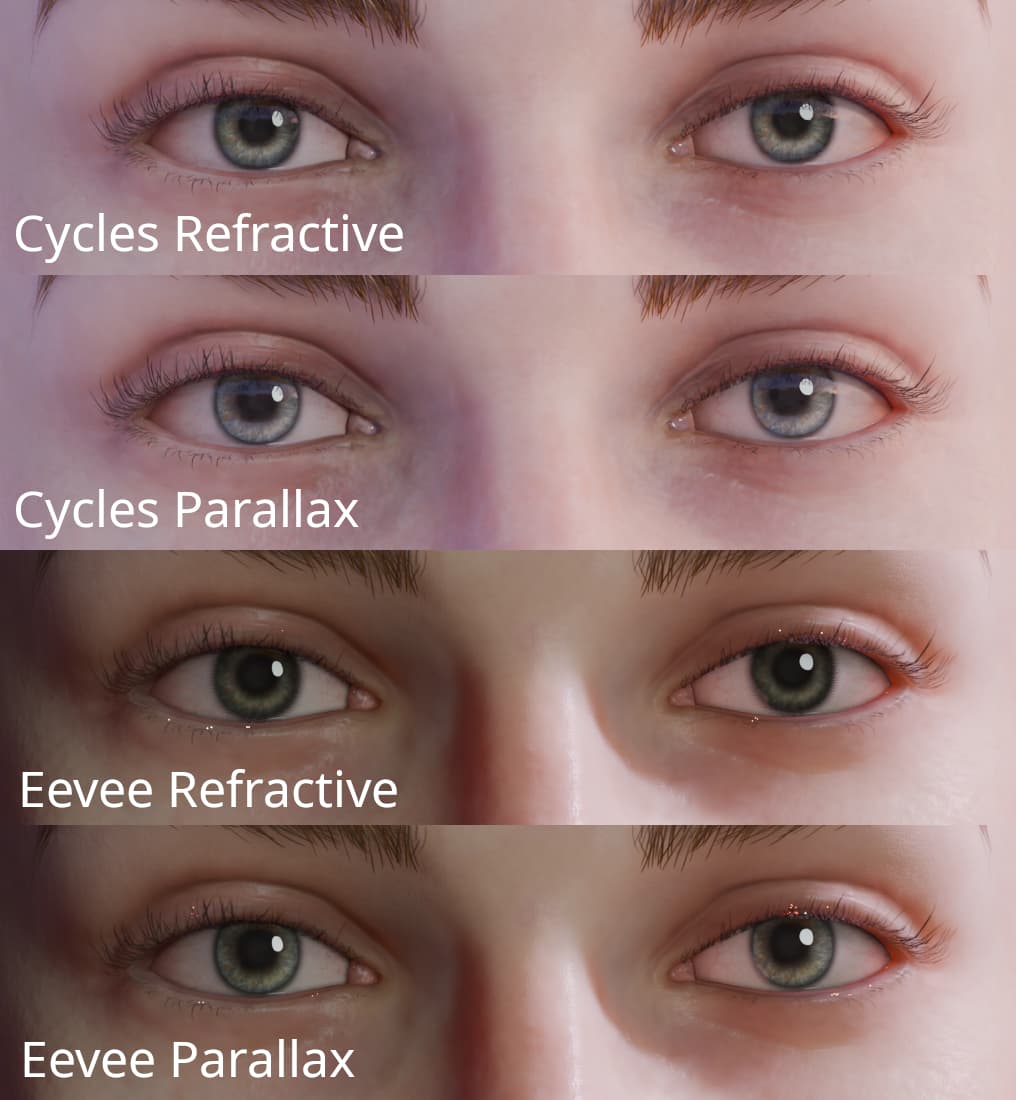
Eevee tends to be darker and refractive eyes (SSR Eye) are quite noisy.
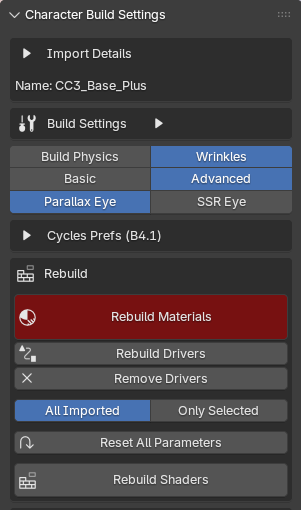
See the Character Build Settings panel:
As a quick rule use Parallax for Eevee and SSR for Cycles.
1 Like
OMG it’s working perfectly !!! you’re right. I was on 2.3.2 instead of 2.3.4 !
Thx you, mr Soudplay. Really appreciate it !