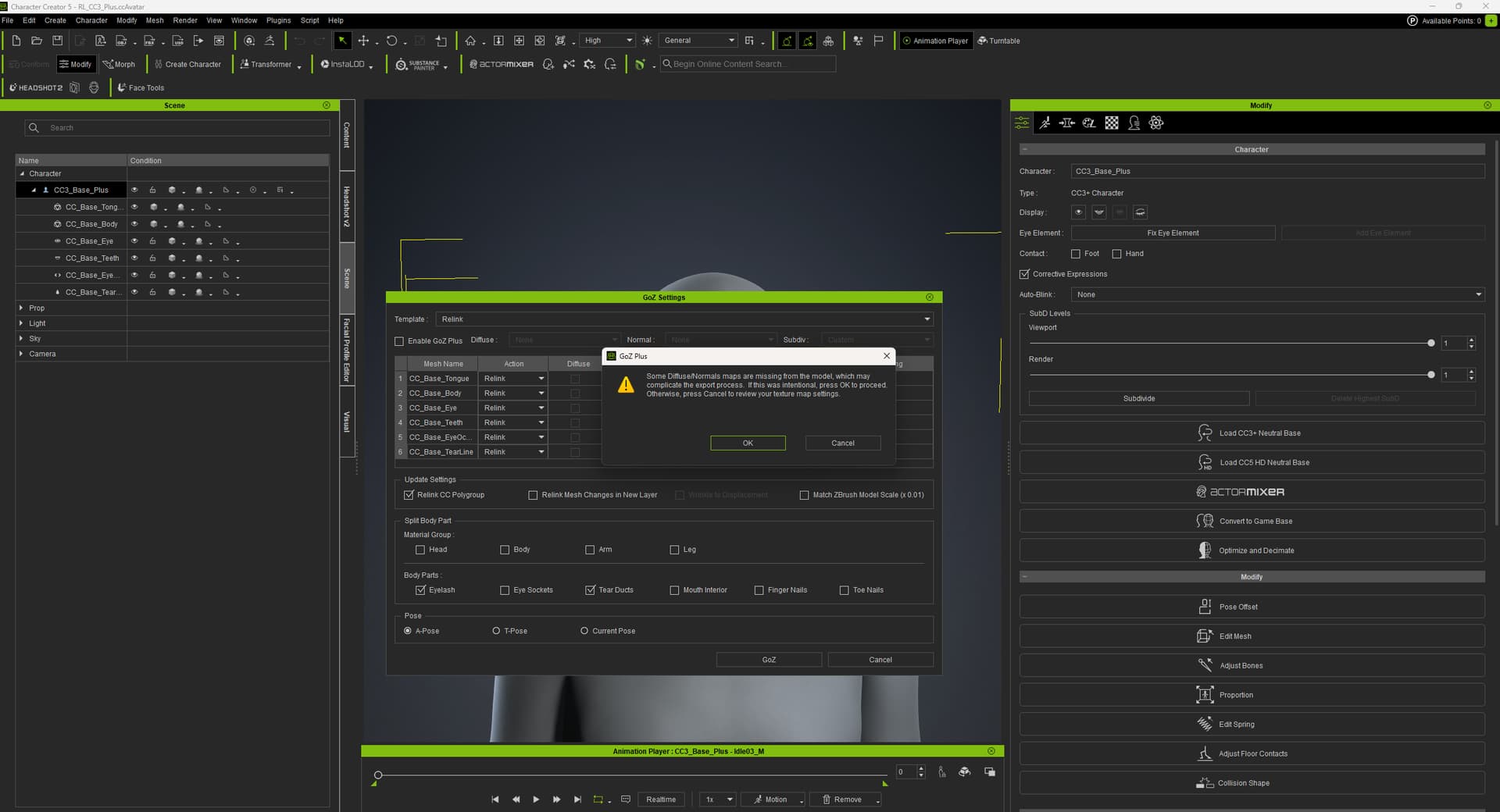
[GoZ PLUS] ERROR Some Difuse normals maps are missing from the model, which may complicate the export process

I keep getting this warning when using GoZ with Character Creator:

“Some Diffuse/Normals maps are missing from the model, which may complicate the export process. If this was intentional, press OK to proceed. Otherwise, press Cancel to review your texture map settings.”

GoZ technically works, but I have two problems:

  • When I send a character from Character Creator to ZBrush, sometimes it strips or breaks the materials.
  • When I send it back from ZBrush to Character Creator, it either removes all materials from the character or creates a new character on top of the existing one.

This happens every time I go back and forth.
Is there a known fix or proper workflow to avoid losing materials or getting a duplicated character when using GoZ between Character Creator and ZBrush?

I’m new to the software, thanks for the help.

When I send a character from Character Creator to ZBrush, sometimes it strips or breaks the materials.

The warning should not pop up when you toggle off the GoZ Plus because GoZ without GoZ Plus does not send any textures to ZBrush. You can ignore the worn.

When I send it back from ZBrush to Character Creator, it either removes all materials from the character or creates a new character on top of the existing one.

Please make sure it is set to “update” when you send it back to CC. If you update the body mesh but still see the issue on the character, please record or screenshot the UI setting in ZBrush and CC.

Don’t change the names of any of Reallusion’s character’s meshes in Zbrush. Keep them the same. Any changes will cause them to be imported as cloth.