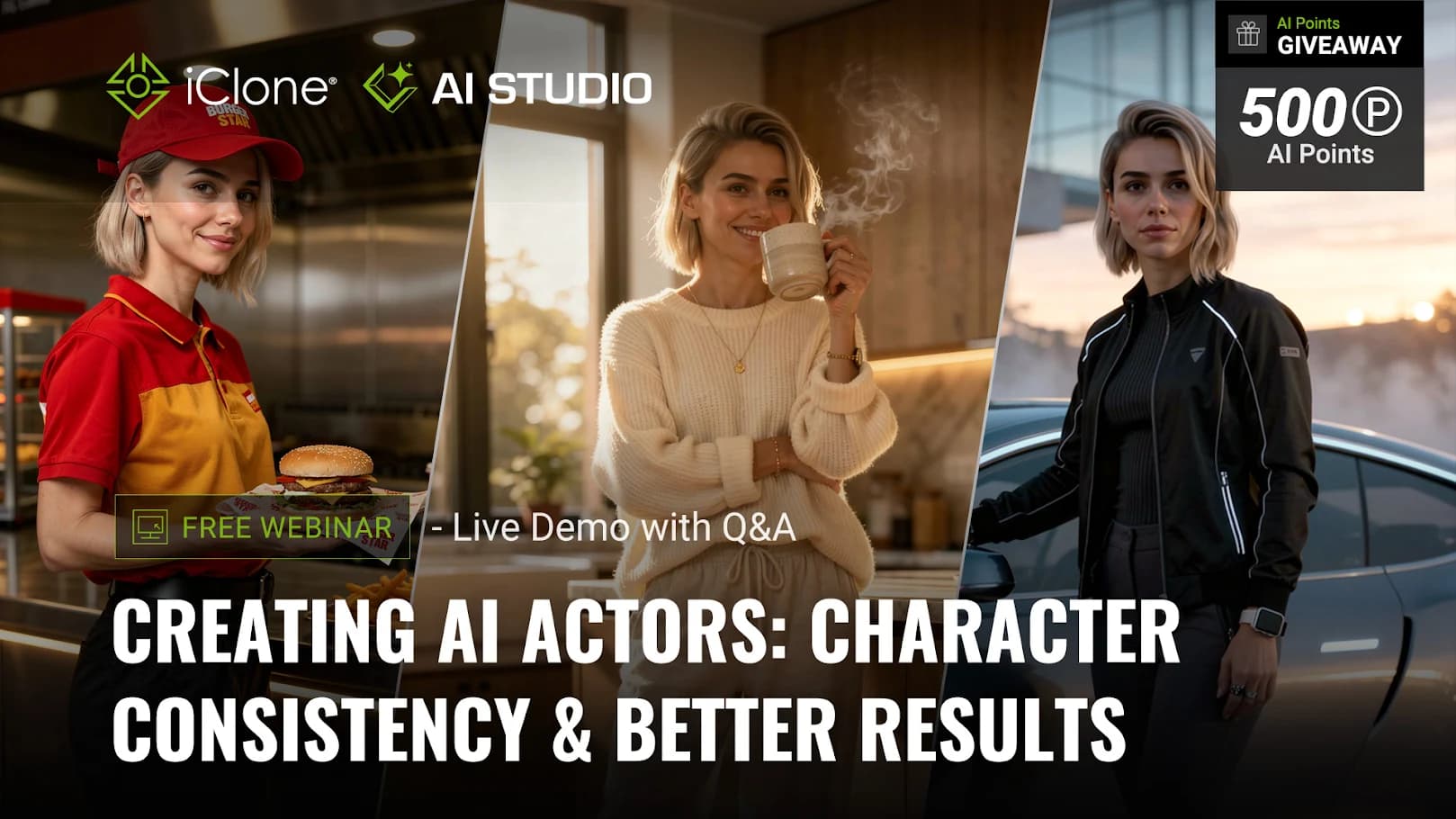
Hey everyone!
Are you struggling to keep your AI characters looking identical across different shots, scenes, and styles? Maintaining character identity remains one of the biggest challenges in AI-driven production.
Next week, we are hosting a free live webinar to show you exactly how to crack the code on visual consistency using AI Studio!
 Event Details
- Date: Monday, June 15, 2026 (PST/PDT)
- Price: $0.00 (Completely FREE)
- Hosts: Kai DeNeve, James C. Martin, and Professor Max Thomas
- Format: Live production demo followed by a Q&A session
 What You’ll Learn
Professor Max Thomas will walk us through practical AI Studio workflows designed to save you time and reduce failed generations. The live demo will cover:
- Building Custom Characters: Learn the exact workflow to set up a reliable AI actor.
- Better Reference Material: How to prepare strong character references for optimal results.
- Smarter Prompting: Strategies and controls to improve generation image quality.
- Multi-Shot Consistency: Maintaining identity across entirely different scenes and styles.
- Image-to-Video Workflow: Bringing your consistent characters to life with believable animations.
 Exclusive Perk: 500 AI Points Giveaway!
As a thank-you for joining, all registrants will receive an exclusive 500 AI Points giveaway, along with a follow-up email after the webinar concludes.
Whether you want to build a character like the ones featured in the promotional banner image_92e91b.png or optimize your overall pipeline, you will not want to miss this.
 [CLICK HERE TO REGISTER NOW]
Hi everyone!
Thank you to everyone who joined our first AI Studio Webinar! We had an incredible turnout and received some fantastic feedback. To help you get the most out of your creative pipeline, we’ve summarized the key feature highlights, advanced workflow strategies discussed during the stream, and a recap of the most frequently asked questions.
 Advanced Workflow & Feature Tips
1. Master Scene Control with 3D Previz Guidance
While traditional AI tools like Kling or Higgsfield rely heavily on text-based environment elements, AI Studio allows you to leverage 3D Guidance for precise, intuitive scene configuration.
- Consistency & Control: Build your scene structure using 3D Content first. During the render phase, combine your 3D layout with Prompts and Presets to lock in a perfectly consistent visual style.
- High-Level Directing: Beyond environmental consistency, 3D Previz empowers you to handle advanced creative tasks like character replacement, dynamic camera switching, and precise storyboard planning.
 Check out the tutorial: Directing AI with iClone 3D Guidance | AI Studio Tutorial
2. Supercharge Your Prompting with LLMs
Navigating different AI model policies (and avoiding generation blocks due to strict filters on IP, celebrities, or sensitive themes) can be tricky. Using LLMs like ChatGPT or Claude as a prompt co-pilot is a game-changer.
- Model-Specific Prompts: When asking an LLM to generate prompts, specify your target AI model (e.g., Seedance 2.0, LTX2). This allows the LLM to structure the prompt to match that specific model’s strengths.
- Storyboard Scripting: For multi-shot sequences, use structured phrasing like
Shot 1: [Description]... Shot 2: [Description].... Seedance 2.0 responds exceptionally well to this for precise continuity control.
 Future Update Note: AI Studio is currently evaluating native LLM integration to give you a seamless, one-stop prompt creation and generation workflow!
3. Video Constraints, Continuity & Physics
Current AI video generation lengths typically range between 10–15 seconds. Here is how to maintain continuity for longer projects:
- The Continuity Workflow: Export your generated video $\rightarrow$ select the final frame (or use the entire video as a reference in Seedance 2.0) $\rightarrow$ describe the next sequence in your prompt.
- Style Lock: Always bring your Presets or AI Actors along into the next prompt sequence to keep characters and art styles perfectly aligned.
- Natural Physics: AI excels at rendering complex micro-movements that are traditionally tedious to animate in 3D (e.g., fabric dynamics, dress swaying). You can easily dial the intensity of these effects up or down directly via your text prompts.
 Frequently Asked Questions (FAQ Recap)
Here are the top questions answered by our team during the webinar:
Q1: How many AI points does a generation cost per second? Will I be charged if the generation fails?
- Point Consumption: Costs vary depending on the model and pipeline you choose. For a complete, transparent breakdown, please check out the [AI Studio Plan Pricing Page].
- Failed Generations: Points are deducted upon request submission. However, if a generation fails for any reason, the system automatically refunds those points back to your balance immediately.
Q2: Can I sell the output I create with Reallusion AI Service, or use it for commercial purposes?
- Yes! If you are subscribed to the Standard Plan or higher, you have full commercial rights. This includes paid client work, marketing/brand promotions, and selling your creations as downloadable assets.
- Note: All commercial use remains subject to the standard terms of the Reallusion Content EULA.
Q3: If I use AI Studio to generate an image or video, do I own the IP rights/copyright?
- Output Rights: Reallusion claims zero ownership over your AI Studio outputs. You have full rights to use them, provided they don’t infringe on or derive unauthorized use from Reallusion’s pre-existing protected assets.
- IP Preservation: Your intellectual property remains entirely yours.
- AI Actors (.iModel): If you generate an AI Actor using your own custom input assets, you retain all rights to your underlying IP and own the resulting AI Actor for the duration of your active subscription. For full legal details, see the [AI Service EULA].
Q4: Does AI Studio output carry AI-generation detection markers (e.g., C2PA or Google SynthID)?
- AI Studio Cloud Pipelines: Yes. Because AI Studio integrates industry-leading foundational models (Seedance, Kling, Nano Banana, etc.), outputs will carry the native AI-generation detection markers embedded by those specific engine providers.
- Native Software Functions: No. If you use native export functions within iClone (iC) or Character Creator (CC)—even if you utilized image generation inside Headshot 3 or AI video mocap to drive your characters—your final exported file will not carry AI-detection markers.
Missed the Webinar?
Don’t worry! You can watch the full replay, featuring live demos and deep dives into these workflows, right here:
Watch full webinar
1 Like