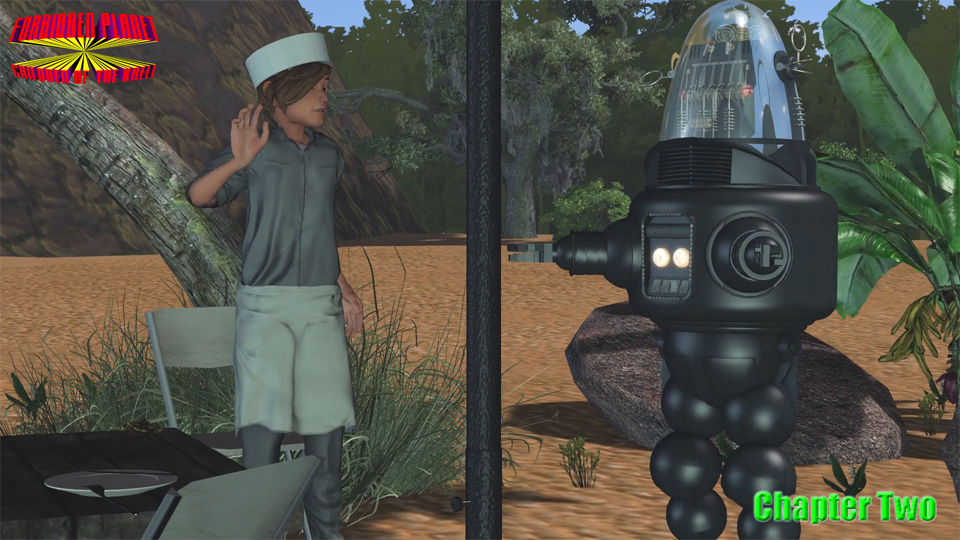
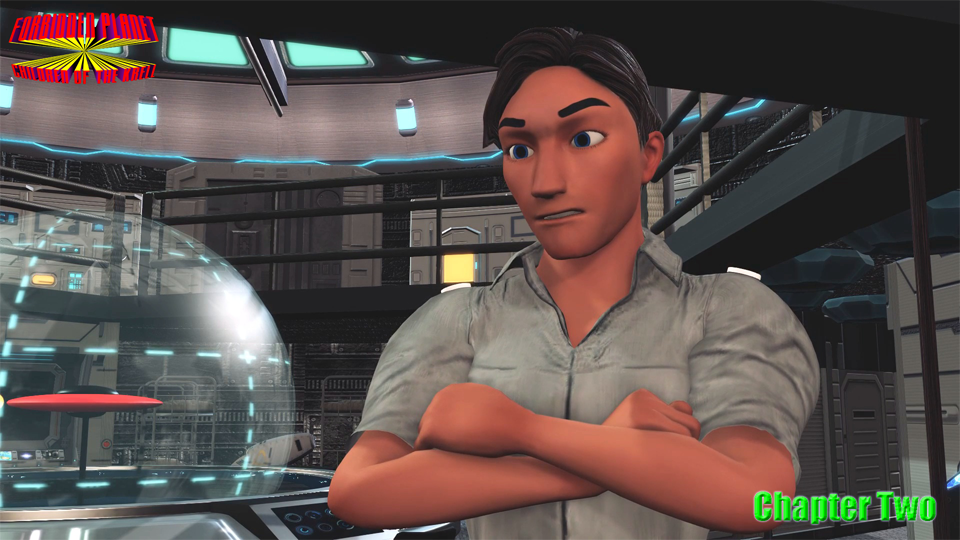
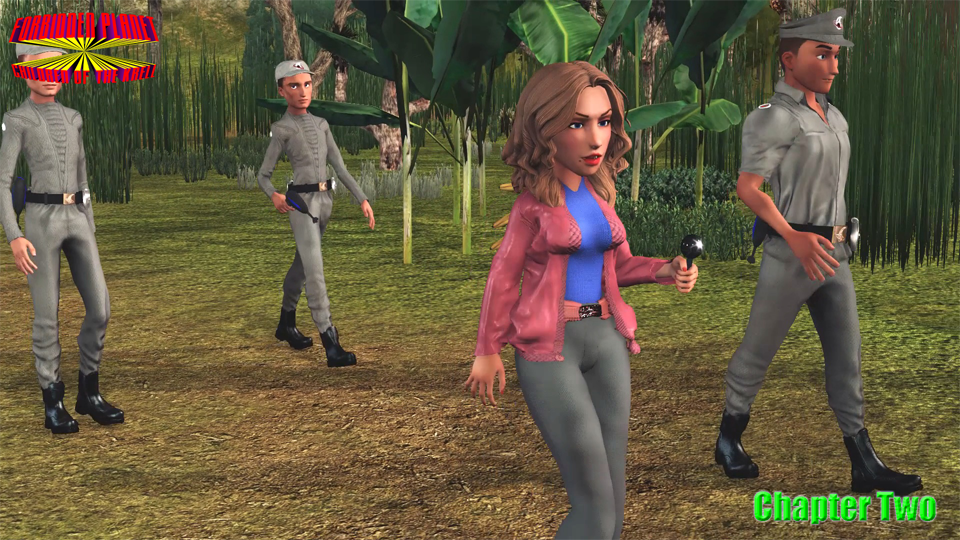
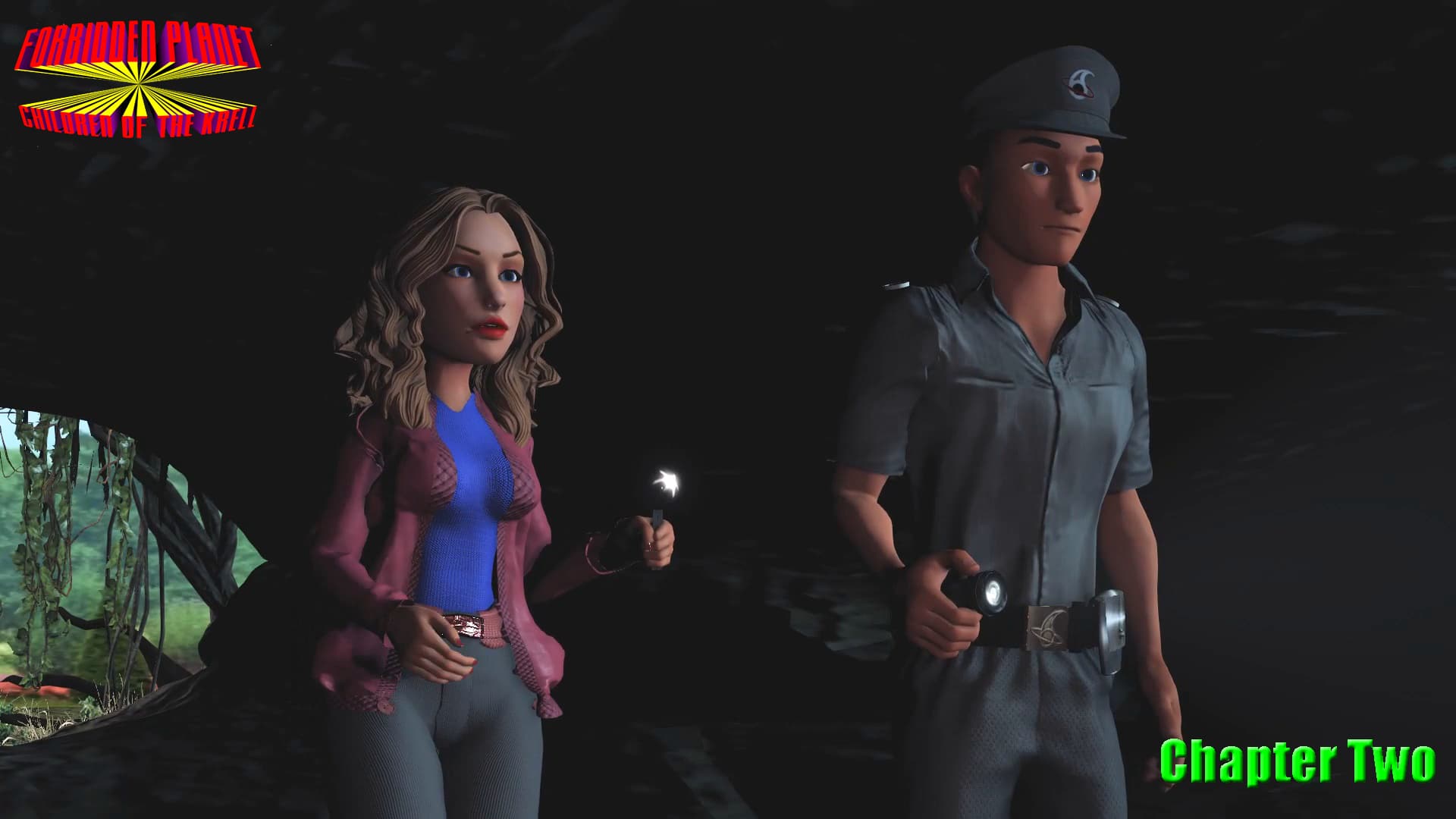
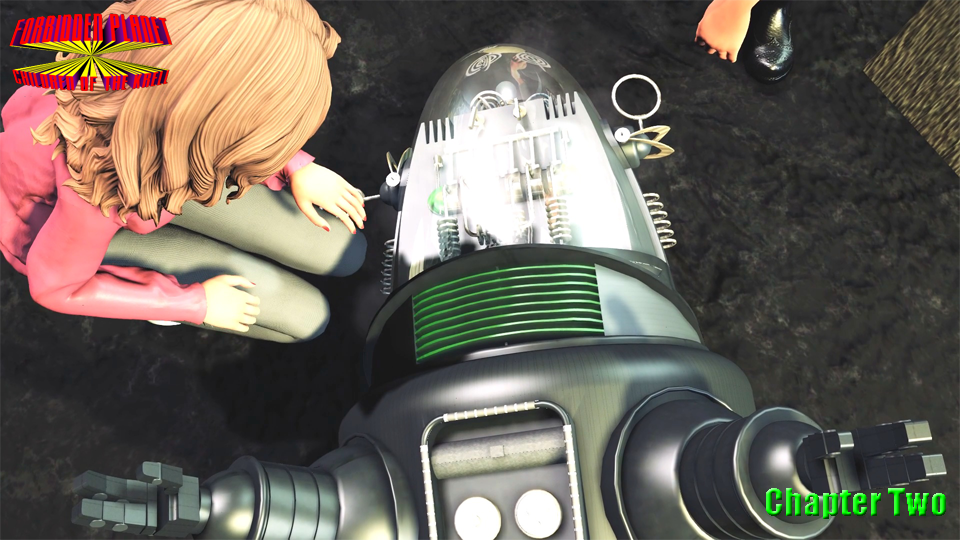
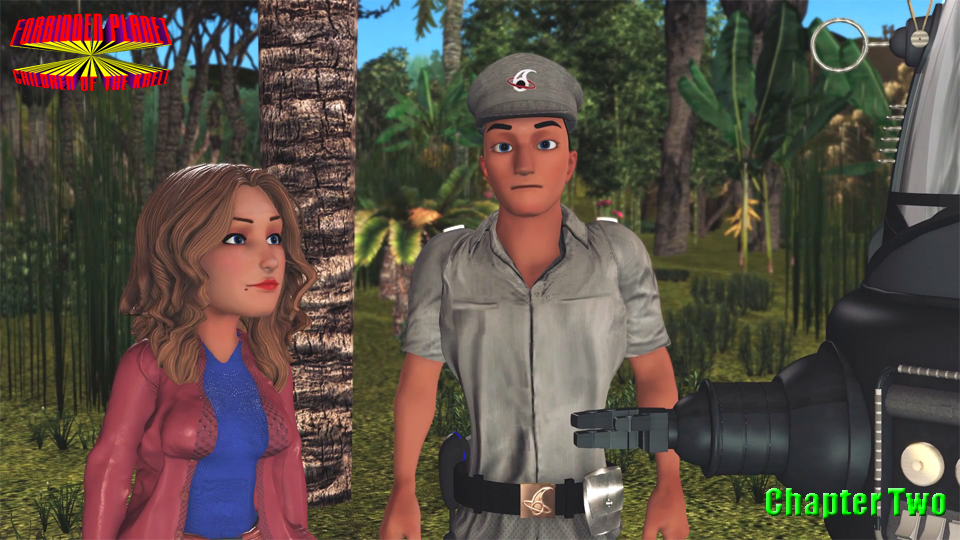
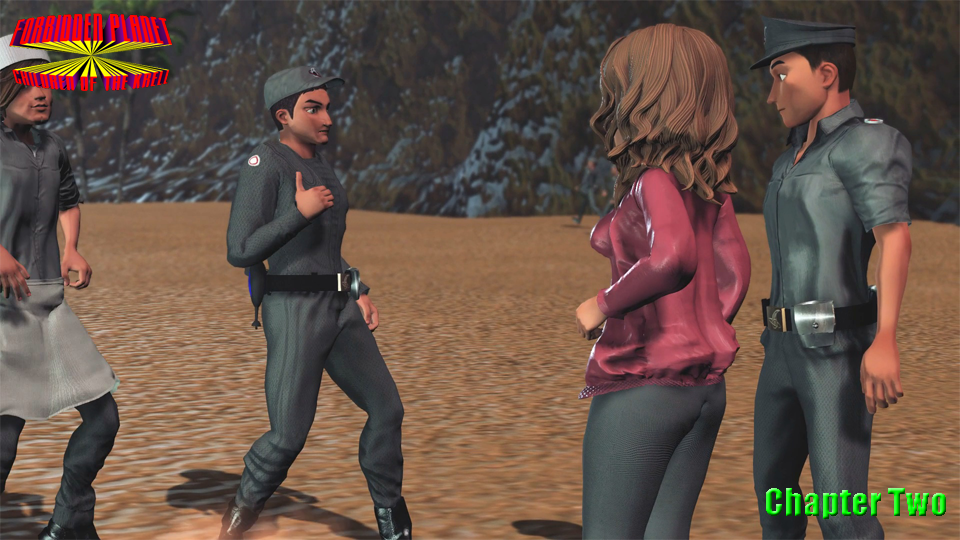
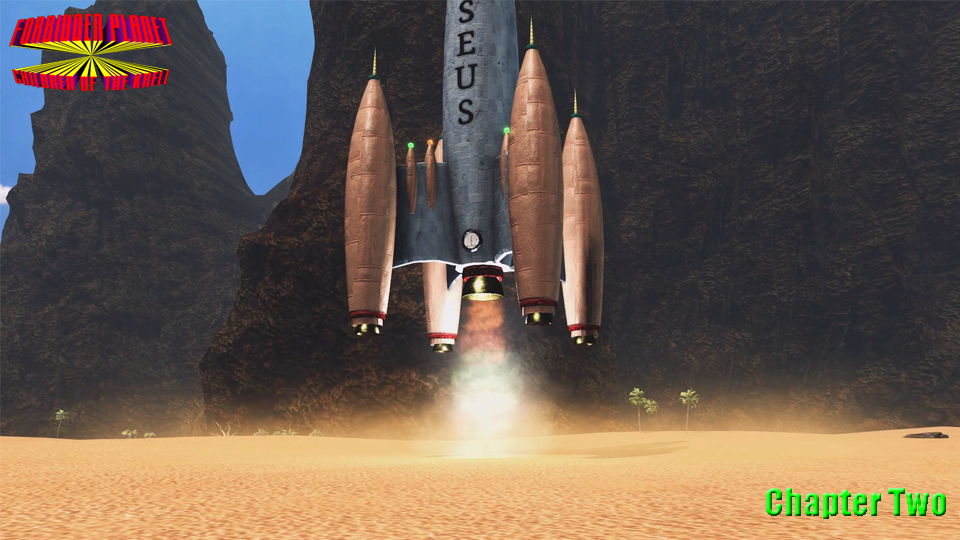
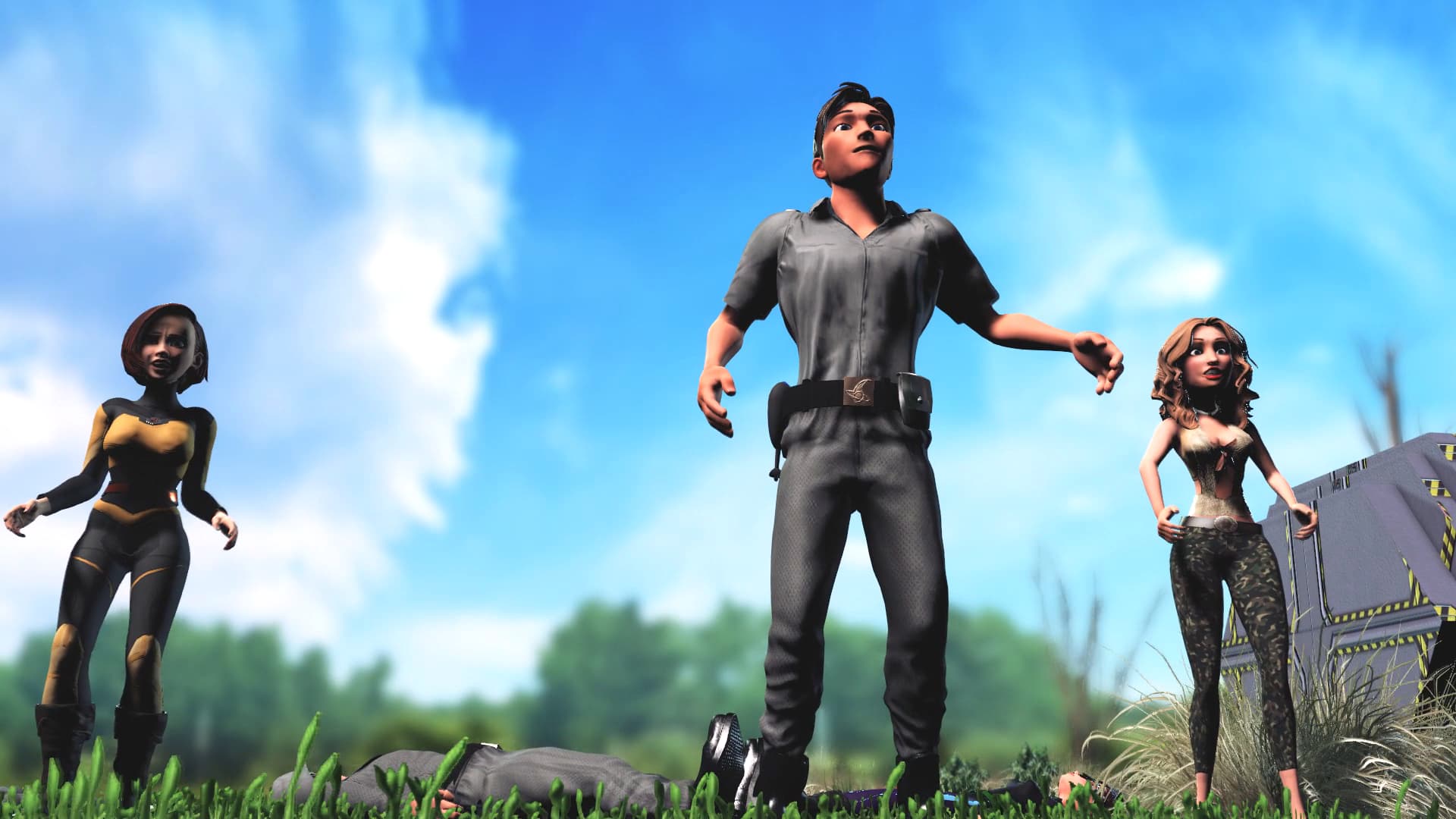
Just wanted to share that while I am almost done filming the second Chapter of this movie “series”, I came across a weird little thing with the “Look At” feature for actors.
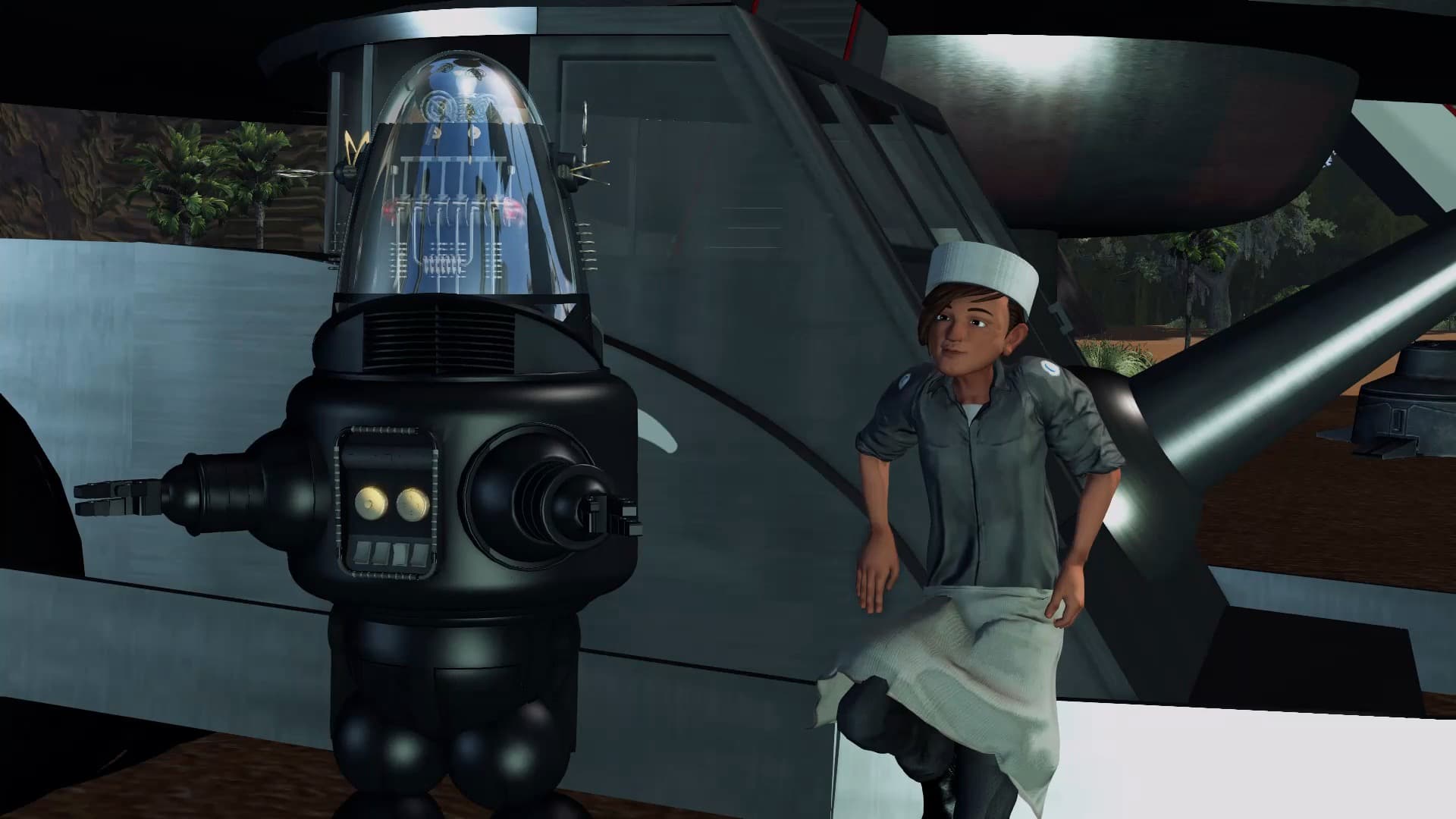
I had one actor looking at an object in the hand of another actor. Fine, all good. Then later in the shot I “released” that “Look At” and for reasons beyond my pay grade, the object did a little pirouette around the hand of the actor holding it!
Bizarre, to say the least. You’d think the “Look At” feature would be a passive interaction with the object being looked at (and as far as I know, it normally is) but for some reason, in this case, it actually made the object move a little.
The solution for me was to just have the actor look at something else close by (in this case, the belt of the second actor) and the weird object move went away and everything is now “groovy”.
And I don’t see any obvious “extra” movement of the new target (the belt) or second actor. That’s a good thing, of course.
But why did the other object get “bumped” by the Look At/Release function? Anyone else see this before?
I can’t help you with this, unfortunately, but I’m looking forward to your endeavor.
As it happens, I just saw the original again the other day (restored, on HBO Max), and it is a great story.
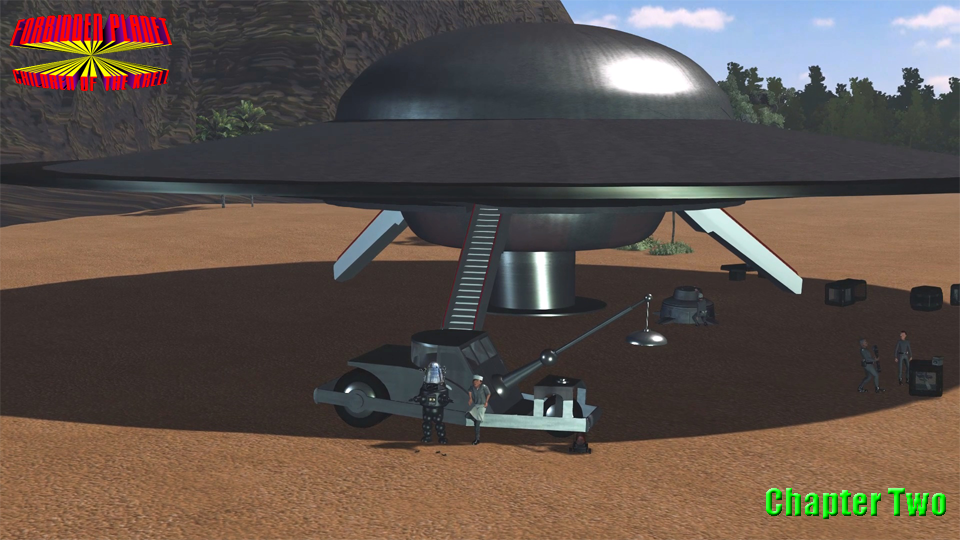
A not-so-small milestone yesterday: I finally finished filming Chapter Two of “Forbidden Planet: Children Of The Krell”! It’s not over, of course. I still have to finish up editing, then move onto sound effects and music. But these things are far quicker to do than the filming work, which has taken ages (or feels that way due to my earlier PC issues - now resolved.) Hoping to have this done by Xmas, or New Year’s at the latest (…he says hopefully to himself.)
OK, last flood of promotional trash (probably) - Why not just give in and go watch “Forbidden Planet - Children of the Krell” (Chapter Two) and we can call it even, ok? Besides, 7.1K viewers can’t be wrong!
Annoying update follows: Elevenlabs.io have recently removed many “old” voices from their library. And sadly, I was using four of them for my Forbidden Planet movies (J.J. Adams and Robby being two of them!). As a result, I’ve been forced to “re-cast” these roles with other voices. I considered using voices I could make from the original actors in the film, but decided that wasn’t right (good for my movie, but wrong morally and legally.) I’m still using Elevenlabs.io for the voices, but I’ve now started paying them for the privilege of having my OWN voices that will (hopefully) never be deleted. Not the end of the world, but mucks up continuity in the series. One day in the far, far future, I’ll retro-fit the new voices into the old chapters and stick them all together into a single film. But that is, as I said, far, far away. Chapter Three is my focus for now!
Wonderful news (for me, anyway) - I just finished filming Chapter Three of my film, “Forbidden Planet: Children of the Krell” ! Hooray!
Still need to edit it properly, then sound design and music. Maybe a few pickup shots here and there. But I am nearing the end of this third instalment of the saga.
Guessing I will be done within the month (June, that is.)
Well, it’s all built and rendered in iClone v8, with help from CC v4. Other tools are Elevenlabs (for some VOs) and edited in Vegas Pro. Music and sfx are put together in Acid (showing my age, I guess.) Also use Krita and Adobe Photoshop Elements for image editing. Oh, and Audacity mainly used for editing VOs.
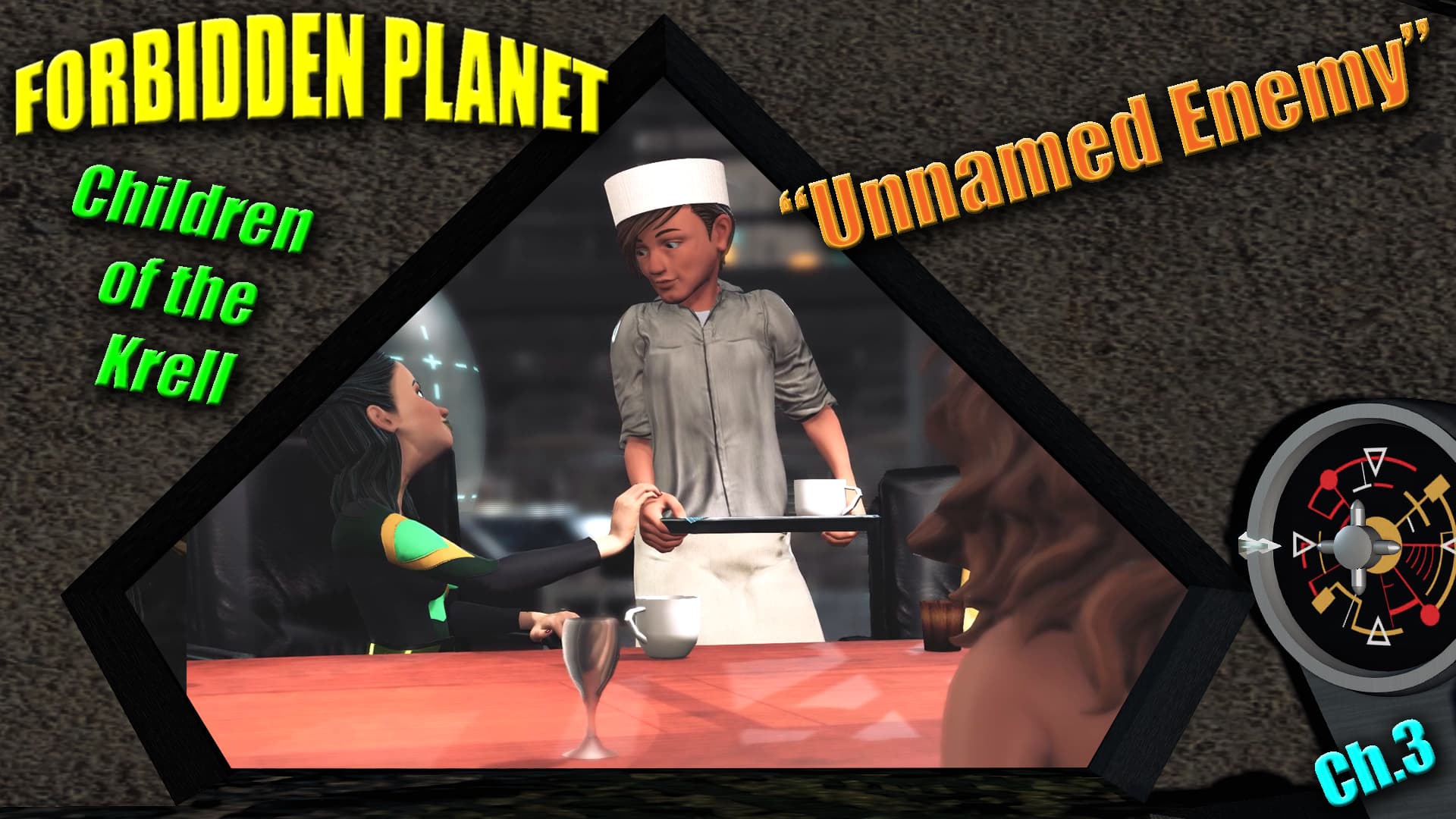
I think the poster says it all, but if not, the Premiere of Forbidden Planet: Children Of The Krell - Ch.3 (“Unnamed Enemy”) is at 8pm EDT on Thursday, June 18th! Join me there!
 (Nothing like a little incentive to get stuff done!)