Hi everyone!
When you want to bypass 3D tracking data entirely and direct a scene purely using your text instructions, our Start-End Frame and advanced Image-to-Video workflows give you massive creative freedom. This thread outlines how our top engines handle complex prompt interpolation, dialogue generation, and multi-shot consistency!
Q1: With Start-End Frame video generation, can I use two completely different images that have absolutely no visual continuity?
- Answer: Yes, you can. Two video models can handle this specific interpolation task: Kling3 and Seedance 2.0.
How the video morphs or transitions from your start frame to your end frame will heavily depend on your text prompt. Based on our internal testing, Seedance 2.0 performs significantly better at smoothly resolving the transition between entirely unrelated images.
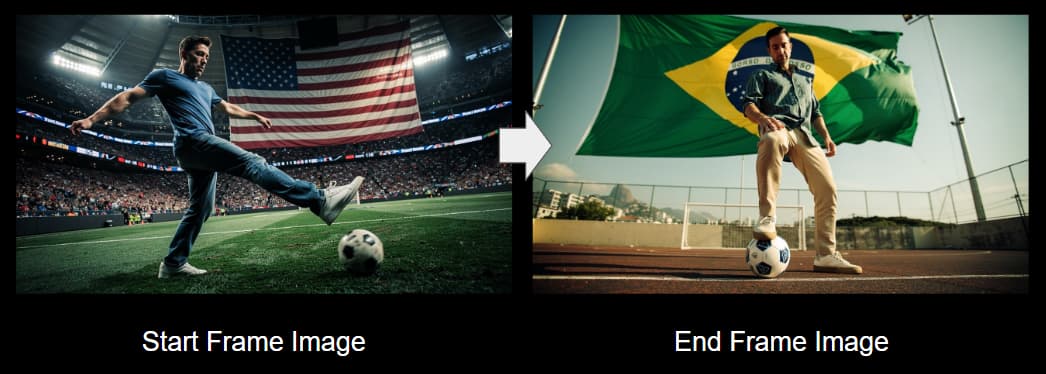
Prompt:
The blue shirt man kick the soccer ball in new york city, it goes very far, passing many cities, rivers, and fly high up in the sky. Finally, the ball lands in Rio city, it’s stopped by another man with his chest, he steps on the soccer ball.
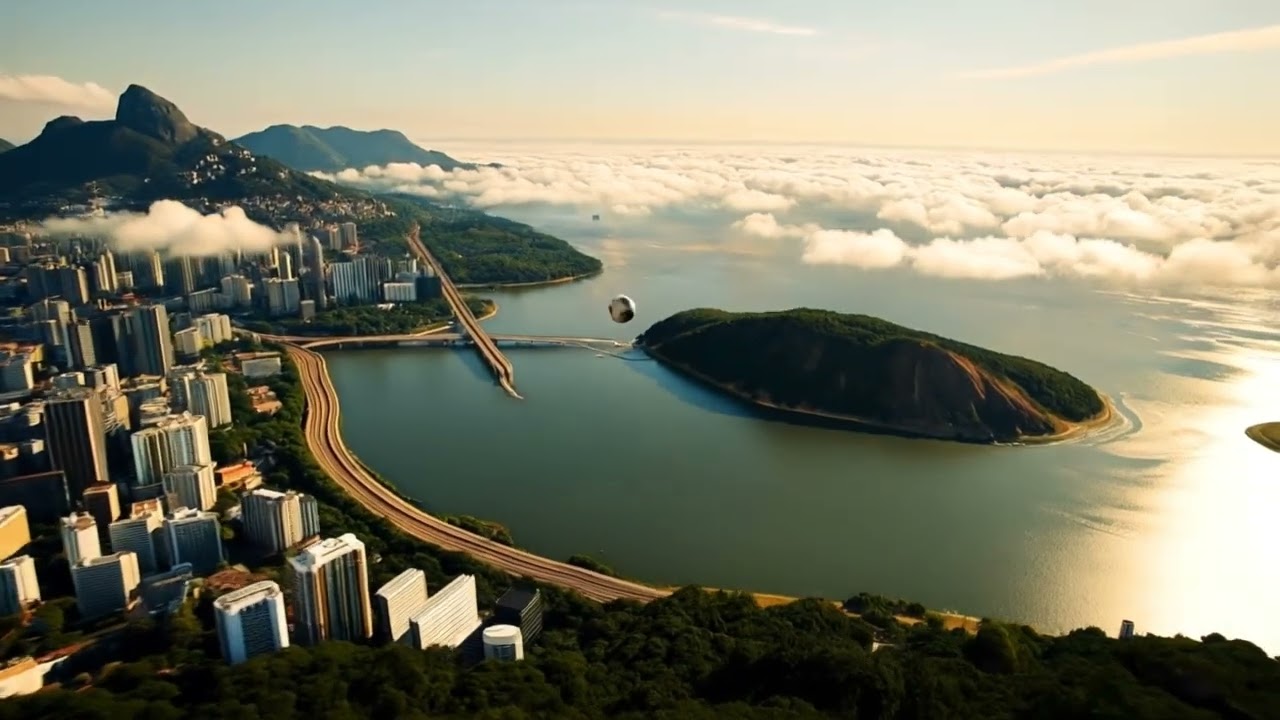
▲ Kling3: While it can follow most of your text prompt instructions, it can struggle during the interpolation process, sometimes resulting in weird or jarring transitions.
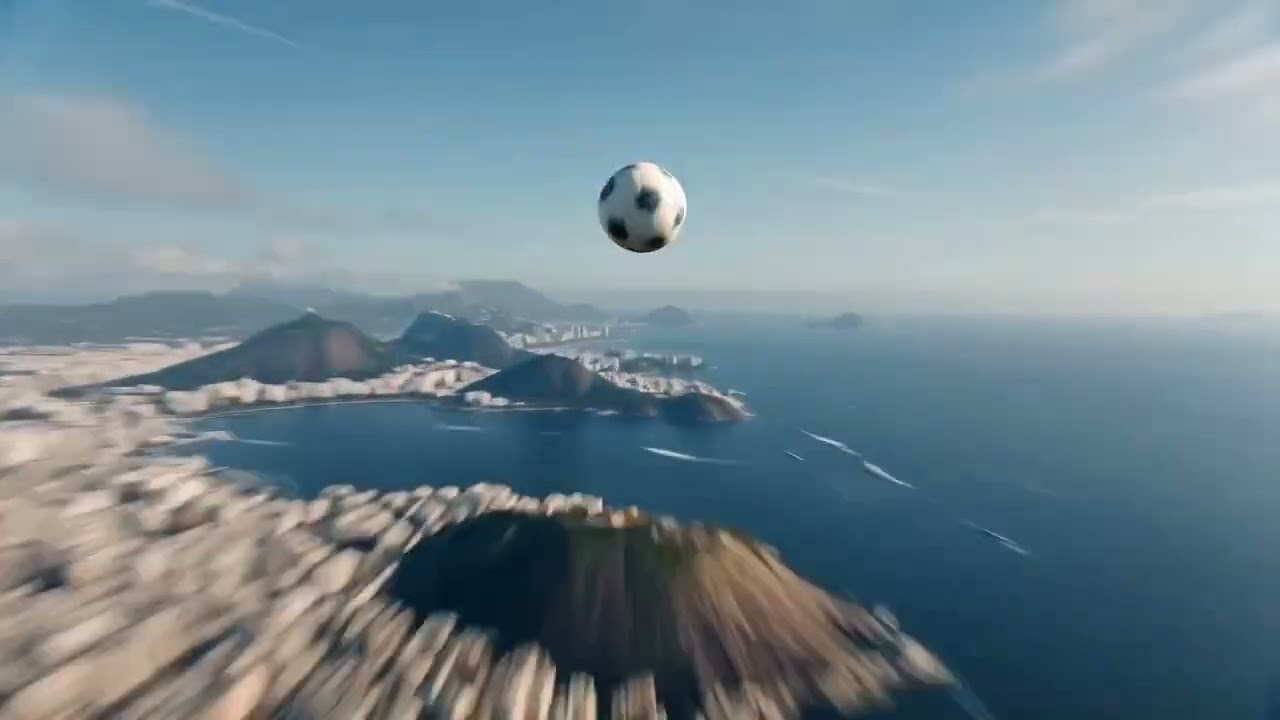
▲ Seedance 2.0: Deeply understands even the finest details of your text prompt, delivering a much smoother, more natural, and visually cohesive transition between the two frames.
Q2: In Start-End Frame video generation, can I make a character talk using only a text prompt?
- Answer: Yes. Both Kling3 and Seedance 2.0 are capable of generating dialogue directly from text instructions. You can even use the prompt to describe specific details like the speaker’s accent and emotional tone.
Note on Control: Because these voices are generated procedurally, the resulting audio output will be random each time. If you require precise dialogue timing, specific voice profiles, or exact lip-sync control, we highly recommend using our dedicated Talking Actor tool instead.
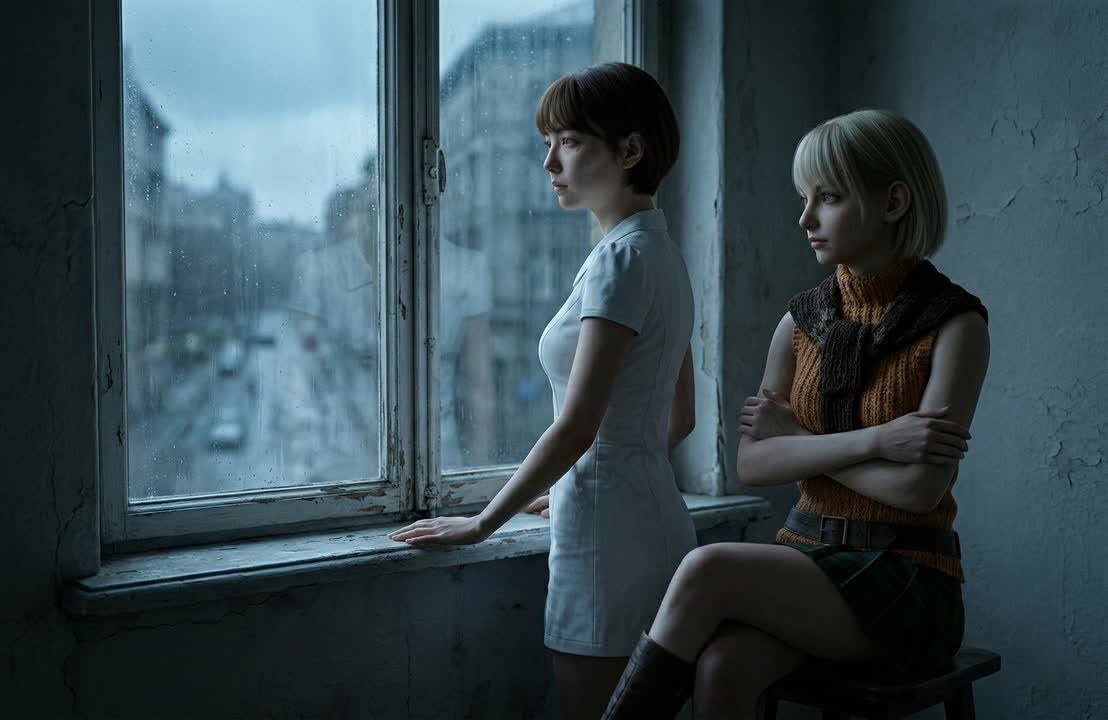
Prompt:
The woman in white dress said “There will be more zombies”. The woman on the right tap on the white dresss woman’s shoulder, and she said “Don’t worry, Leon is coming to save us.” Camera slowly dolly in.
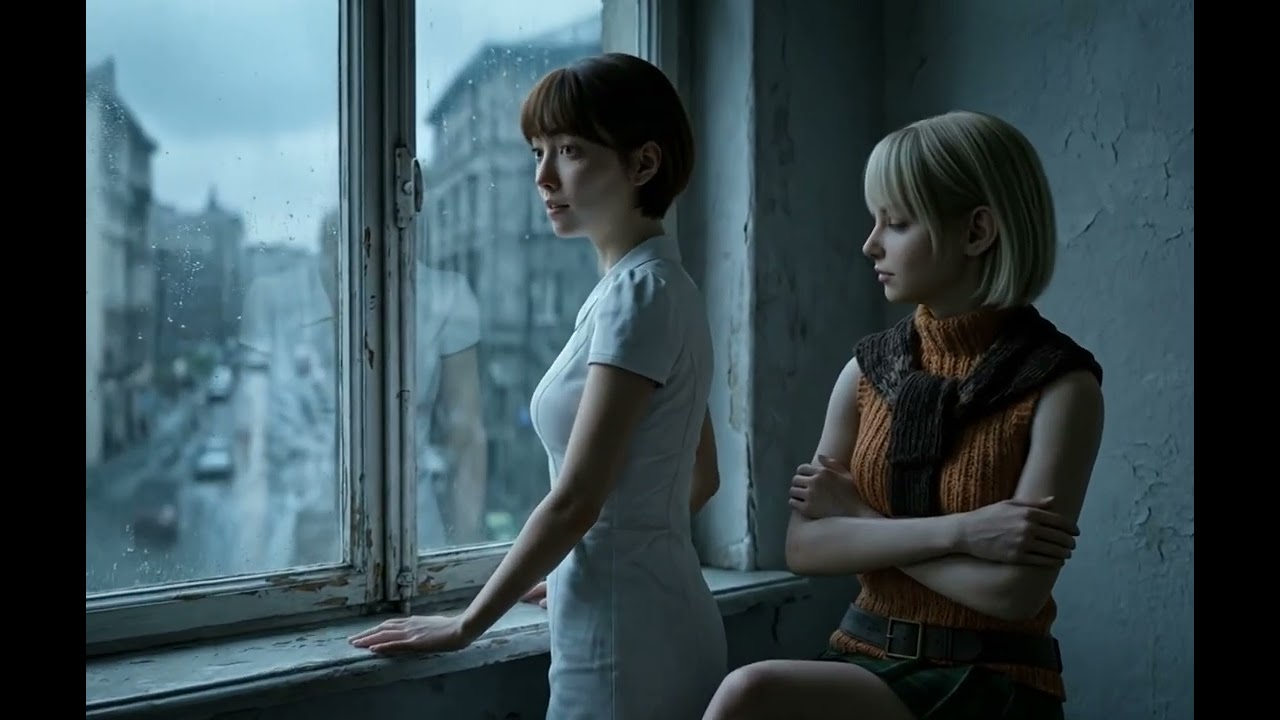
▲ Kling3: Performs exceptionally well, injecting natural physical micro-expressions and highly realistic emotion into the character’s performance.
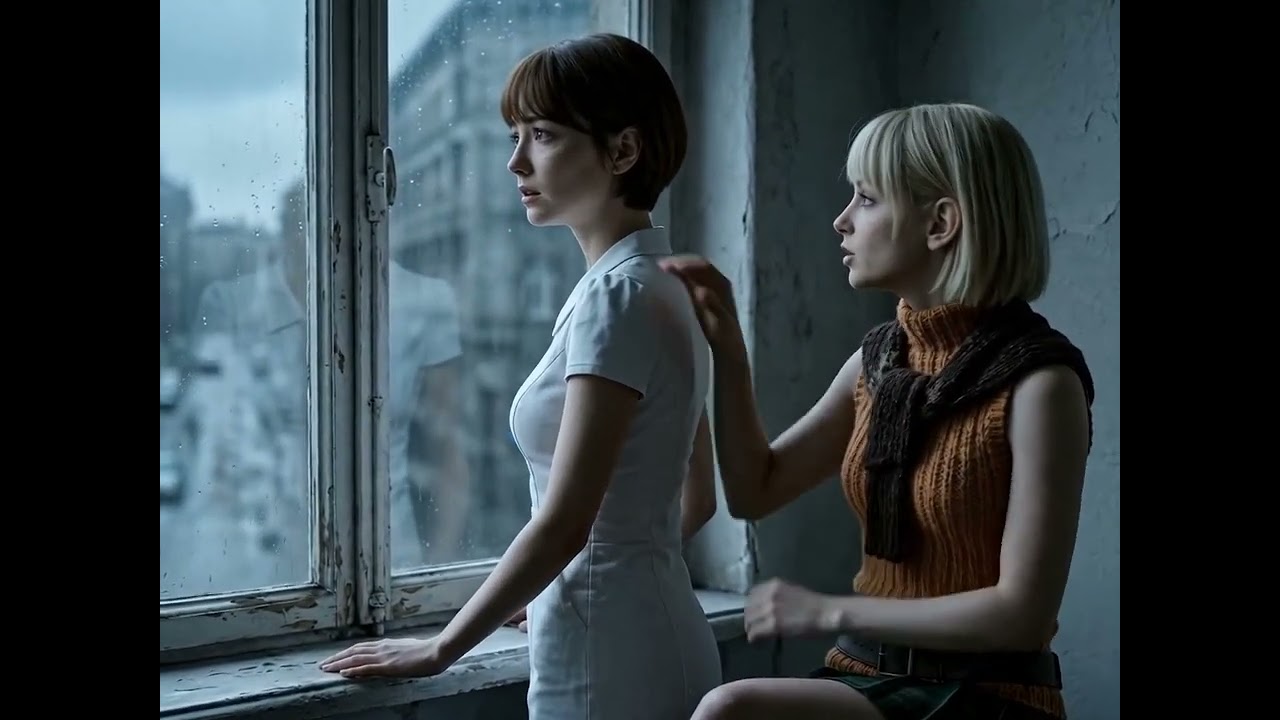
▲ Seedance 2.0: Delivers similarly impressive results with great accuracy, though its character delivery and emotional expressions tend to lean slightly more dramatic.
Q3: Can I prompt a multi-shot sequence from just a single start frame in Image-to-Video generation?
- Answer: Yes, you can achieve this utilizing Kling 3 and Seedance 2.0, though they manage style persistence quite differently. Kling 3 maintains excellent character and environmental consistency over multi-shot prompts when your source image is strictly photorealistic, but it struggles significantly with style drift away from the original reference frame if the input is non-realistic or highly stylized (such as anime, digital illustrations, or abstract art).
By contrast, Seedance 2.0 does a phenomenal job of tightly locked-in consistency, flawlessly preserving the core aesthetics, character identities, and environmental details of your initial frame throughout the entire generated sequence regardless of whether your project style is realistic or highly stylized.
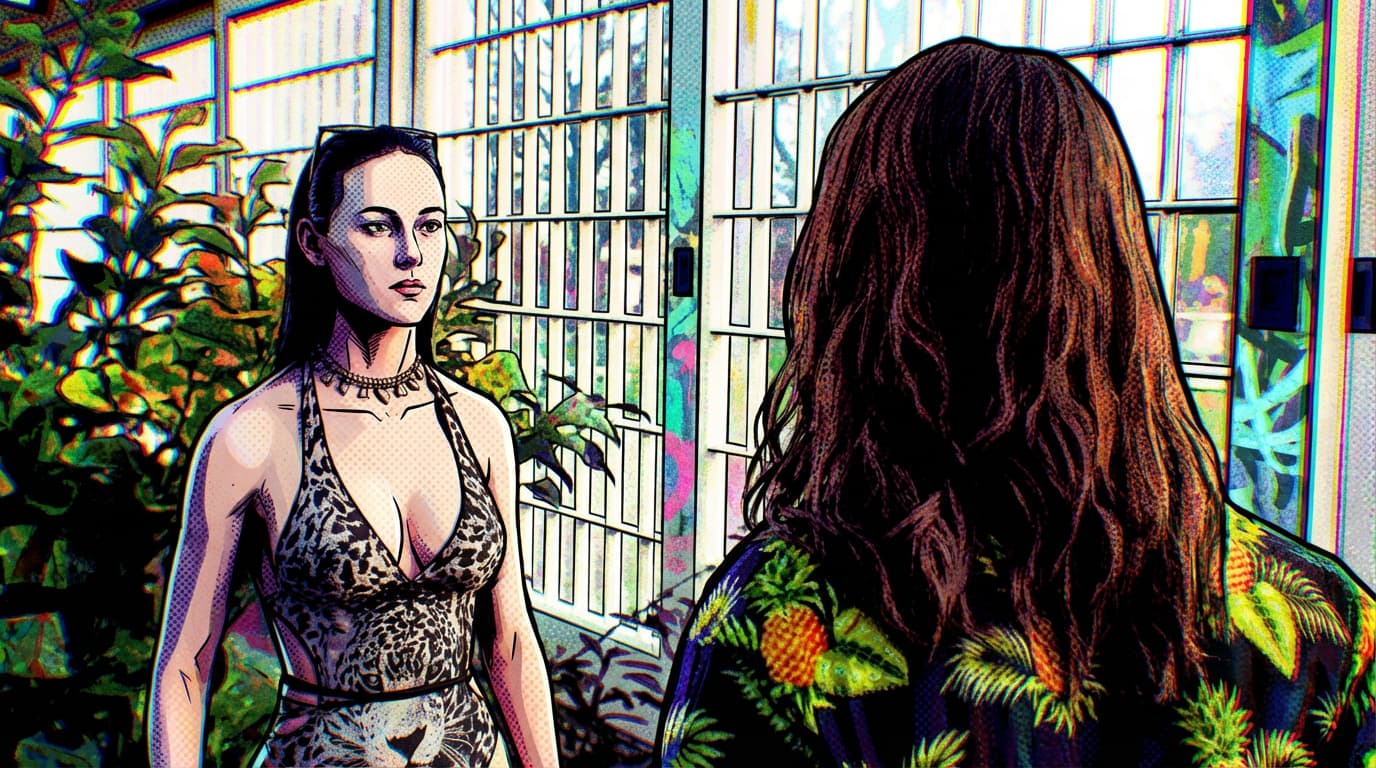
▲ The start frame image is in comic-style for testing purpose
Prompt:
Shot 1: The woman says “So…what’s the result?”.
Shot 2: The long hair man close up shot, he says “Well, I got a job in Reallusion!”
Shot 3: Close up shot of the woman start laughing, and she says “Congradulation!”
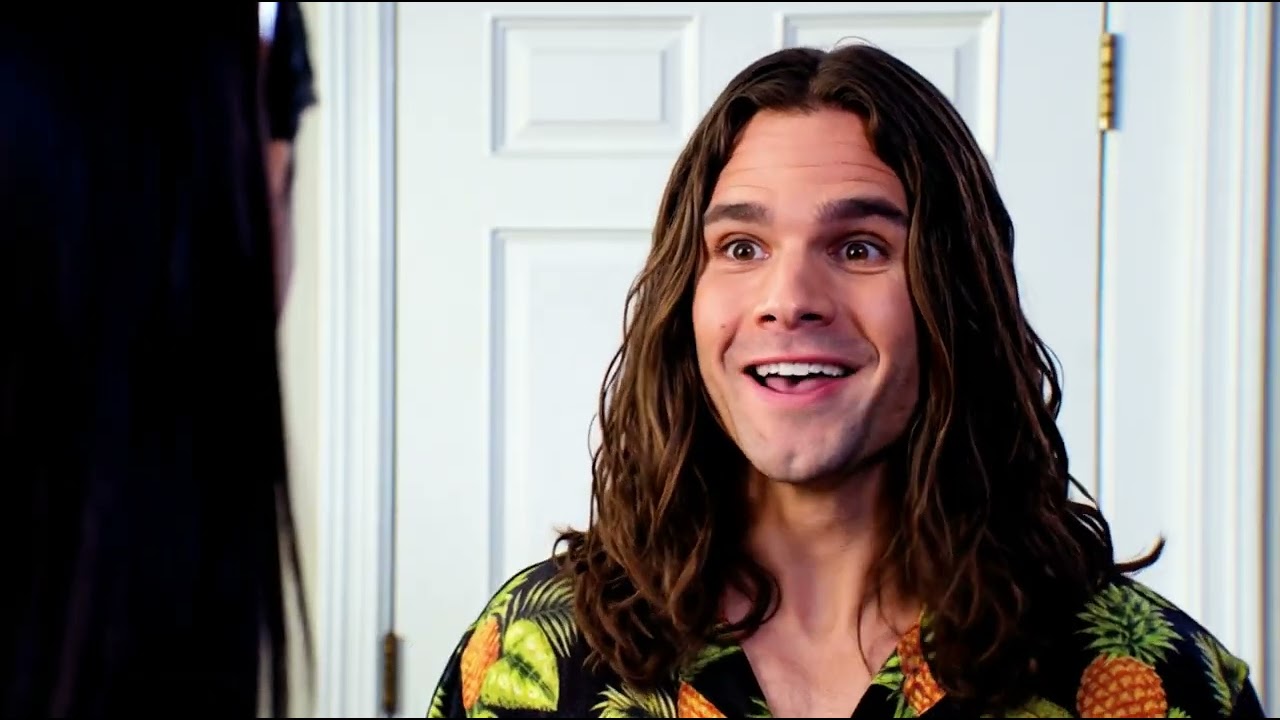
▲ Kling3 failed to preserve the artistic style throughout the video, leading to noticeable style drift as the sequence advanced.

▲ Seedance 2.0 excelled, keeping the stylized aesthetic completely consistent across the entire generated multi-shot sequence.