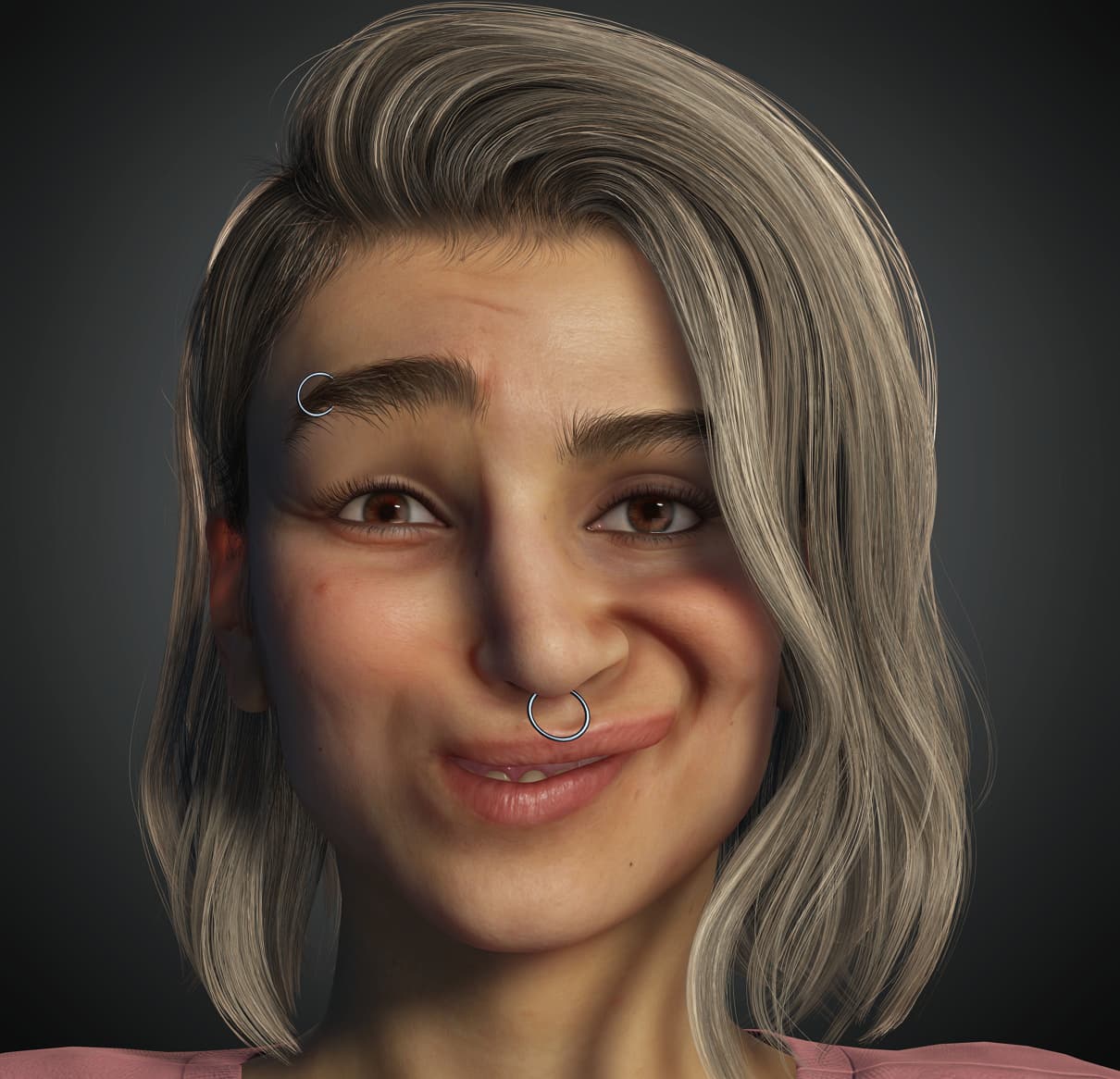
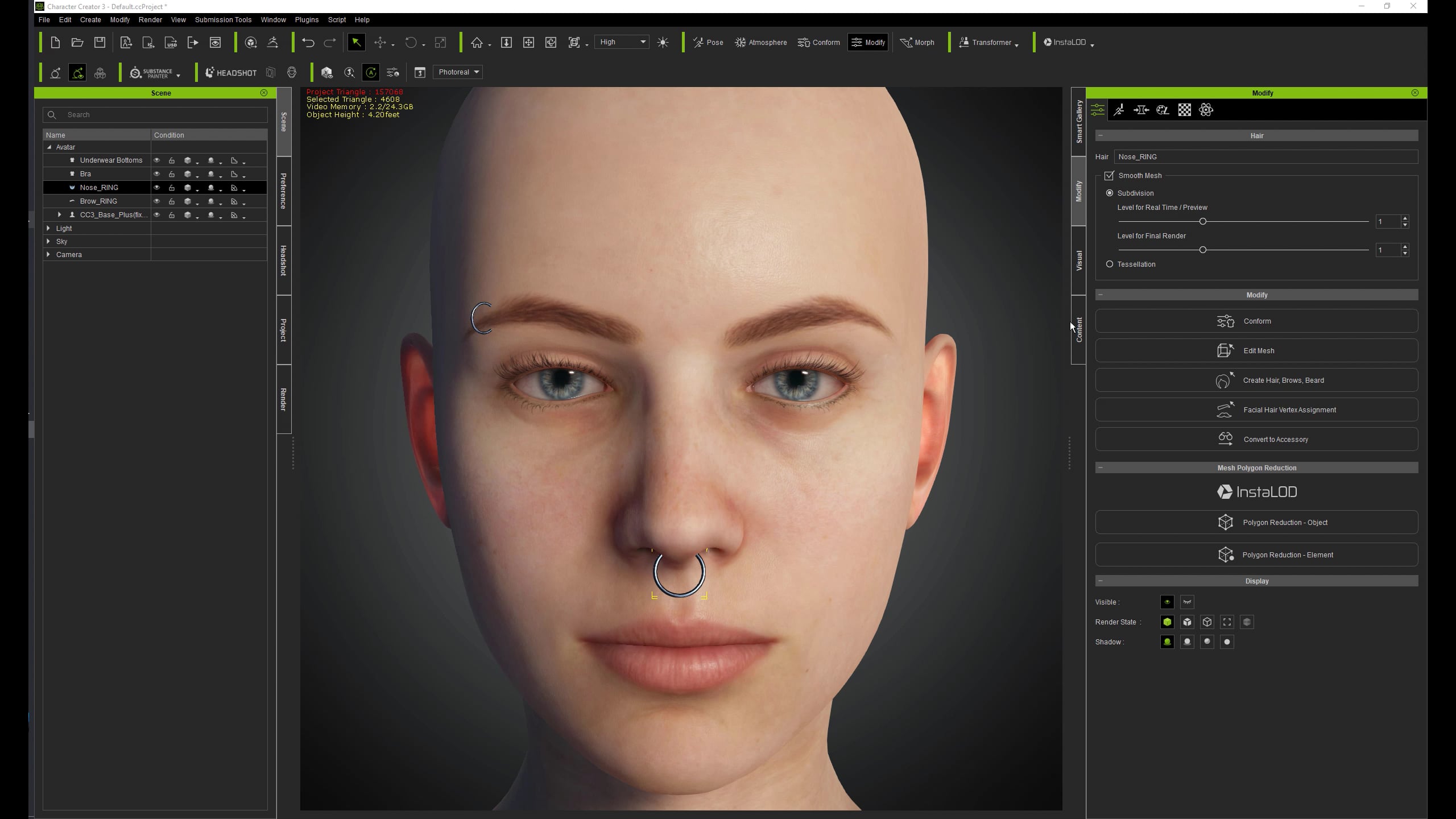
Assigning them as accesories, pinning them to the head doesn’t work with facial animation so the best way I’ve found so far is assigning them as beard / eyebrows, still leaving me with deformations for the nosepiercing like this:
The rule of thumb.
Select a single tris of the face as a region and then all piercing vertices as a target (you may need to experiment while selecting an appropriate tris as a region). This way a distortion would be kept to a minimum. You might still get “some” distortions because even a tris has 3 vertices which may stretch the tris with face animations and affect the shape of the piercing.
Ideally, we should have an ability to select a single vertex as a region, which I guess should result in rigid object movement, but not stretch and distortion.
Now, I could NOT select rigid object vertices (the panel is grayed out) in CC4. I guess there is a bug which needs fixing. Or maybe it’s just my CC4 installation is ruined.
But I can show the result in CC3 as a preview:
Update: I guess my CC4 was up for too long. Restart fixed the issue of assigning piercing vertices.
Assigned the same way as shown in video for Camila in CC4. Almost no distortions with extreme expression .
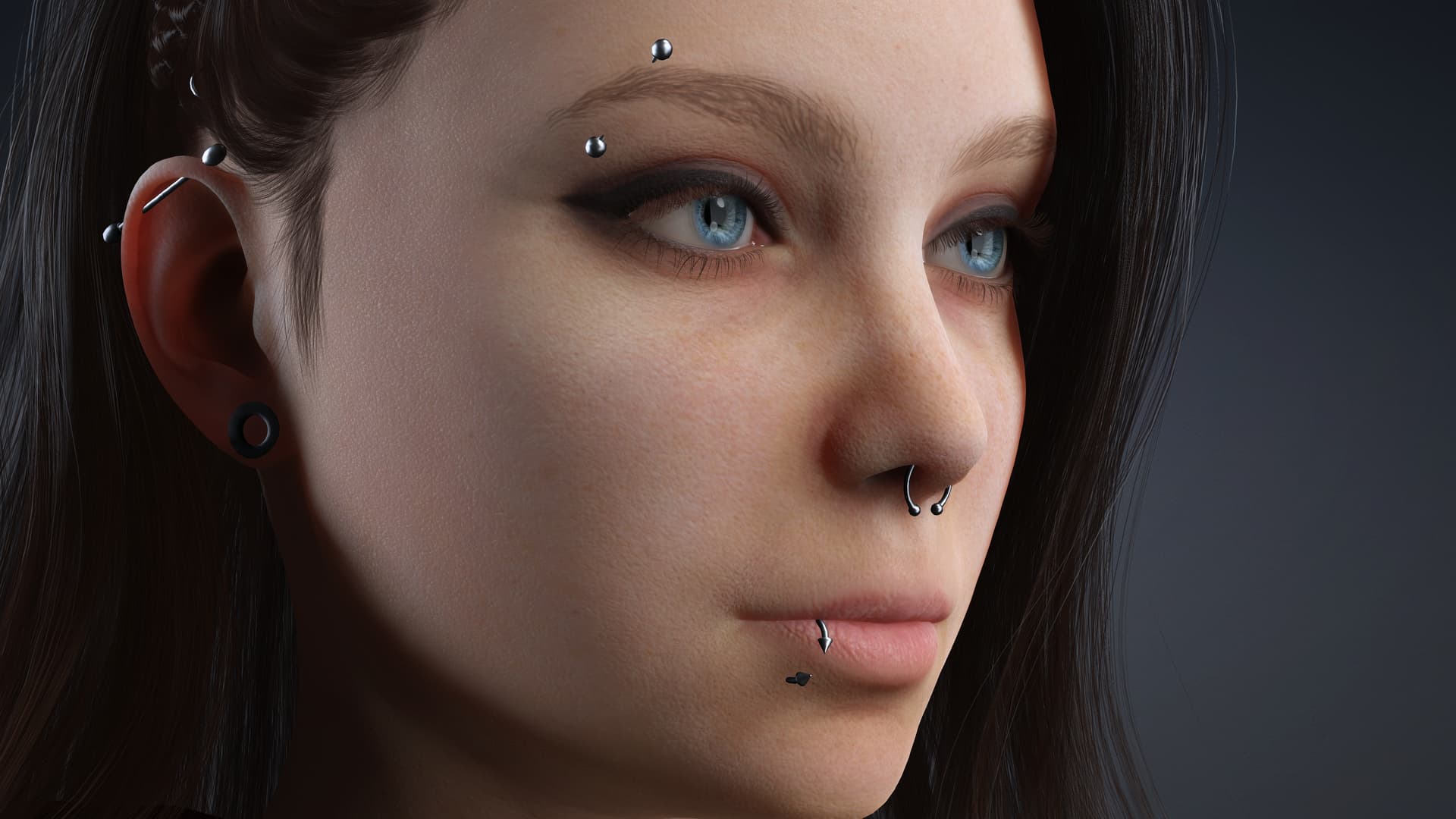
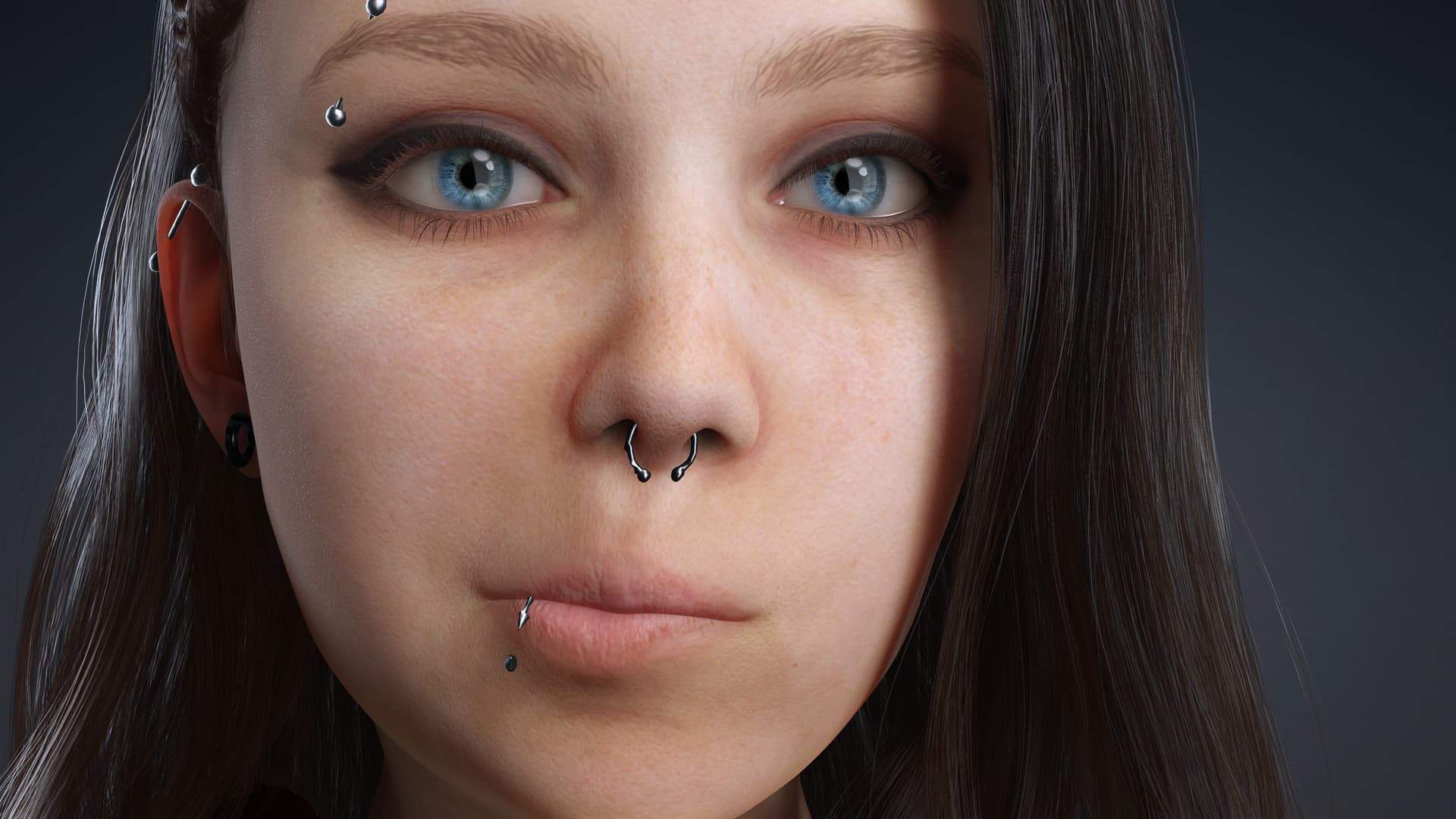
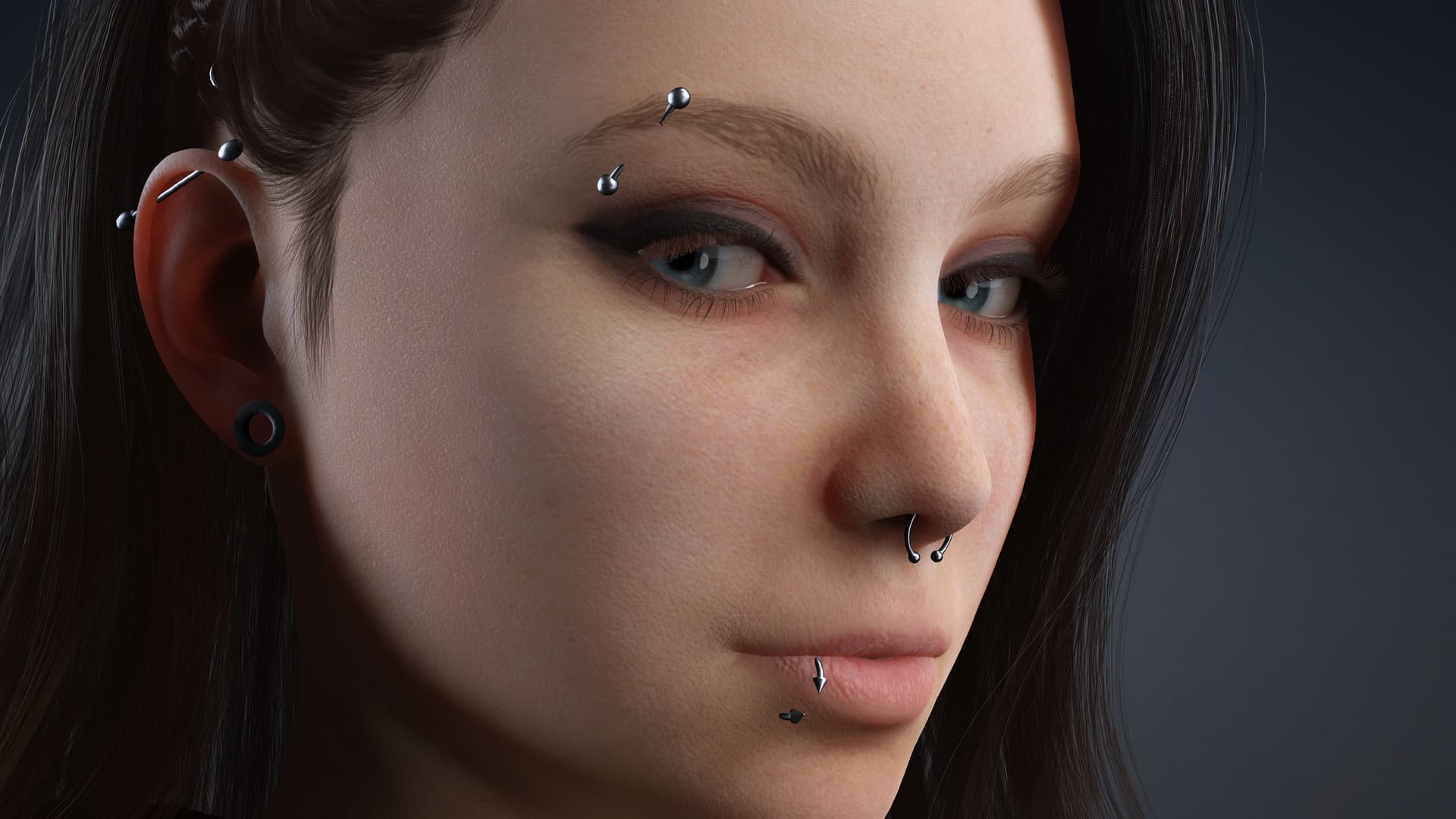
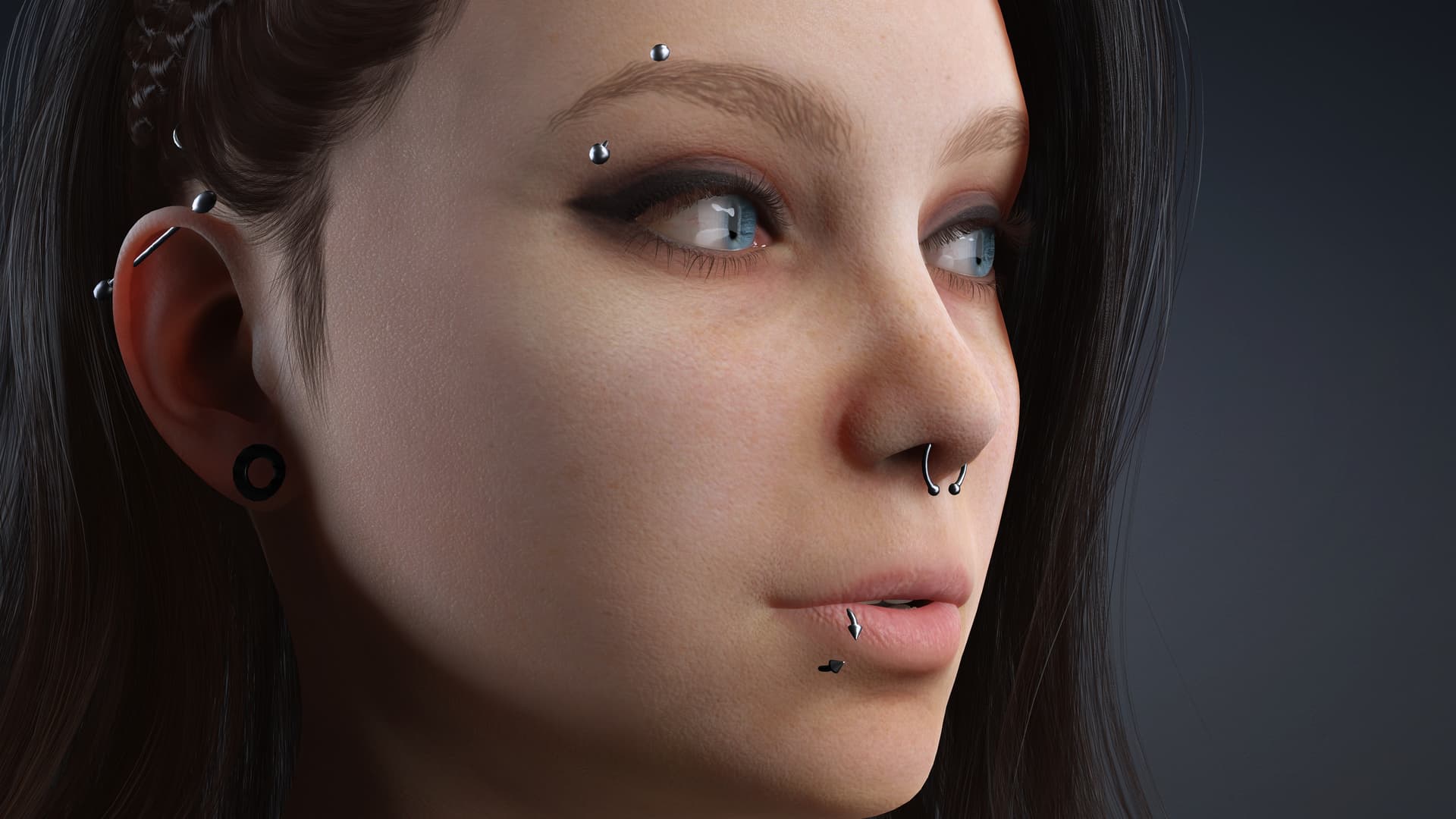

 .
.