I’ve had a quick check and can’t reproduce the issue with the CC5 HD characters I have tested.
Which CC5 characters are you testing in iClone 8.6? Do you mean a custom character you have created in CC5, or one of the embedded HD characters that come with CC5 and iClone 8.6?
I encountered the same error. I am using CC5 Trial, and I made small edits to the _HD Neutral M character. Even if I just use New Project, add the same character, and go straight to Edit Facial, that error message appears, and trying to adjust, for example, areas of the forehead is not working. However, if I move the mouse a couple of times, they do start to function. Maybe I wasn’t moving in the right direction or with the needed amount.
Sorry for the late response. This was one of the default characters (_HD_Ariana) that I tested a few features on such as the Actor Mixer. I then sent the character to iClone.
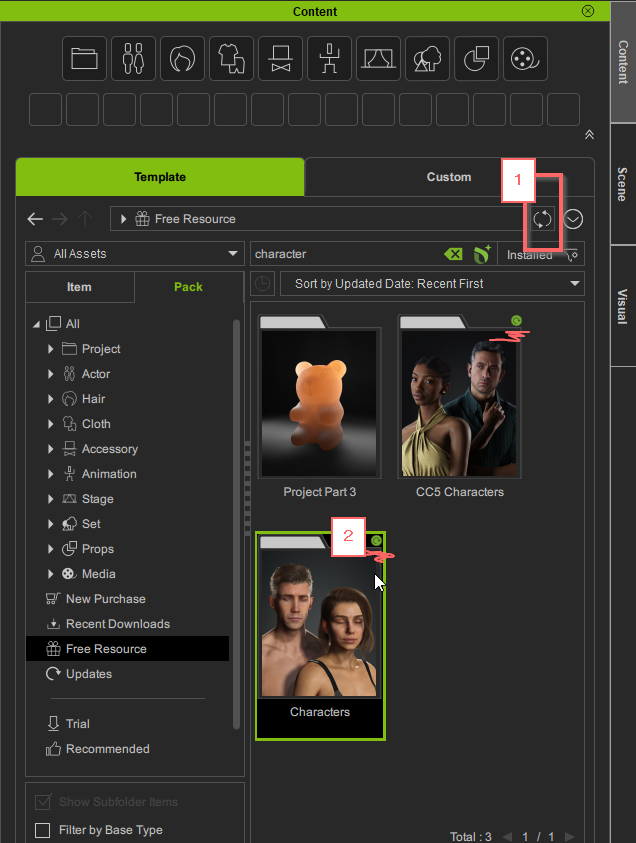
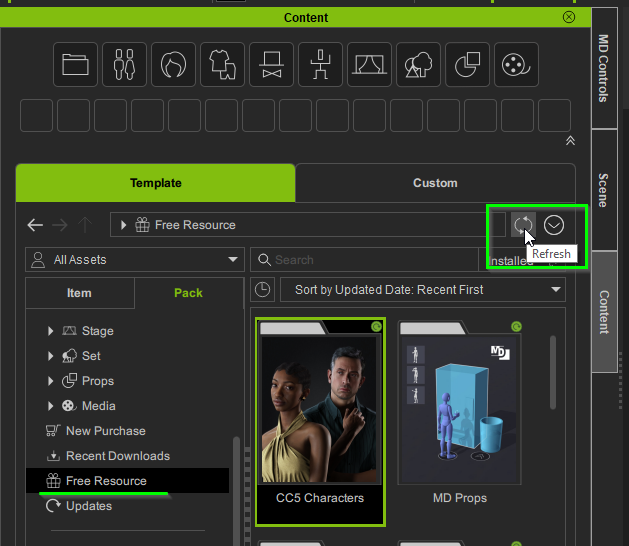
Thanks for sharing more information. Please ensure you have installed or updated all your “Free Resources” as Joanne explained above. That should hopefully fix the problem.
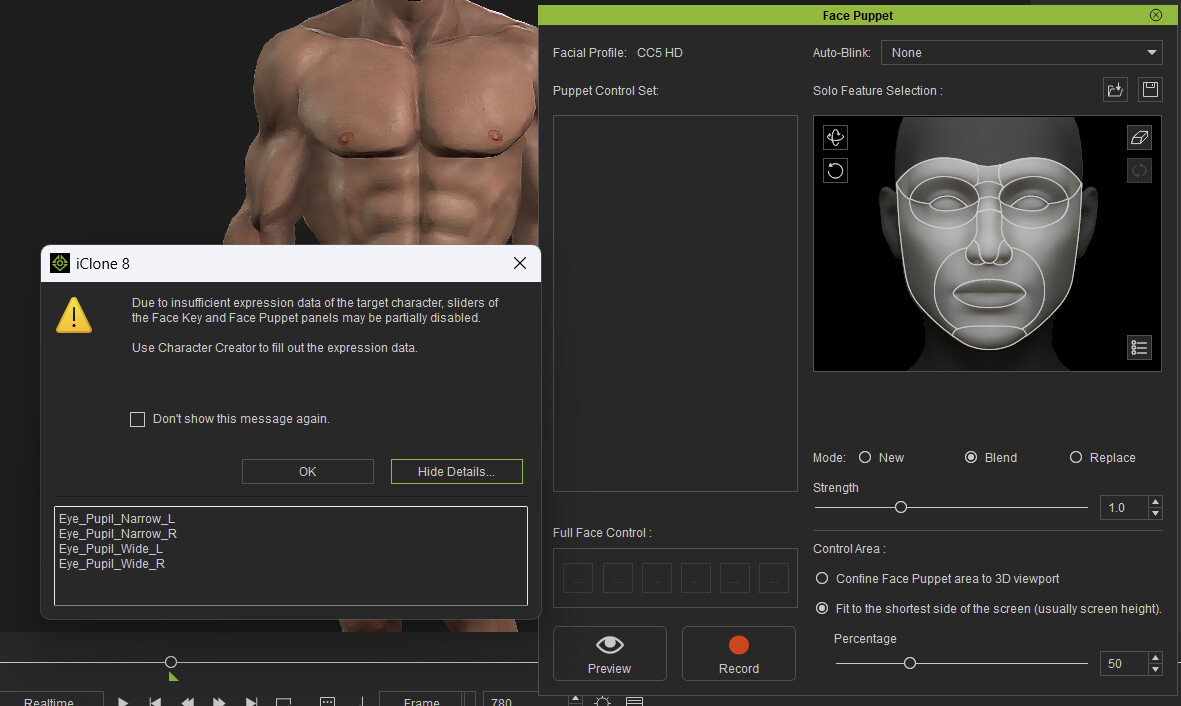
I have CC5 Characters installed and updated. After updating yesterday, I still get the error about Eye_Lid_Press_L and Eye_Lid_Press_R but now the Puppet Control Set lists the available sets, but I don’t seem to be able to actually control anything. I don’t see any updates to grab in either CC or iClone; both say, “[ Updates ] search filter does not contain any results.”
Yes, I can reproduce the issue you mentioned.
I have already passed this issue to the dev team.
By the way, both HD male and female have this problem. Other characters (Aaron, Ariana, Gibbro, Mila) do not show the error, so you can use them first. Sorry about this.
I was having the same issue, i had to uninstall iclone and reinstall it from the Reallusion Hub and then i got my face puppet profiles to work again. (fingers crossed it doesn’t glitch out and stop working again for no reason)
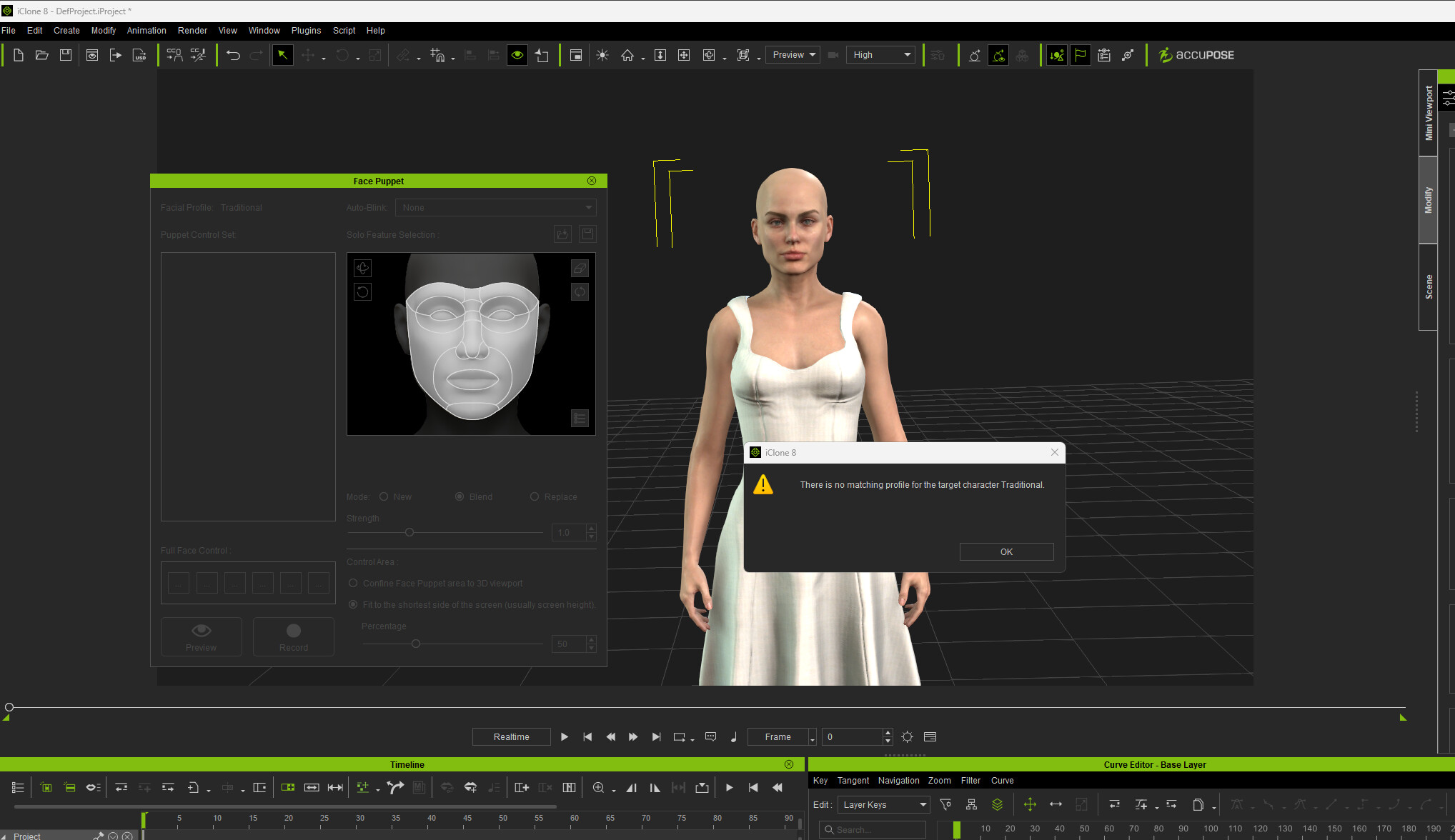
As of today, 10/05/2025 iClone 8.62.4523.1, I’m getting the same error; when I click “Ok,” I get “There is no matching profile for the target character CC5 HD”
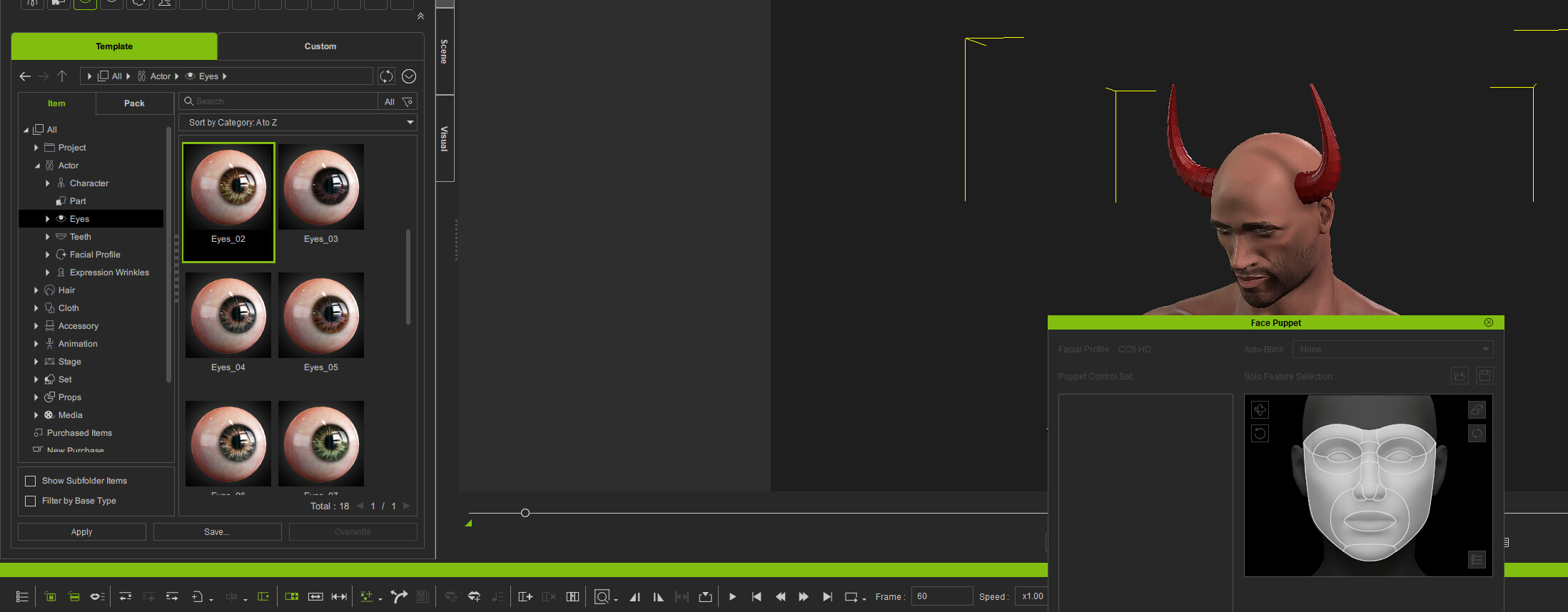
Have you tried changing the eyes to a pair of the stock HD eyes included with iClone 8? Does the same issue occur and you still get the no matching profile error?
If you do, please can you report the issue in the Feedback Tracker and supply your character/project. The issue will then be looked at by a member of the iClone team. Thanks.
Why this happens:
When iClone is first installed, it includes the puppet profiles by default.
However, if the Character pack is later uninstalled, the puppet profiles may also be removed automatically.
I guess that why the puppet profile on your computer is missing — update the pack as described above should restore them.
 Thanks for addressing!