I have a few add ons from reallusion such as (makeup & vfx, skin gen, ect) I am also using the Camila base character as well. When ever I use one of the eyeliners included it is extremely thick compared to the photo examples. I’ve tried using the transform but it usually ends up looking weird. I don’t know if I’m doing something wrong or if the transform is the only option. Same thing happens with the eyebrows.
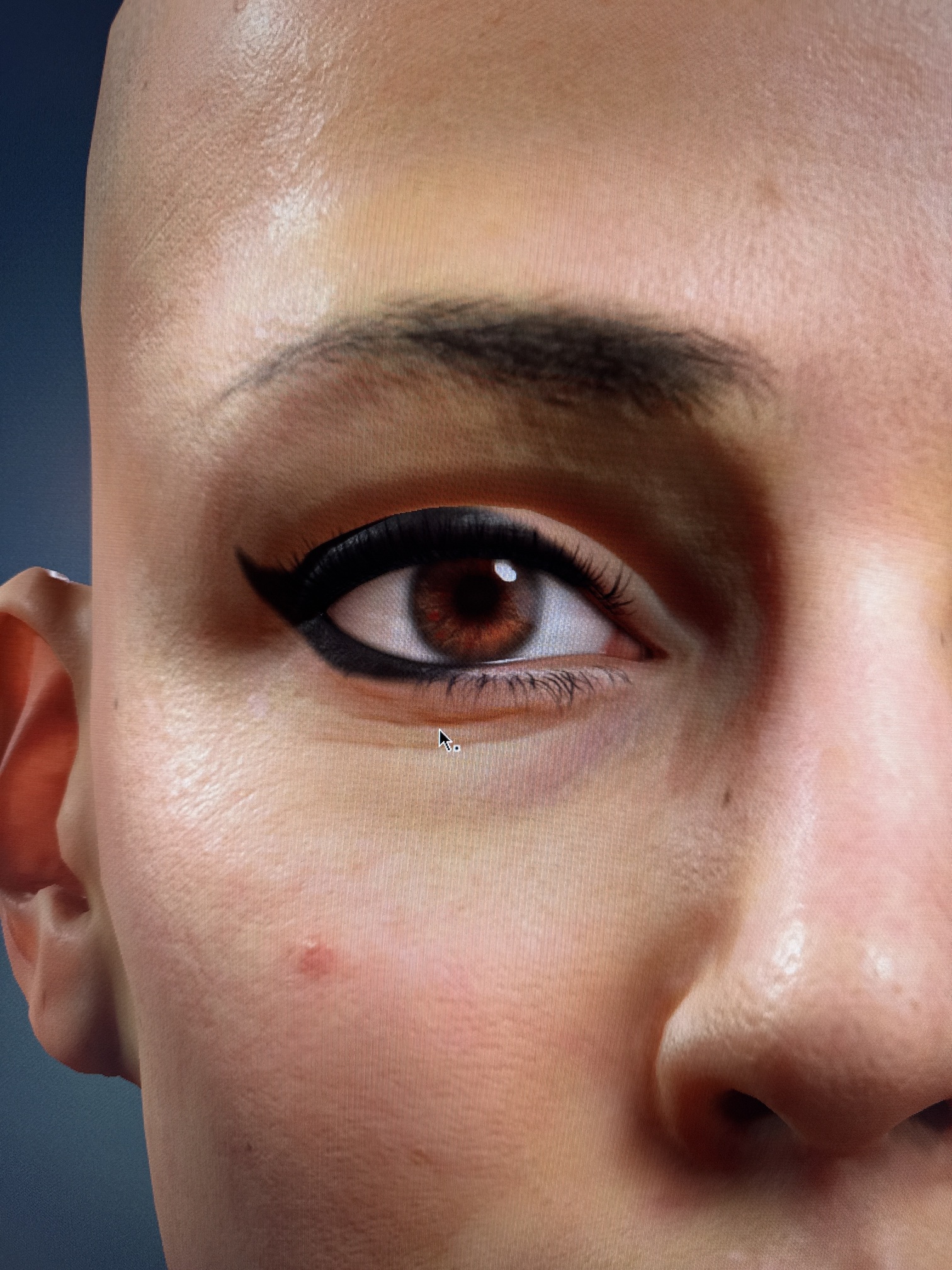
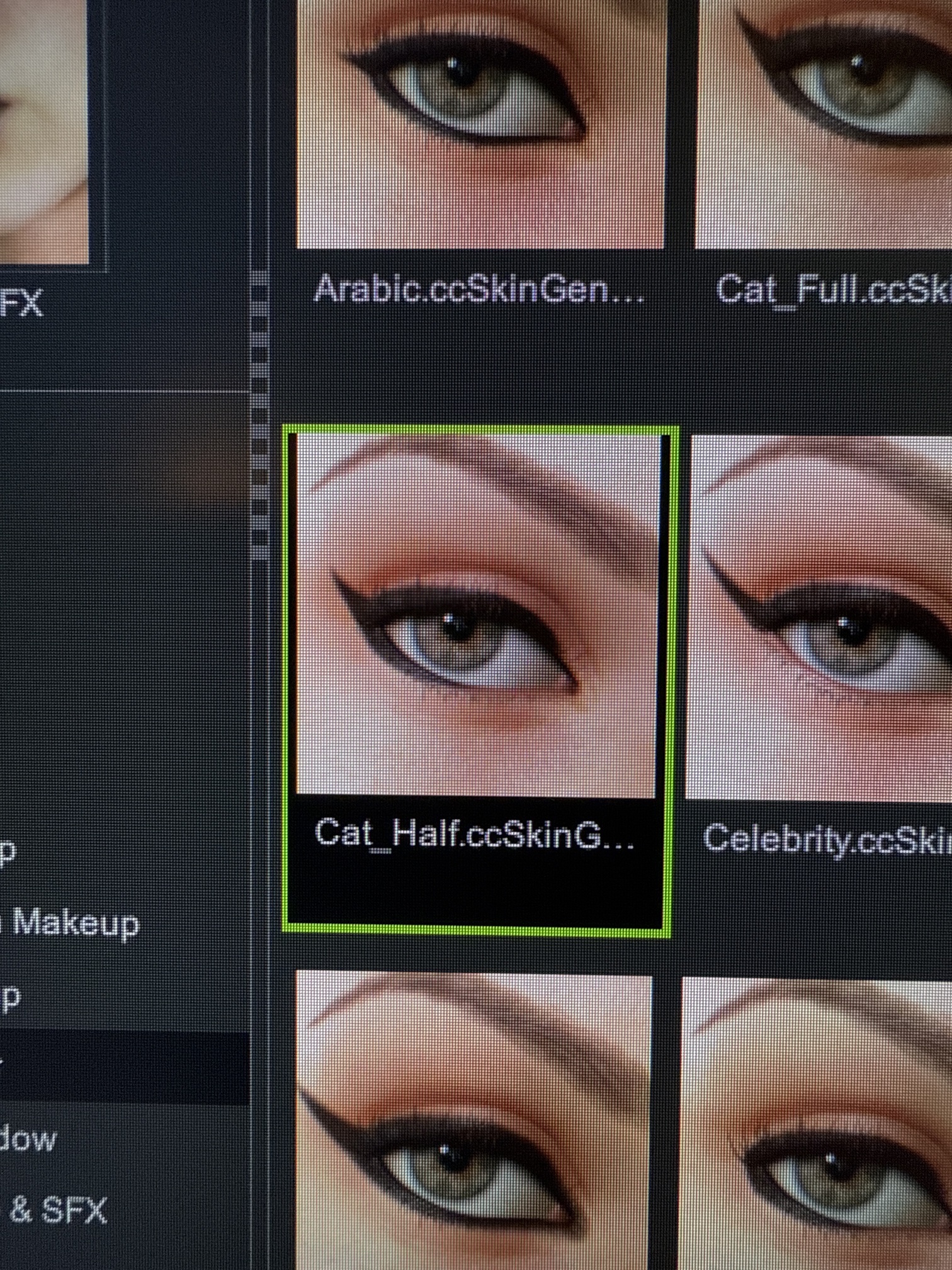
Every other character is morphed differently and mesh might be stretched here and there over the universal UV maps. Thus range graphics which depict various makeup attributes might appear stretched/compressed as well.
There is Range Expansion control in editor, which to some degree might help with desired look. If that is not enough, you’d have to play with Range map image manually tweaking it until satisfied with attribute appearance.
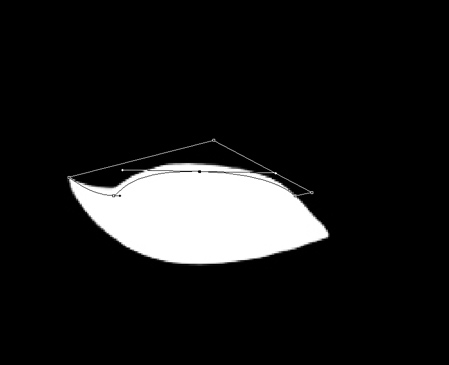
This is for example one of the eyeliner range map where I used a pen tool in Photoshop to create a curvy mask over default range. That figure would be filled with black to make eyeliner appear thinner at the upper eyelid.
1 Like
Ahhh I see. I did figure even though it is marketed as kind of a drag and drop; that it would need tweaks to fit custom characters. Slight tweaks to the map makes sense. I raised this issue to technical support and they said that’s not how it should be applying to the character. They said they would get their content team to look into it. While the slight tweaks in photoshop aren’t too difficult, it does add quite a few extra steps to my process. As my photoshop is on my MacBook. Thank your for the alternative and I will definitely be using it until support reaches back to me.