Hello, I have a female character wearing a dress, sitting on a chair. I have applied the soft cloth physics to get the dress to fold properly over her legs. But when I export to Blender, it is as if the simulation was not applied. How do I get that frame into Blender?
Thanks,
Tim Seifert
You can select the cloth at the desired frame and export as Alembic from the file menu. You can export a single frame or range.
Export an an FBX or OBJ as well, so you get the materials to add back to Alembic once in Blender. Because Alembic does not include textures in the file itself.
Or simulate the cloth in Blender.
1 Like
The Alembic import supports continuous vertex animations only. That means the vertex count cannot change from frame to frame. So if you had a vertex animation like a cloth or ocean waves it will import. A fluid sim like pouring water will not work because the vertex count of the mesh is changing every frame.
1 Like
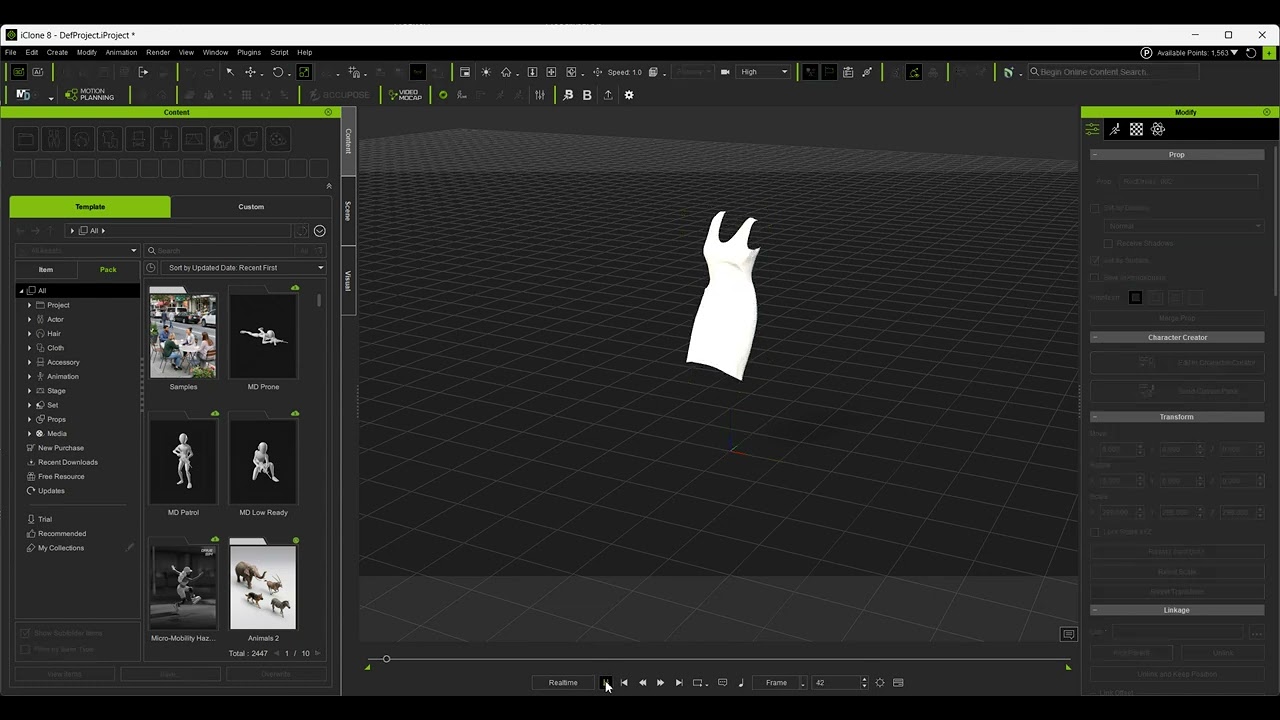
Please try this Alembic model from Sketchfab. This one is dress, so remains a constant vertex count for every frame.
You can import by drag-and-drop, or from the File>Import menu.
1 Like
That’s a bummer. Hopefully you can find way to have a consistent polycount with Maya physics.
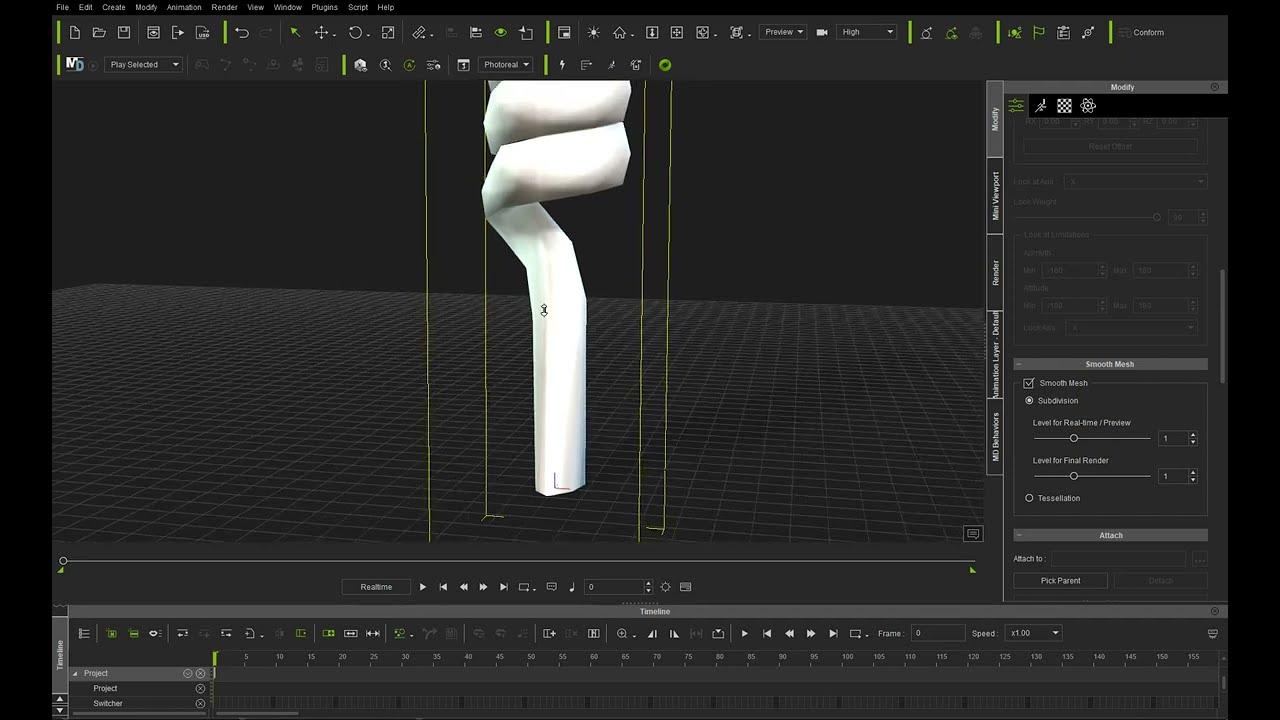
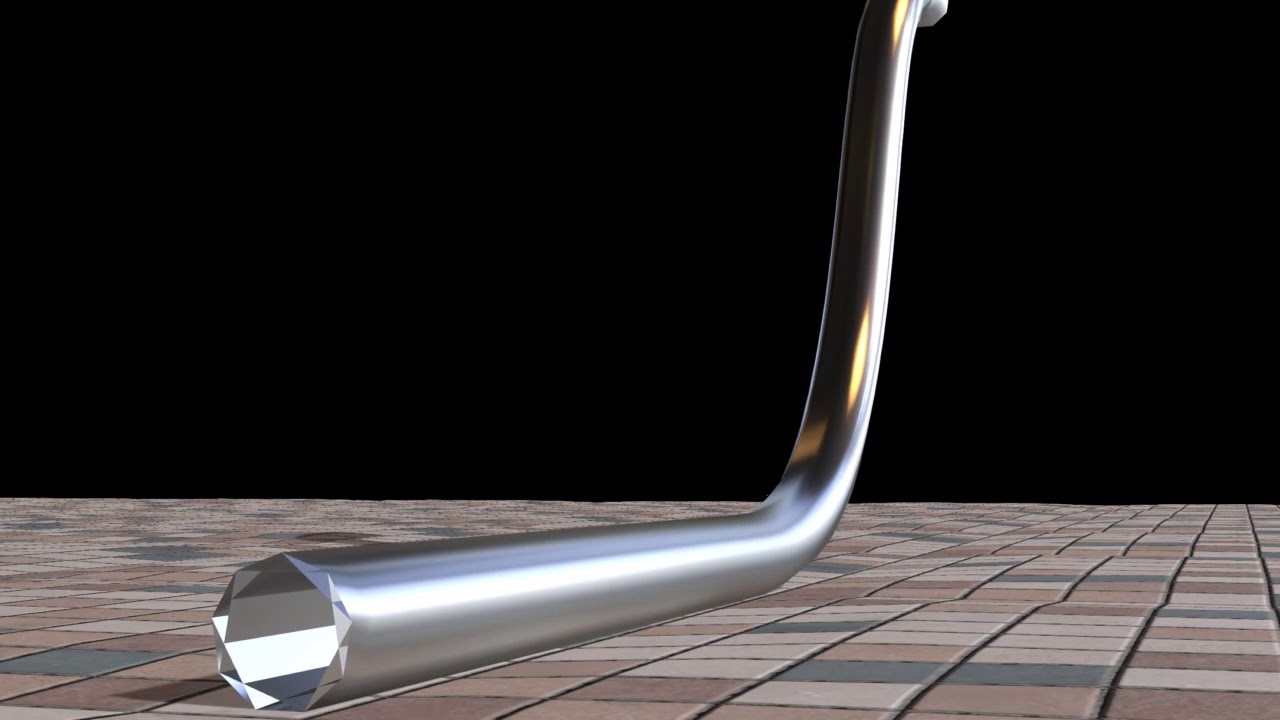
But also, I have another suggestion. If you extrude a shape to long length, then only subdivide into cross sections, you basically make a tube that can be rigid in cross section but flexible along its length. Use either a triangle for the extrusion, then subdivide (smooth) it in iClone to get it rounder, or start with a circle with a star shape drawn inside to give the cross section rigidity. See my phone cord tutorial here:
Or the cross section end of this tube here:
1 Like
From the old forum, several of us came up with a way to pin one of the physics tube and animate the other with a solid physics object driving the loose end. You can read through this thread if it seems like something that might be useful.
https://forum.reallusion.com/433725/Does-Anyone-Know-How-To-Animate-A-Winding-Rope?PageIndex=1
1 Like
It’s a shame Rampa, I had a solution but I this community seems to only be interested in making me feel unwelcome… I wish you the best… Hopefully you see my solution online later if you are interested at all. Just trying to help but clearly a couple of people in this community are very sad and don’t want the software advancing so they can continue to make money off new artists that don’t know better with an outdated solution. Goodluck 